
Documentary Editing Software in 2026: How to Build Your Stack by Team Size and Budget
Most "best documentary software" lists are really just NLE shootouts. That misses the part of the job that eats the most hours: turning 40, 60, sometimes 100 hours of interview and verite footage into a structure someone can approve before an editor spends a week building a timeline. This guide treats the stack as a pipeline, transcript and paper edit first, NLE second, and tells you what to actually pay for at each stage depending on whether you are a solo editor, a two or three person crew, or a production company managing multiple projects at once.
Documentary Editing Stack
What the 2026 documentary toolkit actually looks like
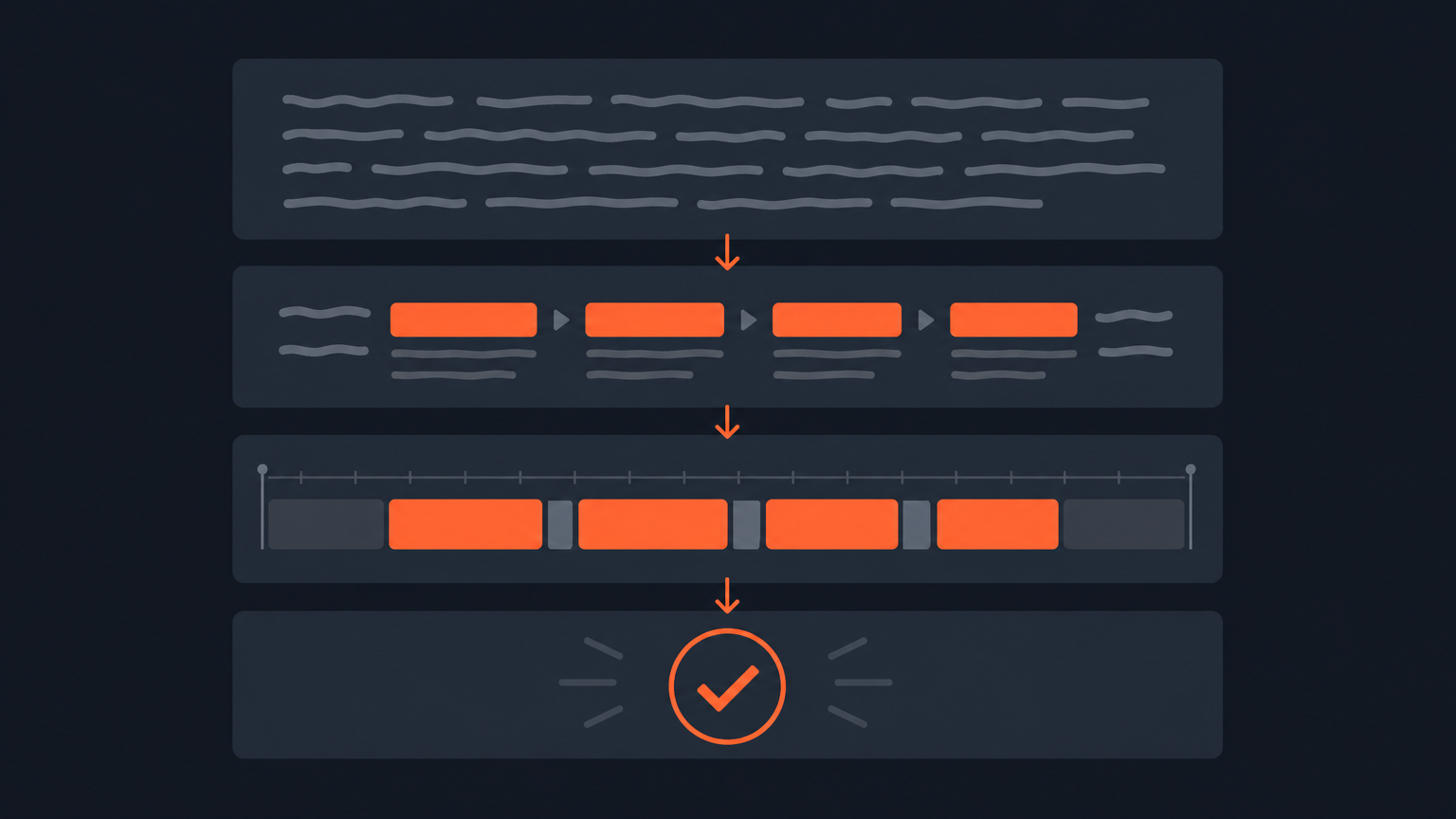
A working documentary stack has three jobs, and no single app does all three well. First, get the footage into text with accurate, word-level timecode. Second, build a paper edit or radio cut from that text, the written blueprint of the story, before you touch a timeline. Third, conform that structure in an NLE where you add b-roll, grade, mix, and finish. Going from transcript to timeline is the actual workflow, not a metaphor.
The confusion in most software round-ups is that they treat DaVinci Resolve, Premiere Pro, Final Cut Pro and Avid as if they compete with transcript-first tools like ScriptCut, Descript or Frame.io. They don't. NLEs cut picture. Transcript tools cut words, and word decisions are what a paper edit is made of. Michael Rabiger's documentary filmmaking texts describe this as building structure on paper before the timeline exists, and that principle hasn't aged even as the tools have gotten faster.
NLE Comparison
DaVinci Resolve, Premiere Pro, Final Cut Pro or Avid: which one
Pick DaVinci Resolve if you need color, audio and editing in one app and your team is small. Pick Premiere Pro if you're already inside Adobe's ecosystem or need the widest plugin and freelancer-compatibility net. Pick Final Cut Pro if you're Mac-only and want the fastest timeline performance per dollar. Pick Avid Media Composer if you're cutting for a broadcaster or a large post house where Avid is the house standard.
None of these choices is wrong, and none of them touches the pre-edit problem. A Premiere Pro vs Final Cut Pro decision or a DaVinci Resolve vs Premiere Pro decision is about timeline mechanics, keyboard shortcuts, color tools and export formats. It is not about how you decide which 40 minutes out of 60 hours of interview makes the film. That decision happens earlier, on paper, and it's worth separating the two problems in your budget instead of assuming your NLE license also solves your logging problem.
Transcript-First Tools
Where paper-edit software fits before the NLE
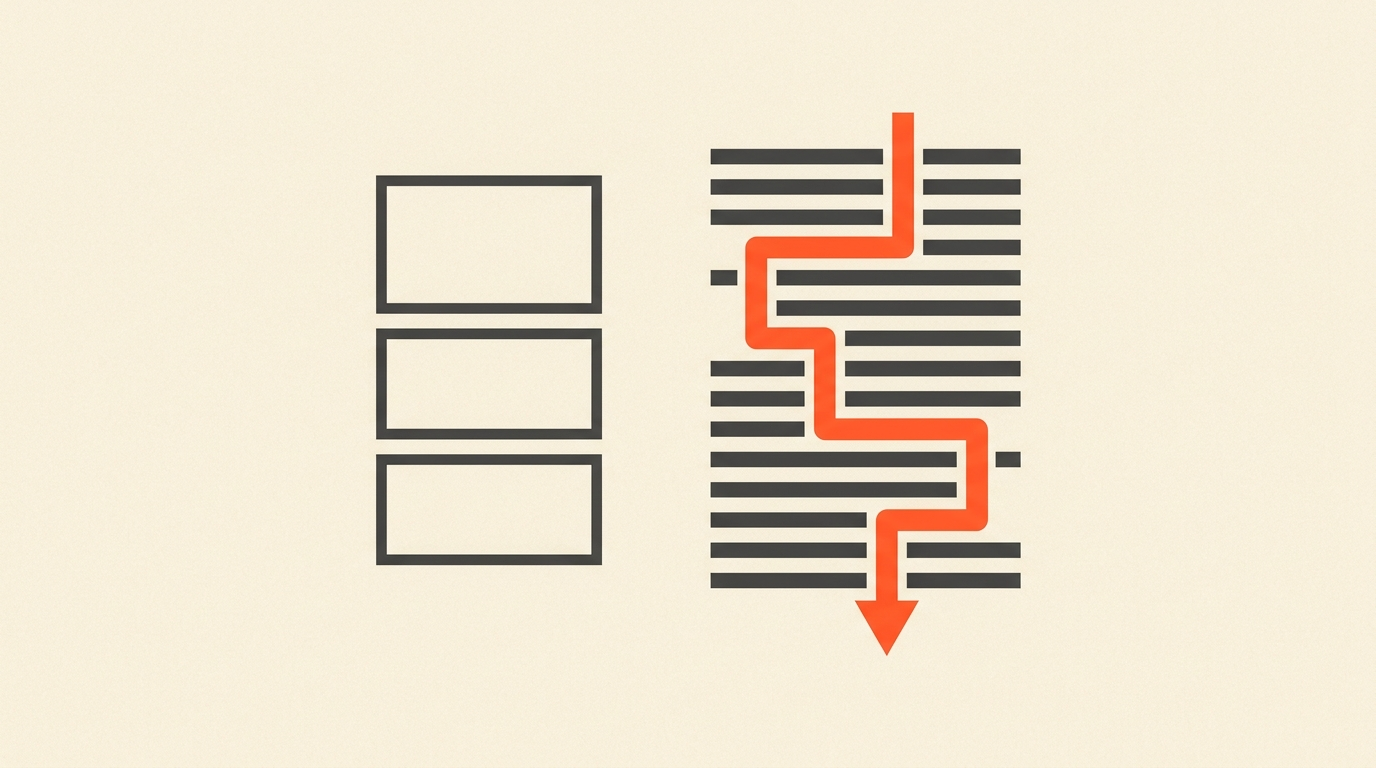
A transcript-first tool sits between the shoot and the NLE. You transcribe the interviews, mark the best lines as selects, arrange those selects into a narrative, and only then export a timeline. This is the paper cut, or radio cut for audio-only projects, and it is the single biggest time-saver in documentary post because it lets a producer or director approve structure while it's still cheap to change, before an editor has built anything on a timeline. What a paper edit actually is and how it differs from a script is worth understanding before you shop for software built around it.
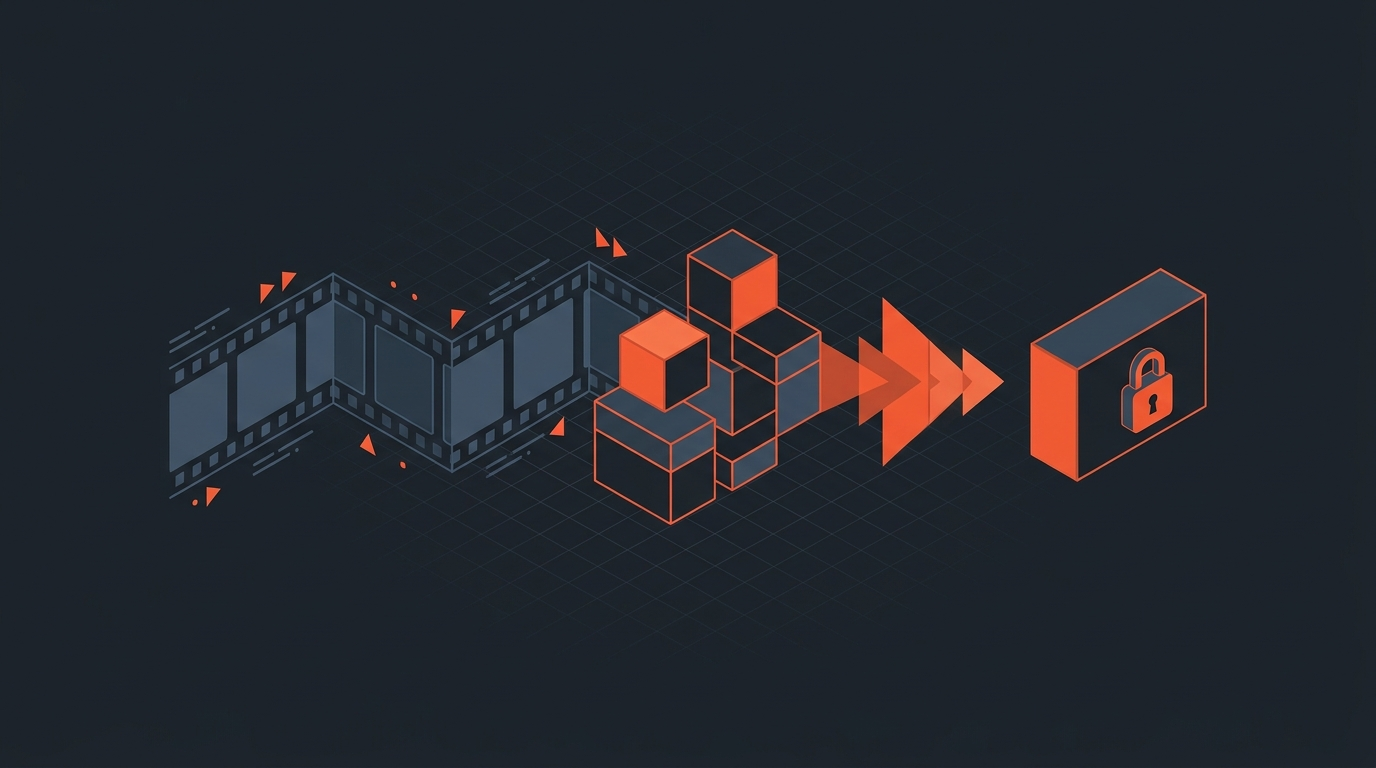
ScriptCut is built specifically for this layer. You get word-level timecode on every line of transcript, so a selected line is a frame-accurate cut, not an approximation. You can play any selected clip to check tone, which matters because a paper edit is a hypothesis about the film, not the film itself, and the words on the page never tell you if a line landed flat or defensive. When the structure is approved, ScriptCut hands off a timeline to DaVinci Resolve, Premiere Pro, Final Cut Pro or Avid, so the NLE work starts from an assembly instead of a blank sequence. How documentary editors use ScriptCut covers the workflow in more depth. Descript and Frame.io occupy adjacent parts of this layer, Descript leans toward solo creator editing directly on the transcript, Frame.io leans toward review and approval on finished cuts rather than pre-edit structure.
Team Size Budgets
How to build the stack if you're solo, small crew, or a production company
Solo documentary editors should spend on transcription and paper-edit tooling before they spend on the NLE, because DaVinci Resolve's free tier already covers most single-editor conform work. A one-person operation cutting a feature or a season of episodic doc content burns more hours logging and structuring footage than color grading it, so the highest-value purchase is whatever gets you from raw footage to an approved structure fastest.
A two to four person crew, director plus one or two editors plus a producer reviewing cuts, needs a shared transcript workspace more than a shared NLE license. The bottleneck at this size isn't rendering, it's getting the director to sign off on structure without sitting in an edit bay. A shareable approval workflow before the edit starts removes a full round of revisions that would otherwise happen inside the NLE.
A production company running multiple docs or a multi-episode series should budget for both layers as line items on every project: a per-seat NLE license for the finishing team, and a transcript-first tool with multi-user access for the logging and structuring team, which are often different people with different skills entirely. Treating logging as a junior task that "someone" does in a spreadsheet is the most common budget mistake at this size, and it's the one that costs the most in editor hours later.
Real Pricing
What documentary editing software actually costs
Here's what the core stack runs, as of September 2026. Prices change, so treat these as a starting budget line, not a locked quote, and confirm current numbers on each vendor's own pricing page before you commit annual spend.
| Tool | Category | Entry plan | Paid plan | Pricing note |
|---|---|---|---|---|
| DaVinci Resolve | NLE | Free | DaVinci Resolve Studio, one-time license | Roughly $295 one-time, no subscription, as of September 2026 |
| Adobe Premiere Pro | NLE | 7-day trial | Single-app or Creative Cloud All Apps | Single-app plan around $22.99/month annual, All Apps around $59.99/month annual, as of September 2026 |
| Final Cut Pro | NLE | 90-day trial | One-time purchase | $299.99 one-time via the Mac App Store, as of September 2026 |
| Avid Media Composer | NLE | Free trial | Subscription or perpetual | Subscription plans starting in the low hundreds per year, perpetual licenses priced higher, as of September 2026 |
| ScriptCut | Transcript-first pre-edit | Free tier | ProAI | Per-seat paid plan, confirm current tiers on the ScriptCut pricing page, as of September 2026 |
| Descript | Transcript editing | Free tier | Creator / Pro / Business | Paid tiers roughly $16 to $40 per month depending on plan, as of September 2026 |
| Frame.io | Review and approval | Free tier | Pro / Team | Paid tiers from roughly $15 per user per month, as of September 2026 |
| Otter.ai | Transcription | Free tier | Pro / Business | Pro around $16.99/month, Business around $30/month per user, as of September 2026 |
The math that matters: a solo editor can run a full documentary stack on a free NLE plus one paid transcript-first seat for well under $50 a month. A four-person crew is realistically looking at one or two NLE seats plus a small transcript-tool team plan, still a fraction of what a single day of re-cutting a wrong structure costs in editor time.
Worked Example
A three-editor team cutting a 6-episode true crime doc series
Say you've shot 80 hours across 14 interview subjects for a six-episode series, with a delivery deadline in ten weeks. A logger transcribes and tags every interview in a shared transcript-first workspace within the first two weeks, flagging strong soundbites as selects while the shoot is still fresh. The director reviews the selects and arranges them into a per-episode paper edit, six radio cuts, in week three, sharing each one as a link for producer approval instead of scheduling a screening.
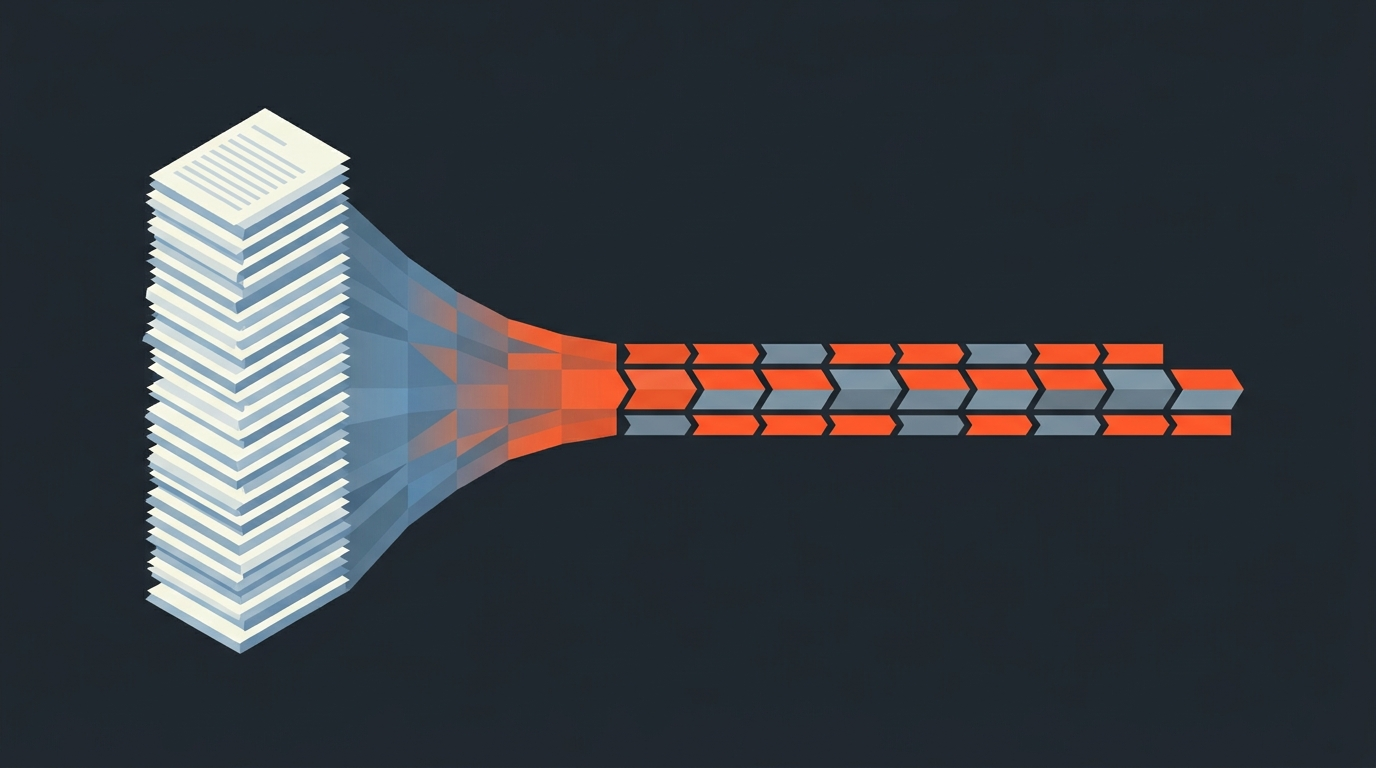
Only after each episode's structure is approved does an editor pull the timeline into DaVinci Resolve to add b-roll, archival, graphics and sound design. Because the structure is locked before conform starts, the editors spend their time finishing, not restructuring. This is close to how Doug Blush and co-editor Jennifer Raim reportedly distilled over 30 hours of footage into a five-hour assembly using paper cuts before conform, a ratio that holds up whether you're cutting one film or six episodes at once.
Common Mistakes
Where documentary teams waste stack budget
- Buying every editor an Avid or Creative Cloud All Apps seat when only the finishing editors ever touch color, effects or advanced audio tools.
- Treating transcription as a one-time export instead of a living, searchable database of every word every subject said across the whole shoot.
- Skipping the paper edit stage entirely and discovering structural problems after two weeks of NLE work, which is the most expensive place to find them.
- Assuming a transcript tool and an NLE are competing purchases rather than sequential ones that solve different problems.
- Picking software based on brand familiarity rather than whether it produces a frame-accurate, checkable timeline handoff.
Documentary Software Verdict
So what should you actually buy
If you cut alone: DaVinci Resolve's free tier for finishing, plus one paid transcript-first seat for logging and structuring. If you run a small crew: the same NLE choice your team already knows, plus a shared transcript workspace so the director can approve structure without an edit bay. If you run a production company: budget both layers as separate line items for every project, and stop treating logging as an unpaid afterthought.
The broader documentary production software landscape covers cameras, sound and field tools if you're building the whole kit, not just post. And if you want the deeper mechanics of the pre-edit stage itself, transcript-based editing tools compared and the full documentary post-production workflow both go further than this guide's scope.
Start the pre-edit layer of your stack with ScriptCut: transcribe the footage, mark your selects, build the structure, get it approved, then hand off a frame-accurate timeline to whichever NLE your finishing team already runs.
Sources
frequently asked questions
Yes, they solve different problems. The transcript-first tool builds the story structure from what subjects said, and the NLE conforms that structure with b-roll, color, and sound before delivery.
There is no single winner. DaVinci Resolve suits small teams that want color and audio built in, Premiere Pro suits Adobe-based teams, Final Cut Pro suits Mac-only editors, and Avid Media Composer remains common at broadcasters and larger post houses.
A solo editor can run a full stack for well under $50 a month using DaVinci Resolve's free tier for finishing plus one paid transcript-first seat for logging and structuring.
A paper edit is a written structure built from selected transcript lines before any timeline work starts. It matters for software choice because tools built around this stage, not the NLE, are usually where documentary teams lose or save the most time.
No. Descript and Frame.io sit in the transcript and review layer of the stack, not the finishing layer, so teams still need DaVinci Resolve, Premiere Pro, Final Cut Pro, or Avid to complete color, sound, and delivery.
Budget the NLE seats and the transcript-first tooling as two separate line items per project, since the people logging and structuring footage are often different from the editors doing finishing work.
Solo editors should prioritize transcript and paper-edit tooling over NLE spend, small crews need a shared approval workflow more than a shared NLE license, and production companies need both layers budgeted for every project.
You might also like...
Start selecting.

Pick the story in the transcript, export a finished rough cut.