
The Best Documentary Production Software in 2026
There is no single "best documentary production software." Documentary post-production runs across four different jobs, planning, story selection, editing, and client review, and no app does all four well. The teams that finish docs on schedule use a small stack, not one hero tool.
The Stack
Documentary post-production is four jobs, not one
A feature documentary can generate 40 to 200 hours of footage from interviews, verite shooting, and archival material. Getting from that pile to a locked cut means passing through four distinct stages: pre-production planning, story selection from the transcript, the actual edit in an NLE, and client or producer review. Trying to force one piece of software to cover all four is the most common reason documentary edits stall.
Pre-Production
Scheduling and logistics: StudioBinder
StudioBinder handles the parts of a documentary shoot that happen before a single interview is recorded: call sheets, shot lists, crew scheduling, and shared calendars for a verite shoot that might run over months. It is production management, not an editing tool, and it never touches footage.
The Pre-Edit
Deciding the story before the timeline exists
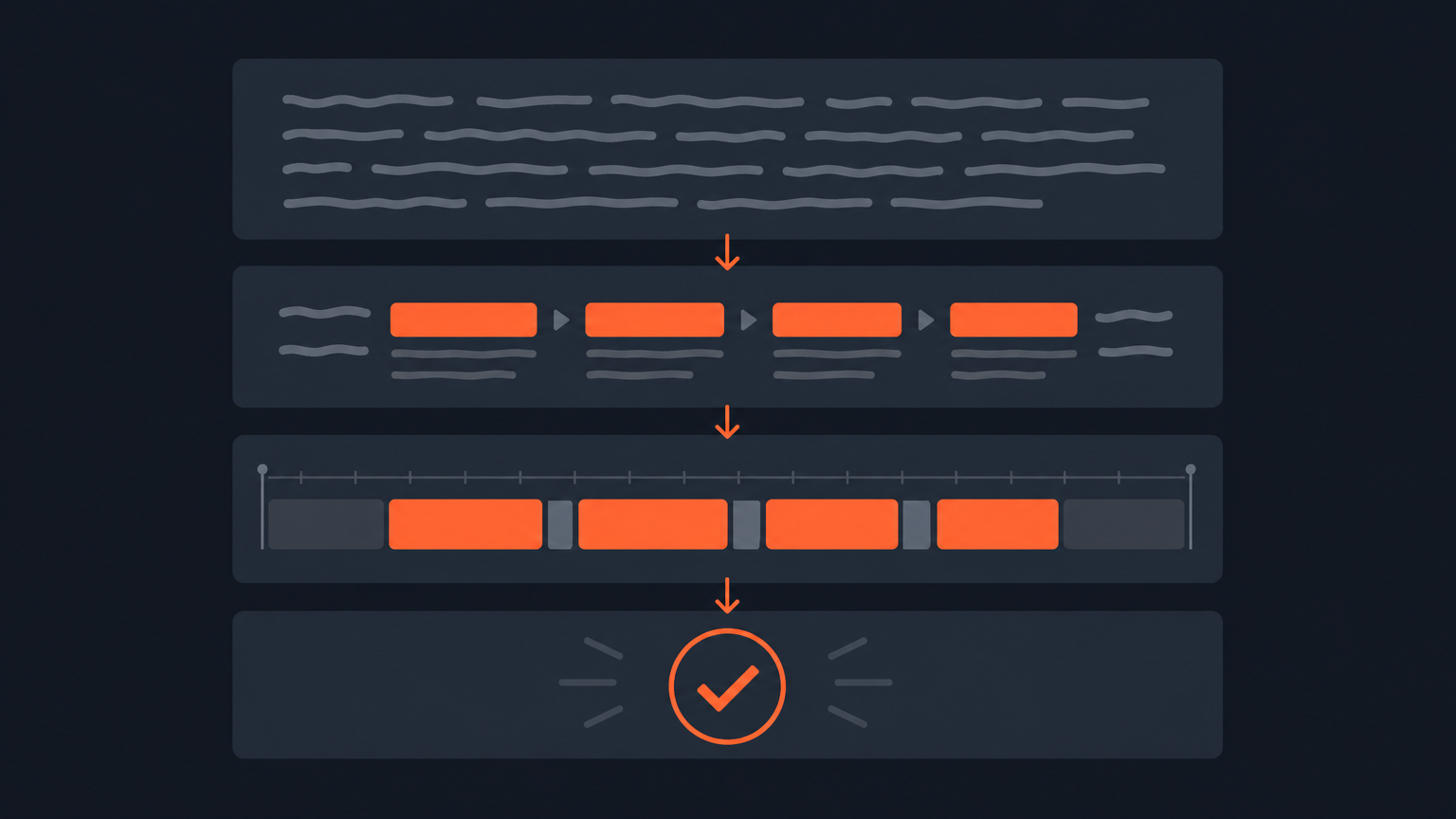
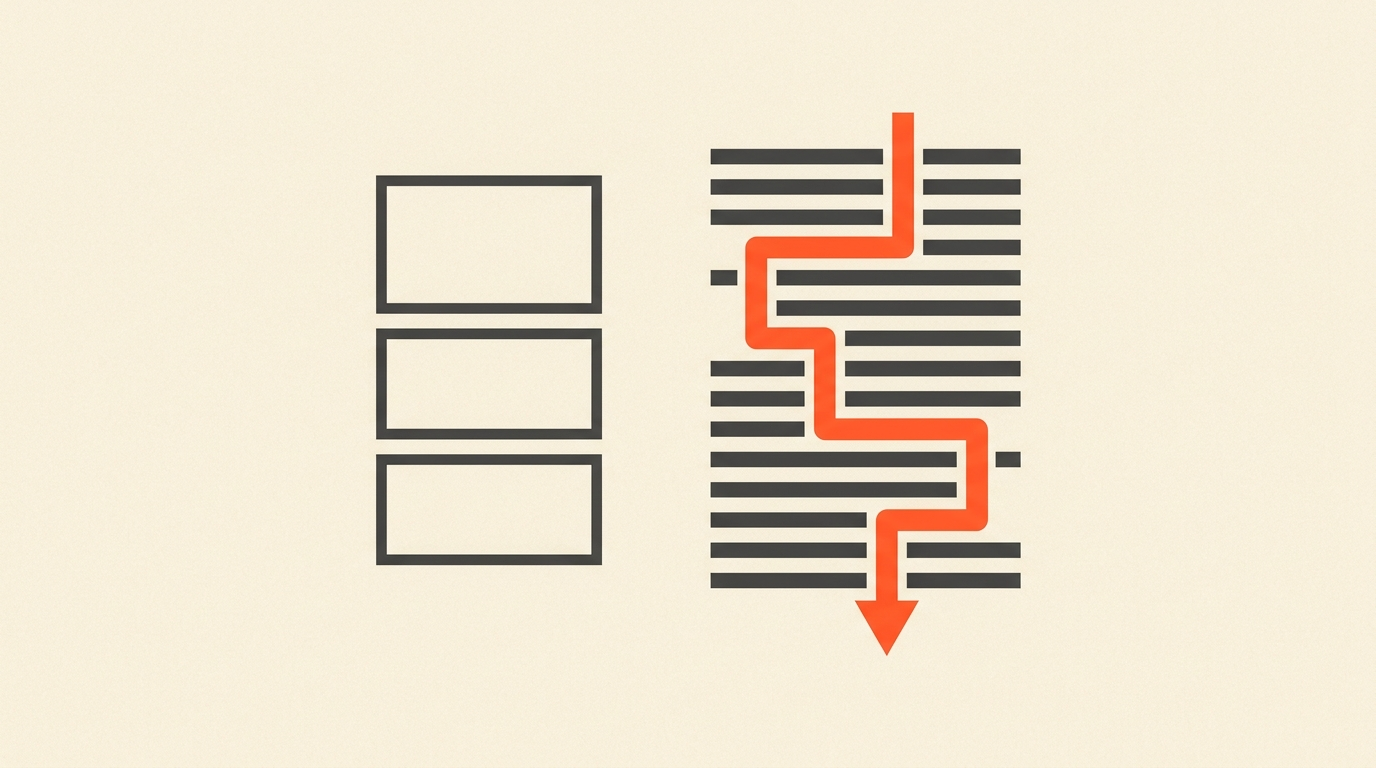
Documentary editing lives and dies on interview selection. A director and editor scrubbing 60 hours of interview footage in an NLE timeline, just to find the eight minutes that carry the film's argument, is slow and expensive. Transcript-first tools solve this by letting the team read, highlight, and arrange the story as text first. ScriptCut works this way: word-level timecode means every highlighted line in the transcript is a precise, frame-accurate cut, and the arranged selects export as a real XML, EDL, or AAF timeline into DaVinci Resolve, Premiere Pro, Final Cut Pro, or Avid. It replaces the "watch everything twice" phase, not the edit itself.
The Cut
Editing in a real NLE
Once the story is selected, the cut happens in a proper non-linear editor. Avid Media Composer is still the industry default for feature documentaries with heavy interview cutting: its ScriptSync feature links transcript text to picture, and Avid tools were used on 87 percent of Oscar-winning films in recent years, including Andy Jurgensen's editing work on One Battle After Another, winner of the Best Film Editing Oscar. PBS Frontline editor Steve Audette, A.C.E., teaches documentary cutting in Avid specifically because interview-driven storytelling is what the tool was built for. DaVinci Resolve and Premiere Pro are the two most common alternatives for smaller teams, and Final Cut Pro remains popular for solo documentary editors on Mac.
ScriptSync is the feature that makes Avid the default for interview-heavy documentaries, and this walkthrough shows how it links transcript text directly to picture:
Client Review
Approval rounds: Frame.io
Frame.io is where a cut gets timecoded comments from a director, producer, or broadcaster once picture is assembled. It is a review layer sitting on top of exported video, not a story tool, which is a common point of confusion since ScriptCut's share links do something visually similar earlier in the process, on the transcript, before picture exists.
Comparison
Documentary production software at a glance (pricing as of July 2026)
| Tool | Job | Entry price | Best for |
|---|---|---|---|
| StudioBinder | Pre-production scheduling | Starter $42/mo | Call sheets, shot lists, crew logistics |
| ScriptCut | Transcript-first pre-edit | Free; Starter $19/mo, ProAI $29/mo | Selecting the story from interview transcripts |
| DaVinci Resolve | Edit + color + audio | Free; Studio $295 one-time | Full post pipeline on one machine |
| Adobe Premiere Pro | Edit | $22.99/mo (annual) | Teams already inside Creative Cloud |
| Avid Media Composer | Edit | Standard $39.99/mo | Interview-heavy features, ScriptSync |
| Final Cut Pro | Edit | $299.99 one-time | Solo editors on Mac |
| Frame.io | Client review | Free; Pro $15/mo | Timecoded feedback on a cut |
Case Study
A 40-minute character documentary
A two-person crew shoots a 40-minute character doc: six sit-down interviews, roughly 14 hours total, plus 30 hours of verite footage. StudioBinder schedules the six shoot days. Every interview gets transcribed and dropped into ScriptCut, where the director reads the transcripts, highlights the strongest 90 minutes of material, and arranges it into a rough story order, all before opening an NLE. That selection exports as an XML into DaVinci Resolve, where the editor builds the actual cut with verite b-roll and the arranged interview spine already in place. Locked picture goes to the executive producer through Frame.io for two rounds of timecoded notes. Four tools, four jobs, no overlap.
Mistakes
Where documentary teams waste money on tools
The most expensive mistake is buying a full NLE seat for a producer who only needs to read transcripts and mark selects, when a $19/month pre-edit tool does that job. The second is using an NLE timeline as a note-taking system during the string-out phase, which turns a two-day selection process into two weeks. The third is skipping a review tool entirely and running approvals over email threads with timestamps typed by hand, which is where continuity errors slip through.
Verdict
Build a pipeline, not a single app
No documentary gets finished by one piece of software. The realistic stack is a scheduling tool for pre-production, a transcript-first tool for story selection, a real NLE for the edit, and a review tool for approvals. Pick one from each category based on team size and budget, and resist the urge to make one app cover two jobs.
Related: What Is a Paper Edit?, What Is Offline Editing?, Transcript Editing for Journalists, and What Is Timecode?
Sources
frequently asked questions
There is no single best app. Documentaries need a stack across four jobs: StudioBinder for scheduling, ScriptCut for selecting the story from transcripts, an NLE like DaVinci Resolve, Premiere Pro, or Avid for the cut, and Frame.io for client review.
Yes. Avid remains the default for interview-heavy documentaries. Avid tools were used on 87 percent of recent Oscar-winning films, including Andy Jurgensen's editing on One Battle After Another.
A pre-edit is the story-selection pass done in the transcript before the timeline exists. It stops a director and editor from re-watching 60-plus hours of footage inside an NLE just to find the good material.
No. Frame.io is a review and approval layer for timecoded feedback on an already-cut video. It is not a story tool or an editing app.
DaVinci Resolve is free with full editing, color, and audio tools. DaVinci Resolve Studio is a one-time $295 purchase that adds features like HDR grading and higher frame rates.
Yes. Selections made in ScriptCut's transcript view export as an XML timeline and import directly into DaVinci Resolve, Premiere Pro, Final Cut Pro, or Avid Media Composer.
StudioBinder manages pre-production: call sheets, shot lists, and crew scheduling. It never touches footage or the edit itself.
You might also like...
Start selecting.

Pick the story in the transcript, export a finished rough cut.