
The Documentary Post-Production Workflow
The Pipeline
Six stages, and a story that has to be found inside the footage
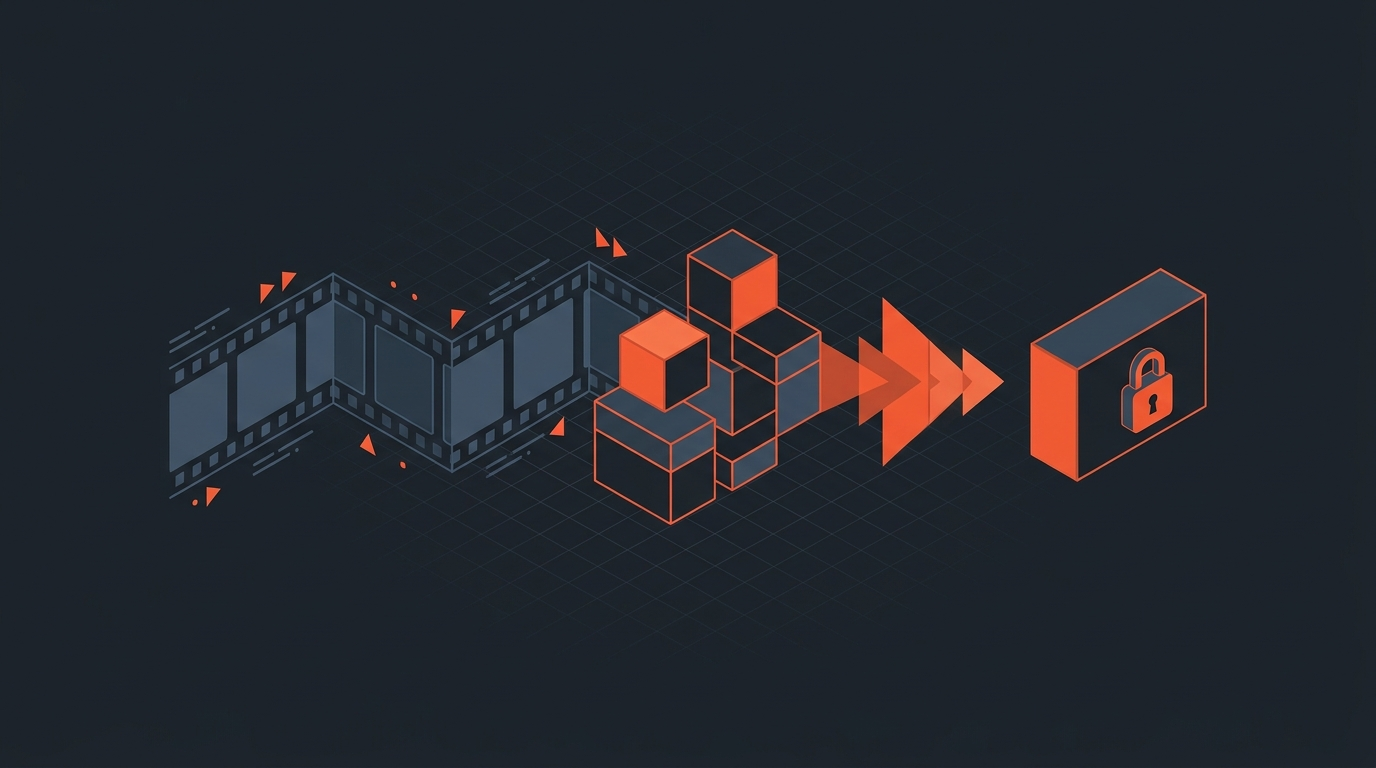
Documentary post-production runs through six stages: logging the footage, building a paper edit, cutting an assembly, tightening that into a rough cut and then a fine cut, locking picture, and finishing sound and image for delivery. None of it is as linear as it sounds on a schedule. A documentary editor moves backward as often as forward, because the story only becomes visible once enough footage has been watched, and it keeps changing shape as scenes get added, cut, or a character drops out of the film entirely.
Scripted post starts from a locked script. Documentary post starts from the opposite problem: dozens or hundreds of hours of footage with no script at all, and an editor whose real job is to find the film hiding inside it. That reframes every stage below. Logging and the paper edit exist to make an unmanageable pile of footage searchable. The assembly and rough cut exist to test which version of the story actually plays out loud. Fine cut and lock exist to cut everything that doesn't serve that version, no matter how strong the scene is on its own.
The six stages, in order:
- Logging footage: watching and tagging every clip so it can be found later.
- The paper edit: laying out the story in text before touching a timeline.
- The assembly cut: stringing every usable piece of footage together in rough order.
- Rough cut to fine cut: cutting the assembly down to the version that actually plays.
- Picture lock: the point where picture stops changing.
- Sound, picture finishing, and delivery: mixing, color, and export.
The team involved grows and shrinks at each stage. A single editor can log and cut a short character piece alone. A feature documentary usually adds an assistant editor for logging and media management, a story producer who works the structure with the director before the editor touches picture, and, once the cut is close to locked, a separate sound and color team who never open the edit itself.
Logging Footage
Watching everything before cutting anything
Logging means watching every clip, tagging what's in it, and making it findable, before anyone opens a timeline. Skip it and the editor spends the whole assembly phase re-watching footage from memory instead of building a story.
Rain Perry, director and editor of the documentary The Shopkeeper, spent months logging her own footage before she started cutting. "It took me months, but I was very comfortable going into the edit, knowing I've watched every single moment of film," she told No Film School. She built a spreadsheet database where every piece of footage connected to a theme, and she could search across multiple fields at once, the kind of structure that used to take an assistant editor weeks to build by hand.
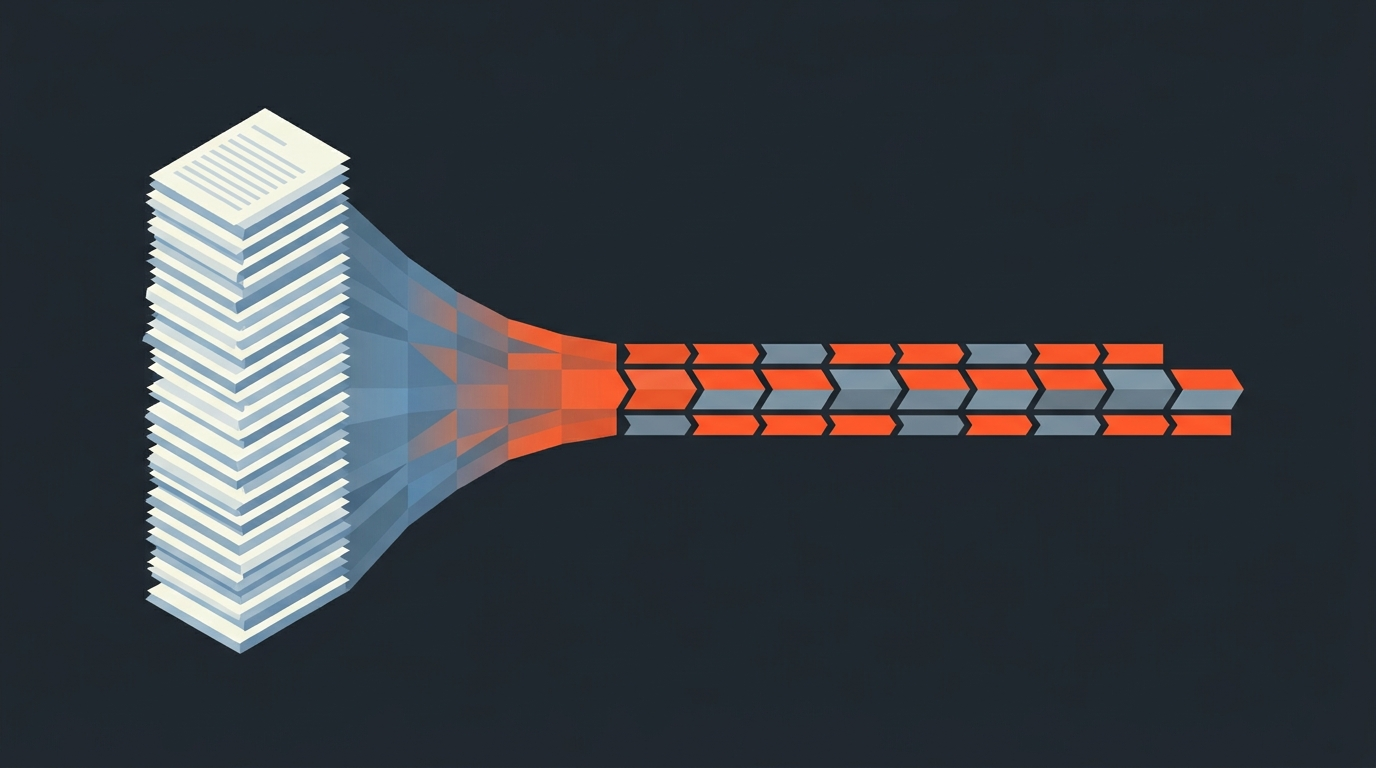
For interview-heavy documentaries, the fastest version of that database is a transcript. Once every interview is transcribed, an editor can search for a word or a phrase across every sit-down in the film and jump straight to the moment, instead of scrubbing a timeline looking for it. Frame.io's own logging guide makes the same case for narrative crews: better metadata up front means less searching later. ScriptCut builds a full transcript with word-level timecode the moment footage is uploaded, so logging and transcription happen as one pass instead of two, and the editor can mark, tag, and pull selects straight from the text with text-based editing rather than a player scrub bar.
The Assembly Cut
The first full string-out, before it's a story
An assembly cut is the editor's first pass at stringing together every usable piece of footage in some rough order, chronological or thematic. It is not a story yet. It's closer to a very long rough draft that exists so the editor and director can see everything they have in one place and start arguing about what the film is actually about.
On Free Solo, editor Bob Eisenhardt started cutting about six months before Alex Honnold made his final rope-free climb of El Capitan, roughly a year into production. That overlap is normal for documentaries: assembly work usually runs alongside the shoot, not after it, because a documentary crew doesn't know the ending until it happens. Eisenhardt has described editing as a matter of shaping time and space to reveal the truth underneath the footage, a fair description of what an assembly cut is actually for: getting the raw material into one place so that truth has somewhere to surface. His work on Free Solo won an Emmy and is covered in more detail on NYFA's film school blog.
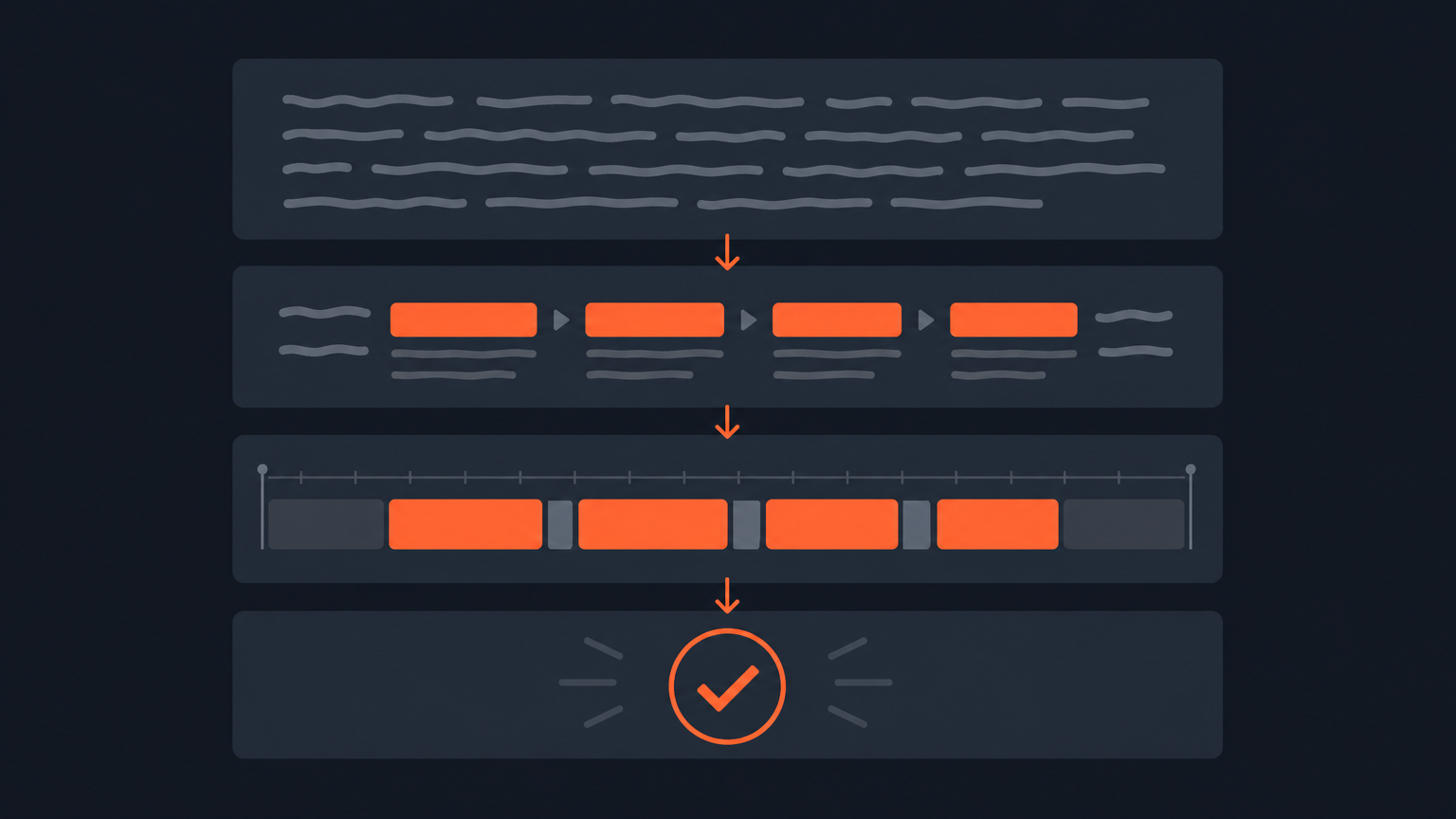
Editor Lindsay Utz went through a similar process on American Factory, which started as roughly 1,200 hours of footage tracking 40 characters. Once she'd cut that down, she, Julia Reichert, and Steven Bognar spent time in a house going through the story with index cards on a wall, labeling scenes so the shape of the film could emerge on paper before it got re-cut on a timeline, a process Utz described to IndieWire. That's the same instinct behind a paper edit built from a transcript: get the structure right on paper, where moving a scene costs nothing, before touching the timeline where it costs an afternoon.
Fine Cut to Lock
Cutting a good rough cut down to the film that locks
A fine cut takes a rough cut, usually the "everything we love" version, and cuts it down to the version that actually holds an audience. Picture lock is the moment after that when picture stops changing for good, so sound and color have something stable to finish against.
Getting there usually means cutting scenes an editor is personally attached to. Lindsay Utz has said her process on American Factory wasn't really about choosing what to keep: "I don't select material, I eliminate. It's a long process of eliminating," she told IndieWire. Frontline editor Steve Audette makes the same point about pacing in an interview with editor Jonny Elwyn: "The mind cannot absorb what the butt cannot endure." A scene can be well shot, well cut, and still have to go, because the film around it can't carry the extra weight.
Audette applies a version of the same test to structure, not just pacing: if trimming a section for time throws off the balance of the story, the fix isn't a shorter trim, it's a restructure. That's close to the discipline journalists use when they decide which quotes from a source actually earn their place in a piece, which is part of why transcript-based editing for journalism and documentary fine cutting end up looking so similar: both are mostly the work of cutting good material that doesn't serve the through-line. Working from a searchable transcript instead of a raw timeline also tends to make this stage faster in an offline edit built text-first, since an editor can test a restructure in the script before re-cutting picture at all.
Sound and Picture
What happens after picture stops changing
Once picture is locked, sound design, the mix, and the color grade all start in earnest, usually in parallel rather than one after another. This stage is often called finishing, and it's where a documentary stops looking and sounding like an editor's cut and starts sounding like a film.
On the sound side, that means cleaning up production audio, building ambience and score under the cut, and mixing dialogue, music, and effects to a broadcast or festival delivery spec. On the picture side, a colorist normalizes shots from however many cameras, lenses, and lighting setups a documentary crew used over months or years of production, so a scene from year one and a scene from year three sit together on screen without calling attention to themselves. Neither pass touches the edit itself, which is the entire point of locking picture first: sound and color can commit real time to a cut that isn't going to move out from under them.
Captions and subtitles usually get finished here too, timed against the locked cut rather than a rough one, which is one more reason accurate, word-level timing pays off twice: once during the edit, and again at finishing.
Budget and schedule usually decide how much of this happens in-house versus at an outside finishing house. A well-funded feature might send picture to a dedicated colorist and sound to a separate mix stage running in parallel, each with a full week or more on the calendar. A smaller crew often finishes both in the same room, sometimes the same person doing a color pass in the morning and a sound pass in the afternoon. Neither approach changes what finishing is for: making the locked cut sound and look like it was made on purpose, not assembled from whatever audio and footage happened to be usable.
Delivery
Getting a locked film to the people who need it
Delivery means handing off the locked, finished film, and often the editorial timeline itself, in whatever format the next person in the chain needs. That's rarely just one file. A distributor wants a broadcast master. A festival wants a DCP or a specific export spec. A composer or mixer earlier in the process needed a full-resolution reference and a stems package, not a finished movie.
For the editorial handoff specifically, that usually means the locked timeline itself, not just a rendered file: something a colorist can open directly in DaVinci Resolve, an edit decision list for an older Avid-based finishing pipeline, a subtitle file for captions, or clean audio for a mixer, each one carrying the same cut points so nothing drifts between departments. ScriptCut exports all of those straight from the same transcript-based edit, so the cut a director approved on a text-based timeline is the same cut that lands in the NLE, down to the frame.
Before any of that, most documentary teams run one more review pass: a producer, an executive, sometimes a broadcaster's standards team, watching the fine cut and leaving notes before it locks. Doing that over a shareable link instead of a burned-in screener cuts a step out of a process that otherwise runs on email attachments and timecode written by hand in a notes app.
A typical delivery list for a broadcaster or streamer also includes items that have nothing to do with picture or sound directly: a closed-caption file in the right format, a music cue sheet listing every piece of score and source music, an E&O insurance certificate, and paperwork confirming any archival footage or photos were properly licensed. None of that is glamorous, but a missing cue sheet can hold up a delivery as long as a bad mix can. Building the caption file and the paper trail alongside the edit, instead of scrambling for both after lock, is usually the difference between a delivery that goes smoothly and one that doesn't.
Sources
- No Film School: A Walter Murch Spreadsheet Can Save You in Post
- IndieWire: Lindsay Utz and Nels Bangerter Discover Story in Cinematic Non-Fiction
- Jonny Elwyn: Editing Documentary, an Interview With Editor Steve Audette
- Frame.io: Log Interviews Better
- NYFA: Oscar Winner Free Solo Editor Bob Eisenhardt
frequently asked questions
Documentary post runs through six stages: logging footage, building a paper edit, cutting an assembly, refining a rough cut into a fine cut, locking picture, then finishing sound and picture for delivery. Editors move back and forth between stages more than a fixed schedule suggests.
Finding the story in footage that has no script is the hardest part, not any single technical step. Editors like Lindsay Utz describe the process as elimination rather than selection, cutting good material that simply does not serve the film.
Picture lock is the point where an editor stops changing picture for good. It marks the handoff to sound design, the mix, and the color grade, all of which need a stable cut to finish against.
An assembly cut can run several hours since it strings together most usable footage before any real cutting happens. There is no fixed length, since the assembly exists to show everything available, not to entertain an audience.
A rough cut is the first version that plays like a movie, usually still overlong and full of scenes an editor likes. A fine cut is that same cut trimmed down to the version that actually holds an audience, ready for picture lock.
After picture lock, sound design, the mix, and the color grade happen, usually in parallel, followed by delivery of masters and editorial files such as an XML, an EDL, subtitles, or audio stems to whoever finishes the film.
ScriptCut turns logging and transcription into one pass with word-level timecode, lets editors build a paper edit and assembly straight from searchable text, and exports the locked cut as a real timeline so nothing has to be re-cut by hand in the NLE.
You might also like...
Start selecting.

Pick the story in the transcript, export a finished rough cut.