
ScriptCut for Documentary Editors
The bottleneck
Documentary editors lose weeks to logging, not editing
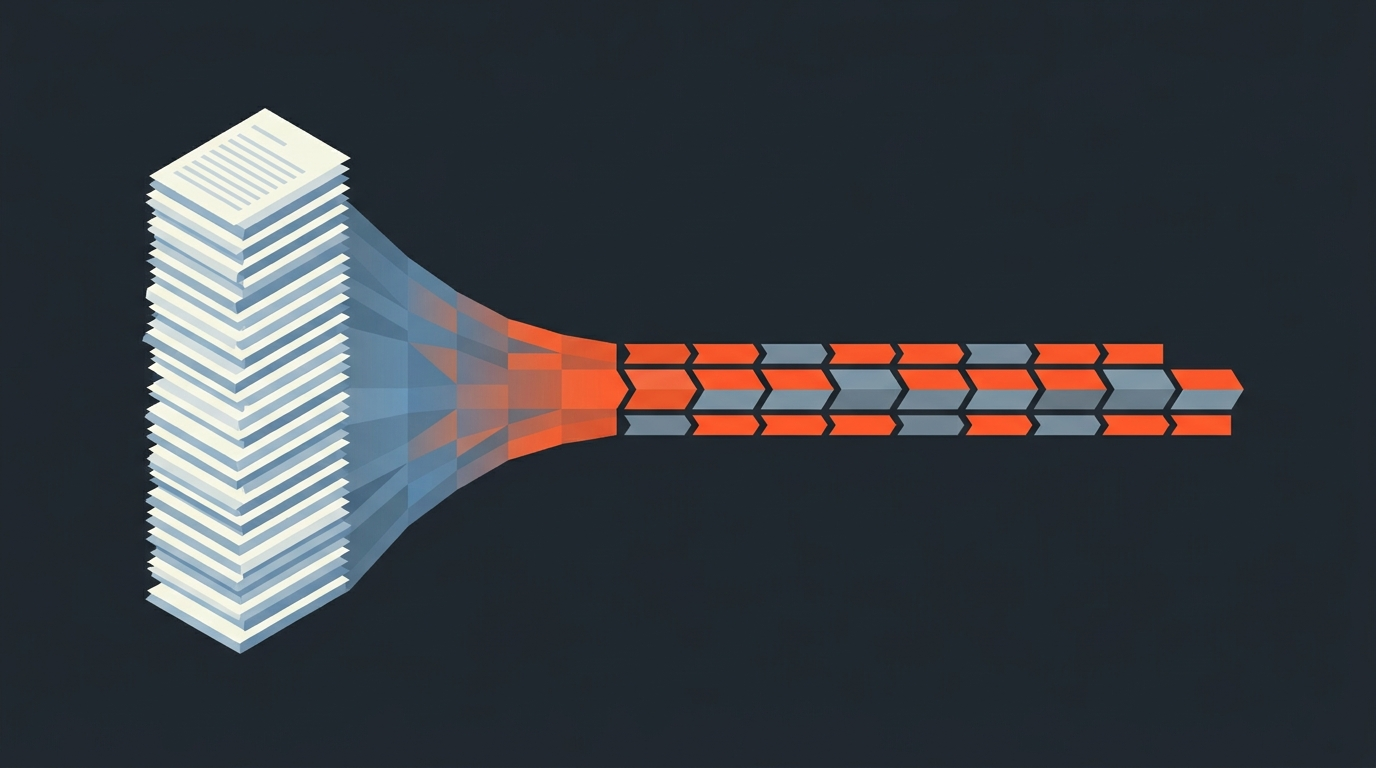
Documentary footage runs at a shooting ratio scripted work never sees. Industry estimates put narrative features around 10:1 to 25:1, raw footage to finished runtime, while documentaries commonly run 60:1 or higher, sometimes far past that on interview-heavy or verite projects, since a full hour of interview might yield a single 30-second sound bite. That ratio is exactly why documentary editors spend so much of a schedule not editing at all, but logging: watching hours of raw interview, noting timecodes, and building a mental map of what exists before a single cut gets made. It is necessary work and it is not the job most documentary editors signed up for.
Software
A paper edit, built as software instead of paper
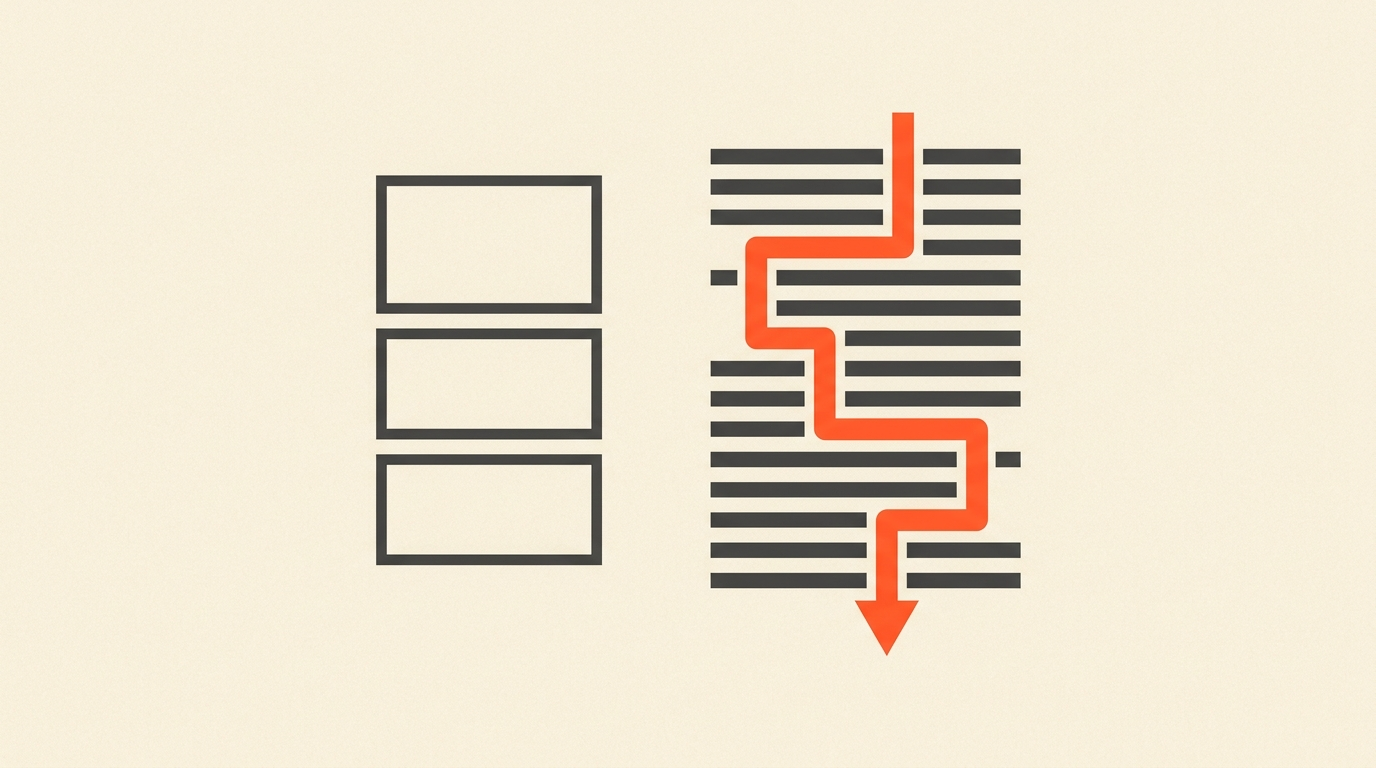
The paper edit, quotes pulled from transcripts and arranged into a possible story before touching the NLE, has been standard documentary practice for decades, done on printed transcripts, sticky notes, or a Word document with timecodes typed in by hand. ScriptCut is that same discipline built as software: transcripts live in the app with word-level timecodes already attached, so selecting a sentence is selecting an exact frame, not a note you have to go relocate in the raw file later. The logging pass and the paper edit pass become one motion, reading and selecting at the same time, instead of two separate stages with a manual handoff between them.
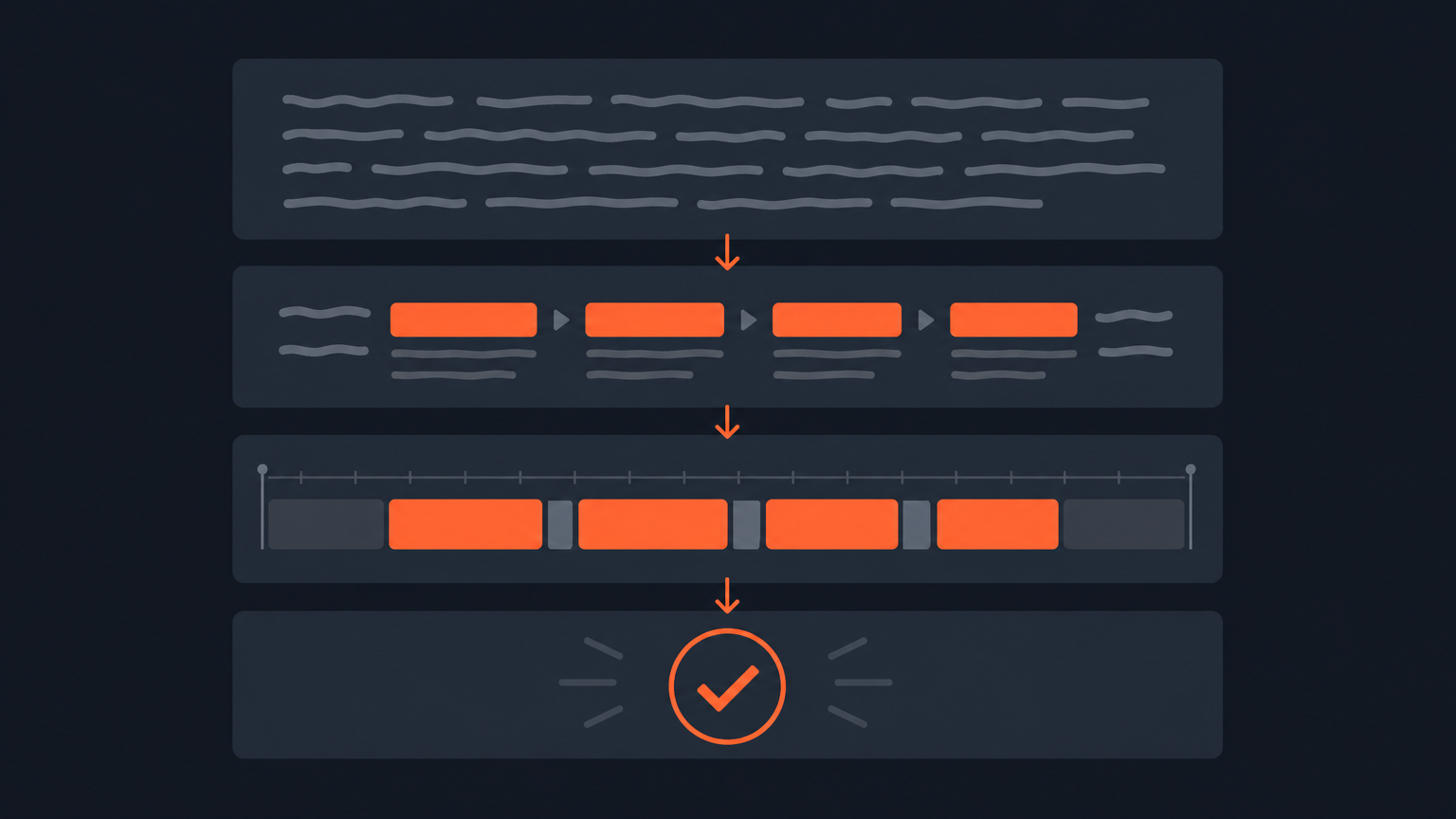
Here is what building a paper edit from a transcript actually looks like in practice, before any of it becomes software:
Fit
Where ScriptCut sits in a documentary post pipeline
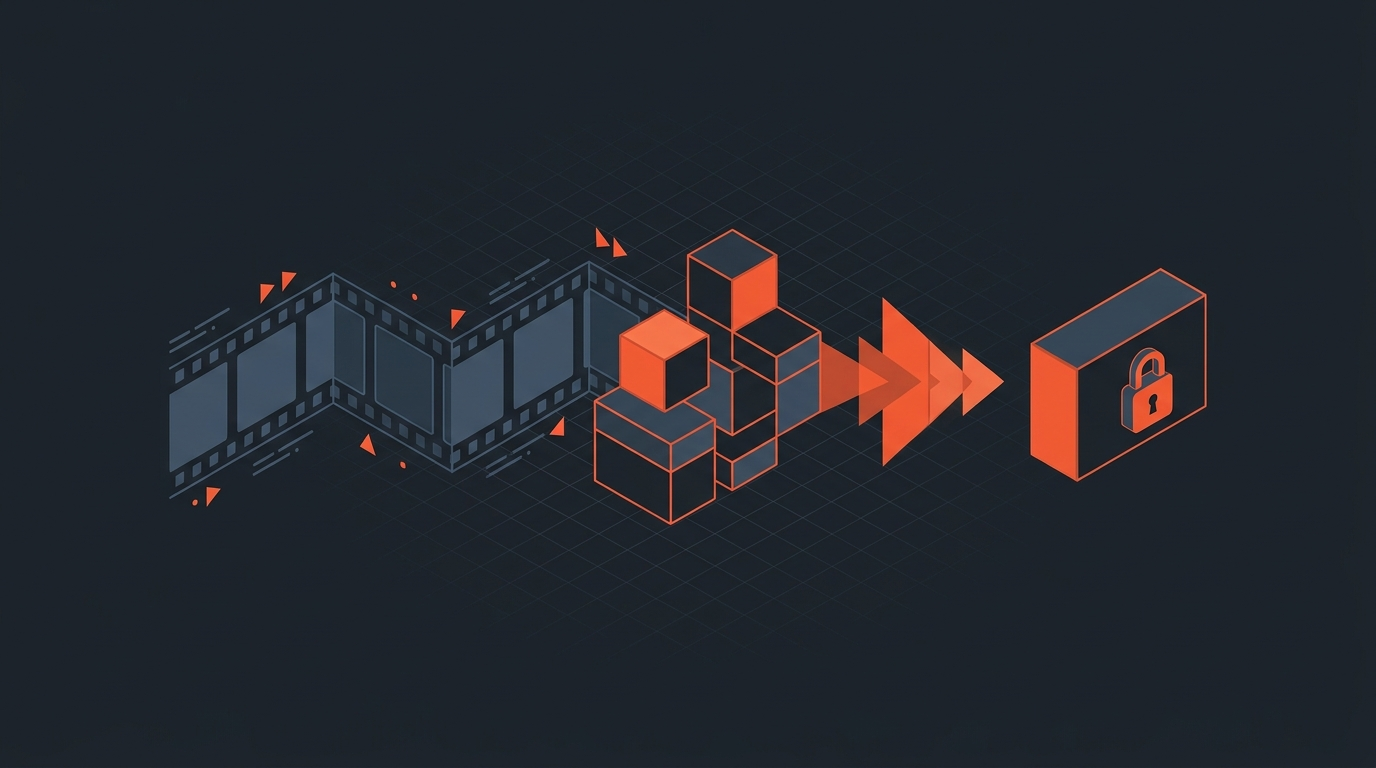
ScriptCut is not a replacement for the NLE a documentary finishes in, it is the stage before it. Footage gets transcribed, an editor or assistant editor reads and selects the material worth keeping directly on the transcript, cuts fillers and false starts inline, and arranges the selects into a structure. When that structure holds, it exports as XML or EDL, opening as an assembled sequence in Premiere Pro, DaVinci Resolve, Final Cut Pro, or Avid, ready for color, sound, graphics, and the finishing work only a full NLE can do. A documentary team can run this stage for every interview subject in parallel, since reading a transcript does not require the raw media to be conformed or organized yet.
The caveat
The honest limits, answered directly
A transcript is not the whole performance. Tone, pacing, a pause that means more than the words around it, none of that reads reliably on a page, which is why ScriptCut is built as a pre-edit stage and not a final one: a human still watches the selected footage back before it locks, checking that what worked on paper actually plays. And no software eliminates the judgment calls documentary editing has always required about what to include, what to leave out, and how to represent someone's words fairly. ScriptCut speeds up finding and assembling the material; it does not make the editorial decisions for you.
Ethics
A guardrail against the Frankenbite, not a guarantee
Interview editing carries a specific ethical risk: stitching fragments from different moments in a conversation into a sentence a subject never actually said, known in the industry as a Frankenbite. Reality TV has produced the most visible examples of the practice going wrong, from The Bachelorette's own editors reassembling contestant dialogue into statements that were never said as a single sentence, and documentary work carries the same risk with far higher stakes attached to a real subject's reputation. Because every selection in ScriptCut stays anchored to its exact source timecode, an editor or a producer reviewing the cut can always trace a line in the sequence back to precisely where it came from in the original conversation. That traceability does not make manipulative editing impossible, but it makes it far more visible, both to the person doing the cutting and to anyone reviewing the work afterward, than piecing together fragments from an unlabeled bin of clips.
What it is
What ScriptCut is, and what it is not
ScriptCut is a transcript-based pre-edit tool for the reading, selecting, and structuring stage of documentary post-production, built to export a real timeline instead of a rendered file. It is not a color, sound, or motion-graphics tool, and it is not trying to replace the NLE a documentary team already finishes in. For a genre defined by hour-plus interviews and shooting ratios most other formats never see, moving the logging and structuring stage into a tool built for exactly that job is the practical case for using it.
Sources
- Wikipedia: Shooting ratio
- No Film School: Shooting ratios, from Hitchcock to Fury Road
- CineD: Frankenbiting in post-production
Related reading: What Is a Paper Edit?, How to Cut a Documentary Interview, and How to Storyboard a Documentary.
frequently asked questions
It moves the logging and paper-edit stage of documentary post-production into software: read interview transcripts with word-level timecodes, select and arrange the material worth keeping, then export a real timeline to the NLE.
Documentaries commonly shoot at a 60:1 ratio or higher, meaning an hour of raw footage might yield a single usable sound bite, so editors spend a large share of the schedule logging and finding material before any real cutting starts.
A paper edit arranges quotes pulled from interview transcripts into a possible story order, each referencing its exact source timecode, letting an editor or director test structure before touching the NLE.
A transcript does not capture tone or pacing, which is why ScriptCut is built as a pre-edit stage: a human still reviews the selected footage before it locks, and the transcript work only speeds up finding and structuring the material.
A Frankenbite stitches fragments from different moments in a conversation into a sentence a subject never said. ScriptCut does not make this impossible, but because every selection stays anchored to its exact source timecode, manipulative edits are far easier to trace and catch in review.
You might also like...
Start selecting.

Pick the story in the transcript, export a finished rough cut.