
How to Cut a Documentary Interview
Read before you cut
Read the whole transcript before you touch the timeline
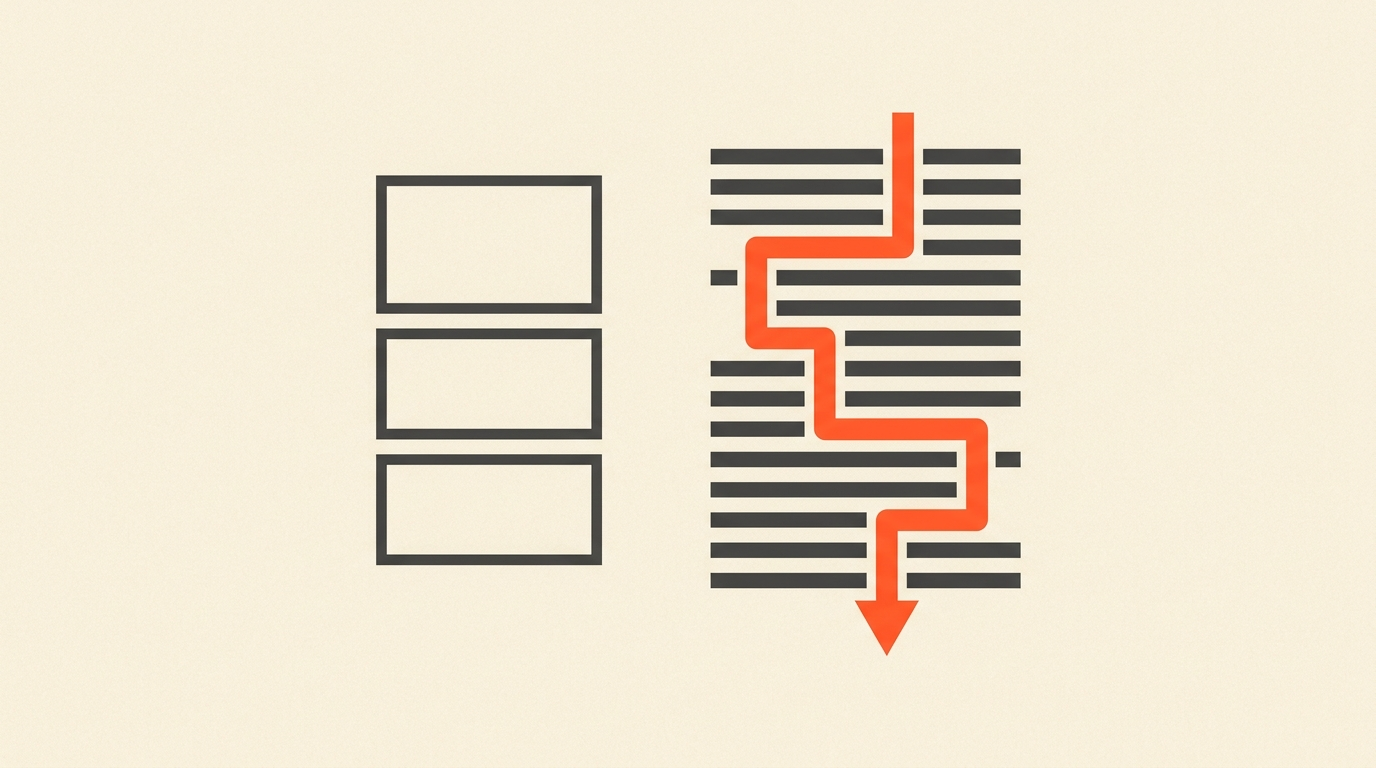
A documentary interview is not footage yet, it is source material, and the fastest way to waste a day is to start scrubbing before you have read what the person actually said. Editors who cut nonfiction for a living treat the transcript the way a print editor treats a manuscript: read it once for the shape of the whole conversation, mark the passages that carry real weight, and only then open the clip. Jeff Malmberg and Aaron Wickenden, who edited the Mister Rogers documentary Won't You Be My Neighbor? (2018), built the film by weaving archival interview material against present-day footage, a structure that only comes from knowing exactly what every interview subject said, not from memory of how they said it.
Reading first also protects you from a subtler trap: judging a quote by how good it sounded in the room. A person can ramble for two minutes and land one 12-second sentence that is the whole point. You will not find that sentence by ear alone, especially in hour three of a review pass. You find it by reading.
The select
Select the sentence that carries the idea, not the whole answer
Most interview answers have one load-bearing sentence surrounded by throat-clearing. The job of the select pass is separating the two. Mark the sentence (or two) that states the idea cleanly, and resist the instinct to keep the whole answer "for context." Context belongs in your structure, built from multiple selects placed in order, not preserved inside a single overlong soundbite.
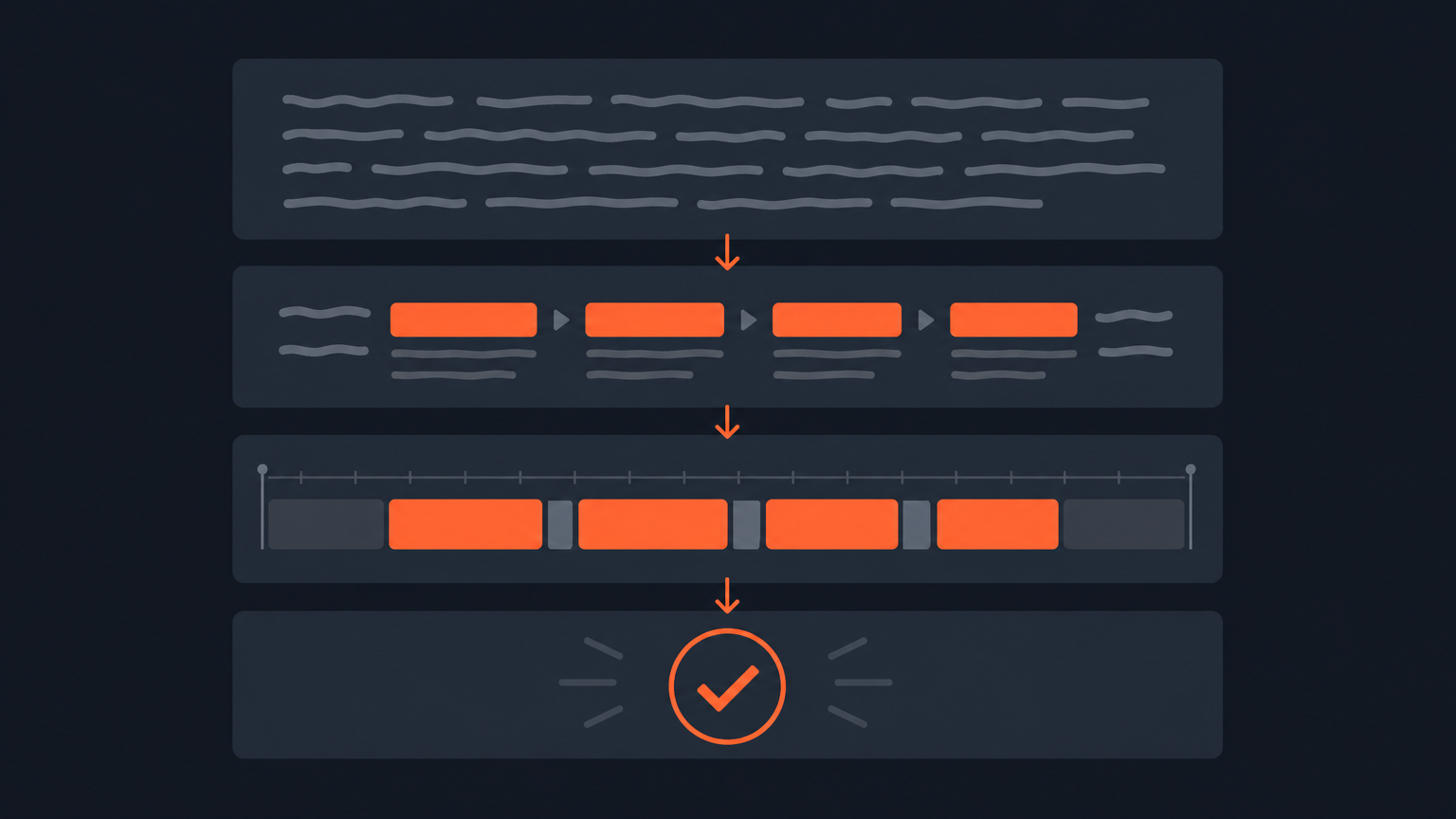
This is also where a transcript-based tool earns its keep. In ScriptCut, you select directly on the transcript text, and because every word carries its own timecode, the selected line maps to an exact in and out point in the source video. There is no separate step where you have to relocate the moment in the raw file.
Trim
Cut filler and false starts without flattening the person's cadence
Once you have your selects, tighten them. Remove "um," restarted sentences, and the verbal throat-clearing at the front of an answer, but do not over-trim to the point where the subject stops sounding like themselves. A documentary interview subject who never says "you know" or pauses to think reads as scripted, and audiences notice scripted a mile away in a film that is supposed to be nonfiction. Leave a few breaths in. Cut the ones that add nothing.
Build the spine
Arrange the story before you think about a single frame of b-roll
With clean selects in hand, arrange them into a sequence, sometimes called a paper edit, that tells the story using only the interview's own words. A paper edit lets you and a director test structure fast: quotes from the transcript, arranged in order, each referencing its own source timecode. It is a document you can revise in minutes, unlike a timeline in an NLE where reordering three interview selects means moving synced audio, video, and any temp graphics all at once. Get the spine right on paper, then build it in the NLE once, correctly.
The line
Where trimming ends and Frankenbiting begins
There is a hard ethical line in interview editing, and it is worth stating plainly: trimming a rambling answer down to its clearest sentence is normal editing. Stitching together fragments from different answers, or different moments in the conversation, to construct a sentence the subject never actually said is a different act entirely, commonly called a Frankenbite. Documentary editing researcher Manfred Becker, who has written on the ethics of the technique, frames the distinction around intent: using the tool to clarify what someone meant is defensible; using it to make someone say something they did not mean is not, and it breaks the basic contract a documentary makes with its subject and its audience.
Hearing Becker walk through where that line sits, in his own words, makes the distinction concrete.
A transcript-based workflow does not solve this problem by itself, but it does make the line easier to see. Because every select in ScriptCut stays anchored to its exact source timecode, you can always trace a sentence in your cut back to the moment it came from, which makes stitching fragments across different answers visibly harder to do by accident, and easier to catch in review if it happens on purpose.
Handoff
Export a real timeline, not a rendered clip
Once the paper edit is locked, the interview cut needs to leave the transcript stage as an actual sequence, not a finished-looking video someone has to re-cut from scratch. ScriptCut exports XML for Premiere Pro, Resolve, Final Cut Pro, or Avid, and because selections carry word-level timecodes, the exported sequence opens with the same in and out points you approved. From there, a picture editor grades, mixes, and adds any graphics, the same handoff documentary posts have used for decades, just starting from a transcript instead of a bin of unlabeled clips.
Worked example
A 70-minute sit-down, cut to a 9-minute scene
A 70-minute interview for a short-form documentary segment typically yields somewhere between 20 and 40 usable selects on a first pass, most 10 to 40 seconds long. Reading the transcript and marking selects for an interview that length runs 30 to 45 minutes for an experienced editor, well under the 70 minutes it would take just to watch the raw footage once at normal speed. Arranging those selects into a 9-minute spine is a second pass, usually another 20 to 30 minutes, before a single frame of b-roll or archival material gets considered. The interview's shape is decided entirely on the transcript; the NLE work that follows is building the finished scene around a structure that is already right.
Common mistakes
The three ways this workflow goes wrong
Cutting on gut feel from a first watch instead of a read wastes the most time, because you end up re-scrubbing for quotes you half-remember. Over-trimming pauses and hedging language until the subject sounds rehearsed undercuts the credibility that made them worth interviewing. And skipping the paper-edit step, jumping straight into the NLE to test structure, turns every reorder into a synced-clip reshuffle instead of a two-minute text edit.
Sources
- Won't You Be My Neighbor? (2018), IMDb
- CineD: Frankenbiting in Post-Production
- Dr. Manfred Becker on the Frankenbite and ethics in documentary editing
- Reduct: Elevating the paper edit for documentary filmmaking
Related reading: What Is a Paper Edit?, ScriptCut for Documentary Editors, How to Storyboard a Documentary, and What Is Text-Based Editing?.
frequently asked questions
Read the full transcript first, select the sentences that carry the idea (not the whole answer), trim filler without flattening the person's cadence, arrange the selects into a paper edit, then export that structure as a real timeline to your NLE.
Reading first lets you judge what someone actually said instead of how good a moment sounded in the room, and it is far faster than scrubbing hours of raw footage to find the one sentence that carries an answer.
Trimming a rambling answer down to its clearest sentence is normal editing. Stitching fragments from different answers together to construct something the subject never actually said is a Frankenbite, and it crosses an ethical line documentary editors take seriously.
A paper edit arranges your selected transcript quotes into story order before you touch the NLE. It lets you test and revise structure in minutes instead of reshuffling synced clips on a timeline.
As a timeline. Exporting XML with word-level timecodes hands a picture editor an editable sequence they can grade, mix, and finish, instead of a rendered clip they have to re-cut from scratch.
Reading and selecting from a 70-minute transcript typically takes 30 to 45 minutes for an experienced editor, followed by another 20 to 30 minutes to arrange those selects into a spine, well before any b-roll gets considered.
You might also like...
Start selecting.

Pick the story in the transcript, export a finished rough cut.