
What Is B-Roll? A Guide for Video Editors
B-roll is the secondary footage, cutaways, close-ups, locations, objects, that plays under or alongside your main footage. The main footage, the person talking, the primary action, is the A-roll. B-roll covers it, illustrates it, and gives an editor somewhere to cut to when the A-roll alone will not carry the moment.
Every finished interview, documentary, or branded video runs on this two-layer system. The audio track almost never stops when the picture changes. A subject describes their workshop, and the picture keeps rolling under a shot of the workshop itself, the tools on the wall, hands at work. The audience keeps listening while the picture keeps moving. That pairing, one continuous voice with a second visual layer laid over it, is what B-roll does.
Origin
Where the term B-roll came from
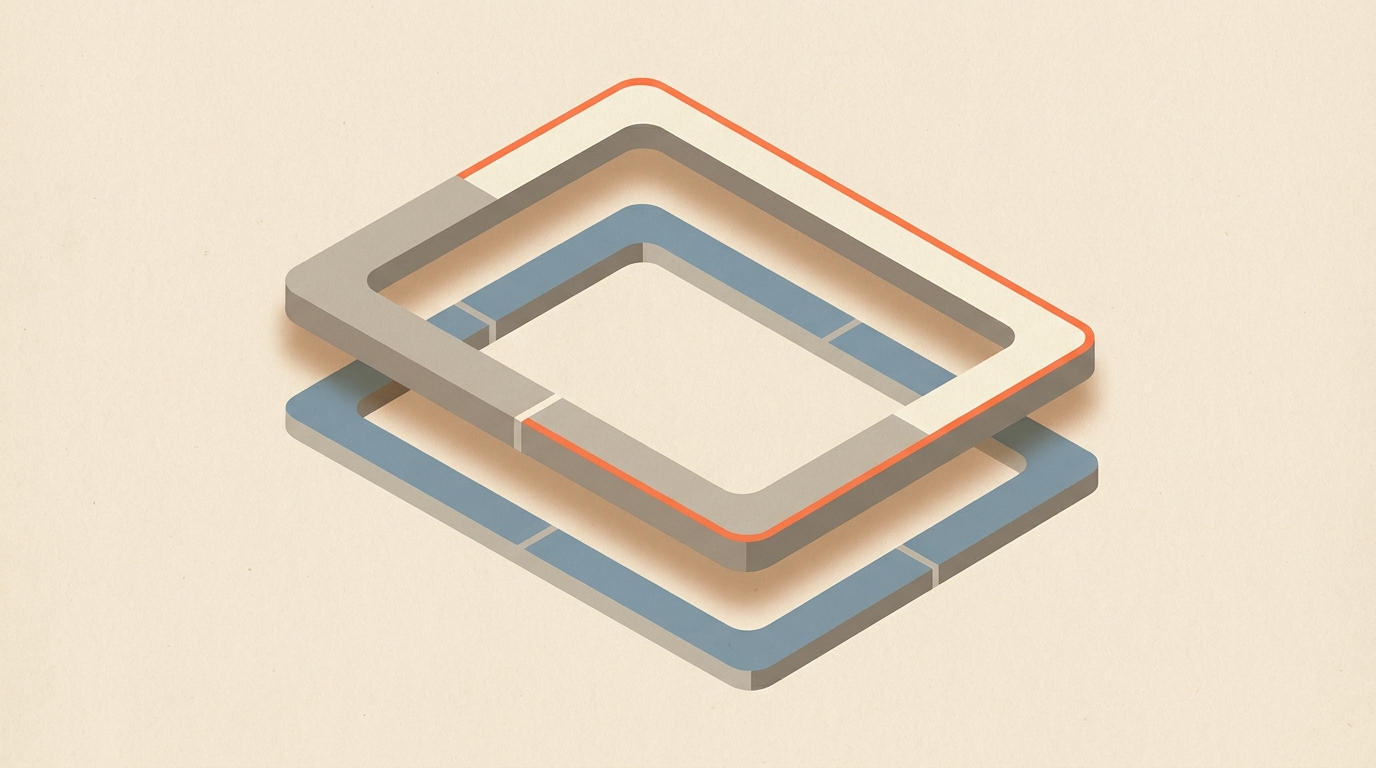
B-roll is a leftover of a physical problem in 16mm film editing, not a metaphor. Splices were visible on narrow-gauge film, so editors conformed negative onto two separate rolls in a checkerboard pattern: odd-numbered shots on the A-roll, even-numbered shots on the B-roll, each holding black leader where the other roll's shot would print through. Combined in the printing process, the visible joins disappeared.
The word survived the format. When editing moved to videotape in the 1980s, edit suites ran two decks side by side, lettered A and B. The A deck held the main program material; the B deck held the supplementary footage patched in over it. File-based editing replaced tape decades ago, and there has been no literal second roll in a working edit suite for a long time, but the vocabulary never updated. Editors still say A-roll for the primary footage and B-roll for everything shot to cover it.
Function
Why B-roll matters
B-roll solves two separate problems inside the same shot.
First, it hides cuts. Trim a rambling answer, drop a tangent, or reorder two soundbites, and the speaker's body position snaps between takes, a visible jump cut. Cut to B-roll for the length of the join and the snap disappears, because the viewer is no longer watching the speaker's body while the edit happens underneath the voice. This is the single most common reason a documentary crew shoots more coverage than the interview alone seems to need.
Second, it shows instead of tells. A line about a cramped kitchen is fine on its own. The same line playing over a shot of the actual cramped kitchen lands harder, because the picture confirms the word instead of asking the viewer to picture it, a point Adobe's own overview of B-roll makes as well. B-roll also sets pace: a long run of straight talking-head footage flattens out no matter how good the story is, and cutting in movement, texture, and scale changes keeps the eye engaged between the lines that matter most.
Types
The different kinds of B-roll
Not all B-roll does the same job. Most coverage falls into a handful of categories, and a well-planned shoot usually includes several, a breakdown StudioBinder covers in detail:
- Establishing shots set the location before or after the interview: the building, the street, the sign on the door.
- Cutaways are close, specific reaction or detail shots, hands, faces, a tool mid-use, that cover a cut without leaving the scene.
- Insert shots isolate the exact object a speaker is describing: the product, the document, the screen.
- Process footage shows the work actually happening, the thing the interview is about, in motion.
- Stock and archival footage fills gaps nobody shot, or extends a period piece beyond what any crew could capture firsthand.
Most projects mix categories inside a single sequence. One answer might cut from an establishing shot of the workshop to an insert on the machine being discussed to a cutaway of the speaker's hands, all under one continuous line of A-roll audio.
Coverage does not need to be exhaustive to work. A short interview segment rarely needs more than a handful of well-chosen shots in each category above; what matters is that each one connects to something specific the speaker actually says, not that the folder is full. A crew that returns with twenty targeted shots tied to the transcript is in better shape than one that returns with two hundred untargeted ones.
Real Example
A verified case: Ken Burns and The Civil War
The clearest documented example of B-roll built entirely around a locked narration is Ken Burns' 1990 PBS series The Civil War. With almost no surviving motion-picture footage of the war itself to cut to, Burns built the series' visual layer from roughly 16,000 archival photographs and paintings, animated with slow pans and zooms so a single still image could carry a full line of narration without going static onscreen, a technique later named the Ken Burns effect and still built into consumer editing software today. The National Endowment for the Humanities has documented how the nine-episode, roughly eleven-hour series reshaped what a history documentary could look like using coverage that was never shot on a set, only sourced, selected, and matched to the narration line by line.
It is an extreme version of the same discipline any interview edit runs on: the words carry the piece, and the pictures are chosen to match them, not the other way around.
Shot List
How to plan and shot-list your B-roll
The most common B-roll mistake is shooting first and hoping. A crew fills a card with generic footage of hands, laptops, and coffee, then discovers in the edit that none of it matches a specific line. The fix is to reverse the order:
- Lock the story first. Decide which lines survive and in what order before any B-roll gets planned. A full paper edit or radio cut answers this without touching a camera.
- Mark every cut that needs covering. Some cuts land on a natural pause and need nothing. Others cut mid-sentence and will jump without cover.
- Write the B-roll list line by line. A line about the team gets the team. A line about the product gets the product. The transcript itself becomes the shot list.
- Shoot to the list, not around it. A crew with six specific shots to get finishes faster and returns with less unused footage than a crew told to go grab some coverage.
The full method for building that list out is in what a shot list is and how editors build one.
A worked example
Say you are cutting a two-minute product demo interview. In the transcript you keep nine lines and drop the rest, which creates five hard cuts, three landing on natural breath pauses that will read fine on their own, and two landing mid-sentence that will jump without cover. That leaves exactly two B-roll shots to plan for: the specific feature being described in the first jumpy line, and the specific use case described in the second. The crew shoots those two setups deliberately, plus a couple of establishing shots as backup, instead of a full day of undirected product footage. The edit assembles in under an hour because every shot already has a job.
Workflow
Cut the words first, then the B-roll list writes itself
Editing the A-roll before shooting or placing a single frame of B-roll is what turns the shot list from a guess into a precise plan. Most editors already know this from the paper edit: cut the transcript down to the lines that survive, and everything else, structure, pacing, the exact places coverage is needed, becomes visible on the page before a timeline exists.
ScriptCut is built around that order. Inside the app, editors select the lines that make the cut, remove filler, and arrange the story on the transcript itself, working from word-level timecode instead of scrubbing through video. Because every kept word carries its exact frame, the length of every gap the B-roll needs to cover is known before export, not discovered later in the NLE. A four-second gap between two kept lines needs a four-second cutaway, not a guess rounded up on the timeline.
That precision carries into text-based editing generally, and into tools like the Premiere Pro transcript workflow, where a locked transcript selection becomes an assembled sequence automatically. ScriptCut exports that locked structure as a ready-to-cut timeline to DaVinci Resolve, Premiere Pro, Final Cut Pro, or Avid, so the editor opens their NLE already knowing exactly where every piece of B-roll needs to sit and for how long it needs to run.
This also protects the moments that should stay on the speaker. Not every cut point needs to be covered by picture; some hold up fine as a straight cut on a breath or a natural pause, and a clean offline assembly built from the transcript makes that distinction obvious immediately, because every join is already marked before a single B-roll clip is placed over it. Deciding what stays on-camera and what gets covered becomes a choice made on purpose, not a reaction to a cut that looks awkward once it is already sitting in the timeline.
Mistakes
Common B-roll mistakes to avoid
- Generic coverage. Stock-style shots with no connection to the words on the audio cover the cut but tell the viewer nothing, and audiences notice filler even when they cannot name what is wrong.
- Covering the wrong moment. The most emotional line in an interview is sometimes the one line that should stay on the speaker's face. Covering every cut on reflex can bury the moment the piece is actually about.
- Over-covering. A cut with B-roll on almost every line starts to feel like a slideshow with narration instead of an interview. B-roll supports the speaker; it should not replace them for minutes at a stretch.
- Shooting before the story is locked. A crew sent out with no transcript decisions made returns with footage that does not match the actual gaps the edit needs, and the shoot has to be repeated or padded with unrelated stock.
Editors describe the same organizational discipline at scale, just applied to a much larger volume of footage. In a No Film School interview about the documentary Sam Now, editor Jason Reid, who worked through roughly 25 years of accumulated footage on the project, said: "We color-coded different types of clips, like B-roll versus interviews. I'd use markers a lot to leave myself notes or tag interview questions to make it easier to find." Even on a project spanning decades of material, the underlying habit is the one that makes a single interview edit work: know what every piece of footage is for before the cut needs it.
Sources
frequently asked questions
B-roll is supplemental footage, cutaways, close-ups, locations, objects, that plays under your main footage (the A-roll) to hide edits and show what the speaker is describing.
The term comes from 16mm film editing, where editors split shots across two physical rolls, an A-roll and a B-roll, in a checkerboard pattern to hide visible splices. The name carried over into videotape edit suites in the 1980s and stuck even after the second physical roll disappeared.
It hides jump cuts created when you tighten an interview or reorder lines, and it turns a spoken description into a visible image, which holds attention better than a straight talking-head shot.
Enough to cover every cut point that needs it, no more. A short list of shots tied directly to specific lines in the transcript works better than a large volume of generic footage.
Plan it after the transcript is cut, not before. Lock which lines survive first, mark the cuts that need covering, then build a shot list from those specific gaps.
Yes. Stock and archival footage is one of the standard B-roll categories, used to fill gaps nobody shot or to extend a period piece beyond what any crew could capture firsthand.
You might also like...
Start selecting.

Pick the story in the transcript, export a finished rough cut.