
What Is a Jump Cut? (And How to Hide One)
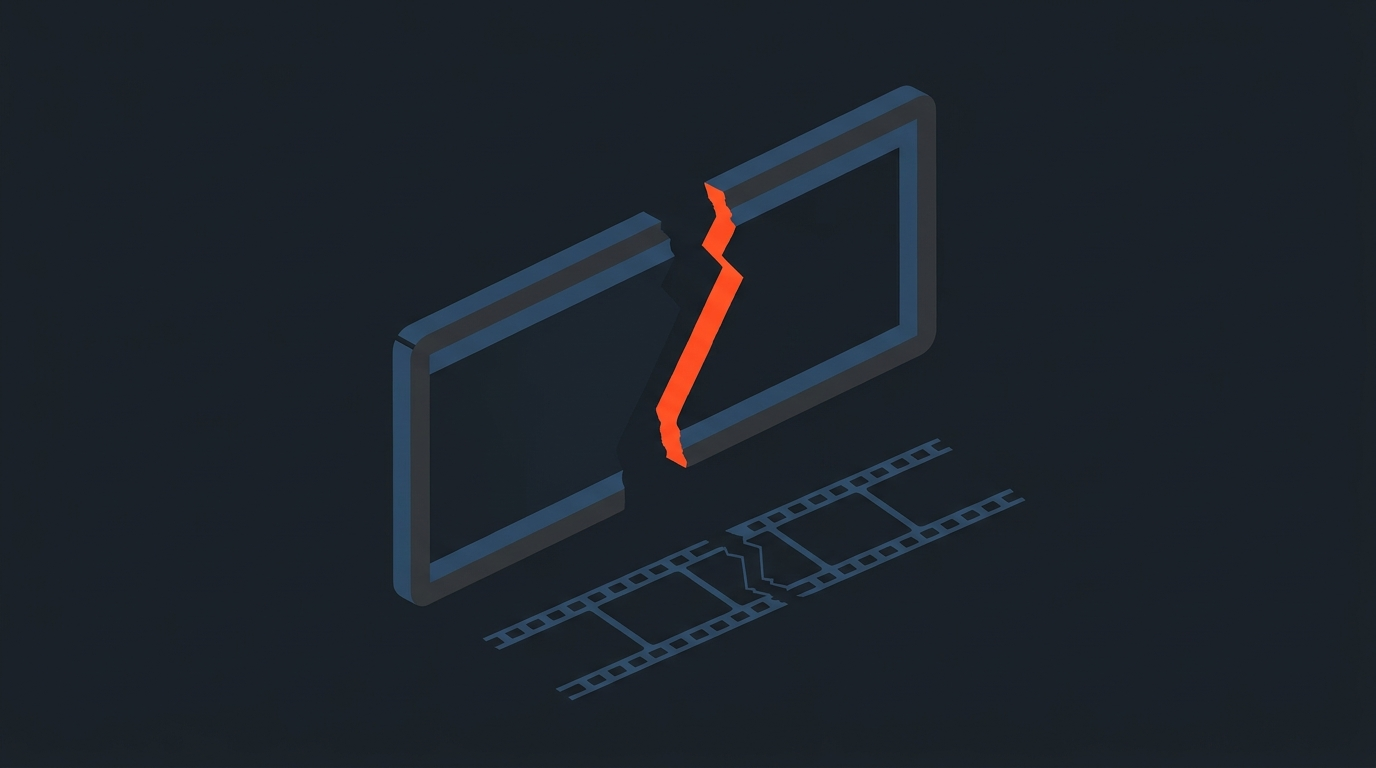
A jump cut is a cut between two shots of the same subject, framed almost identically, that skips a slice of time so the subject appears to leap forward instead of moving smoothly. It is not a special effect and it is not rare. It is what happens automatically the moment you remove a piece from the middle of one continuous shot.
Trim a stumble out of an interview answer and the speaker's head snaps sideways. Cut a pause out of a monologue and the framing barely changes but the moment clearly skipped. Both are jump cuts. The real question is never whether you will make one. You will, constantly. The question is whether you meant to.
Definition
What actually makes a cut a jump cut
Two conditions have to line up. First, the framing on both sides of the cut has to be close to identical: same subject, same rough angle, same distance from camera. Second, time has to visibly disappear between them. Continuity editing has an old guideline for avoiding this by accident, sometimes called the 30-degree rule: when you cut between two shots of the same subject, either the camera angle or the framing should change enough that the audience reads it as a genuinely new shot. A jump cut is what you get when that rule gets broken and a chunk of time goes missing at the same moment.
Take away either condition and the cut stops being a jump cut. Change the angle enough and it reads as coverage. Keep the framing but don't remove any time and it's just a static hold. Jump cuts need both: sameness in the frame, a gap in the clock.
A simple example makes it concrete. A subject says "so we started the company, and, um, honestly it was a mess at first, but we started the company with about four thousand dollars." Cut the repeated "we started the company" and the filler word, and you're left with one continuous-looking shot where the subject's mouth and posture visibly jump between two positions. Nothing about the footage changed. The cut is what created the jump.
Origins
The scene that turned a broken rule into a style
Jump cuts existed before anyone treated them as a style choice. Percy Stow used them in the 1908 short The Tempest to make objects vanish mid-frame, a trick borrowed from stage magic. Dziga Vertov's 1929 Man with a Movie Camera is built almost entirely out of them, using the discontinuity as rhythm rather than hiding it.
But the film that made the jump cut a deliberate piece of film language is Jean-Luc Godard's Breathless (1960). Godard had been contracted to deliver a 90-minute film and had shot closer to two and a half hours of material. Rather than trim scenes out wholesale, he and editor Cecile Decugis cut within shots, most famously in a long car ride with Jean Seberg, leaving the skips visible instead of smoothing them over. Godard later described the method plainly: "I remember very clearly, how I invented this famous way of cutting, that is now used in commercials: we took all the shots and systematically cut out whatever could be cut, while trying to maintain some rhythm." A budget and runtime problem became one of the most imitated editing decisions in film history, and it's why No Film School still teaches the sequence to editors more than sixty years later. It also reportedly shaped the "film school generation" of American directors who came up watching it, according to IndieWire's retrospective on Godard's technique.
Everyday Use
Why almost every talking-head video on YouTube is full of them
The jump cut didn't stay in art-house cinema. It became the default grammar of online talking-head video, and the person most credited with making that the norm is Casey Neistat, whose daily vlogs in the 2010s cut out every breath, stumble, and dead pause between lines to keep a single take moving without ever changing the camera setup. Fstoppers traces how that fast, visibly-cut style became the reference template for a generation of creators who followed him.
Today it's just standard practice. Podcast highlight clips, YouTube tutorials, course lessons, and founder talking-head content almost all lean on jump cuts to remove filler words and dead air, because a viewer scrolling a feed will leave during three seconds of silence but barely notices a clean skip. The style Godard used to announce that he was breaking the rules is now the technique creators use so nobody notices the cuts at all.
Accidents
The difference between a jump cut you chose and one that just happened
An intentional jump cut compresses time on purpose, at a point you picked, to keep a scene or a talking-head answer moving. An accidental jump cut is what shows up when someone trims a stumble, a repeated word, or an "um" out of a single-camera interview and doesn't realize the cut will read as a visible jolt because there's no second angle or cutaway to hide behind.
Both look identical on a waveform and in a frame-by-frame scrub. The difference is entirely about whether the editor decided the jump was worth showing, or just didn't notice it was there until a client did.
Prevention
How to make an unwanted jump cut less likely before you shoot
Some of the fix happens before the camera even rolls. Shooting a single-camera interview with a second, wider angle running at the same time gives an editor somewhere to cut away to instead of trimming within the one shot they have. Leaving a little extra headroom or shoulder room in the frame also helps, because it gives a small reframe or push room to work with later without the composition looking obviously altered.
None of that eliminates jump cuts. It just moves the decision earlier, so an editor working from a transcript can choose, sentence by sentence, whether a cut needs a cutaway or can stand on its own as a clean skip.
Editing From Text
How working from a transcript keeps the cut exact instead of accidental
Most unwanted jump cuts come from a simple problem: the editor is scrubbing a timeline by eye, guessing where a filler word starts and ends, and landing the cut a frame or two off. That's what turns a clean skip into a visible flinch.
Working from a word-level timecode removes the guesswork. In ScriptCut, every word in a transcript carries its own exact in and out point, so deleting "um," a stumble, or a dead pause from a talking-head take cuts precisely at the edge of that word, not somewhere near it. The jump cut still happens, because removing time always creates one, but it happens exactly where you meant it to, and the export carries those same in and out points into a real timeline in DaVinci Resolve, Premiere Pro, Final Cut, or Avid rather than leaving the editor to re-find every point by hand. That's the difference between a jump cut used as a tool and one that just happens because nobody was watching closely enough. It's also the same reason a paper edit works: deciding the cut points in the transcript before you ever touch a timeline, and getting a client to sign off through a share link, means nobody discovers a jarring jump cut for the first time in a client review.
This is really an extension of what text-based editing is built for: reading and cutting a transcript instead of scrubbing footage frame by frame. An editor deleting lines of text can see, in plain sentences, exactly which words are about to disappear from the picture, which makes it much easier to notice a jump coming before it's baked into the timeline. And because the trims are visible to a client through the same transcript before delivery, getting approval before you edit catches an awkward jump cut while it's still just a line of crossed-out text, not a finished export.
Fixes
How to soften or remove a jump cut you didn't want
When a jump cut wasn't the plan, editors reach for a few standard fixes, roughly in order of how much they cost in time:
- Cut away to B-roll. A shot of hands, a product, a slide, or a reaction covers the skip completely because the audience never sees the discontinuity.
- Add a second angle. If the footage exists, cutting to a wide or a different lens at the trim point turns the same removed time into ordinary coverage instead of a jump.
- Push in or pull out slightly. A small reframe or simulated push across the cut gives the eye enough of a change to stop reading it as the same shot repeated.
- Cross dissolve instead of a hard cut. This doesn't hide that time passed, but it softens the jolt into something that reads as a stylistic transition rather than a mistake.
- Leave it and own it. For fast-paced talking-head or vlog-style content, the fix is often to stop treating the jump cut as a problem and cut the rest of the piece at the same energy so it feels consistent.
Related Terms
Jump cut vs. cutaway vs. match cut
A cutaway is the opposite instinct: instead of cutting within the same shot, you insert a different shot (B-roll, a reaction, a detail) to bridge across removed time so no jump is visible at all. A match cut aims for the reverse effect of a jump cut too, lining up motion, shape, or composition across two different shots so the edit feels invisible rather than jarring. A jump cut is the one edit in this family that leaves the seam showing on purpose, or by accident.
All three show up constantly in the same project. A single podcast episode turned into a YouTube video might use jump cuts to tighten a host's rambling answer, a cutaway to a guest's reaction to bridge a longer trim, and never need a match cut at all. Knowing which tool removes time invisibly and which one shows it is most of what separates a clean edit from a rough one, and it's a big part of what a stringout and a paper edit are for: deciding, before the timeline exists, which trims can stay as clean jump cuts and which ones need a cutaway.
As Wikipedia's overview of the technique puts it, jump cuts "tend to draw attention to the constructed nature of the film," which is either the whole point or the exact thing you're trying to avoid, depending on what you're cutting.
Sources
- Jump cut, Wikipedia
- What Jean-Luc Godard's Breathless Can Teach You About Editing, No Film School
- What Is a Jump Cut? 5 Ways to Use Jump Cuts in Film, StudioBinder
- 5 Techniques from the Films of Jean-Luc Godard That Changed Cinema, IndieWire
- How Casey Neistat's Style of Editing Made Him So Famous, Fstoppers
frequently asked questions
No. A jump cut is only a mistake when it happens without the editor deciding to leave it in. Used on purpose, it's a normal way to compress time in a talking-head clip, vlog, or montage.
Cut away to B-roll, add a second camera angle at the trim point, use a small push or reframe, or soften the hard cut into a cross dissolve. Each option covers or eases the visible skip.
A jump cut trims within one continuous shot, so the same framing skips forward in time. A cutaway inserts a different shot to bridge that same gap so no skip is visible at all.
No single person invented it. Early filmmakers like Percy Stow used it for trick effects as far back as 1908, but Jean-Luc Godard's Breathless (1960) is what turned it into a deliberate, widely imitated editing style.
Yes. Training videos, course lessons, and founder talking-head content routinely use jump cuts to remove filler words and dead air, the same way vloggers do, as long as the pacing stays consistent across the piece.
ScriptCut works from a transcript with word-level timecodes, so removing a filler word or a stumble cuts exactly at that word's edges instead of a rough guess, and the same precise cut points export straight into your NLE.
You might also like...
Start selecting.

Pick the story in the transcript, export a finished rough cut.