
How to Get Client Approval Before You Edit
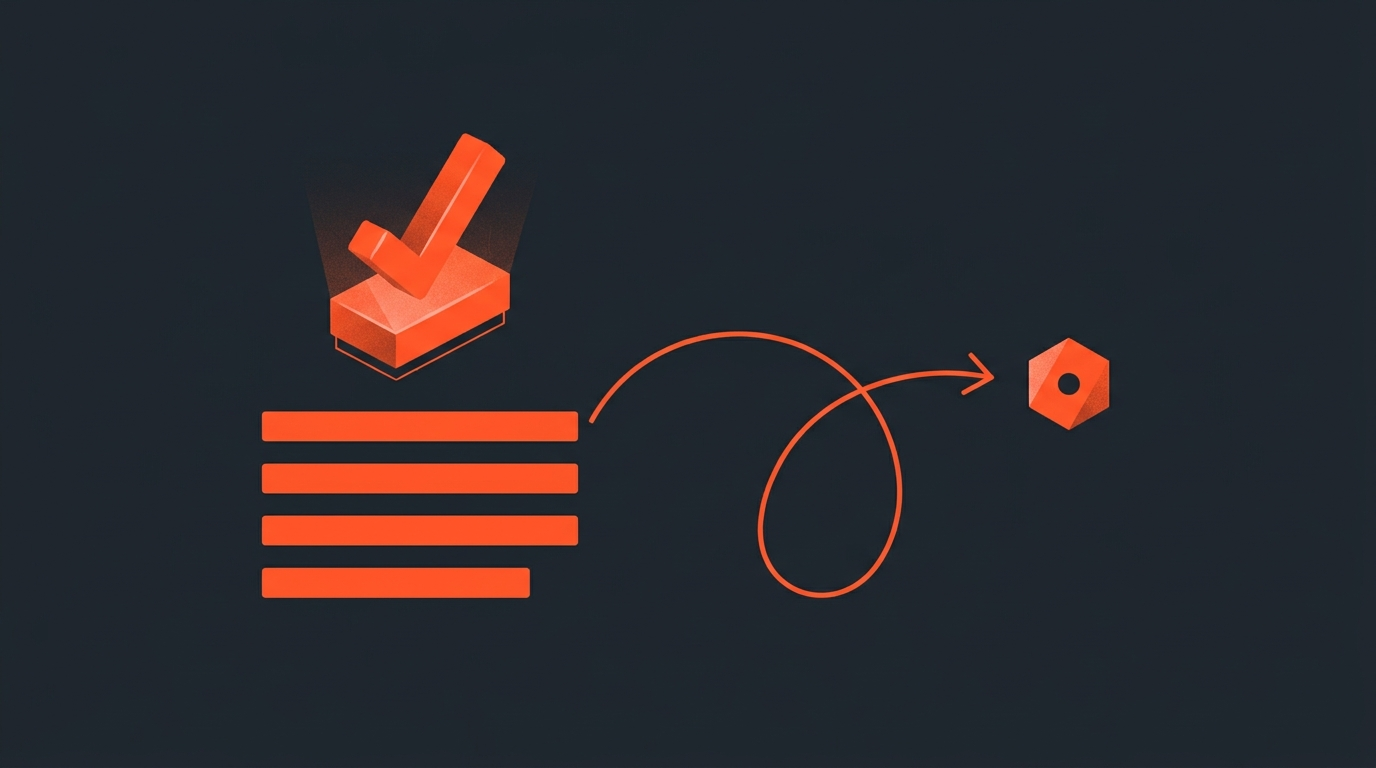
Get the client to sign off on the story before you touch the timeline. Share the selected transcript moments and their order as a readable review link, let stakeholders approve, swap, or comment on that plan, and only then build the cut. A structural change costs minutes when it is still a list of selects. It costs hours, sometimes days, once it is a finished video with mixed audio and graded color.
Most revision requests are not really about a color choice or a music cue. They are structural: a different opening, a dropped story, a reordered middle. Those are the decisions that get made first and reviewed last, which is backward. By the time a client watches the cut, the structure is already built into every downstream decision, so a request to reorder two scenes is not a tweak, it is a rebuild.
The fix is not to ask clients for less feedback. It is to ask for the feedback that matters at the point where it is still cheap to act on, and to ask for it in a format they can actually respond to without needing to be an editor themselves.
The Late-Feedback Tax
Why notes on a finished cut cost more than notes on a plan
Editing agencies already know this shows up on the invoice. Standard production quotes typically bundle in one or two revision rounds, and anything past that runs extra: additional rounds commonly run $500 to $2,000 each, and that figure only covers the visible edit time, not the scheduling churn around it. A separate look at agency operations makes the same point from the inside: teams rarely track the real cost of revisions because the billable hours get logged while the time spent deciphering vague feedback and reconciling scattered notes does not.
None of that cost is inherent to editing. It is the cost of finding out about a structural objection after the structure is already load-bearing. Move the objection earlier and the cost mostly disappears, because a note on a plan is a sentence, while the same note on a finished cut is an afternoon of pulling clips, re-timing transitions, and re-laying whatever B-roll or lower thirds sat against the sequence you just took apart.
Two Review Models
Reviewing a finished cut versus approving a plan
Frame.io is the standard for reviewing a video that already exists. Reviewers scrub the timeline and leave frame-accurate comments and drawn annotations on an already-built cut, and editors pull those notes back into their NLE as markers. It is a genuinely good tool for what it does, and its workflow management features are built around that exact moment: after the build, before delivery.
That is also its limit. A frame-accurate comment on a finished cut is still a comment on a finished cut. If the note is "start with a different story," the tool captures the feedback perfectly and the editor still has to rebuild the sequence by hand. Story-level approval belongs one stage earlier, on the selects and their order, before any of that assembly work happens. That is a different review altogether: not a video to scrub, but a plan to read.
Where The Approval Belongs
Move sign-off to the paper edit, not the assembly
In unscripted production this earlier checkpoint already has a name: the paper edit, a written selection of the chosen quotes laid out in running order before anyone opens an editing timeline. It exists specifically so the person who owns the story, not just the footage, can react to structure while structure is still cheap to change. In documentary workflows, that review step is built in on purpose: the showrunner reviews and approves narrative choices at the paper stage, before those choices are locked into a timeline.
The same logic applies to any client-facing edit, not just documentary. Do the paper edit first, get it approved, then build once. A team that treats this as workflow design rather than an inconvenience tends to protect its own margins: as one Dropbox resource on creative operations puts it, "when managed well, creativity boosts long-term efficiency by reducing rework and delivering stronger campaigns." Reducing rework starts with catching the rework-causing decision before it is built.
The Five-Step Workflow
How to get sign-off before you touch the timeline
- Select from the transcript. Read the interview or podcast transcript and mark the must-have and nice-to-have moments. Cut filler and dead tangents at this stage too, so the client is reviewing the tight version, not the raw one.
- Arrange the running order. Put the selected moments in the sequence you would actually build. This sequence is the thing that needs a yes, not any individual clip.
- Share it as something readable. Send the plan as text and clips a non-editor can open in a browser, never a timeline file or a folder of raw footage they have no way to interpret.
- Collect one round of structural feedback. Approve, swap a moment, flag a cut, or ask for a different opening, all while the plan is still a list, not a build.
- Build the approved structure once. Open the NLE knowing the skeleton will not move under you, and finish the parts that were always meant to be reviewed on a finished cut: pacing, music, grade, titles.
What Needs A Yes
The decisions worth pausing for before you cut
Not every choice deserves a formal approval step. Three do.
Which moments make the cut. This is the actual editorial judgment call, and it is the one clients most often disagree with after the fact.
What order they run in. Order carries meaning. A story that opens with the origin beat reads differently than one that opens with the conflict, and that decision should not be discovered for the first time in a finished video.
Where each selection starts and ends. A moment that starts a half-second late clips the setup; one that runs a beat long drags. This only works if the underlying timecode is accurate down to the word, so what gets approved is exactly what gets cut, not an approximation of it.
A Realistic Run-through
What the two paths actually look like side by side
Take a forty-minute interview destined for a five-minute brand piece. On the old path, the editor makes the call on which fifteen moments matter, builds a full assembly with music and graphics, and sends the client a finished-looking cut. If the client wants a different opening or wants one story dropped, the editor is not adjusting a sequence of clips anymore; they are unwinding a mix, retiming cutaways, and rebuilding the section around the change, then re-rendering and re-sending for a second look.
On the paper-edit-first path, the editor still makes the same fifteen selections, but sends them as a running order the client can read in a few minutes, with no music, no graphics, nothing built yet. The client's note, "open with the origin story instead, cut the conference bit," changes a list, not a render. The editor reorders two entries, confirms, and only then opens the NLE, building toward a structure that has already survived the conversation most projects have after the cut instead of before it.
The Honest Tradeoff
Where this workflow does not pay off
A pre-cut story approval is not free. It adds a review round and a wait for a reply, and on a same-day turnaround or a recurring series where the format is already locked, that extra step can cost more time than it saves. It also only helps if the client actually engages with the plan; a stakeholder who skims a review link the same way they would skim a finished cut gets none of the benefit, and the structural surprises show up later regardless. The workflow earns its keep on projects where structure is genuinely undecided, the client has opinions about it, and a rebuild would be expensive, which describes most client-facing interview and documentary work, but not every job.
Common Mistakes
Where teams undercut their own workflow
The workflow above fails in a few predictable ways. Sending the plan as a raw export or an unstructured stringout instead of a readable link puts the burden of interpretation back on the client, and a confused client stalls or rubber-stamps without really reading it, which defeats the point. Skipping the step for a client who "always likes the first cut" is a bet, and it is the bet that produces the worst rebuilds when it is wrong. And treating the structural approval like a final delivery review, expecting the client to weigh in on music and pacing at the plan stage, muddies a fast decision into a slow one; keep the paper-stage review to selects and order, and save pacing, sound, and color for the review of the finished cut.
Where This Fits
Slotting story approval into the pipeline you already run
This step sits between the transcript and the timeline, not in place of either. You still do the full paper edit process, and you still do the real edit in your NLE of choice afterward. What changes is that the gap between those two stages now has a checkpoint in it, instead of being a straight line from selects to a finished cut nobody has seen yet.
ScriptCut builds that checkpoint directly on top of the transcript: select moments on the words themselves, arrange them into a running order, and send a share link where a client reads the plan, approves it, swaps a moment, or leaves a note, all before a single frame is assembled. Because the underlying selection is word-level timecode, not a rough guess at where a moment starts and ends, what the client approves is exactly what the export will contain, not an approximation of it that still needs adjusting once it hits the timeline.
Once it is approved, export the locked structure as an XML, EDL, or subtitle file straight into DaVinci Resolve, Premiere Pro, Final Cut, or Avid, so the build starts from a plan that has already survived the conversation that usually happens after the cut. The editing itself does not get faster because of this step. What changes is that the editing that does happen only has to happen once.
Sources
frequently asked questions
Because the first time they react to the story structure, the story is already built. A note on the opening or the order of scenes looks like a small ask but requires rebuilding the sequence, not adjusting it.
A paper edit is the selected quotes from a transcript laid out in running order before any timeline work starts. It gives the client something to approve while the structure is still just a list, not a build.
As a readable, playable link, not a raw export or timeline file. A non-editor needs to open it in a browser and understand the plan in a couple of minutes, or the review stalls.
Three things: which moments are included, what order they run in, and where each one starts and ends. Music, pacing, and color belong to the review of the finished cut, not the plan.
Yes, when the client engages with the review. A structural change made to a list takes minutes; the same change made to an assembled, mixed cut can take hours or days to rebuild.
No. Frame.io reviews an already-built video with frame-accurate comments. This workflow approves the selects and running order before any video is built, so a structural change never turns into a rebuild.
You might also like...


Start selecting.

Pick the story in the transcript, export a finished rough cut.