

What Is a Two-Column Script? A Plain-English Guide
The Format
Video on one side, audio on the other, locked to the same line
A two-column script splits the page into a video column and an audio column that run side by side, line for line. The video column carries shots, camera moves, graphics, and B-roll notes. The audio column carries narration, dialogue, music, and sound effects. Whatever sits across from a line of narration is what plays under it. It is also called an AV script, or a split-page script, and it is the standard format for local TV news, corporate and training video, documentaries, commercials, and e-learning, according to the Video Production Handbook, an open broadcast-production textbook used in college TV programs.
Convention usually puts video on the left and audio on the right, but shops flip it, and some add a third column for timing or camera numbers. There is no single body that owns the rules the way the Writers Guild owns screenplay format. The Stream Semester format guide notes the standard leans on Courier New at one-inch margins, a holdover from the pica-typewriter era when one script page ran roughly one minute on screen, but every network, agency, and school bends the specifics to its own house style.
Some newsrooms run a three-column version instead of two. The Video Production Handbook, written by Los Angeles City College instructor Jennifer Vaughn for a broadcast-production course, lays out that variant as a time-cue column on the far left for back-timing a live segment, a video-cue column in the middle for camera numbers and graphics, and an audio column on the right for what the anchor reads. The extra column exists because a live newscast has a hard out-time a taped package does not, so the writer needs a running clock built into the page itself.
Why Two Columns
The layout forces picture and word planning at the same time
A single-column script hides the gap between what a viewer hears and what they see until someone builds the edit. Two columns close that gap on the page. Writing "GRAPHIC: unemployment chart" next to the line "unemployment fell to four percent last month" is a different act than writing the sentence alone. It makes the writer commit to a visual before the shoot or edit ever happens.
Poynter's Vicki Krueger puts the underlying discipline plainly: "Write to your video. Video enriches the story your viewers see. Use it to put your audience at the scene and then use the script to explain what they are not seeing." A two-column layout is that advice turned into a page format. The columns will not let a writer describe what is already on screen, because the mismatch is visible immediately, one line over from the words.
The same logic carries into corporate and training video, where a producer, a narrator, an animator, and a client all need to agree on what plays under each sentence before anyone touches a camera or an after-effects file. The columns are the shared reference all four of them sign off on.
It also protects against a narrower, practical failure: dead air and orphaned visuals. A single-column script can drift into narration with nothing planned to show under it, or a shot list with no line explaining why a given image is on screen. Reading two columns side by side surfaces both gaps before production spends money finding them on set.
Video Column vs Audio Column
Each column carries a specific, non-overlapping job
The video column holds shot size (wide, medium, close), camera movement, on-screen graphics and lower thirds, B-roll descriptions, and any on-screen action, much of the same information a standalone shot list would carry, just tied here to a specific line of audio instead of listed on its own. In a newsroom it also carries shorthand for the story's build: VO for a voice-over read live over footage, SOT for a recorded sound bite that plays with its own audio, and a reader for a short anchor-only item with no video at all. The StudioBinder AV script guide calls the format "a streamlined video screenplay," built for production teams, clients, and voice talent to read at a glance rather than parse line by line.
The audio column holds everything spoken or heard: narration, dialogue, quotes, music cues, and sound effects, each timed to the visual sitting next to it. One formatting habit carries over from broadcast style guides into most house rules: cues and directions in the video column get written in capitals, while the words a narrator or anchor actually reads stay in regular upper- and lowercase type, because mixed case is easier to read aloud under time pressure than a wall of capitals.
Where the columns fall out of alignment is usually where the finished piece falls apart too, a graphic that lands a beat late, a sound bite that runs long and steps on the next line of narration. Reading the two columns together, line by line, is how a script gets checked before it costs anything to fix on set or in the edit bay.
Corporate and e-learning scripts borrow the same split but relabel the columns for their own use: a training video's video column might carry "SCREEN RECORDING: login flow" instead of a camera move, and its audio column carries narration written for a voice-over artist rather than an on-camera anchor. The mechanics stay identical, video on one side, the words and sounds that ride with it on the other, only the vocabulary inside each column changes with the industry.
Two-Column vs Screenplay Format
A planning document for footage that already has a story, not a blueprint for filming one
Screenplay format (scene headings, action lines, centered character names, indented dialogue) exists to describe a scene that does not exist yet: who is in it, what they do, what they say, shot by shot, in the order a crew will eventually film it. A two-column script assumes a different starting point. It is built for content where video and audio need to sync but do not need blocking, character arcs, or scene geography, a news package, a product explainer, an e-learning module, a documentary sequence cut from footage that is already sitting on a drive.
The two formats also fail differently. A screenplay that ignores format looks unprofessional to a reader used to industry pagination (one page equals roughly one minute of screen time, an assumption the whole industry prices work around). A two-column script that ignores format just gets harder to follow, since there is no single governing standard to violate in the first place. That looseness is also why the format survived the shift from film to digital largely unchanged: it never depended on a rigid page-count convention the way screenplay format does.
The two also serve different readers. A screenplay is written for a director, a cinematographer, and a cast who will interpret it during production. A two-column script is usually written for whoever has to approve the plan before production starts, a client, a brand manager, a news producer, someone who may never have read a screenplay and does not need to. That is part of why the format stays plain: two labeled columns read at a glance in a way that a slugline-and-action-block page does not, to someone outside the industry.
Software That Supports It
A short list of tools built around the two-column layout, and where ScriptCut sits outside it
Celtx ships a dedicated Multi-Column AV Script editor: each shot gets a Video field, an Audio field, and an optional Image field for a reference frame, aimed squarely at commercials, documentaries, corporate videos, and training content. WriterDuet offers an Audio/Visual template with a Scene line type that auto-builds the two-column structure as you type, plus a separate MultiColumn mode for splitting any section of a script into parallel tracks. Final Draft, the screenplay-industry standard, once sold a dedicated companion product, Final Draft AV, built specifically for dual-column documentary and commercial scripts; writers on the current version generally fall back on table layouts or a dual-dialogue workaround to get a similar side-by-side page.
Plenty of two-column scripts never touch dedicated software at all. Because there is no single governing standard, a two-column table built directly in Word or Google Docs still satisfies most house style guides, and many small production teams and student newsrooms write scripts that way rather than license a dedicated tool. The dedicated apps earn their keep mostly at higher volume: automatic column alignment when a line gets added or trimmed, PDF export that keeps the columns intact, and version tracking across a team.
ScriptCut is not in that list, and it is worth being direct about why. Celtx, WriterDuet, and Final Draft AV all help someone write a script before anything is shot. ScriptCut starts after the camera stops rolling. Once a script (two-column or otherwise) has been shot and the raw footage is transcribed, ScriptCut is where an editor reads that transcript word by word, marks the lines that actually earned their place, cuts filler and dead air, and rebuilds the story order, all without touching a timeline yet. The two-column script planned the shoot. ScriptCut is what turns the footage that shoot produced into a finished sequence.
From Script to Edit
The page tells you what to shoot. The transcript is what actually gets cut.
A two-column script is a plan, and plans change on set: a line gets cut for time, a source says something better than what was scripted, a shot runs longer than the page allowed. By the time footage reaches an editor, the script is a reference, not the source of truth. The transcript of what was actually recorded is.
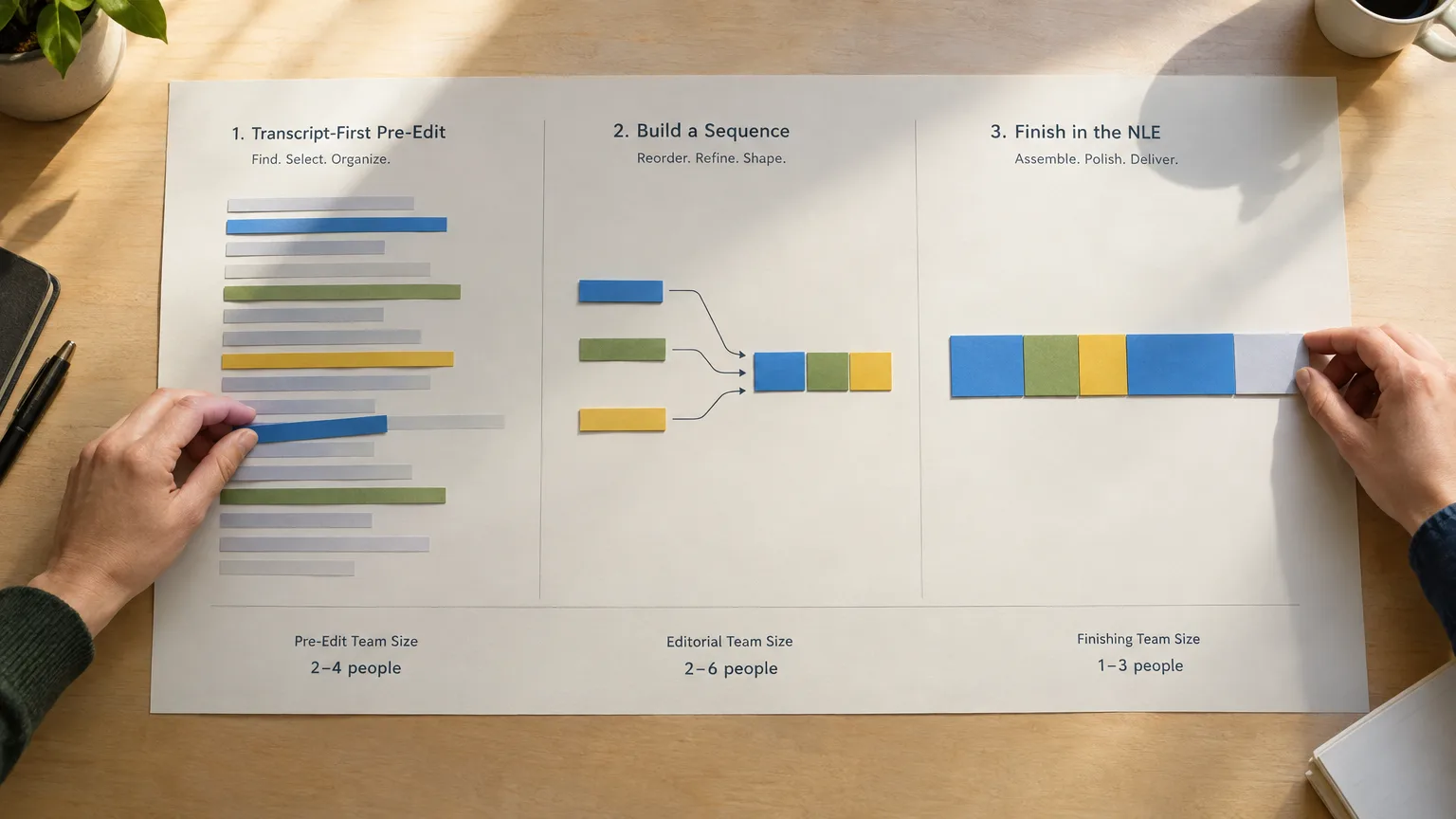
That is the handoff point where a paper edit and a two-column script start to resemble each other, both are a plan for a sequence written before anyone opens an NLE, just built at opposite ends of production. The script plans the shoot. The paper edit plans the assembly, working from what actually came back on the drive.
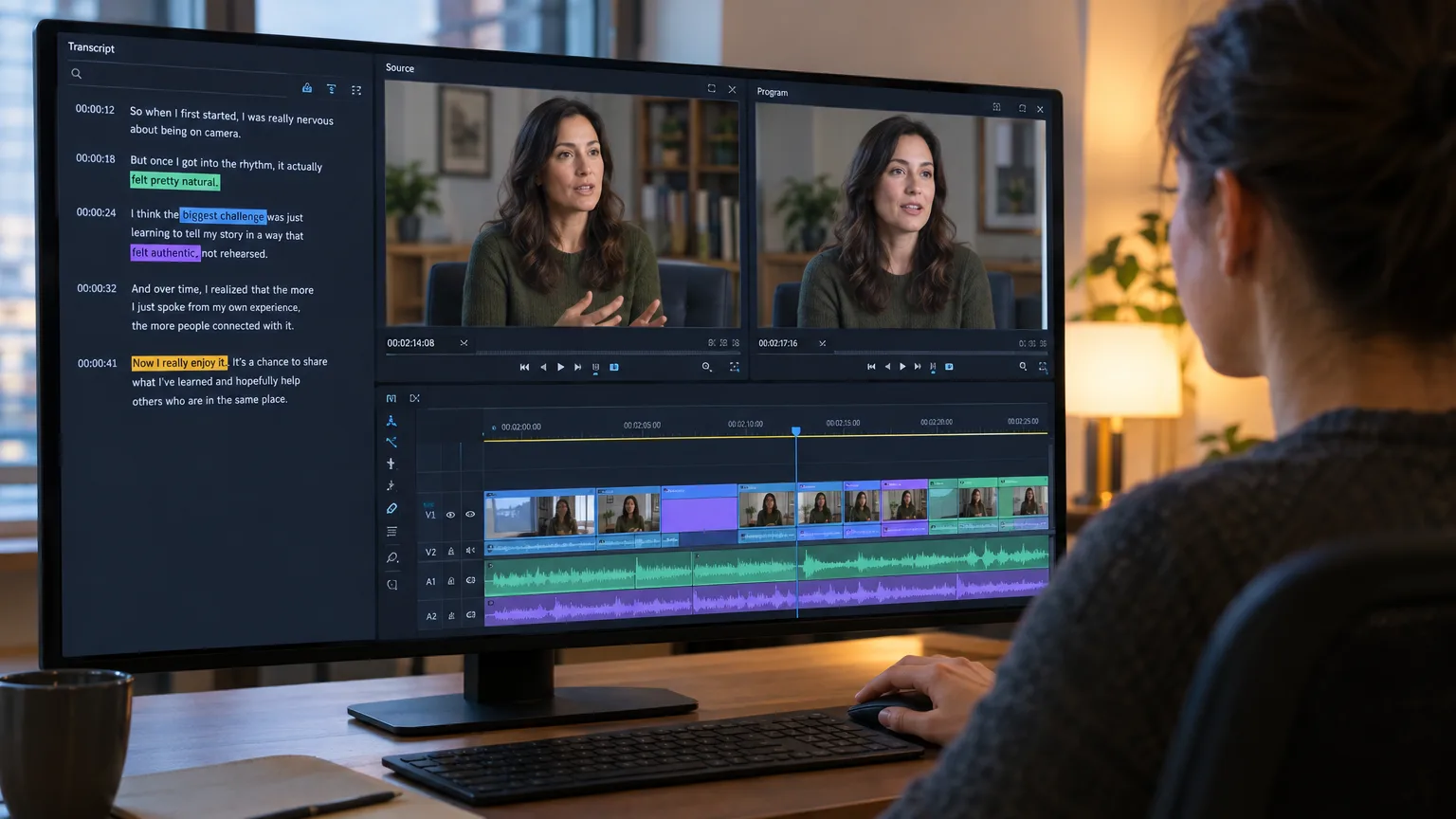
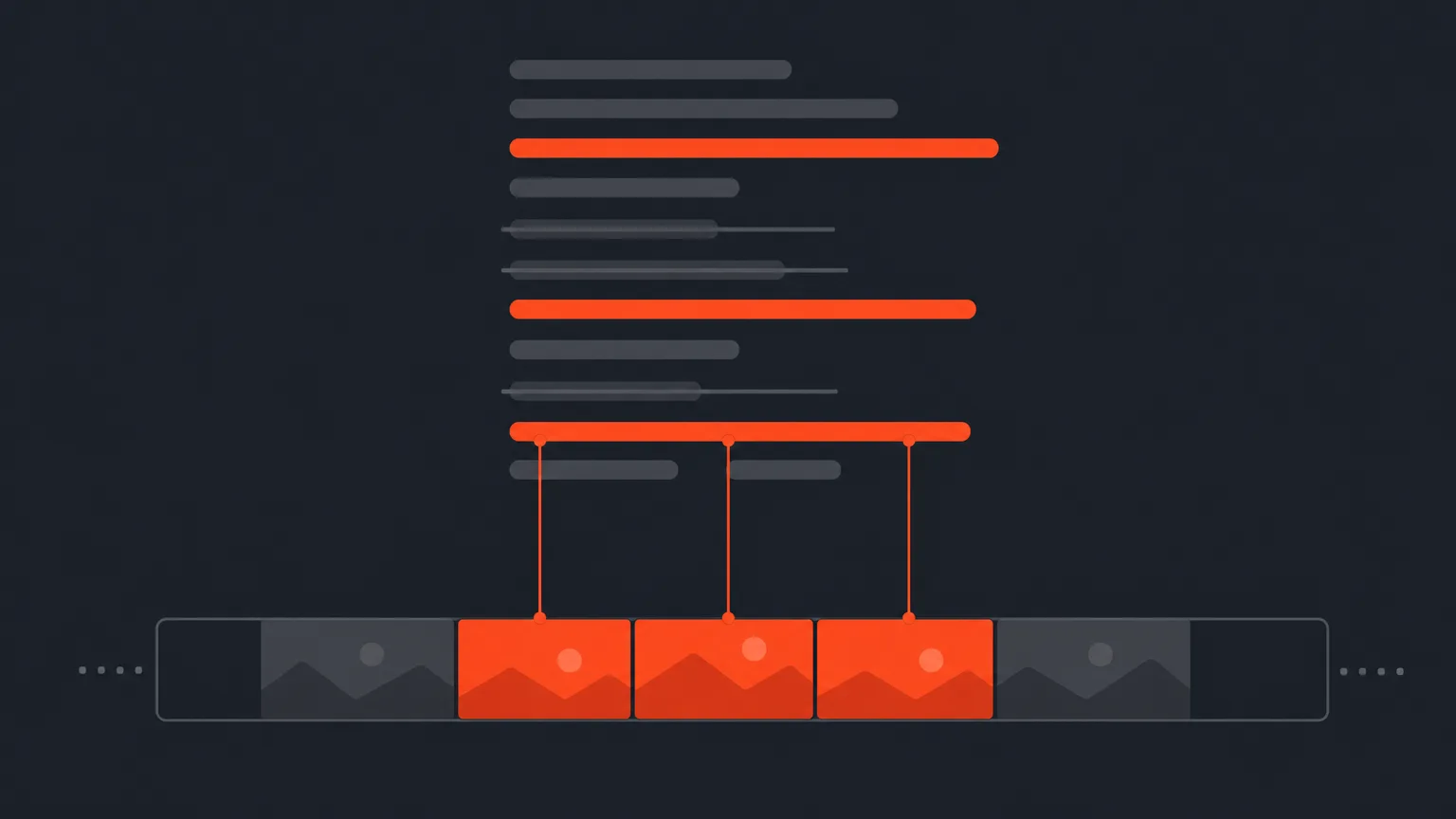
In ScriptCut, that means opening a project, reading the auto-generated transcript with word-level timecode attached to every word, and marking the lines worth keeping directly in the text instead of scrubbing back and forth across a timeline hunting for a line the on-camera talent said three different ways, the same idea behind text-based editing now built into tools like Premiere Pro's own transcript panel, just done earlier, before anything reaches the NLE. Selected lines can be dragged into a new order, reviewed by a client through a share link with no editing software required, and then handed off as a working sequence, a project file the editor's own software can open directly, with the cuts already placed, or as a plain caption and audio file for anywhere else that footage needs to go. The two-column script and the export both point at the same footage. One shapes what gets recorded. The other shapes what gets kept.
Neither replaces the other. A crew that shows up with a two-column script and no plan for what happens to the footage afterward still has to sit down and log hours of tape by hand. A crew that skips the script and only plans in the edit still needed someone, somewhere, to decide what to shoot in the first place. The two documents sit at opposite ends of the same production, one written before the camera rolls, the other built from what the camera actually caught.
The same word-level accuracy also feeds ScriptCut's AI Clips tool, which scans a long transcript for self-contained moments worth cutting down into short social clips, useful on interview or panel footage that never had a two-column script in the first place because nobody could predict exactly what a guest would say.
Sources
frequently asked questions
A two-column script is a page layout that splits video and audio into two side-by-side columns, so each line of narration or dialogue lines up with the shot, graphic, or sound that plays under it. It's also called an AV script or split-page script, and it's standard for TV news, corporate video, documentaries, and commercials.
Two columns force the writer to plan the picture and the words at the same time, so a line of narration never gets written without something planned to show under it. Reading both columns together also surfaces timing problems, like a graphic landing late or a sound bite running into the next line, before the story ever airs.
No. A screenplay uses scene headings, action lines, and character dialogue to describe a scene that doesn't exist yet, in the order a crew will film it. A two-column script assumes the content doesn't need blocking or scene geography, just synced video and audio, so it uses a simpler two-column layout instead.
Yes. Because no single body governs the format the way the Writers Guild governs screenplay format, a basic two-column table in Word or Google Docs satisfies most house style guides. Dedicated software mainly helps at higher volume, with automatic column alignment and cleaner export.
Yes. Beyond TV news, the format is standard for documentaries, corporate and training videos, commercials, and e-learning modules, anywhere narration needs to sync with specific visuals like B-roll, screen recordings, or graphics.
Celtx has a dedicated Multi-Column AV Script editor with Video and Audio fields per shot. WriterDuet offers an Audio/Visual template and a MultiColumn mode. Final Draft once sold a standalone product, Final Draft AV, for the same purpose; current users typically build the layout with tables instead.
No. ScriptCut isn't a scriptwriting tool. It picks up after the shoot, once footage is transcribed, letting an editor select, cut, and reorder the story directly in the transcript, then export it as a ready sequence for their editing software.
You might also like...






Start selecting.

Pick the story in the transcript, export a finished rough cut.
Get the ScriptCut newsletter
Thanks! Check your inbox to confirm.
Something went wrong. Please try again.