
What Is Offline Editing? The Editor's Guide to Online vs Offline
Definition
What Offline Editing Actually Means
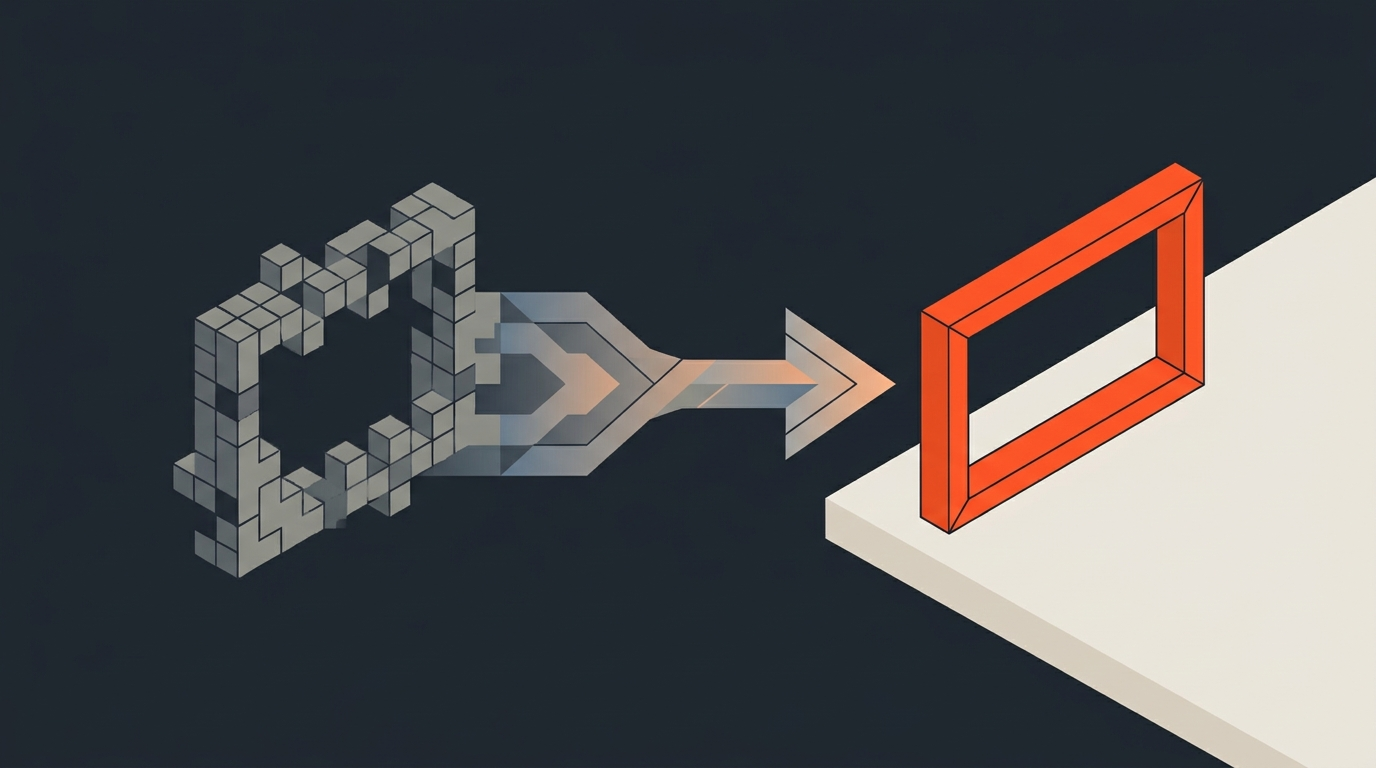
Offline editing is the phase where you build the creative cut on lower-resolution stand-in footage instead of the full camera originals. You are not editing the real files yet. You are editing proxies: smaller, easier-to-play copies that carry the same timecode and frame count as the source, so every cut you make lines up exactly when you swap the proxies back out for full-resolution media later.
The other half of that pair is online editing, sometimes called the conform or the finishing pass, where the approved cut gets reconnected to the original high-resolution files for color grading, visual effects, and final delivery. Offline is where the story gets decided. Online is where the picture gets finished. Confusing the two is common, because online sounds like it means on the internet, and it does not. In edit-speak it just means using the real media.
Fast SSDs and RAID arrays have made native 4K playback possible on ordinary laptops, and some editors skip proxies entirely for that reason. But the split has not disappeared, because the problem it solves was never only about hard drive speed. Long-format RAW and high-bitrate codecs still tax decode performance, remote and collaborative teams still need small, shareable files, and separating creative decisions from finishing work still protects a production from re-rendering everything every time a cut changes.
Origins
Why the Term Predates Digital Video Entirely
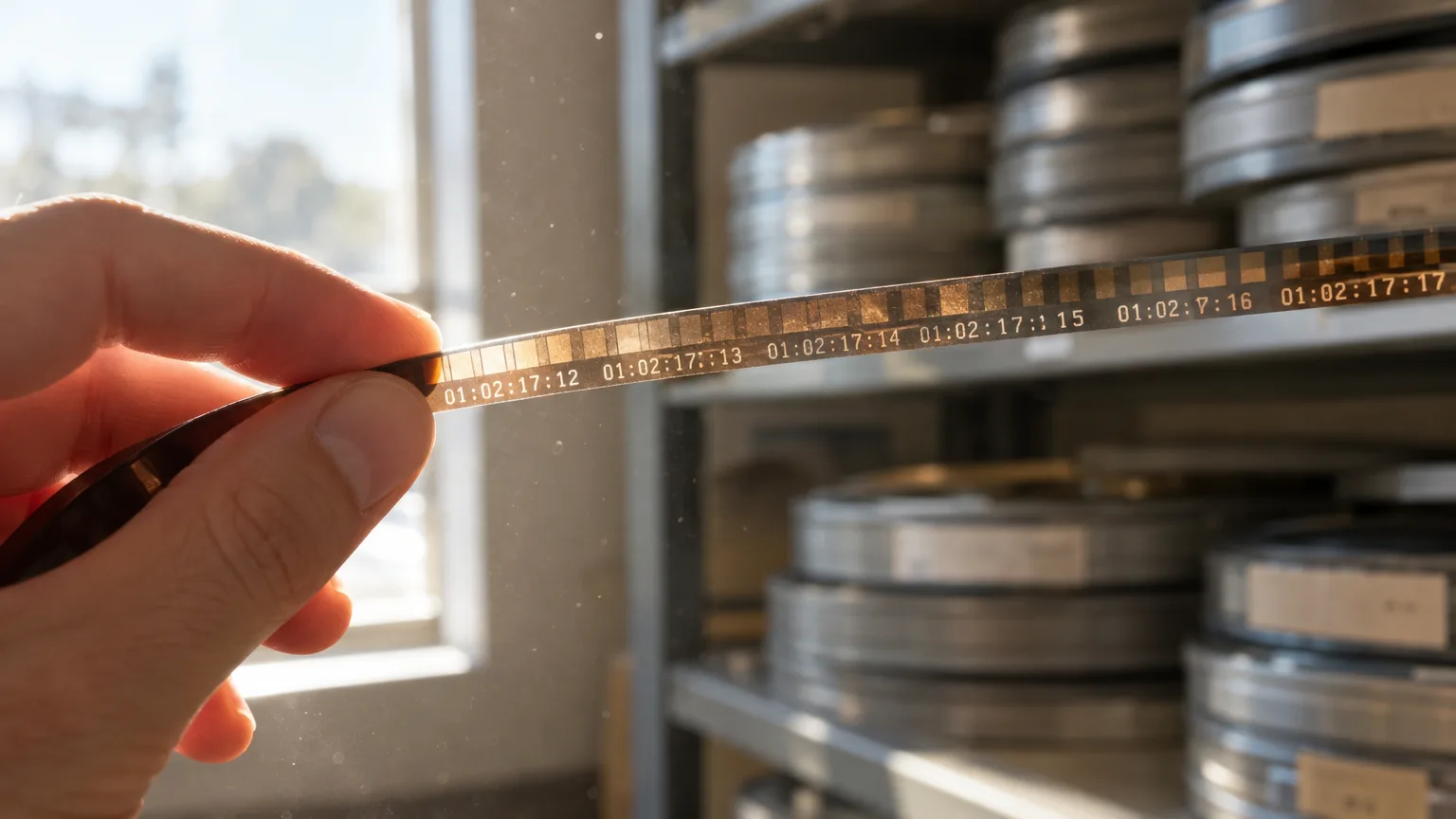
The offline/online split did not start with computers. It started with film negative. Editors used to cut a workprint, a cheap positive copy struck from the camera negative, because the negative itself was too precious and too fragile to run through a Moviola or a flatbed dozens of times per scene. Once the workprint cut was locked, a negative cutter matched every splice by hand against an edge-code list, so the original negative only ever got touched once, for the final assembly.
That workprint was, in every practical sense, a proxy. It carried the same frame numbers as the negative, so the cut translated exactly. When editing moved to tape and then to file-based systems, the same logic carried over almost untouched: cut on something disposable and fast, then relink to something precious and slow. The vocabulary just came along for the ride.
Proxies
What a Proxy File Actually Is
A proxy is a transcoded copy of your original footage, usually at a smaller frame size and a lighter, editing-friendly codec, that stays linked to the source clip by matching timecode and metadata. Shoot in 4K RAW and your proxy might be a 1080p or even a quarter-resolution ProRes Proxy or DNxHR LB file. The visual quality takes a hit. Playback does not.
Codec choice matters more than most editors assume. Long-GOP formats like H.264 and H.265 compress by referencing neighboring frames, which makes scrubbing and frame-accurate trimming sluggish even at a small file size. That is why proxy presets default to intraframe codecs: ProRes Proxy or ProRes LT on Mac-friendly pipelines, DNxHR LB on Avid and cross-platform jobs. Each frame is encoded independently, so your playhead can land anywhere instantly, which is the entire point of cutting offline in the first place.
Avid workflow
How Media Composer Handles the Handoff
Avid built its reputation on this exact workflow, and Media Composer still treats it as a first-class feature rather than an add-on. You link to camera-original media through AMA (Avid Media Access) or import it through the Universal Media Engine, transcode down to a proxy resolution like DNxHR LB or DNx36, and cut your whole show on those lightweight files. When picture is locked, Media Composer relinks the sequence to the full-resolution DNxHR HQX or camera-native masters using the original file paths and timecode, and every cut carries over frame for frame, according to Avid's own proxy workflow documentation.
Avid's own guidance on the process, laid out in its offline editing guide, still describes the same shape studios have used for decades: link the masters, transcode to offline media, cut, relink to the masters, then finish. The tools changed. The sequence of decisions did not.
Resolve workflow
Why DaVinci Resolve Splits Proxy Media From Optimized Media
DaVinci Resolve draws a line most editors miss at first: proxy media and optimized media are not the same feature. Optimized media is an internal, Resolve-only cache it builds automatically to smooth out playback; you never see the files and you cannot hand them to another editor. Proxy media is a real, portable file on disk that you choose the resolution and codec for yourself, in Project Settings under Optimized Media and Render Cache, and it is exactly what you would send to a collaborator cutting remotely.
Once proxies exist, Resolve's Proxy Handling setting under the Playback menu lets you choose Prefer Proxies, Prefer Camera Originals, or disable the substitution entirely, and it will auto-link proxies to their full-resolution counterparts even if another application generated them, per Blackmagic's own manual. That is the online step: flip the switch, and every clip in the timeline points back at the source it was always tracking. Nothing in the cut has to be rebuilt.
Premiere Pro workflow
What the Toggle Proxies Button Is Actually Doing
In Premiere Pro, the moment you ingest footage with proxy generation turned on, Adobe Media Encoder launches in the background and transcodes each clip to your chosen preset (H.264, ProRes, CineForm, or DNxHR) while you keep working. Premiere attaches that proxy to the original clip automatically, and the blue Toggle Proxies button on the Program Monitor is the entire online/offline switch: proxies on, and playback uses the light files; proxies off, and it drops back to camera originals, per Adobe's own documentation.
The advantage over a fully manual Avid- or Resolve-style relink is that there is no separate conform pass to run inside Premiere itself. The sequence never actually treats the proxy as the real clip; it always points at the original, and the proxy is just a stand-in for playback. Export renders from the original regardless of which state the toggle is in, which removes an entire category of forgot-to-relink mistakes.
Real-world example
What This Looks Like on an Actual Feature Film
This is not a niche technique reserved for huge VFX tentpoles. When Frame.io broke down the workflow of every 2018 Best Picture and Best Editing Oscar nominee, all eleven productions cut offline on Avid's DNx codec family, most on DNx115, with four films (Baby Driver, Lady Bird, Call Me By Your Name, and The Shape of Water) on the lighter DNx36, roughly equivalent to ProRes Proxy. Every one of those teams edited at 1080p even on shows shot in 4K, because the extra resolution slowed the offline cut down without changing a single creative decision, a detail confirmed in Frame.io's workflow breakdown.
Deadpool is a good example of the same logic on a Premiere Pro pipeline: the production downsized all footage to a 2048x1152 offline in ProRes LT, cut the entire film on those files, then conformed back to full resolution for the finishing pass. Documentary work runs the same play at a smaller scale. Editor Dilesh Korya, who cut the BBC's Empire with historian David Olusoga, keeps a proxy-based two-timeline setup for speed and told Redshark News: "Resolve transcription has paid for itself many times over. A one-hour, three-camera interview is transcribed, exported to text, paper-edited by the producer, and then conformed back to a timeline." Same offline logic, just applied to text before it ever touches pixels.
Conform
What Actually Happens When You Go Back Online
Conforming is not re-editing with better footage. It is a mechanical relink, and the less creative decision-making happens during it, the better the conform went. The NLE walks your locked sequence clip by clip, matches each proxy to its full-resolution source using timecode and reel or file metadata, and swaps the pointer. Every trim, transition, and speed change you built during offline stays exactly where it was; only the pixels underneath change. Audio usually rides along the same path, reconnecting to its own higher-quality source (a double-system recording, say, instead of a camera scratch track) at the same moment the picture reconnects.
When the conform crosses software (an Avid offline handed to a colorist in Resolve, say, or a cut built in Premiere delivered to an online facility on a different system), an EDL or XML carries the instructions instead of a native project file. That list is deliberately dumb: source in and out points, sequence in and out points, reel or file names, nothing about why a cut happens, only where. A clean offline, with tidy reel names and no orphaned or duplicated media, turns that handoff into a non-event. A messy one turns it into a week of hunting for missing clips.
Where transcripts fit
Locking the Story Before You Touch Any of This
Everything above assumes you already know what the cut is going to be, and that is the part offline editing does not actually solve. Proxies make heavy footage editable. They do not make you faster at deciding which forty minutes of a ninety-minute interview belong in the film.
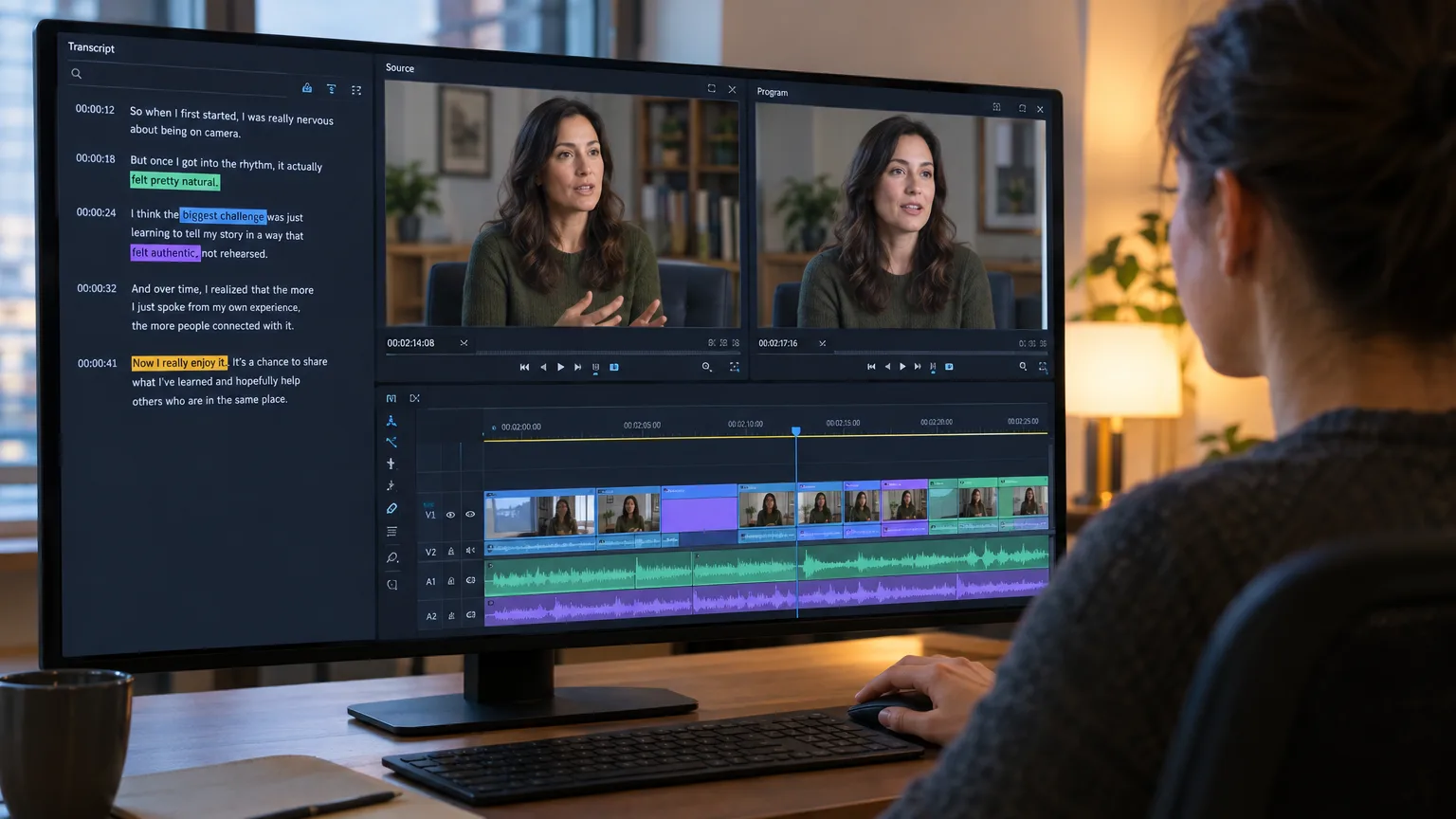
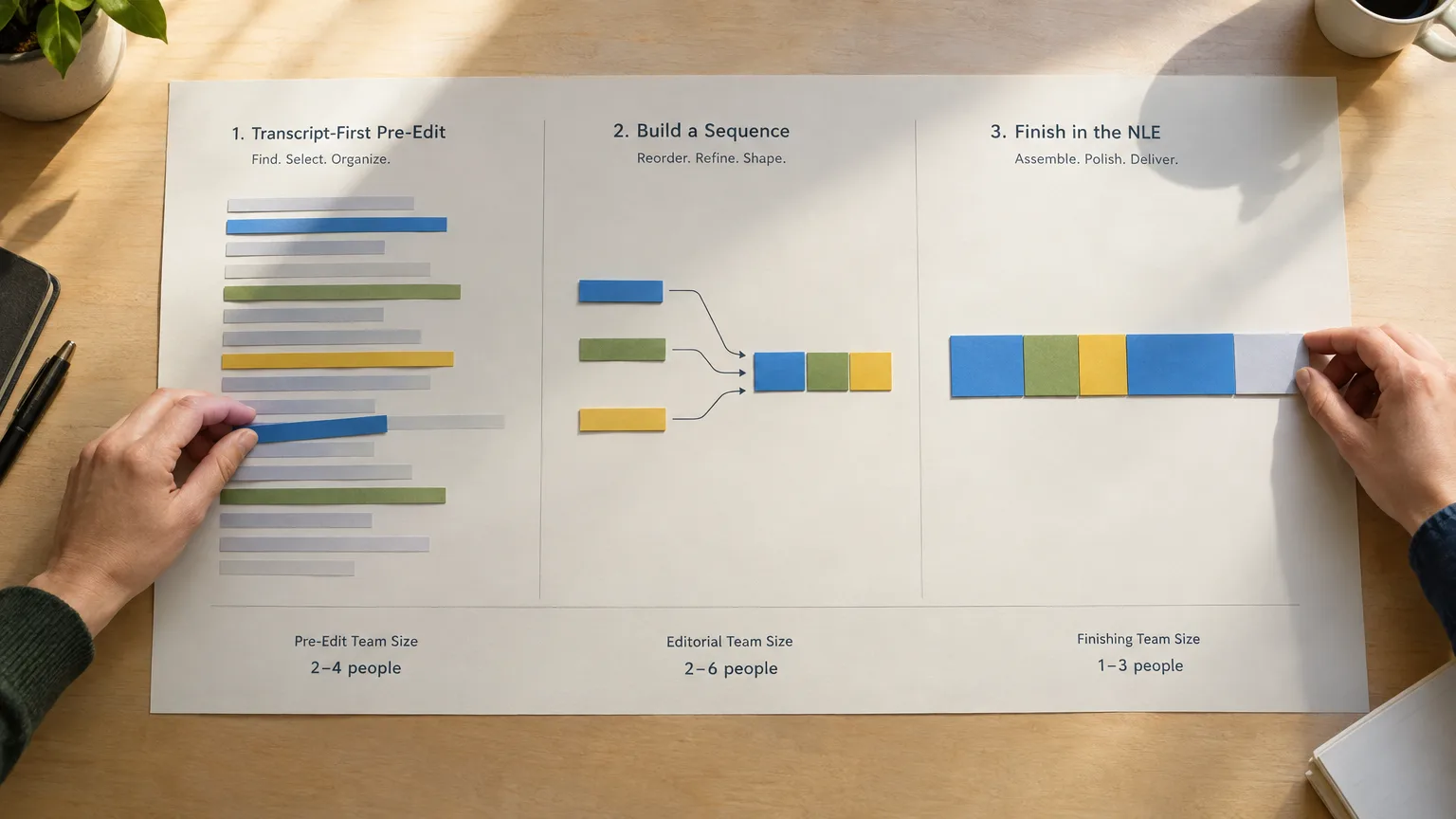
That decision is exactly what ScriptCut is built around, and it happens before proxies enter the picture at all. You read the full transcript, select the lines worth keeping the way you would mark up a script, and arrange them into a structure, all against word-level timecode that maps back to the source frame for frame. By the time you open Resolve, Premiere, or Media Composer, the story is already locked (see our guide to paper editing for the non-fiction version of this same idea), and ScriptCut exports that structure straight into an XML your NLE can conform against, alongside a matching transcript and captions.
In practice that means the offline stage gets shorter, not because proxies got faster, but because expensive edit-suite time stops being spent on story decisions that could have happened in a transcript. If you have not worked with timecode or text-based editing tools before, both connect directly to what makes this handoff work: word-accurate timing that survives the trip from a transcript into a timeline. From there, you still build a proper rough cut and fine cut on proxies like any other production, and if you are already living inside Premiere, our Premiere Pro transcript workflow guide walks through exactly where that handoff happens. Planning-heavy shoots that start from a shot list benefit from the same principle in reverse: decide the shape early, and offline editing just executes it efficiently.
Sources
frequently asked questions
Offline editing is the phase where you cut your story on lower-resolution proxy copies of your footage instead of the full camera-original files, then relink the finished cut to those originals for color and delivery.
Offline is the creative assembly stage, done on lightweight proxies so playback stays fast; online is the finishing stage, where the locked cut gets reconnected to full-resolution media for color, effects, and final output.
High-bitrate 4K or RAW footage can overwhelm a system's playback pipeline, causing dropped frames and laggy scrubbing, so editors substitute smaller, easier-to-decode proxy files during the creative pass and swap back to the originals only once the cut is locked.
The NLE matches each proxy clip to its full-resolution source using timecode and file metadata, then swaps the pointer, so every trim and transition in the locked sequence stays exactly where it was, only the underlying picture quality changes.
No. Short-form content, lightly compressed footage, or a machine that already plays your native files smoothly can skip proxies entirely; the workflow solves a playback performance problem, not a mandatory step.
ScriptCut lets you select and arrange your story from the transcript before you ever open an NLE, then exports that locked structure as an XML your offline session can conform against, so the proxy stage starts with the story already decided.
You might also like...






Start selecting.

Pick the story in the transcript, export a finished rough cut and ready to post short form video.
What are you looking for?
Get the ScriptCut newsletter
Thanks! Check your inbox to confirm.
Something went wrong. Please try again.