
How to Edit Multicam Interviews
Multicam sync
Sync your camera angles before you touch the story
Every multicam interview edit starts the same way, and it has nothing to do with story. Before you can cut between angles, your NLE needs to know that frame 400 on Camera A happened at the same instant as frame 400 on Camera B and Camera C. That alignment is called sync, and doing it wrong (or skipping it) is the single fastest way to waste a day on an interview edit.
Resolve, Premiere Pro, and Final Cut Pro each build a single multicam clip (or multicam source sequence) out of your separate camera files once they're aligned. From that point forward, the software treats every angle as one object with a shared timeline position, and you pick which angle is "on" at any given frame. Get the sync wrong at the start and every angle switch downstream lands on the wrong frame, which is why this step comes before anything else, including the transcript.
Sync methods
Audio waveform sync beats timecode sync for most interview shoots
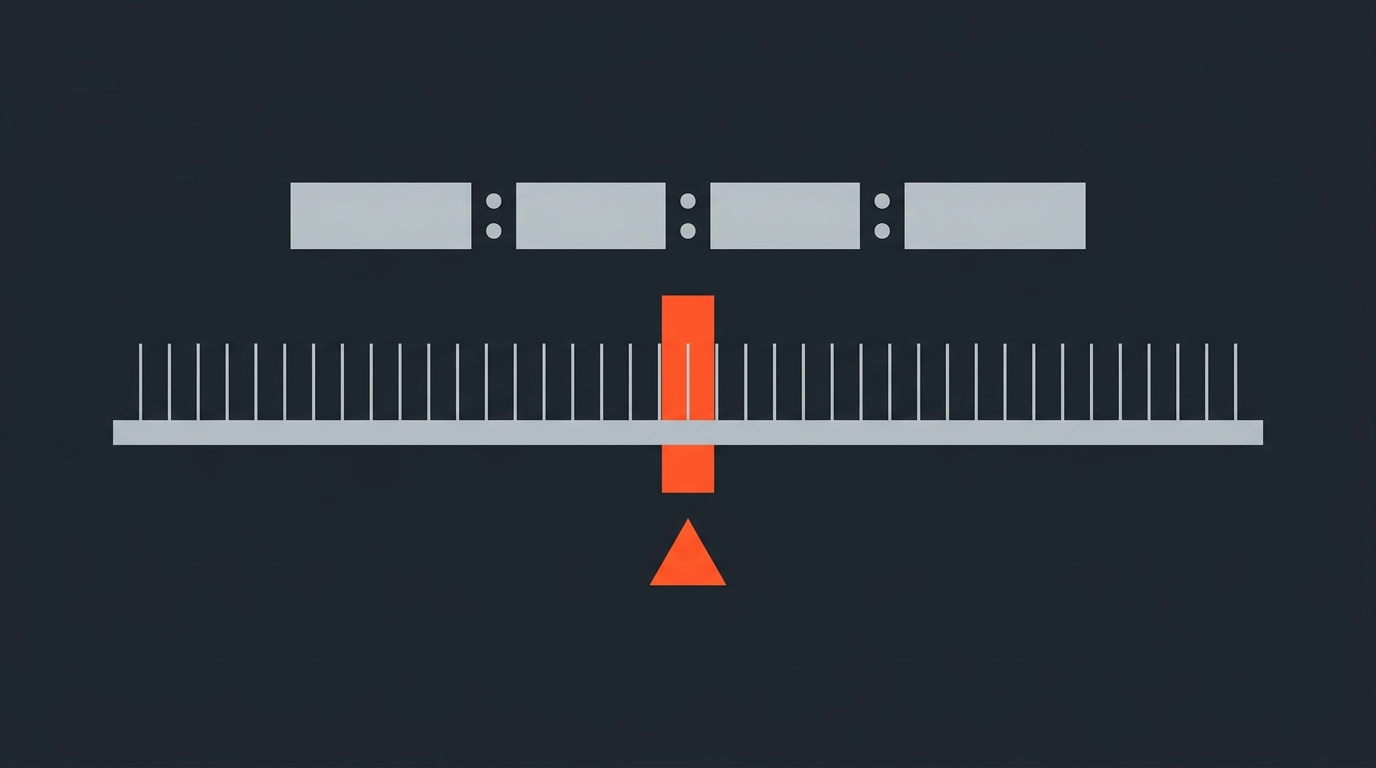
There are two realistic ways to sync a multicam interview: matching timecode, or matching audio waveforms. Waveform sync wins for most independent and mid-size productions, because it only needs a clean, audible signal common to every camera (room tone, a clap, or a lav mic bleeding into the camera's scratch audio) and it works even if nobody jam-synced timecode before the shoot.
In DaVinci Resolve, you select the clips for one setup, right-click and choose to create a new multicam clip, then pick waveform or timecode as the sync method. Resolve compares the waveforms across the selected clips and replaces each clip's reference audio with the newly aligned track. Premiere Pro's equivalent is creating a multi-camera source sequence, with separate options for Audio, Timecode, and Sound Timecode (a dedicated audio recorder used as the sync reference), plus a frame-accurate offset if one track drifts. Final Cut Pro can sync clips using audio waveforms or, if every camera recorded matching timecode, order angles by timecode instead, which Apple notes is the fastest and most frame-accurate option when it's available.
Timecode sync is faster and more exact when it's available, but it depends on every camera and recorder sharing a jam-synced or common timecode source before the shoot started. Most two- or three-camera interview setups running on prosumer bodies don't have that, so waveform sync is the fallback that actually gets used on set.
Inside the multicam clip
What Resolve, Premiere, and Final Cut actually do once angles are synced
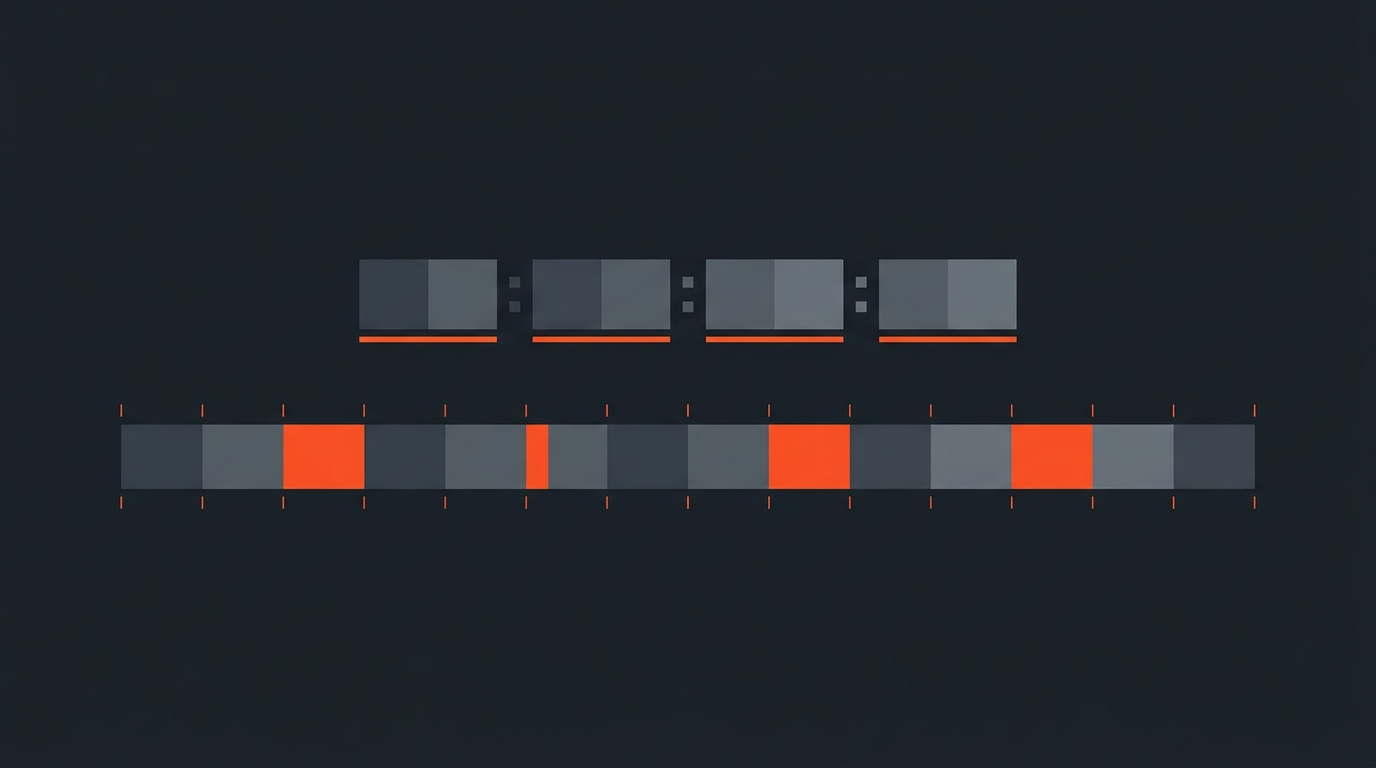
Once sync runs, all three NLEs collapse your separate camera files into one clip you can drop on a single timeline track. Final Cut Pro's multicam clip shows every angle in a grid inside the viewer; you play through it once and tap a number key (or click a tile) to cut live between angles as the footage plays, and Final Cut records those switches as cut points automatically. Premiere Pro's multicam source sequence works the same way in its own multi-camera view. Resolve does it inside the Cut or Edit page with the same grid-and-tap logic once the multicam clip is on the timeline.
This is the part of multicam editing people picture when they hear the word: a grid of four faces, someone hammering number keys in real time like a live TV director. It's a genuinely fast way to build a rough angle pass. The problem is that it's also the step most editors reach for first, before they know which parts of the interview are actually staying in the cut, which is backwards for a talking interview and is exactly the mistake the next section covers.
Lock the story first
Selecting the story and switching angles are two separate jobs
Here's the order that actually holds up on a real interview edit: sync the angles, pick the story, then switch angles. Skipping straight from sync to angle-switching means you're deciding what stays in the piece and which camera shows it at the same time, in the same pass, and that combination is what makes multicam interview edits sprawl into a dozen open bins and a timeline nobody can find anything on.
A transcript-first pass solves this by separating the two decisions. Read the interview as text, mark the lines that are the actual story, cut around the dead air and the false starts, and you end up with a lean sequence of moments before you've opened a single grid view. ScriptCut builds this pass directly against the source footage: because the transcript carries word-level timecode, every line you keep maps to an exact in and out point on the original camera files, so the story cut is already frame-accurate before it ever touches a multicam clip. That's a different job than a traditional paper edit done on printed pages with a stopwatch; the selections here are live and exportable. For background on that method generally, see what a paper edit is and how text-based editing works as a category.
Once the story is locked, you bring that selected sequence into your multicam timeline and the only decision left is which angle is on screen for each line. That's a much smaller, faster job, and it's the one multicam grids were actually built for.
Cutting rhythm
Where to switch angles so the cut disappears
With the story locked, angle switching comes down to a short list of reliable triggers. Cut to a new angle on a change in energy (a laugh, a pause, a harder statement), cut on a reaction from the other person in frame, and cut whenever the pace has sat on one angle long enough that it starts to feel static, usually somewhere in the eight-to-fifteen-second range for a conversational interview.
The angle switch does double duty. It resets the viewer's eye at the exact moment you also need to remove a stumble, an "um," or a repeated word from the transcript-level cut. Because the eye is busy processing a new frame, camera angle, and distance, it doesn't register the small time jump underneath it the way it would on a static shot. This is standard technique on any interview show that shoots more than one angle, and it's the reason a three-camera setup consistently reads as cleaner than a single locked-off shot even when both are covering the same conversation.
Keep one discipline here: don't cut angles on a rhythm just because it's your turn to cut. If a moment plays better held on the wide because the two people's body language is doing the work, hold it. Angle changes should follow the content, not a metronome.
Real-world multicam
How 60 Minutes runs four channels on every sit-down
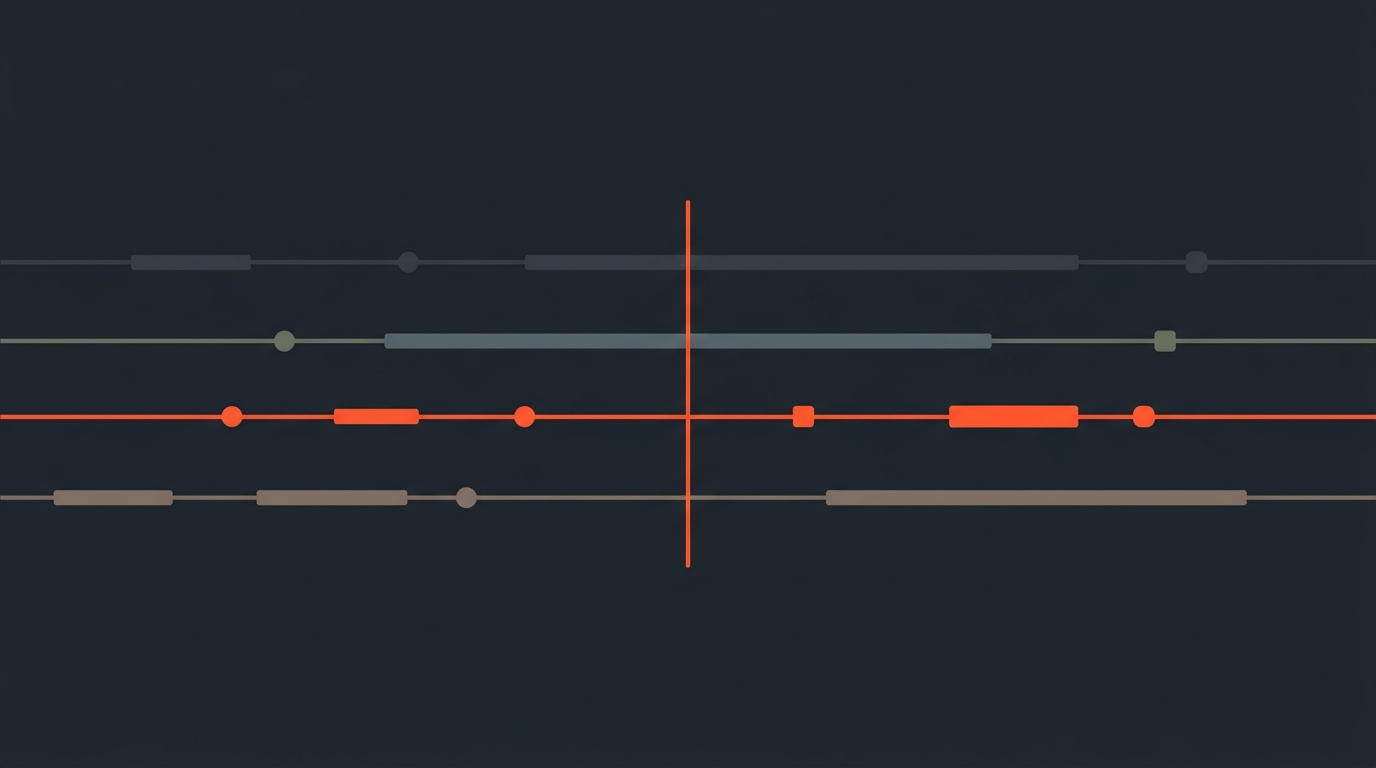
CBS's 60 Minutes has shot its interviews on three or four cameras for decades, and the show's DP-side workflow is a useful reference point for how a working multicam interview setup actually gets recorded, not just edited. Cinematographer Dennis Dillon, who has shot for the program, has described running a Convergent Design Apollo unit as a four-channel recorder covering every camera and audio source on the shoot at once: I use Apollo as a four-channel HD recorder for all of my cameras and audio.
The reason that detail matters for editors: consolidating every camera and audio feed into one recorder, timestamped from a single clock, is what makes the sync step downstream close to automatic. It's the professional-grade version of the same principle a two-camera indie shoot uses when it slates a clap at the top of every take. Whether you're running four channels through a dedicated recorder or two mirrorless bodies with on-camera mics, the goal at the sync stage is identical: give the editing software one clean, shared audio reference to lock every angle to.
Getting it out
Exporting a multicam interview without breaking sync
A multicam sequence only stays "multicam" inside the NLE that built it. The moment you hand a cut to another editor, a colorist, or a client for review, what actually needs to travel is the flattened result: which angle is visible on which frame, matched to accurate source timecode for every camera involved. An XML or EDL export carries that information as a literal list of cuts and source in/out points, so whoever opens it next relinks to the original camera files and sees the exact angle choices you made, not a placeholder.
This is where doing the story selection against word-level transcript timecode pays off a second time. Because every kept line already has a precise in and out point on the source footage, the export that leaves ScriptCut isn't a rough guess at where a sentence starts, it's the same frame-accurate reference your NLE needs to rebuild the sequence correctly the first time it's opened. For more on why that timecode layer matters across formats, see what timecode actually is and how a multicam edit differs from a single-camera one at the format level.
Common mistakes
Where multicam interview edits actually go wrong
Most multicam interview edits that run long or fall apart share the same handful of root causes. Syncing angles with a bad or absent audio reference and hoping it's close enough. Opening the angle-switching grid before the story is locked, which turns one editing pass into two overlapping ones. Cutting angles on a rigid rhythm instead of on actual content beats. And treating a two-camera talking-head setup as if it needs the full multicam workflow when a single strong angle plus cutaways would tell the story just as well, which is worth questioning before you shoot, not after.
The fix for most of these is sequencing, not more gear. Sync once, cleanly. Lock the story against the transcript, independent of camera angle. Then switch angles as the last, fastest pass. Production teams using a transcript-based Premiere Pro workflow or planning coverage against a shot list tend to hit this order naturally, because the story decisions are already made before anyone opens a multicam bin.
Sources
- Adobe: Create multi-camera source sequences in Premiere Pro
- Apple: Create multicam clips in Final Cut Pro
- Apple: Sync audio and video in Final Cut Pro
- Digital Production: Switching to Resolve, selects and assembly in multicam editing
- Convergent Design: Apollo users tell their stories, including 60 Minutes DP Dennis Dillon
frequently asked questions
Sync every camera angle first using a shared audio or timecode reference, lock the story by selecting the strongest lines from the transcript, then switch angles for rhythm as the last pass. Doing angle switching before the story is locked is the most common reason multicam interview edits sprawl.
Audio waveform sync works for almost any interview setup because it only needs a clear, shared sound across cameras, like room tone or a clap. Timecode sync is faster and more exact, but only works if every camera and recorder shared a jam-synced timecode source before the shoot.
Choosing what stays in the interview and which camera shows it are two separate decisions. Making both at once, inside a live angle-switching grid, is why multicam edits balloon into dozens of open bins instead of a clean sequence.
A new camera angle resets the viewer's eye at the exact frame where a stumble, pause, or repeated word gets removed underneath it. The eye is busy processing the new framing and distance, so it doesn't register the small time jump the way it would on a static shot.
No. A simple talking-head interview often works fine on one strong angle plus cutaways or B-roll. Multicam setups earn their complexity on longer sit-downs, panels, or conversations where reaction shots and pacing genuinely need a second or third angle.
Yes, through an XML or EDL export that carries which angle is visible on every frame along with accurate source timecode for each camera. That lets another editor relink to the original camera files and see the exact angle choices, not a placeholder.
You might also like...
Start selecting.

Pick the story in the transcript, export a finished rough cut.