
What Is Timecode in Video Editing?
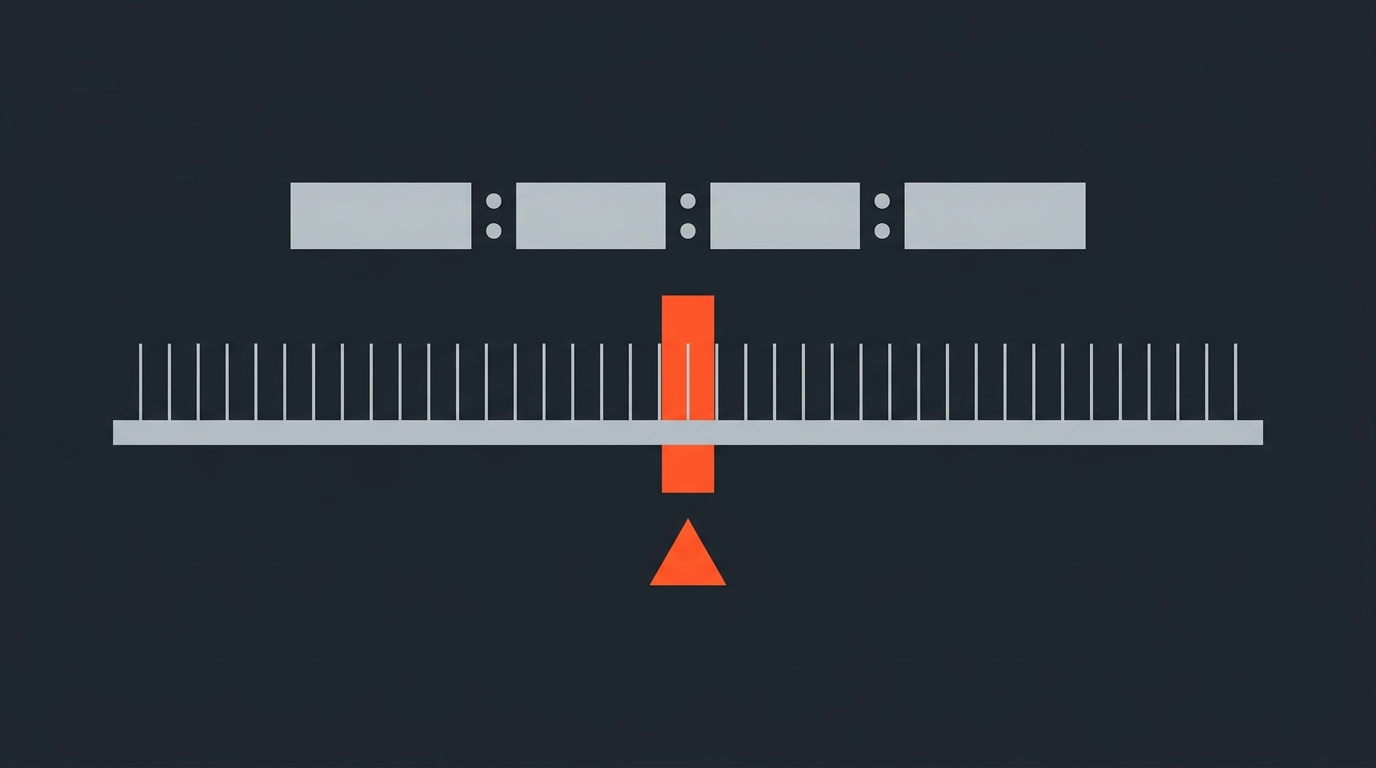
Timecode is a time-address system that assigns a unique number to every frame of video, so any moment in any clip can be located precisely, on any device, by any person on the team.
Most editors spend years inside an NLE before they think too hard about the numbers in the corner. Timecode is just there. But the moment you start working with multi-camera footage, multi-day shoots, or transcript-based editing, timecode becomes the connective tissue of the whole project. Get it wrong and your captions are off by three seconds per hour. Your conform goes sideways. Your client sees the wrong take.
This is what timecode actually is, where it came from, and why it matters more than most editors realize.
The SMPTE format
What that string of numbers in the corner actually means
The standard timecode format is HH:MM:SS:FF. Hours, minutes, seconds, frames. If you see 01:23:45:12, that is one hour, twenty-three minutes, forty-five seconds, and twelve frames into the source material. The last field counts individual video frames within that second. At 24fps it runs 00 to 23; at 30fps it runs 00 to 29; at 25fps it runs 00 to 24. Once the frame count rolls over, the seconds tick up by one.
This is the SMPTE (Society of Motion Picture and Television Engineers) timecode format, standardized as SMPTE 12M. It is the timecode you see in your NLE, the one that appears on window-dub copies sent to clients, and the one that your exported XML or EDL uses to tell the NLE exactly where to cut. The same number maps to exactly one frame, on every device that speaks SMPTE, every time. That precision is the whole point.
The history
From NASA mission tapes to the NLE on your desk
Timecode was not invented for Hollywood. In the late 1960s, the broadcast industry had a genuine chaos problem: each network and post facility used its own incompatible sync systems, so tapes from one facility could not be reliably edited at another. EECO (the Electronic Engineering Company of Santa Ana, California) built the first practical timecode system in 1967, directly borrowing from NASA's method for synchronizing telemetry tapes during the Apollo program. Mission tapes needed to be cut together from multiple sources. So did broadcast footage.
By 1969 SMPTE had formed a committee to standardize the format. The specification was formally approved by ANSI in 1975, largely based on the EECO system, with contributions from Leo O'Donnell at the National Film Board of Canada. The resulting standard has remained structurally unchanged for over fifty years. A timecode from a tape shot in 1980 and a timecode from an ARRI Alexa file from last week use the same format. That stability is not an accident; it is exactly what you want from a system whose entire job is reliable identification.
The move to digital changed how timecode was carried, not what it was. On videotape, it rode as an audio signal in a dedicated track (LTC) or in the video signal itself (VITC). On digital files, it became metadata embedded directly in the container. The number means the same thing either way.
Drop frame vs non-drop frame
The problem that only exists at 29.97fps
This is the one that trips up editors and causes real production problems downstream. When NTSC color television launched in 1953, engineers reduced the frame rate from exactly 30fps to 29.97fps to prevent the color subcarrier from interfering with existing black-and-white receivers. That left a permanent 0.03-frame-per-second gap between video time and wall-clock time. Nobody fixed it. They just shipped NTSC.
The consequence: at 29.97fps, an hour of real time contains 107,892 frames, not 108,000. Non-drop frame (NDF) timecode counts every frame number sequentially, so after an hour it is showing a number that is 108 frames ahead of the actual clock on the wall. That is 3 seconds and 18 frames. On a ten-hour shoot, NDF timecode is over a minute fast compared to real time.
For most editing work, this does not matter. Every frame still has a unique number, the edits are frame-accurate, and your NLE does not care about wall-clock alignment. But for broadcast delivery and closed captions, NDF timecode produces captions that arrive seconds late by the end of a long program. The captioning system expects timecode to track the actual clock. NDF does not.
Drop frame timecode (DF) fixes this by skipping frame numbers 00 and 01 at the start of every minute, except every tenth minute (no skip at :00, :10, :20, :30, :40, :50). No actual video frames are dropped; only the numbering skips. This removes exactly 108 frame numbers per hour, which compensates precisely for the 29.97fps shortfall. Drop frame timecode stays synchronized with the wall clock throughout a program.
You can identify drop frame by its notation: a semicolon separates the seconds and frames fields. 01:00:00;00 is drop frame. 01:00:00:00 with a colon throughout is non-drop. Premiere Pro and DaVinci Resolve both display this distinction in the timecode overlay.
Practical rule: use drop frame for any 29.97fps deliverable going to broadcast, streaming, or captioning workflows. Use non-drop frame for 24fps and 23.976fps film-style projects. The rule exists only for NTSC-derived frame rates; 24fps and 25fps never need it.
Types of timecode
LTC, VITC, embedded, and window burns
The SMPTE number format is the same everywhere. What changes is how that number gets recorded, transmitted, or displayed.
LTC (Linear / Longitudinal Timecode) is encoded as an audio signal and recorded on a dedicated track, or distributed between devices by a timecode box like a Tentacle Sync or Deity TC-1. It requires media to be in motion to be read: the signal is frequency-dependent, so it is unreadable at pause or slow motion. On set, LTC is what a camera and an external audio recorder share when you jam-sync them at the start of the day.
VITC (Vertical Interval Timecode) is embedded directly into the vertical blanking interval of the video signal, the scan lines above the visible picture. Unlike LTC, VITC is readable even at pause or single-frame advance, which made it essential for the frame-accurate tape-to-tape editing that defined broadcast post-production for three decades. It must be burned into the original tape at the time of recording; you cannot add it later. Pronounced vit-see.
Embedded timecode is how modern digital cameras carry timecode. Inside an MXF, QuickTime, BRAW, or R3D container, timecode is stored as metadata alongside the image data. When your NLE reads source timecode from an ARRI Alexa or RED file, this is what it is reading. No separate track required.
BITC (Burnt-In Timecode) is timecode rendered visibly as text into the picture frame itself, also called a window dub or window burn. It is an image, not data: no NLE can read it programmatically. But a client reviewing a clip can use it to call out an exact timecode in their feedback, which an editor can then locate in the source files. Useful for review copies; not a substitute for real metadata.
Timecode in your NLE
How Premiere Pro, DaVinci Resolve, and Final Cut Pro each handle it
Every major NLE reads source timecode from the file and displays it in the source monitor or viewer. What varies is how you access and verify it.
In Premiere Pro, set drop or non-drop frame in Sequence Settings via the Timebase field. Adobe's official sequence settings reference covers the full options. The drop-frame semicolon notation appears in the timecode overlay, and you can right-click the timeline ruler to set the sequence's start timecode. Adobe recommends 30fps drop frame for any NTSC 29.97fps project.
In DaVinci Resolve, timecode overlays live under the View menu. The Deliver page has Data Burn-In for permanently baking timecode into an export. One gotcha worth knowing: exporting BRAW clips as individual MXF files can drop source timecode unless you specifically use the Individual clips export mode. The DaVinci Resolve transcript workflow relies on that source timecode being intact for every cut to land correctly.
In Final Cut Pro, source timecode and project timecode are displayed separately. Window menus expose both. Clicking the timecode field and typing a value jumps the playhead directly to that frame. Apple's Final Cut Pro guide covers the keyboard paths. This distinction matters more than most editors realize: source timecode is what your camera recorded; project timecode is where the clip lands in your sequence. They are often different numbers.
When timecode goes wrong
Three errors that actually happen on real productions
Timecode failures tend to be quiet. The footage plays fine. The sync looks close. You only find the problem when something downstream depends on precision and it is not there.
Clock drift. Camera clocks are not calibrated to the same reference as your external audio recorder. Over a long continuous take, the two clocks diverge slightly. On a two-hour uninterrupted shoot, the drift can be audible by the end of the session. This is why timecode boxes are used together with Genlock on live-event and reality shoots. No Film School explains the difference between timecode sync and Genlock, and why you often need both to stay locked over a long roll.
NDF delivered as DF, or vice versa. A 29.97fps video edited in non-drop frame, then delivered to a broadcaster expecting drop frame, produces captions that are off by about 3.6 seconds per hour. On a 60-minute program, every caption line is late by the end. The error is not noticeable in the first few minutes. It compounds through the length of the program.
Multicam sync errors. A camera clock set for the wrong timezone, or never jammed to the recorder before rolling, produces footage whose timecode is off by an exact number of hours. The timeline appears to work for several minutes, then breaks. The fix requires knowing which clock was wrong and by how much. This is entirely avoidable with two minutes of jam-sync before every recording session.
All three failures share the same pattern: invisible at the editing stage, they surface at delivery or in a downstream system. If your edit is going anywhere near captioning, broadcast, or a conform facility, verify your timecode format before you start building the sequence.
Timecode and transcript editing
Why word-level timecodes change the paper edit workflow entirely
The classic paper edit was built on written timecodes: an editor would transcribe footage by hand, note the timecode next to every usable line, and sequence those notes into a blueprint the assistant would conform. The timecodes were the whole point. Without them, the part where she talks about her mother is just a description. With them, it is a precise frame range an assistant can pull without guessing.
AI transcription changed the speed, not the principle. When a tool like the Premiere Pro transcript-based editing workflow generates a transcript, it assigns a timecode to every word. Select that word in the transcript, and the NLE knows exactly which frame to cut to. The transcript becomes a directly executable cut list, not just notes.
This is what makes transcript-based editing fundamentally faster than the old way. A paper edit that took a day to hand-log now takes minutes to generate. The selects still require human judgment; the timecoding happens automatically. The frame accuracy that once required careful logging of every HH:MM:SS:FF field is now embedded in the file, surfaced in the transcript, and acted on the moment you click a line.
The only catch: the timecodes have to be right. A transcript generated from a file with incorrect or missing source timecode produces cuts that are offset from the actual audio. Faster interview editing workflows depend entirely on those source timecodes landing correctly, which is why verifying your camera's timecode settings before the shoot is worth a few minutes of setup. The transcript editor works with what the file says. The file says what the camera clock set.
If you want to work transcript-first, ScriptCut links every word in the transcript to a precise, frame-accurate cut. Select a line, play it to check tone, approve it, and export an XML, EDL, or audio file your NLE can open directly. The timecode is the foundation. Everything else builds from it.
Sources
frequently asked questions
Timecode is a time-address system that assigns a unique number to every video frame in HH:MM:SS:FF format -- hours, minutes, seconds, and frames. Standardized by SMPTE, it lets any NLE, captioning system, or editor locate any exact moment in any clip with frame precision.
Drop frame timecode skips frame numbers 00 and 01 at the start of every minute except every tenth minute, compensating for the 29.97fps NTSC frame rate being slightly slower than 30fps. No actual video frames are removed; only the numbering skips, keeping timecode aligned with the real-time clock for broadcast and captioning.
LTC (Linear Timecode) is encoded as an audio signal and requires media to be in motion to be read. VITC (Vertical Interval Timecode) is embedded in the video signal and can be read even at pause. Modern digital cameras use embedded metadata timecode stored inside the file container instead of either.
When a tool transcribes footage, it assigns a timecode to every word. Selecting any word in the transcript tells the NLE exactly which frame to cut to, making the transcript a directly executable cut list rather than just written notes.
The most common causes are camera clock drift on long continuous takes, mixing drop frame and non-drop frame timecode in the same project, and camera clocks not jammed to an external recorder before rolling. Clock drift is best prevented by using timecode boxes and Genlock together.
BITC, also called a window dub or window burn, is timecode rendered as visible text into the picture frame itself. It is an image, not machine-readable data, used on review copies so clients can reference exact moments in their feedback without accessing the original NLE project.
YouTube accepts any well-formed timecode. Drop frame is mainly needed for broadcast delivery and closed captions tied to timecode. For online-only content without captioning workflows, non-drop frame is fine for most projects at any standard frame rate.
You might also like...
Start selecting.

Pick the story in the transcript, export a finished rough cut.