

How to Edit an Interview Faster: The Transcript-First Workflow
The slow part
Scrubbing is where interview edits actually lose time
Cutting an interview is rarely slow because of the software. It's slow because finding the good ten minutes inside sixty means playing, pausing, and rewinding a waveform by ear, over and over, hunting for a line you half-remember. That search, not the trim itself, is where most of an interview edit's hours disappear.
NPR's Fresh Air team edits every conversation before air rather than airing it live, and Terry Gross has been direct about why the edit is final: subjects don't get to revisit their answers after the fact. That kind of editorial confidence only works if the editing team can move through the raw conversation fast and land on the right ten minutes without re-listening to the whole hour five times. This general approach, working from the page instead of the waveform, is what's known as text-based editing.
Here's Adobe's own walkthrough of that same text-based mechanic, built directly into Premiere Pro:
Read before you cut
The transcript-first sequence, in order
- Transcribe with word-level timecode. Every word needs its own in and out point, not just a line-level timestamp, or a selected passage will cut mid-sentence.
- Read the full transcript once, start to finish, without touching a timeline. This is closer to reading a manuscript than watching footage, and it's roughly a third faster than listening at real-time speed.
- Mark the strong passages on the page. Highlight what earns its place, not what's merely usable, the transcript version of logging interview footage, done once instead of twice.
- Cut filler and false starts in the text. Removing "um," restarts, and dead air is a text edit before it's ever a timeline edit.
- Reorder for the story, not the chronology of the conversation. The best answer to question three often belongs before question one.
- Watch the assembled cut once for tone. Text can't tell you if a laugh landed or a pause read as awkward. That check still has to happen on video.
A worked example
A 50-minute founder interview, cut to six minutes
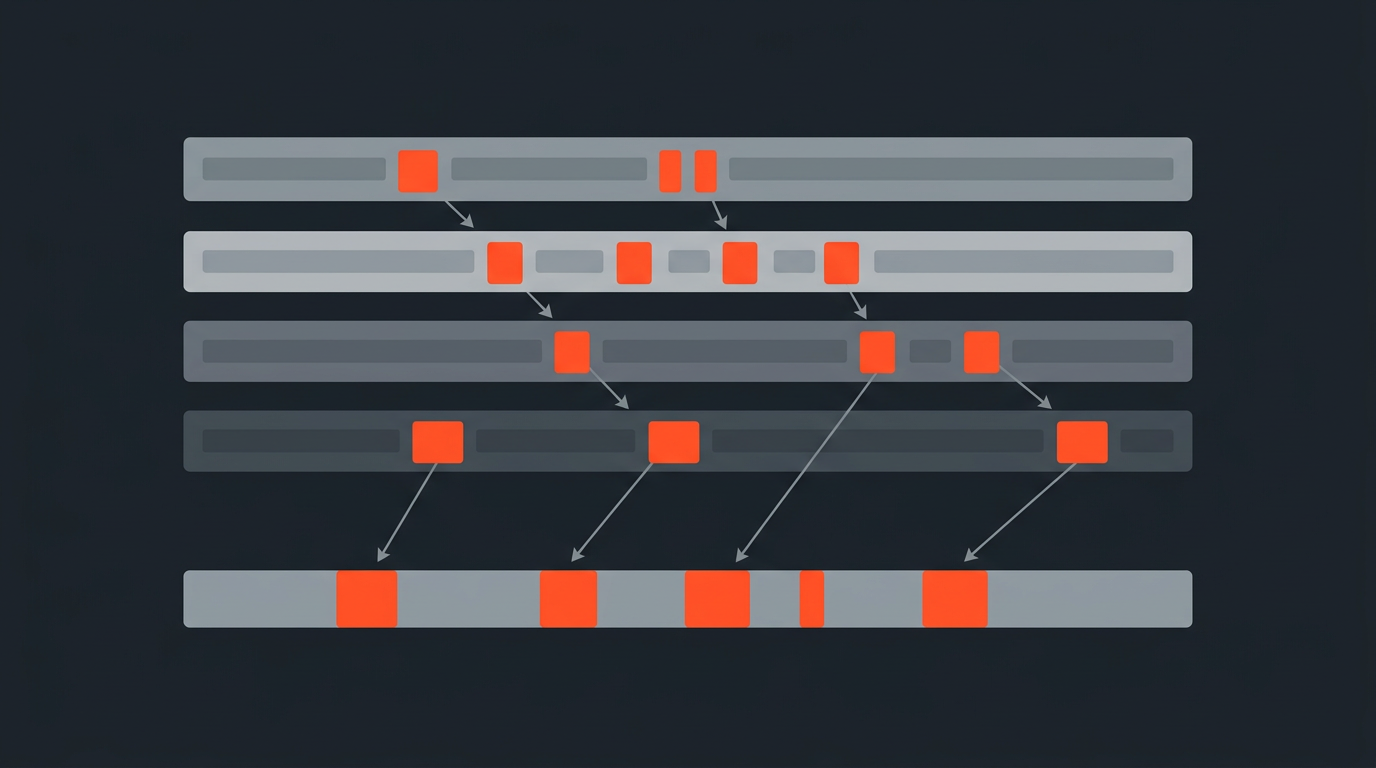
A 50-minute founder interview for a company profile needs to land at six minutes, the same squeeze covered in cutting down a long interview. Scrubbed by ear, finding the six best minutes inside fifty typically means multiple full passes. Read as a transcript, the same search is a single pass: skim once, mark the passages that carry the story, and the fifty minutes is already down to something closer to twelve before a single cut is made in the timeline, effectively a selects reel built entirely on the page. The remaining trim, tightening twelve minutes to six, is a normal edit at that point, not a hunt.
Common mistakes
Where transcript-first edits go wrong
- Cutting the audio track and forgetting the b-roll or second camera. A transcript maps to the spoken track; any picture-only footage still needs a manual pass.
- Over-trimming pauses. A beat before an answer often carries the emotional weight; cutting every silence flattens the performance.
- Skipping the final watch-through. A transcript can't catch a bad edit point mid-word or a jump cut that reads as a flinch.
The tradeoff
What this workflow costs you, honestly
Reading is not always faster than listening: a transcript with dropped words, wrong speaker labels, or garbled names on a noisy recording makes reading slower than just watching, because you're second-guessing the page instead of trusting it. This workflow is only as fast as the transcript underneath it, which is why speaker separation and word-level accuracy matter more here than for a transcript nobody will edit against. Good habits for organizing interview footage before you even transcribe make that accuracy easier to trust.
Past the interview
Where the same method holds up beyond a single sit-down
The sequence above scales past a single interview, and it's one piece of a larger habit of speeding up your editing workflow: it's the same mechanic behind batch editing a full podcast season and behind pulling short clips out of a longer conversation. Read first, mark on the page, cut second.
ScriptCut builds this sequence into one pass: word-level timecoded transcript, highlight-to-select, drag-to-reorder, then export straight to an XML for Premiere Pro, DaVinci Resolve, Final Cut Pro, or Avid, with a client share link for approval before anyone opens an NLE.
Sources
frequently asked questions
Reading text is roughly a third faster than listening to speech in real time, and marking a strong passage on a page is quicker than cueing, playing, and re-cueing the same passage in a waveform.
No. It changes where the search for good material happens, from the timeline to the page, but the assembled cut still needs a full watch-through to check tone, pacing, and performance.
It's a timestamp on every individual word, not just each line, so a selected passage cuts exactly where the words start and end instead of mid-sentence.
Over-trimming pauses. A beat before an answer often carries emotional weight, and cutting every silence flattens the performance.
Yes. The same read-first, mark-second sequence scales to batch editing a full podcast season and to pulling short clips out of a longer conversation.
You might also like...

Start selecting.

Pick the story in the transcript, export a finished rough cut.