
How to Organize Interview Footage for Editing
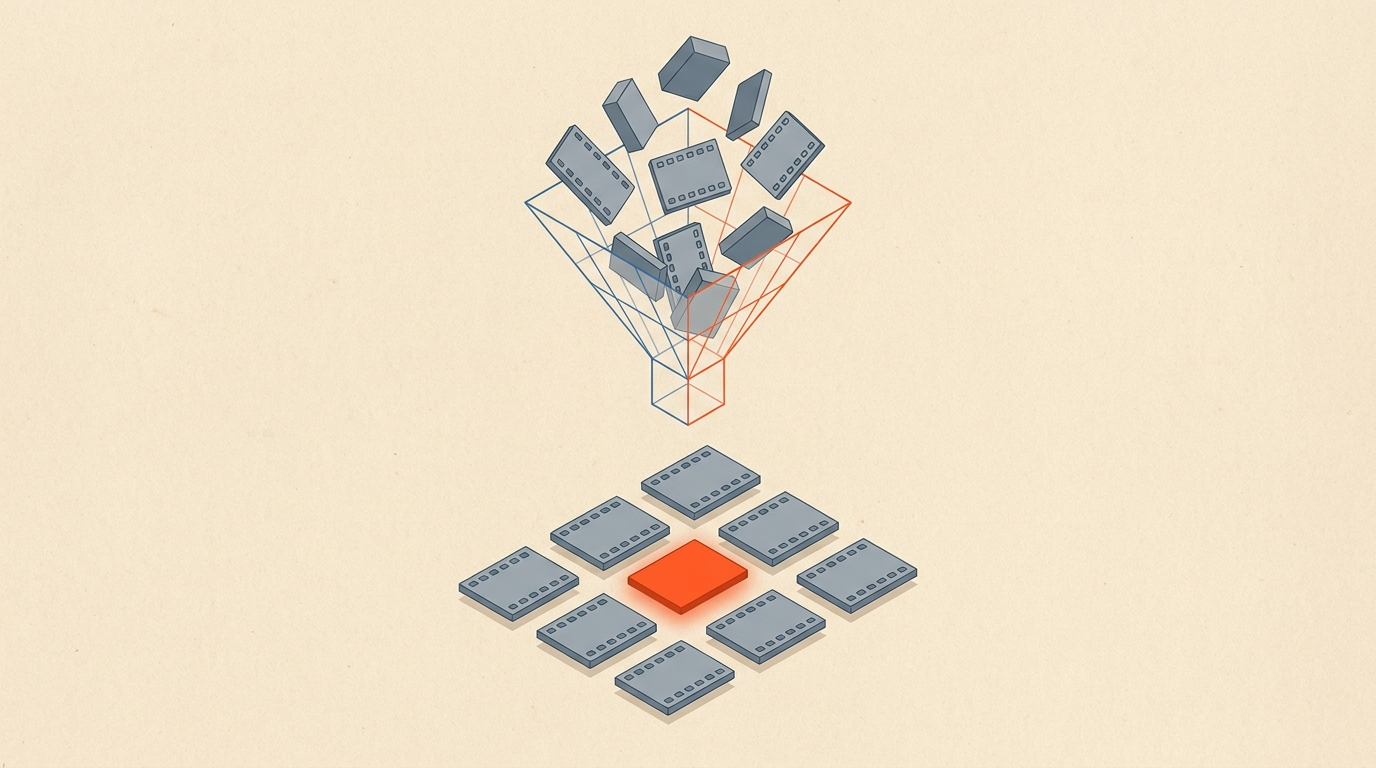
The fastest way to organize interview footage is to make it searchable by what was said: protect the files, name them consistently, log them against the transcript, and build your selects directly on that transcript so finding a moment is a search, not a scrub. Most editors still organize by clip and lose the edit to the search for a line they remember someone saying. Organize by words instead, and that search disappears.
The pain compounds with scale. A single 20-minute interview you can hold in your head. A three-day shoot with six subjects, forty cards, and hours of b-roll is a different animal, and "I'll remember where that was" stops being true around hour three. Past that point a system isn't optional, it's the difference between editing and archaeology.
Protect The Footage
Back it up before a single card gets wiped
Before anything creative happens, protect the footage with the 3-2-1 rule: three copies of the footage, on two different types of media, with one copy off-site. Card to working drive to backup, at minimum, before you wipe a single card. It's the least interesting layer of the whole system and the one people skip until a drive dies mid-project.
Name files consistently while you're at it. A scheme like DATE_SUBJECT_CARD_CLIP beats the camera's default file numbering every time, because six weeks from now the date and subject are what you'll actually search for. Keep a simple shoot log too, even a spreadsheet mapping cards to subjects and setups. None of it is glamorous. All of it saves hours later.
Log Against The Transcript
Let the transcript replace the notebook
Transcribe each interview and treat the transcript as your log, instead of watching every clip back and writing timecoded notes by hand. Traditional logging works, but it's slow, and it produces a document that lives apart from the footage it describes. A transcript with timecode on every word collapses that gap: the log and the edit surface become the same document.
This is also just faster on its own terms. Reading a transcript to find the beats in an interview takes a fraction of the time it takes to watch the same interview back, so logging six interviews by reading them is a morning's work, not a week's. Filmsupply's guide to logging footage makes the same point from the production side: a mess-free timeline starts with a clean log, and the log is worth building well before you touch an NLE.
A Documented Case
How one director organized 30 interviews before editing a frame
Rain Perry, directing her first documentary, The Shopkeeper, about a Texas music producer, built a database of every piece of footage before handing anything to her editor. Inspired by editor Walter Murch's own use of FileMaker Pro on his films, she logged around 5,000 records from 30 interviews plus b-roll and photographs, tagging each one by subject, theme, location, and how strong the moment was.
As No Film School reported, Perry put it this way: "It took me months, but I was very comfortable going into the edit, knowing I've watched every single moment of film." That comfort translated directly into budget: because she could hand her editor a precise list of what to pull each day instead of raw cards, the edit itself took meaningfully less time to finish.
You don't need FileMaker Pro or 5,000 records for a single testimonial shoot. The principle scales down cleanly: know your footage before the edit starts, in a form you can search, and the edit gets faster in direct proportion to how well you did that homework.
What made Perry's system work wasn't the software, it was that the database and the footage stayed connected. A note that says "great line about the early years" is useless if you have to hunt through forty files to find which one it describes. A note attached to an exact timecode in an exact file is a note you can act on immediately, months later, without re-watching anything.
Tags That Actually Get Used
Keep the tagging system small enough to maintain
Documentary editors commonly tag clips with a handful of fields: who's speaking, where the moment happens in the story, what emotional beat it hits (conflict, resolution, backstory), and whether the technical quality is usable. That short list, applied consistently, does more work than an elaborate taxonomy applied inconsistently. A tagging system dies the moment it takes longer to fill out than it saves.
For most interview shoots, three tags cover it: theme (which topic this line belongs to), strength (would this survive a tight cut or only a longer one), and status (used, backup, cut). Anything more granular than that tends to get skipped under deadline, which means the tags you actually need should be the ones you can fill in without stopping to think.
Cross-Subject Grouping
Group selects by theme, not by tape
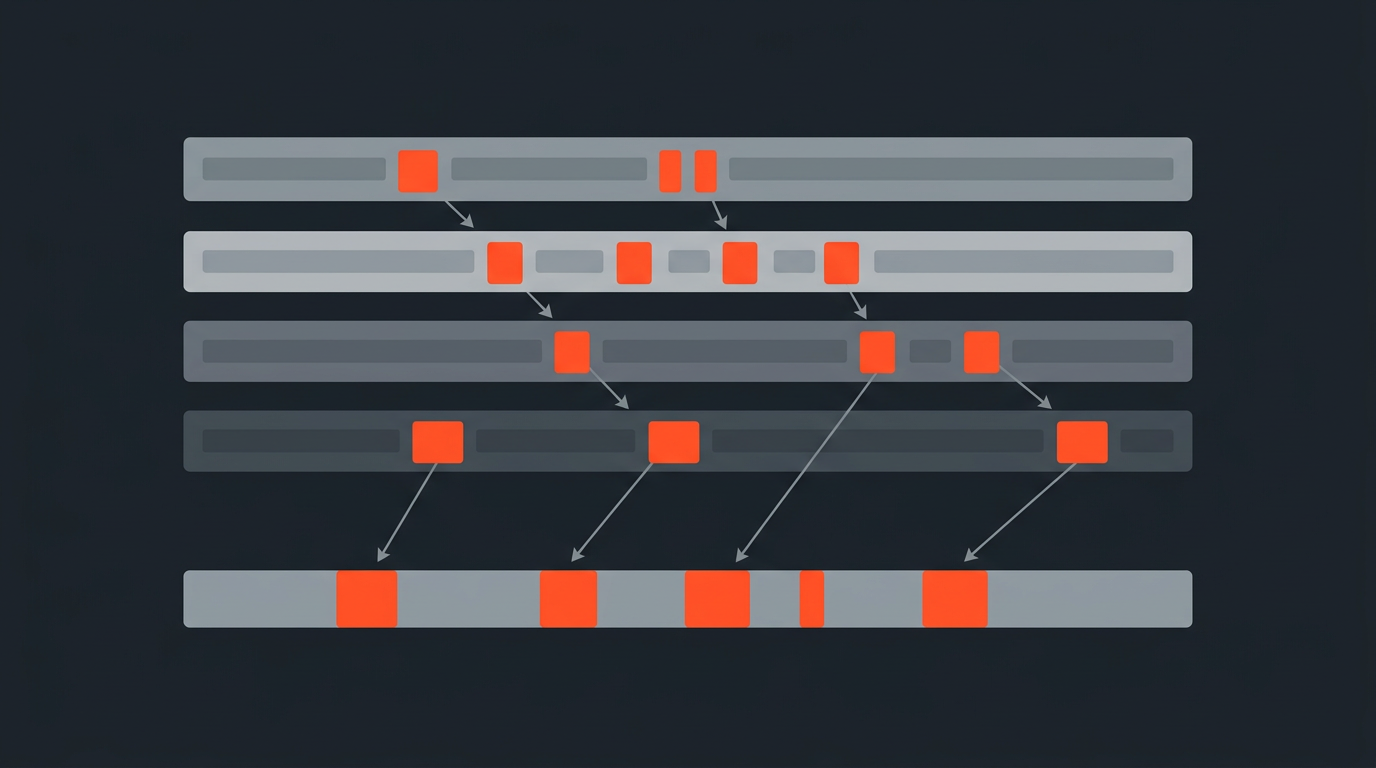
The real payoff of this whole system is organizing selects by topic across subjects, not by which card or which day they came from. If three interviewees all land on the same turning point in their story, you want those three lines sitting next to each other, ready to compare, regardless of who said them first or which card their footage lives on. That cross-cutting view is nearly impossible with a bin of clips named by card number and straightforward with a set of transcripts you can search and tag.
In ScriptCut you highlight selects across every interview in a project and group them into named themes on the page itself, so by the time you start building the story you're pulling from a curated, labeled set instead of forty raw clips you have to re-open one at a time. Add a second subject to the shoot and the system doesn't change, you're just adding rows to the same page instead of opening a second bin structure.
This also solves a problem that a card-based system can't: two subjects rarely say the important thing at the same timecode, or even in the same order. A theme-based selects set treats the topic as the unit of organization, so the fact that one subject's "result" beat lands at minute two and another's lands at minute nine stops mattering. They sit next to each other on the page either way.
From Selects To Timeline
Make the selects reel the start of the cut, not a separate step
The last layer is the selects reel: your shortlist of the lines worth keeping, and it shouldn't be a document you have to recreate once you get to the timeline. Build it on the transcript, with timecode already attached to every word, and the selection work you already did becomes the first cut instead of a reference document for one. Word-level timecode is what makes this possible: every highlighted line already knows exactly where it lives in the source file.
Arrange the selects into story order, then export the sequence as a timeline your editor opens directly, with the structure already built in. Compare that to the more common path, which is re-logging the same footage a second time once someone finally sits down at the NLE.
Worked Example
A three-day shoot, organized in a day and a half
A brand shoot with five customers and about four hours of combined interview footage can go from raw cards to a labeled selects set in about a day and a half. Day one: ingest with 3-2-1 backup and the naming scheme in place. That evening, transcribe all five interviews. The next morning, read the four hours in roughly ninety minutes, highlighting selects and tagging them into four themes the brand cares about, the problem, the switch, the result, the recommendation.
By lunch there's a labeled selects set spanning all five subjects, every line timecode-locked to its source. Arrange the strongest into a two-minute story and export it to Premiere Pro for finishing. The edit that used to start with "now where was that great line" instead starts with the great lines already sitting in front of you, grouped by theme.
Common Mistakes
Where footage organization breaks down
Skipping the backup to save time. The one shoot you don't back up properly is the one you lose. Do the boring layer first, every time, no exceptions for a "quick" shoot.
Organizing by clip instead of by content. A folder of clips named by card number tells you nothing about what's inside them. You'll still have to open each one to remember. Index by what was said, not by where it was recorded.
Keeping the log in a separate document from the footage. A logging spreadsheet that isn't linked to timecode goes stale fast, and cross-referencing it back to the right clip eats the time you saved by logging in the first place.
Rebuilding selects on the timeline. If your selects live only as markers in an NLE project file, you're locked into that software and that machine. A transcript-based selects set travels with you and exports anywhere.
Letting the tagging system grow past what anyone will maintain. A dozen custom fields sounds thorough on day one and gets abandoned by day three of a real shoot. Three tags used consistently beat twelve tags used sometimes.
Watch The Method
See a documentary editor's paper-editing process in practice
For a visual walkthrough of how documentary editors turn a stack of interviews into an organized paper edit before touching a timeline, this breakdown from filmmaker Johan Söderberg is a clear, practical look at the technique in action.
The same logic that scales a feature documentary scales down to a single interview shoot, and it's the same logic behind the paper edit as a method: decide what survives on the page, in a form you can search and rearrange, before you commit to a timeline. If you're comparing tools for this kind of transcript-first organizing, see how the major options stack up for interview-heavy edits, and if XML or EDL handoffs are new to your workflow, this explainer on EDLs covers what an editor actually receives.
Sources
frequently asked questions
Back up the files first, name them consistently, then transcribe every interview and use the transcript as your log. Build your selects directly on the transcript instead of scrubbing footage to find lines.
Keep three copies of your footage, on two different types of media, with one copy stored off-site. It protects you against a single drive failure wiping out a shoot.
By topic. Grouping selects by theme across every subject in a shoot lets you compare how different people answered the same question, which a folder of clips named by card number can't do.
Less than you think. Three consistent tags, theme, strength, and status, get used through an entire shoot. An elaborate tagging system usually gets abandoned by day three.
Yes, if it carries timecode on every word. At that point the transcript and the log are the same document, and reading it is faster than watching the footage back to find a moment.
They become the starting point for the edit. Arrange them into story order on the transcript, then export the sequence as a timeline your editor opens directly, with the structure already built in.
You might also like...

Start selecting.

Pick the story in the transcript, export a finished rough cut.