
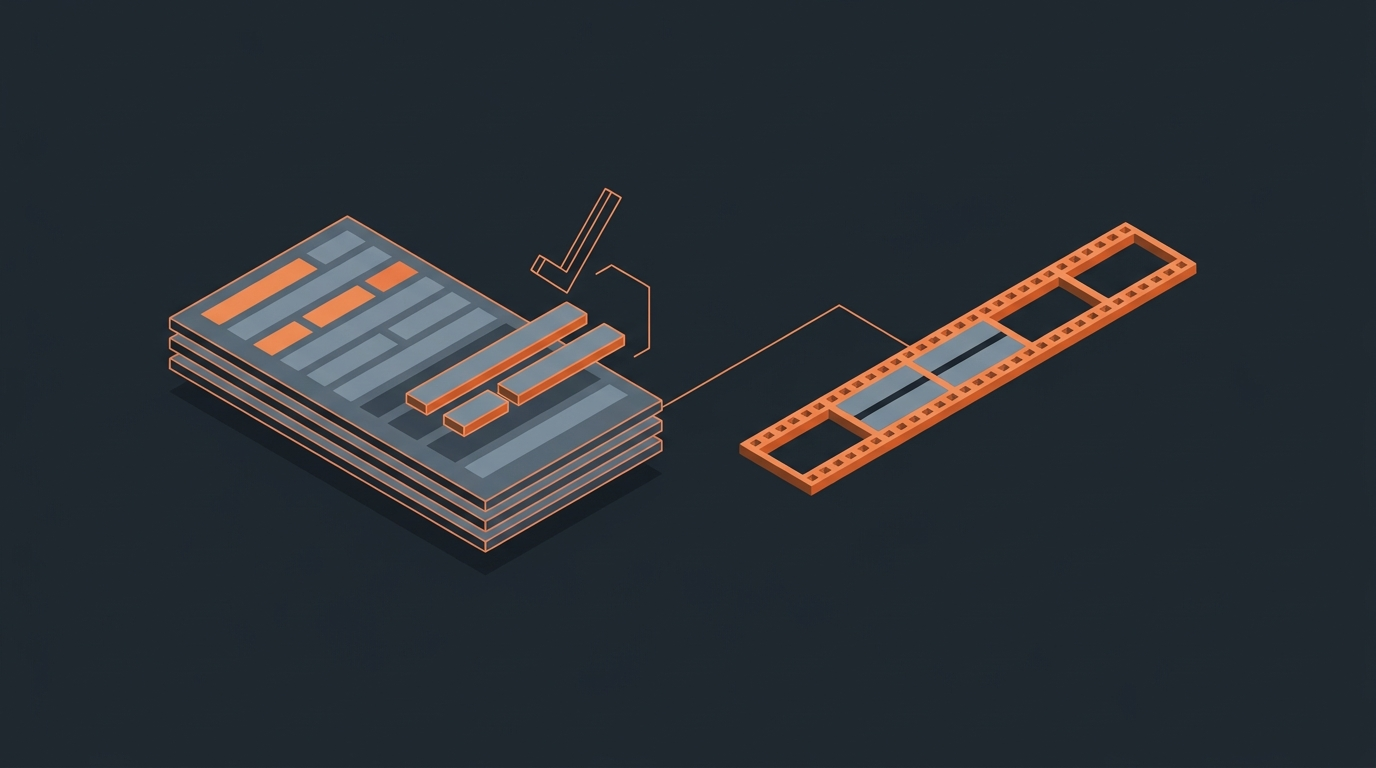
Best Software for Interview Editing in 2026
There is no single best app for editing interviews in 2026. The fastest workflow chains three separate tools: a transcription service, a transcript-first selects tool, and a finishing NLE. Interviews are slow to cut because the good material is scattered across hours of talking, not because any one app is missing a feature. Trying to find the story inside a timeline, instead of on paper first, is the single biggest reason interview edits run long.
The chain
Interview editing is three tools, not one
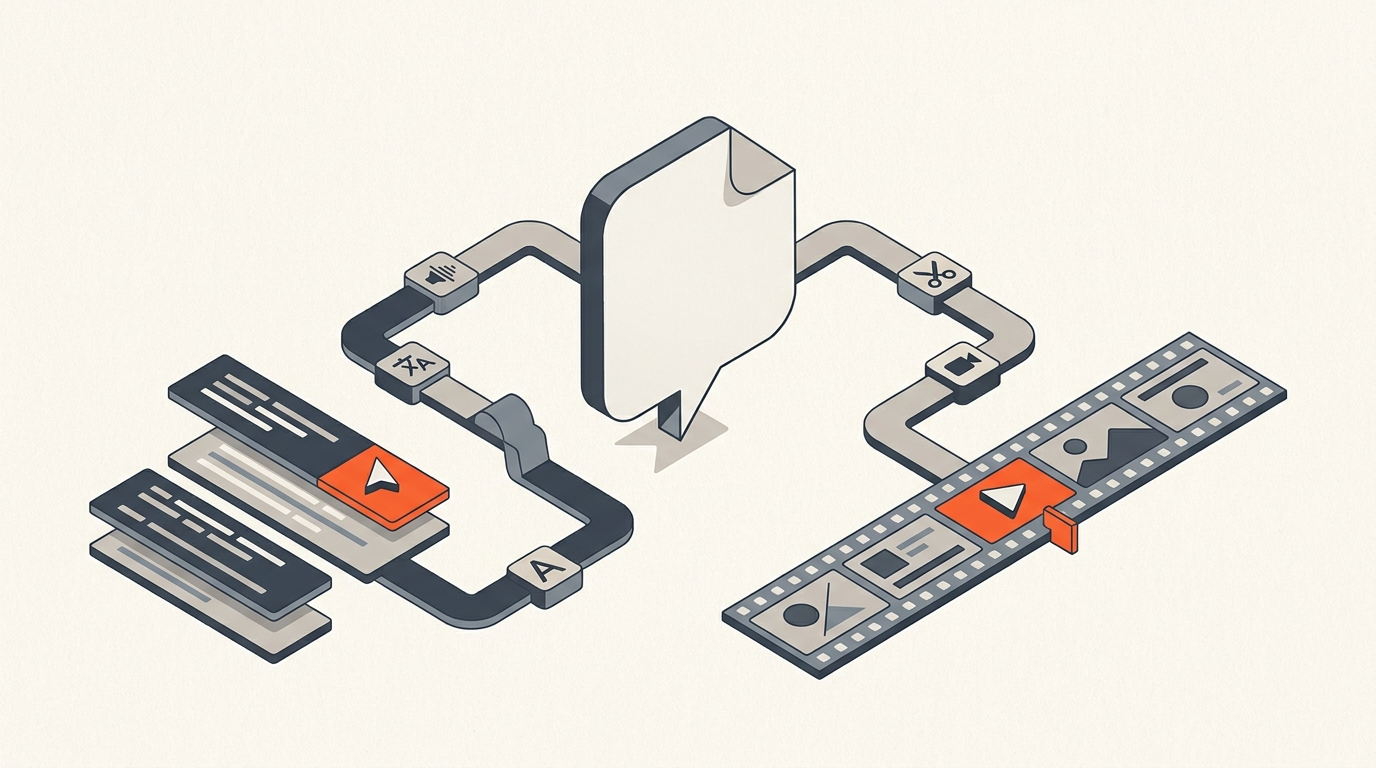
Every interview-heavy project moves through the same three stages: get an accurate, timecoded transcript, decide what makes the cut and in what order, then build the actual timeline. Treating those as one job, usually inside a single NLE, is what turns a two-day edit into a two-week one. Splitting them lets each tool do the part it is actually good at.
Transcripts
Start with a transcript you can search, not just read
Word-level timecodes are the detail that matters here: every word ties back to a frame, so a phrase search becomes a cut point instead of a scrub-and-guess. Rev charges $0.25 per minute for AI transcription pay-as-you-go, or a $29.99/month Essentials plan with 5,000 AI minutes included (as of September 2026). Sonix runs $10/hour pay-as-you-go, or $22/user/month plus $5/hour on its Premium tier. Either gets you a searchable, speaker-labeled document; the pricing difference mostly comes down to how much volume you run per month.
Selects
Turn the transcript into a story before you touch a timeline
This is the stage most editing software skips, and it is where an interview edit is won or lost. You read the transcript, mark the strongest soundbites, cut the filler and dead ends, and arrange the order, all as a paper edit, before opening a sequence. It used to mean printing transcripts and highlighting them by hand. A Frame.io breakdown of Premiere Pro's text-based editing feature put it plainly: historically, popular editing software prioritized visual editing over text editing, leaving documentary editors to develop tedious, hacky workarounds just to cull interview content (Frame.io).
The scale problem is real. On ESPN and Netflix's The Last Dance, editors Chad Beck, Devin Concannon, Abhay Sofsky, and Ben Sozanski cut more than 500 hours of footage down to roughly 200 minutes, running interviews through transcription and searching timecoded text for specific names and moments before anything got near a sequence (ProVideo Coalition, Art of the Cut). That is the same problem a two-camera brand interview has, just at a different scale.
ScriptCut is built for exactly this stage. You transcribe with word-level timecodes, read the transcript, highlight selects, strip fillers at the word level, arrange the story, get client or producer approval on a share link, then export a ready-to-cut timeline as XML, subtitles, or audio.
Finishing
Where the timeline actually gets built
Once selects are locked, the NLE choice comes down to platform, budget, and finishing needs, not interview editing specifically. DaVinci Resolve is free for core editing, color, and audio, with the paid Studio tier a one-time $295 for HDR grading and higher frame rates. Premiere Pro runs $22.99/month on an annual plan paid monthly, or $34.49/month month-to-month, and has its own text-based editing mode for smaller jobs. Final Cut Pro is Mac-only, a $299.99 one-time purchase, or bundled into Apple's Creator Studio subscription at $12.99/month. Avid Media Composer Standard is $39.99/month or $259.99/year, and its Ultimate tier adds ScriptSync, the transcript-to-footage search tool the Last Dance team leaned on at scale, for $79.99/month or $539.99/year.
The table
Seven tools, one chain, and what each costs
| Tool | Stage | Starting price (September 2026) | Best for |
|---|---|---|---|
| Rev | Transcript | $0.25/min AI, or $29.99/mo for 5,000 min | Fast, accurate transcripts with a human-review option |
| Sonix | Transcript | $10/hr pay-as-you-go | Occasional transcription without a subscription |
| ScriptCut | Selects / paper edit | Free, or $19/mo Starter, $29/mo ProAI | Reading, selecting, and approving before the cut, then exporting a real timeline |
| DaVinci Resolve | Finishing NLE | Free, Studio $295 one-time | Editing plus serious color grading in one app |
| Premiere Pro | Finishing NLE | $22.99/mo annual | Teams already inside Adobe's ecosystem |
| Final Cut Pro | Finishing NLE | $299.99 one-time (Mac only) | Solo Mac editors who want no subscription |
| Avid Media Composer | Finishing NLE | $39.99/mo Standard | Broadcast and episodic teams, ScriptSync search |
Honest fit
Where ScriptCut fits, and where it does not
ScriptCut is not a finishing tool. It does not grade color, mix audio, or replace DaVinci Resolve, Premiere Pro, Final Cut Pro, or Avid. Its job stops at the export: a transcript-first read, a clean set of selects, and a timeline your NLE can open with the assembly already built. If your interview edit is short and simple, you may not need a separate selects tool at all. If it runs long, has multiple speakers, or needs a producer's or client's approval before an editor touches it, that middle stage is where most of the wasted time lives, and it is the one stage most editing software still leaves to a printed transcript and a highlighter.
Setup
How to chain these tools without duplicating work
Transcribe once, with word-level timecodes, and reuse that same file for selects and for captions later; re-transcribing at each stage is where teams lose time and money. Do the paper edit before opening a sequence, even for a short piece; a five-minute read almost always beats an hour of scrubbing. And pick the finishing NLE based on what the project needs at the end (grading, audio mixing, collaboration), not on habit. For marketing and testimonial-style interviews specifically, the same chain applies at a smaller scale: see how to edit a testimonial video and video editing for marketing teams.
Sources
frequently asked questions
There is no single best app. The fastest workflow chains a transcription tool, a transcript-first selects tool like ScriptCut, and a finishing NLE such as DaVinci Resolve, Premiere Pro, Final Cut Pro, or Avid Media Composer.
No. DaVinci Resolve is free for core editing, color, and audio, and Final Cut Pro and Avid Media Composer both handle interview-heavy timelines well. Premiere Pro is one option among several, not a requirement.
A paper edit is reading the full transcript, marking the strongest soundbites, cutting filler, and arranging the story before opening a timeline. It is the stage most editing software skips, and it is usually where a slow interview edit gets fixed.
AI transcription runs about $0.25 per minute with Rev pay-as-you-go, or roughly $10 per hour with Sonix. Subscription plans lower the per-minute cost for teams transcribing regularly.
No. ScriptCut handles the transcript, selects, and approval stage, then exports a timeline as XML, subtitles, or audio. The actual cut, color, and mix still happen in DaVinci Resolve, Premiere Pro, Final Cut Pro, or Avid.
ScriptSync is an Avid Media Composer feature that links transcript text to footage inside the NLE, used at scale on projects like The Last Dance. A paper edit tool like ScriptCut does that selects work earlier, before the footage is even in an NLE, and produces a timeline your NLE can open.
DaVinci Resolve is the cheapest option: free for core editing and grading, with the Studio tier a one-time $295 if you need HDR or higher frame rates, versus ongoing monthly costs for Premiere Pro or Avid Media Composer.
You might also like...
Start selecting.

Pick the story in the transcript, export a finished rough cut.