
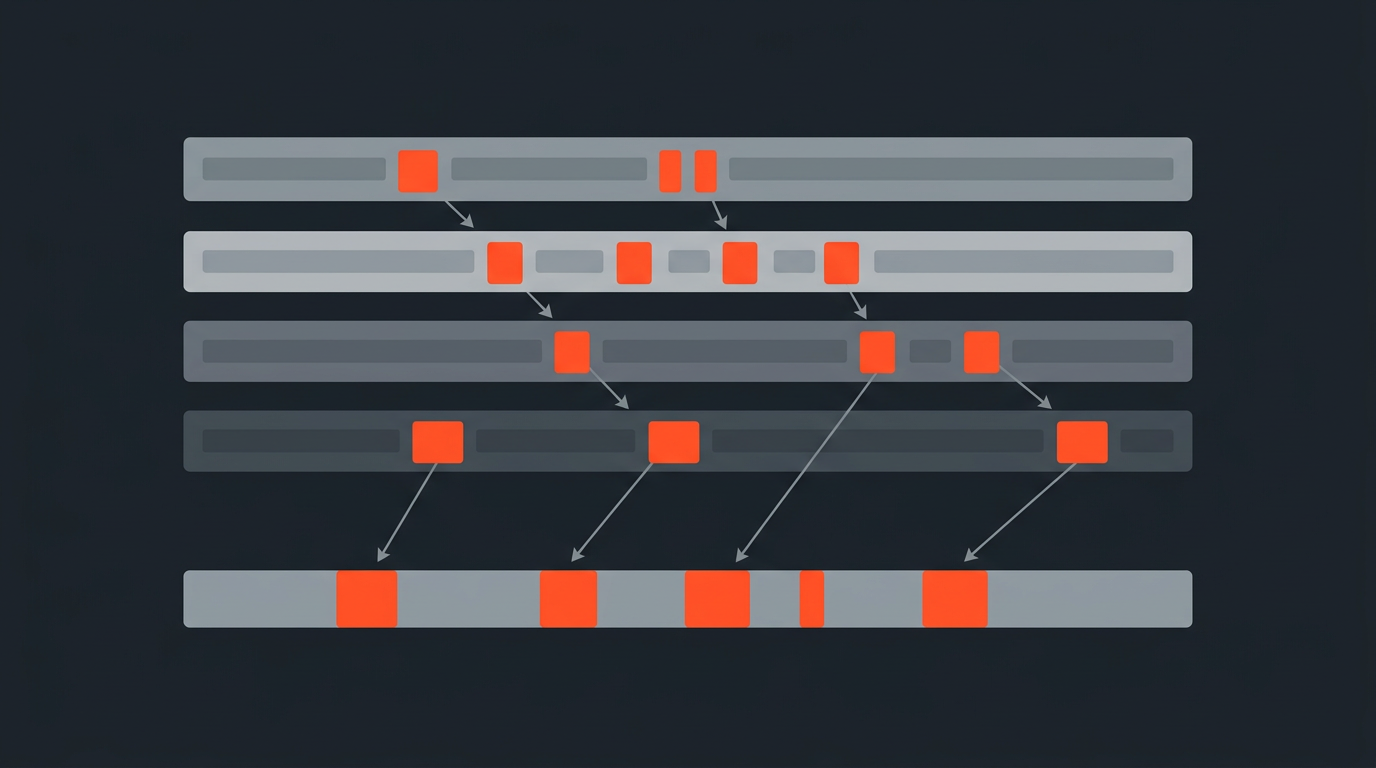
How to Edit a Panel Discussion
A panel discussion in post-production is a different beast from a two-person interview: four or more people, overlapping energy, crosstalk the mics caught and your edit cannot use, and a Q&A structure that tells no story on its own. The edit only works when you stop treating it as a recording and start treating it as raw material for a completely new piece.
The core challenge
Why panel discussions are so much harder than interviews to cut
An interview has a clean narrative logic: one person asks, one person answers. The editor's job is selection and pacing. A panel fractures that logic. Speakers riff on each other's points, interrupt mid-thought, and circle back to things said twenty minutes earlier. The best exchange in the whole recording might be a thirty-second moment buried between twelve minutes of meandering debate. Finding it requires a different approach from the start.
The biggest structural trap is editing a panel the same way you edit an interview: chronologically, one statement at a time. That method almost always produces the same result: a very long, very flat video that loses half its audience by minute three. Conference organizers know this problem well. Most panels recorded at industry events go unwatched precisely because nobody sat down and rebuilt them into something shaped.
Before the timeline
Transcribing the panel and getting speaker labels right
The first thing you need is a transcript with reliable speaker labels. This is where most panel edits fall apart before they start. A mono mix of four microphones produces a transcript where diarization software genuinely struggles, collapsing two speakers who sit close together into one voice or splitting one person into three phantom speakers. Run the audio through a speaker-aware transcription service and then correct the labels by ear on any disputed passage before you do anything else. An hour spent cleaning the transcript saves three hours of confusion in the cut.
Once you have clean speaker labels, read through the entire transcript without watching the footage. This is the paper edit approach applied to multiple voices: reading the words forces you to evaluate what was said, stripped of delivery. For a panel, that distance is especially valuable. Delivery varies wildly across speakers, and camera angles will push you toward the wrong choices if you are watching while you select.
Finding the story
Building your selects from the transcript
Every good panel has about four to six moments that genuinely move the conversation forward. Everything else is connective tissue, hedging, or repetition. Your job in the selection pass is to find those moments and build the shortest version of the panel that still contains all of them.
Work speaker-by-speaker on the first read. Highlight anything from Speaker 1 that is a clear, distinct idea stated well. Then Speaker 2, Speaker 3, Speaker 4. You are building a string-out in text before you have touched the timeline. Some of your highlights will already be in conversation with each other, because the speakers responded to each other live. That is the skeleton of your structure.
Star immediately: any moment where a speaker gives a specific number, a named example, or a direct answer to the moderator's question. Panels drift toward abstraction fast. The concrete moments are almost always the best ones. Michael Rabiger's principle in Directing the Documentary applies directly here: find the moments where something is being said that could not have been planned in advance. In a panel, those are the exchanges where one panelist visibly shifted another's thinking, or said out loud something the room had been dancing around for twenty minutes.
For a detailed method on pulling strong soundbites from long material, see how to find the best soundbites.
Crosstalk and overlaps
What to do when speakers talk over each other
Crosstalk is the panel editor's most common technical problem, and the honest answer is that most of it cannot be saved. When two people speak simultaneously, both audio tracks are compromised. The edit has to work around it, not through it.
Three approaches that actually work:
- Use the cutaway. If you have a second camera on the audience, a wide of the stage, or a reaction shot of another panelist, cut to that during the overlap. The audio stays on whoever was speaking first, and the picture edit creates a clean break. A primer on when and how to use one: what a cutaway actually is.
- Trim before the overlap starts. If the best version of a statement ends three words before someone else jumped in, end it there. A clean cut beats a muddied finish every time.
- Use silence. A half-second of near-silence between two clean statements often edits better than a bridging line that carries mud on it.
What does not work: noise reduction plugins on a mixed track of overlapping speech. They smooth the texture but cannot separate voices. If the production captured isolated tracks per panelist, use them. If it did not, the cutaway is your primary tool.
Structuring the narrative
Turning a Q&A into something with an actual shape
The raw Q&A format is almost never the final structure. A panel that opens with ten minutes of introductions, moves through six unrelated questions, and ends with audience queries has no natural arc. You have to build one.
A framework that holds up across most conference and corporate event footage:
- Open on the strongest exchange. Not the first question asked. The most compelling moment, wherever it fell in the recording. The panel was captured on a timeline; your edit does not have to follow it.
- Establish the stakes in the first ninety seconds. One specific tension or problem they are all there to address. Give the viewer a reason to keep watching before the two-minute mark.
- Let genuine disagreement breathe in the middle. Two or three exchanges where speakers push back on each other or build toward something new. A panel where four people agree on everything is not a panel; it is a press release.
- Close on resolution or a specific call to action. Not necessarily consensus, but a landing point. The best closers are usually the most direct answers to the implicit question the session raised: what should the viewer actually do with any of this?
Work this structure out as a written plan before you assemble it in the timeline. The how-to-do-a-paper-edit guide covers the mechanics of building that plan from a raw transcript.
Pacing and length
How long the edited panel should actually be
The original session ran ninety minutes. Your edited version almost certainly should not. Audience retention data for conference content puts a practical ceiling at twelve to twenty minutes for a subject-interested viewer, and under ten minutes for social distribution. That feels brutal when you have ninety minutes of genuinely interesting material, but the edit is a different product from the session. It is not a recording; it is a piece.
Pacing is shaped by cutting rate, how often you change speakers, and density, how much information lands per minute. Panels tend to run long on both. A quick diagnostic: does any single speaker talk for more than ninety seconds uninterrupted in your cut? If yes, look for a natural break or a reaction shot to cut through. That is almost always the moment where the editor fell in love with a statement the viewer will not wait out.
If your cut runs past twenty minutes, ask the structural question before the trimming question: is there actually twenty minutes of story here, or is there ten minutes of story and ten minutes of cleanup? The answer changes what you do next.
Mistakes that cost time
What consistently goes wrong in panel edits
Editing chronologically. The panel was recorded in sequence; your edit does not have to follow it. Editors who work from minute one to minute ninety almost always miss the reordering moves that separate a good cut from a great one. Start with the best exchange, wherever it lives in the footage.
Keeping all the moderator's framing. In most cases a moderator's question can be cut if the answer is self-contained. The answer often provides its own context. You do not need the question if the panelist's reply already sets up what they are about to say.
Treating length as a form of respect for the speakers. It is not. The panelists who gave clear, specific answers deserve to be heard. The ones who rambled do not deserve to fill the same runtime they took on the day. Cutting for quality is not a judgment on the person; it is what the edit requires.
Skipping the transcript pass because the footage is already conversational. The conversational format is exactly the reason a transcript matters, not the reason to skip it. Conversation is loose by design; the edit is tight by necessity. The gap between those two things is precisely what cutting down long interview material is about.
The workflow built for this
Why transcript-first editing fits panel discussions best
The panel discussion is the format where a transcript-first approach pays off the most. Four speakers, sixty to ninety minutes of footage, and an edit that needs its best fifteen minutes extracted from that mass: a searchable, speaker-labeled transcript with word-level timecodes lets you select and arrange in text before you have assembled a single clip in the timeline.
With ScriptCut, the workflow is: import your panel's transcript, assign speakers, make your selects directly in the transcript view, and arrange them in the order your paper edit calls for. Every selected line is a precise cut point tied to its word-level timecode in the recording. Export the XML or EDL into Premiere, Resolve, Final Cut, or Avid, and the NLE assembles the sequence from your selections. No manual clip hunting, no scrubbing waveforms to find the right moment.
For conference producers and corporate video teams cutting multiple panels from the same event, the approach compounds. The same transcript-based workflow that took one ninety-minute session down to a twelve-minute cut runs on six panels without rebuilding the method each time. The transcript is where the decisions live; the timeline is just where they render.
Sources
frequently asked questions
Multiple speakers create crosstalk, competing threads, and a Q&A structure that tells no story on its own. You cannot edit it sequentially like an interview. You have to find the four to six strongest exchanges, reorder them, and build a new structure from scratch.
Use a cutaway shot to cover the overlap while keeping audio on the stronger speaker, or trim the statement before the overlap starts. Noise reduction plugins cannot separate overlapping voices on a mixed track.
Almost never. The best exchange in a ninety-minute panel might happen at minute forty-seven. Start with your strongest moment wherever it falls, and build your structure from there. The Q&A sequence is a recording format, not an edit structure.
For a subject-interested audience, twelve to twenty minutes is a practical ceiling. For social distribution, aim for under ten. A ninety-minute session rarely contains more than twelve minutes of story that holds attention.
Work from a speaker-labeled transcript and keep it open alongside the timeline. Search for specific points in text rather than scrubbing audio. Give each speaker at least one moment in the cut that only they can deliver, and cut any exchange where a panelist only agrees with something already said.
Usually not. If the answer is self-contained and provides its own context, the question can be cut. Moderator questions add runtime without adding information. Keep them only when the answer genuinely cannot be understood without hearing the question first.
Read the full transcript before watching footage. Highlight the strongest moments speaker by speaker, then arrange your highlights in a logical narrative order on the page. Only then go to the timeline. The paper edit lets you evaluate what was said without being swayed by delivery or camera angles.
You might also like...
Start selecting.

Pick the story in the transcript, export a finished rough cut.