
What Is a Transcript-Based Editor?
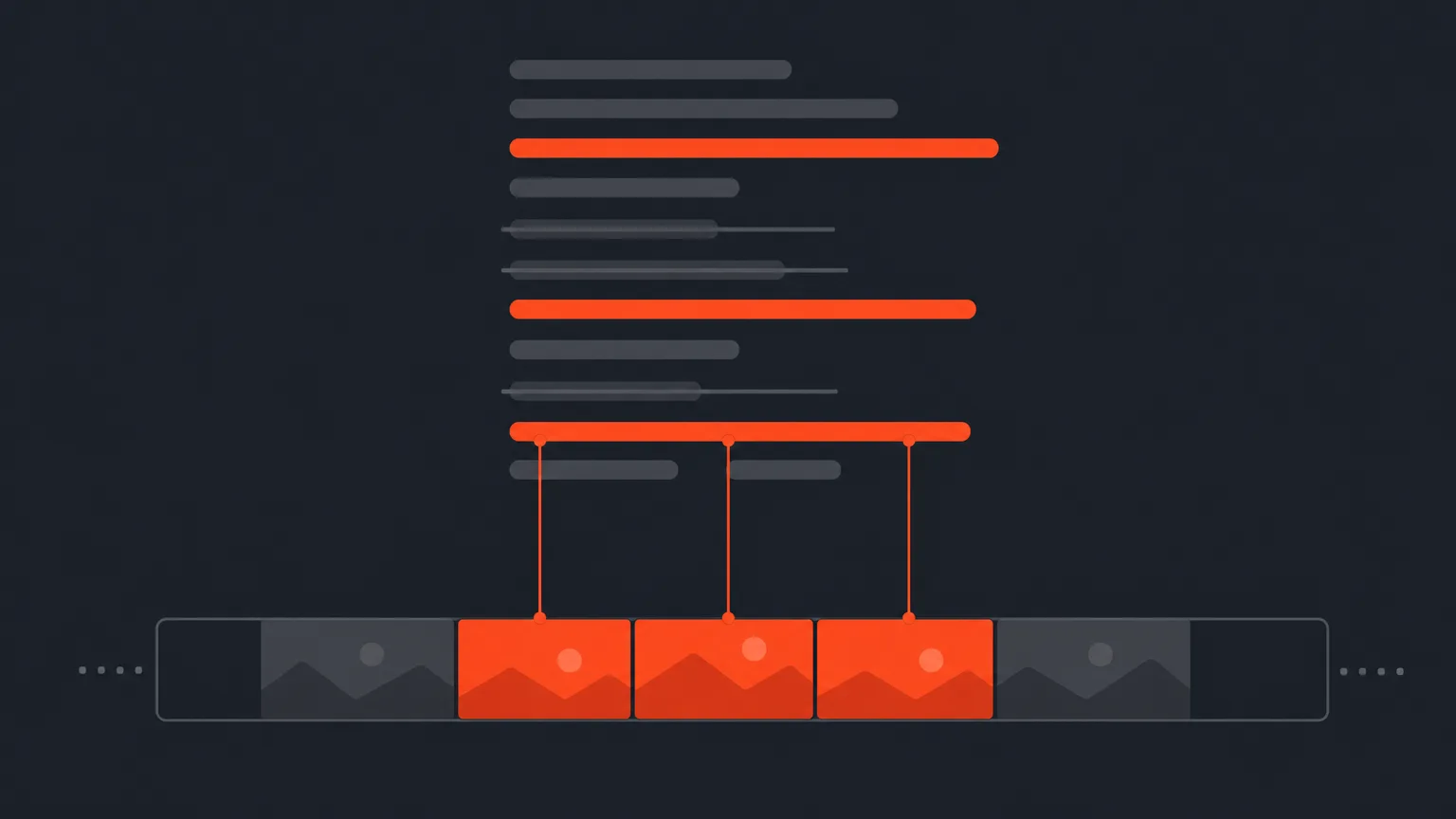
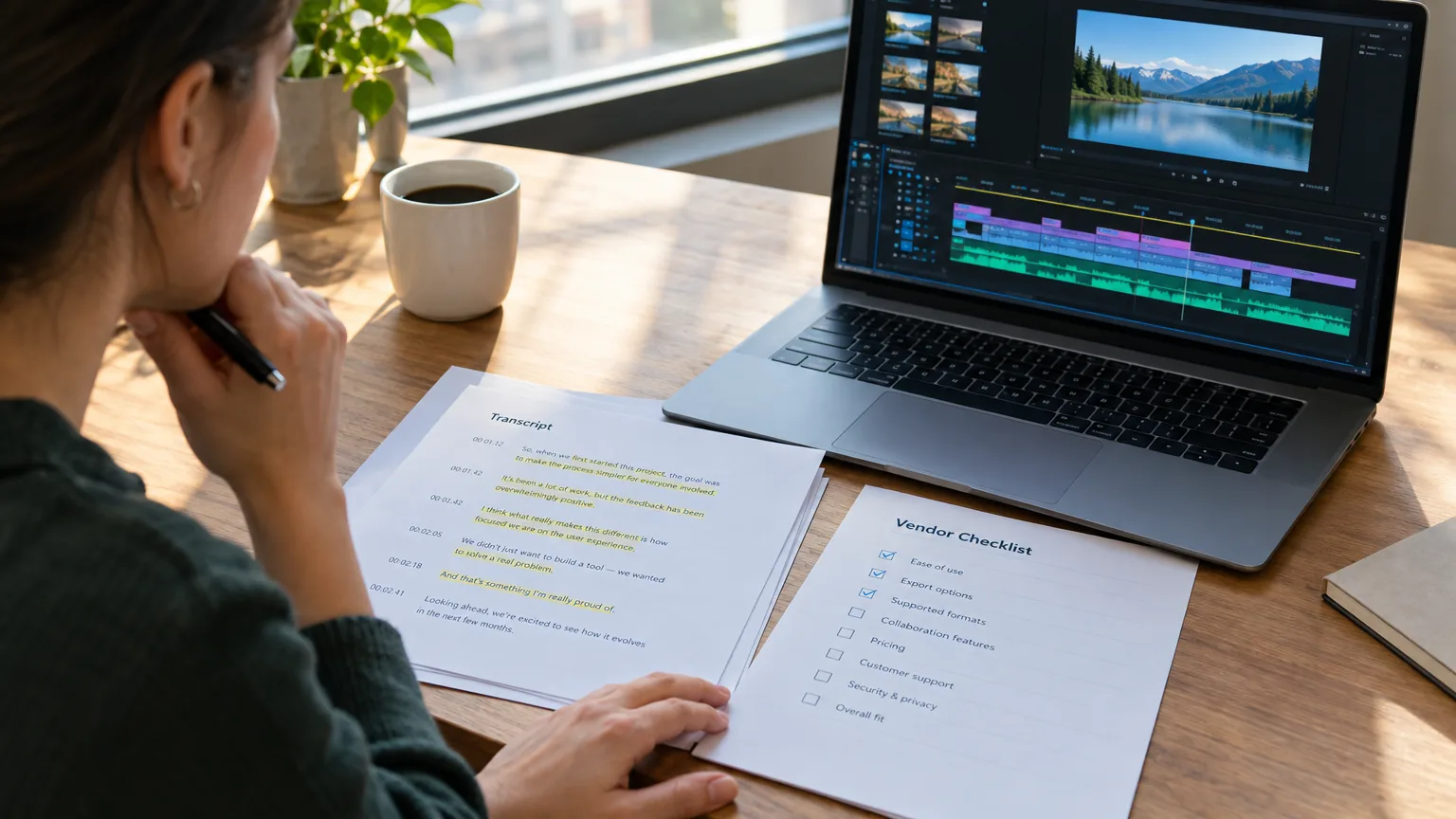
The phrase is showing up in more searches because the workflow finally has real software behind it. Ten years ago "editing on paper" meant printing a transcript and marking it with a highlighter. Today a paper edit can happen inside an app, with the transcript, the audio, and the cut all connected. That connection, word-level timecode plus click-to-play plus text-based deletion, is what separates a transcript-based editor from a transcription service that just gives you a document.
Transcript-Based Editor Definition
What a Transcript-Based Editor Actually Does
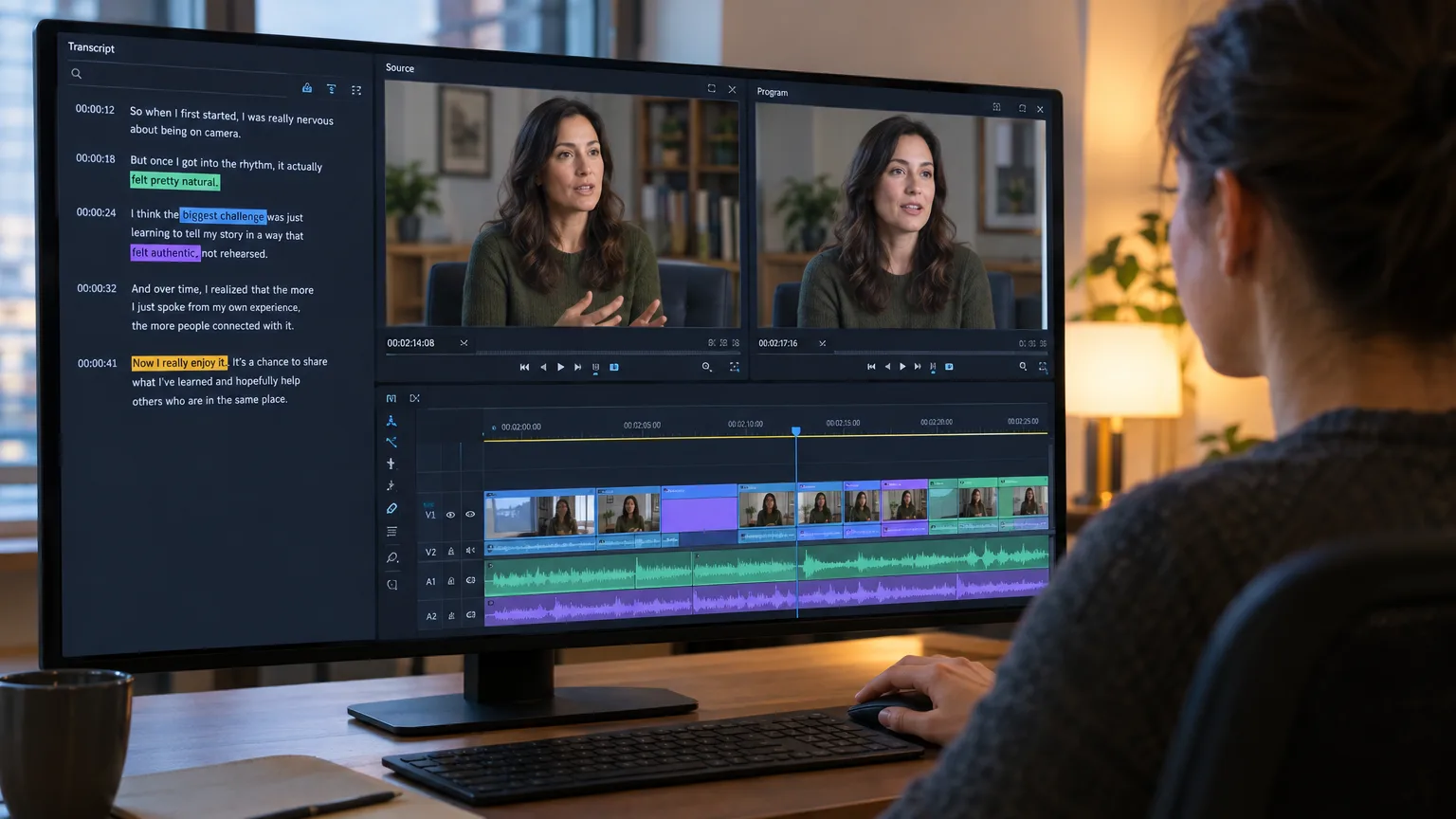
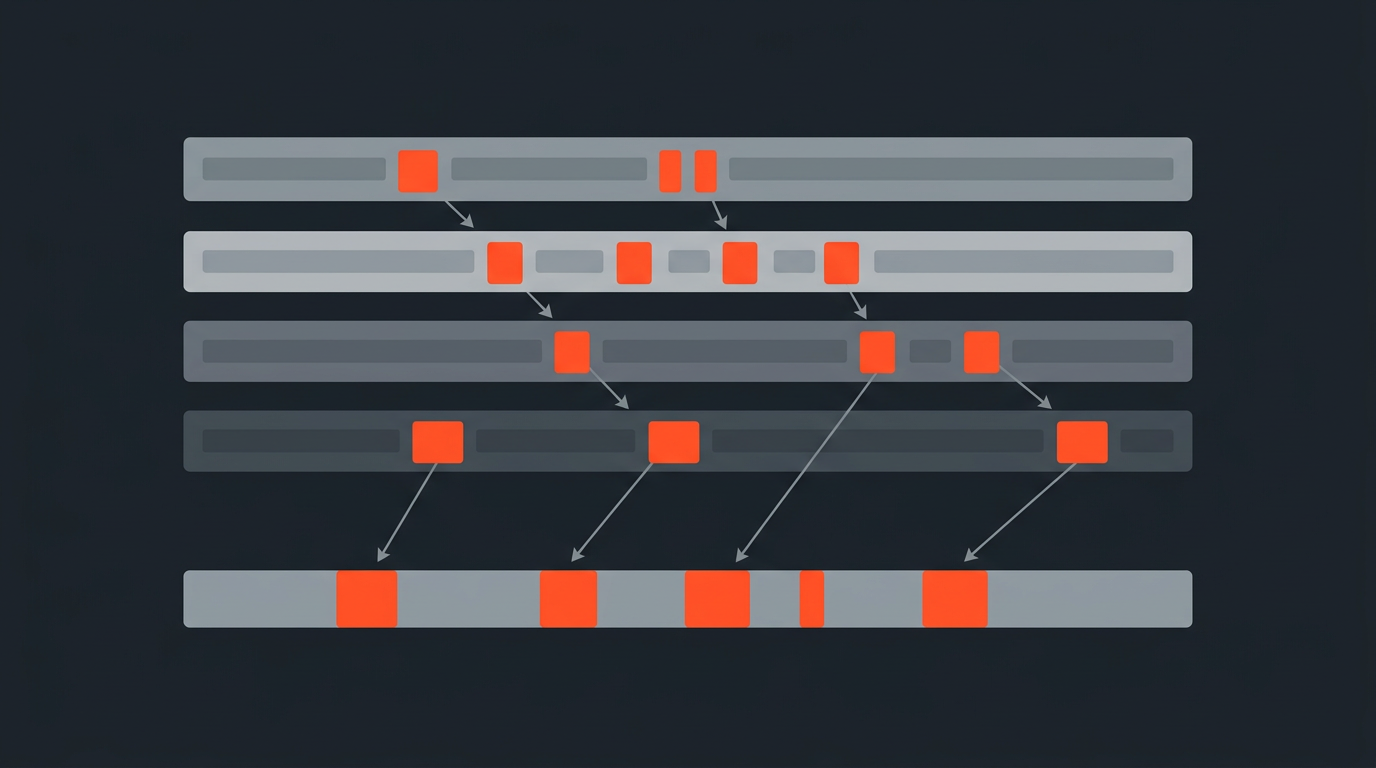
At minimum, a transcript-based editor does three things: it generates or imports a timecoded transcript of your footage, it lets you select ranges of text as your edit selects, and it renders or exports the video that corresponds to whatever text survives. Delete a rambling answer from the transcript and the clip disappears from the cut. Reorder two paragraphs and the shots reorder with them. You are editing prose, and the video is following along underneath it.
That is a meaningfully different mental model from a traditional non-linear editor (NLE) like Premiere Pro or DaVinci Resolve, where the primary unit is the clip on a track and you work by ear and by eye, scrubbing to find an in-point. A transcript-based editor treats the primary unit as the word. You are reading, not scrubbing, for the first pass of the cut. Editors who came up on paper edits recognize this instantly. Editors who have only ever cut on a timeline find it strange for about a day, then rarely go back for long-form assembly work.
Word-Level Timecode
The Mechanics: Click, Select, Delete
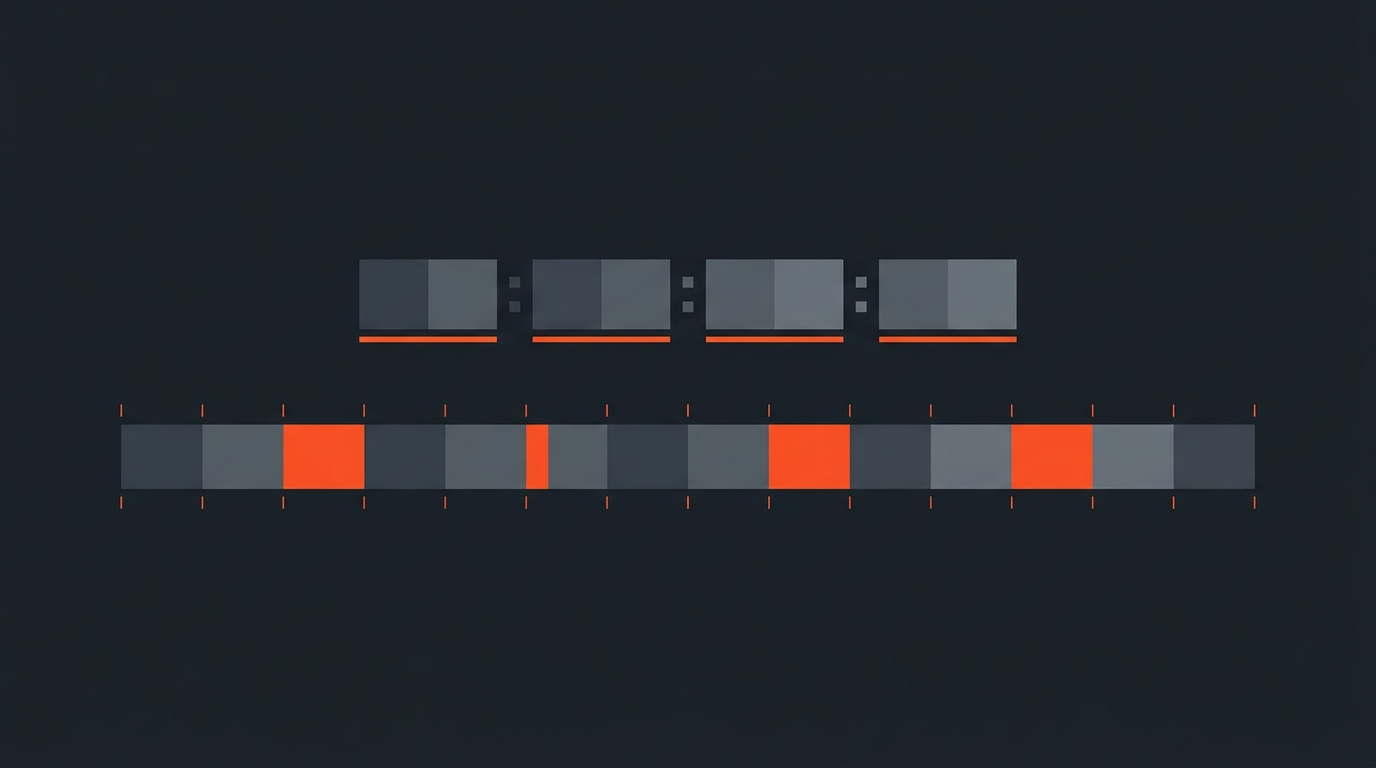
The feature that makes any of this reliable is word-level timecode: every single word in the transcript is stamped with its own in and out point, not just the sentence or the paragraph. Without that granularity, "select and delete" is a guess. With it, deleting the word "um" removes exactly the audio and video under that word and nothing else, and the surrounding words snap together cleanly.
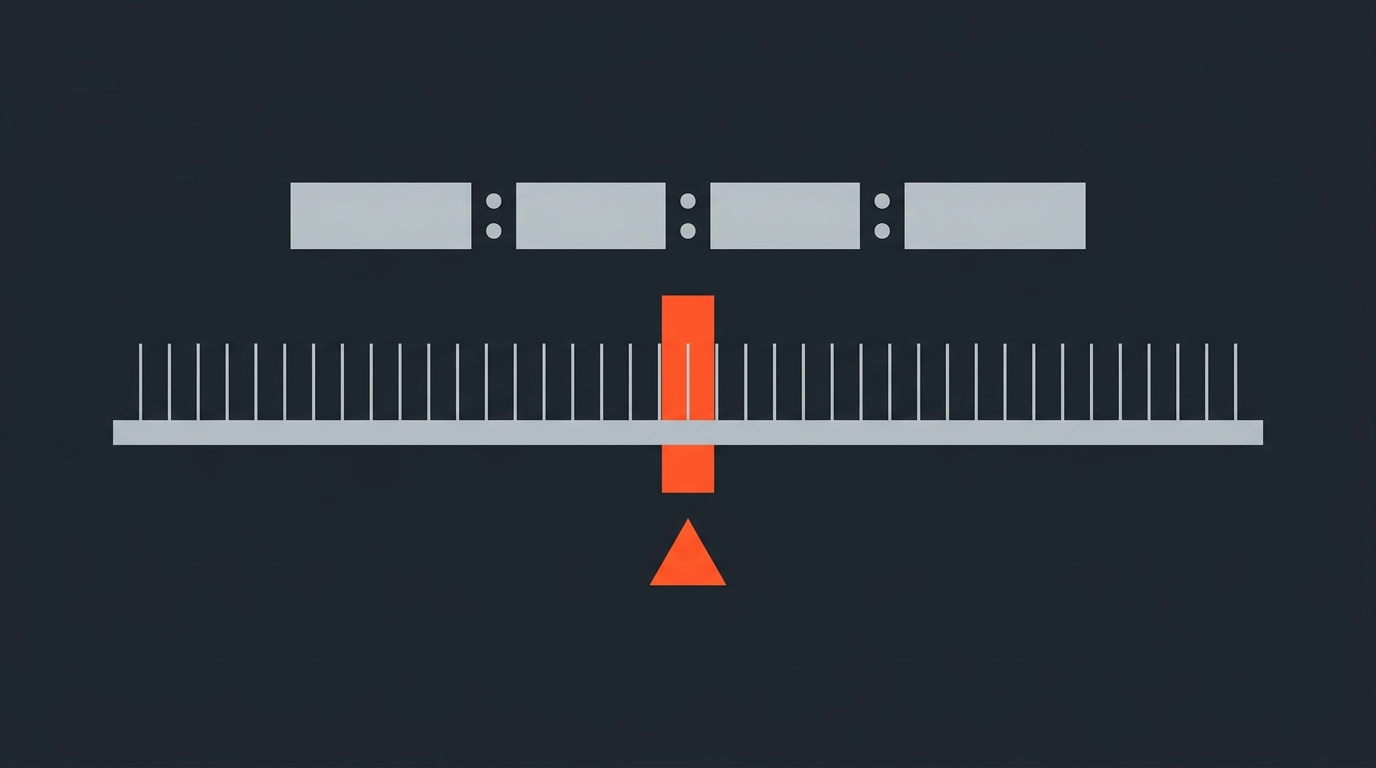
- Click any word and the player jumps to that exact frame, so you can verify tone before you commit to a line reading well in isolation.
- Highlight a run of text and it becomes a selected clip you can drag into a sequence, the same motion as building a selects reel by hand, just faster.
- Delete a phrase, a sentence, or a whole answer and the transcript closes the gap the same way a word processor closes a gap when you delete a paragraph.
Filler removal is the workflow's easiest win. Strip "um," "you know," and false starts from a raw interview and you have already done a pass that used to take an assistant editor an afternoon of scrubbing. For a fuller walkthrough of that specific task, see how to remove filler words from an interview.
Pre-Edit, Not NLE
Where It Fits Before Premiere, Resolve, FCP or Avid
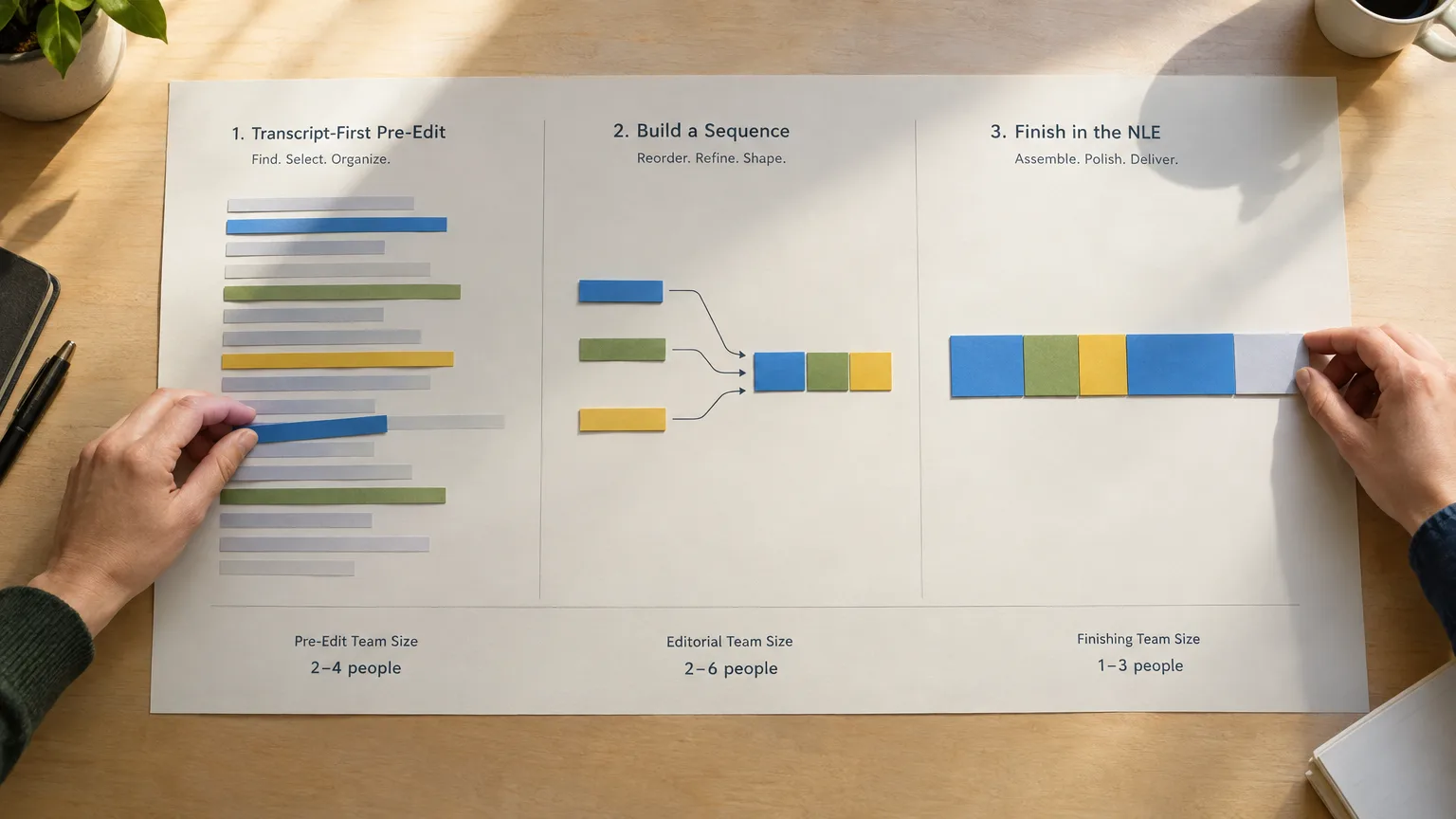
A transcript-based editor is not trying to replace your NLE, and the good ones do not pretend otherwise. It handles the pre-edit: the pass where you decide what stays, what goes, and in what order, before color, sound design, titles, or precise trims matter. Once the story is locked on the page, you hand off a timeline to Premiere Pro, DaVinci Resolve, Final Cut Pro, or Avid Media Composer to finish the craft work.
ScriptCut, for example, keeps word-level timecode through that handoff so the exported sequence lands frame-accurate rather than as a rough approximation you have to re-trim. That distinction matters because plenty of transcript tools are accurate enough for finding a soundbite but sloppy when it comes to handing a real sequence of clips off to a professional timeline. If you are building or rebuilding your toolchain around this idea, exporting a paper edit to Final Cut and Avid walks through the handoff mechanics in more detail.
Term Map
Transcript-Based Editing vs Text-Based Editing vs the Paper Edit
These three terms overlap enough to confuse people, so it is worth being precise. The paper edit (or radio cut for audio) is the practice: build a written blueprint of the edit from the strongest quotes before you touch a timeline. That practice predates any software; Michael Rabiger describes the underlying method in Directing the Documentary, and editors were doing it with printed transcripts, scissors, and tape long before AI transcription existed. Text-based editing is the general feature name for editing video by manipulating text, the term Adobe uses for the capability it added to Premiere Pro. A transcript-based editor is the category of software built around that feature as its core interface, rather than as one panel bolted onto a traditional timeline.
Put another way: the paper edit is the method, text-based editing is the mechanism, and a transcript-based editor is the tool. We cover the method itself in what is text-based editing if you want the terminology sorted out completely.
Real Tools
Who Builds Transcript-Based Editors Today
This is not a hypothetical category. Adobe added Text-Based Editing directly into Premiere Pro, letting editors trim a sequence by editing the transcript panel inside the same app used for finishing. DaVinci Resolve has its own transcript and text-based trimming tools built into its cut and edit pages. Descript built its entire product around the transcript as the primary editing surface, popular with podcasters and creators who want a lighter, all-in-one tool. Reduct focuses on the research and logging side, letting teams pull quotes and clips from large interview archives by searching text. ScriptCut sits earlier in the pipeline: a dedicated pre-edit and paper edit tool that keeps word-level timecode, lets you play any selected line before locking it, routes footage through share links for client approval, and then exports a frame-accurate timeline to the NLE you actually finish in.
None of these is wrong for every job. A solo creator cutting short talking-head videos might do everything in Descript and never open an NLE. A documentary team distilling forty hours of interviews wants a tool built for handoff and approval at scale, which is the ground we cover in our roundup of the best transcript-based video editing tools.
Worked Example
Cutting a 45-Minute Interview Down to 12 Minutes on the Page
Say you have a 45-minute sit-down interview and need a tight 12-minute piece. In a traditional workflow you would log the tape, note timecodes on a spreadsheet, then scrub the timeline to build a stringout of your favorite moments. In a transcript-based editor, you read the transcript top to bottom, highlighting the strongest answers as you go, the way you would mark up a script for a table read. You drag those highlights into a running order on the page, watching the word count drop toward your target length instead of watching a timeline duration counter.
Because every highlighted line is still linked to its exact frame, you can click through the assembled order and play each cut before you export anything. That is the check that keeps a paper edit honest: reading tells you the argument works, but only playback tells you the delivery lands. Once the order and length feel right, you export the sequence with word-level timecode intact to your NLE and start the craft pass: trims, room tone, b-roll, and titles.
Common Mistakes
Where Transcript-First Workflows Go Wrong
The most common mistake is treating the transcript as the whole truth about the performance. Words on a page cannot show you a hesitation, a laugh, or a flat line reading. This is exactly the criticism documentarian Errol Morris has leveled at paper cuts generally: he has argued that working from a transcript flattens the very thing that makes an interview compelling. Our answer is the click-to-play habit above; treat every transcript selection as a hypothesis and verify it on the clip before you lock it, never after.
The second mistake is skipping speaker labels on multi-person recordings, which makes a transcript-based editor far less useful for panels and roundtables. Good speaker diarization up front saves real time later. The third is forgetting that a transcript-based editor is a pre-edit tool, not a finishing tool: chasing perfect color, sound, or titles inside the transcript stage wastes the speed advantage it exists to give you. Do the story pass on the page, then move to your NLE for craft.
One more, subtler mistake: stitching words from different sentences together to manufacture a statement a subject never actually made. Reordering and tightening real sentences is normal editing. Assembling new sentences out of scattered words is a frankenbite, and it is an ethics problem, not a workflow shortcut. We cover where that line sits in what is a frankenbite.
Client Review
Why Transcript-Based Editors Also Fix Approvals
The other reason this category matured fast is client review, not just cutting speed. Sending a producer or client a rough cut to react to means asking them to sit through video and somehow describe the timestamp where something bothers them. Sending them a written running order they can read in five minutes, comment on inline, and approve before a single frame is trimmed is a different conversation entirely, and it is usually the biggest time-saver in the whole process, ahead of the cutting itself. That is the same reason a paper edit historically moved faster through a newsroom or a documentary production office than a rough cut ever could: reading is quicker than watching, and stakeholders can react to structure before anyone has spent hours on trims that might get thrown out. We go deeper on that approval step in how to get client approval before you edit.
This is also where dividing labor gets easier. One editor can build the transcript-based assembly while another logs a second interview, and a producer can approve structure from anywhere without downloading proxies. None of that requires anyone to touch an NLE yet, which is precisely the point of treating this as a pre-edit stage rather than a lightweight version of finishing software.
If you are choosing a transcript-based editor for the first time, start from the handoff, not the transcript quality: almost every tool in this category transcribes reasonably well now, but far fewer keep word-level timecode intact all the way to a frame-accurate export your NLE can open without a re-trim. Try that handoff yourself with a real interview in ScriptCut before you commit a season of footage to any single tool.
Sources
frequently asked questions
It is video editing software that lets you cut footage by selecting and deleting words in a timecoded transcript instead of scrubbing a timeline. Every word is linked to an exact frame, so deleting text removes the matching video and audio.
No. Text-based editing is the general term for the feature, the one Adobe uses in Premiere Pro. A transcript-based editor is a category of software built entirely around that feature as its main interface, rather than as one panel inside a traditional timeline editor.
Not for finishing work. It handles the pre-edit, the pass where you decide what stays and in what order, then you export a timeline to Premiere Pro, DaVinci Resolve, Final Cut Pro, or Avid to do color, sound, and titles.
Premiere Pro's Text-Based Editing panel, DaVinci Resolve's transcript trimming tools, Descript, Reduct, and ScriptCut all fall into this category, though they differ in whether they are built for finishing, logging, or pre-edit and handoff.
Yes, as long as the transcript has word-level timecode. Delete a word or a sentence and the software removes the matching span of audio and video from the sequence automatically.
A paper edit is the underlying practice, going back to printed transcripts marked up with a highlighter, of building a written blueprint of an edit before touching a timeline. A transcript-based editor is the modern software that lets you do that same practice interactively, with click-to-play and live timecode.
They work best when the transcript has accurate speaker labels from diarization. Without that, sorting who said what in a panel or roundtable transcript becomes far harder, so it's worth checking speaker separation before relying on the tool for group interviews.
You might also like...



Start selecting.

Pick the story in the transcript, export a finished rough cut.
Get the ScriptCut newsletter
Thanks! Check your inbox to confirm.
Something went wrong. Please try again.