

How a Webinar Producer Turns 60 Minutes of Q&A Into a Highlight Video the Same Day
The webinar ends at 2:04pm. The highlight video is due by 5. Sixty minutes of unscripted Q&A sit in between, and the best line of the whole session is buried under a host saying 'great question' four times. The fastest way to turn a live Q&A into a same-day highlight video is to log the questions and answers as text while the session is still fresh, pick the strongest answers from that log instead of the recording, arrange them into a short cut, get a quick yes from the stakeholder, and only then open the timeline. We've all been there, staring at a scrub bar at 4:40pm wondering why the clock always wins.
No Script, No Order
Why is a live Q&A so much harder to turn around than a scripted segment?
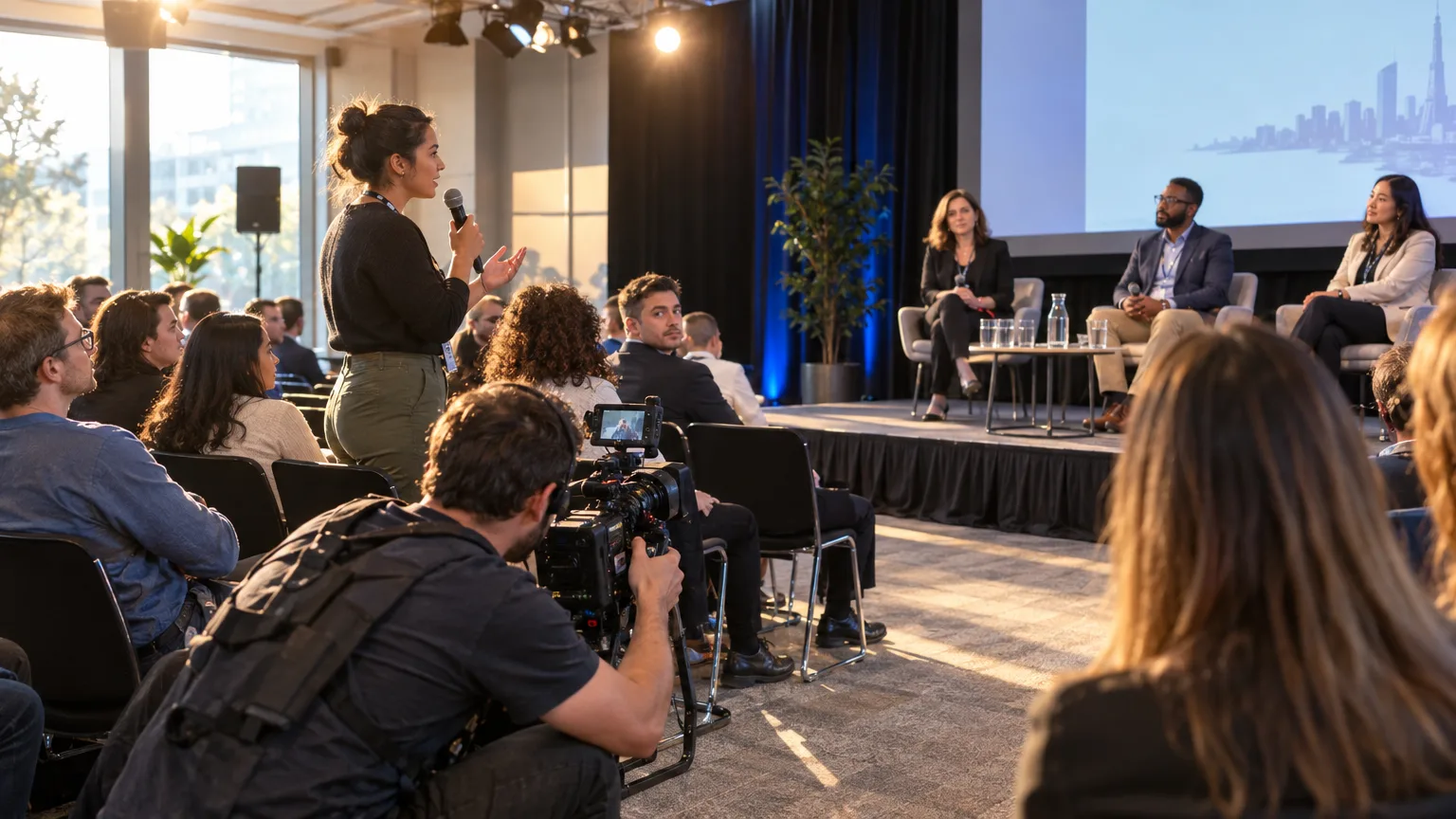
A keynote has a script. A panel has a moderator's outline. A live Q&A has neither. Questions arrive out of order, answers wander, a good point from minute 12 gets echoed and improved at minute 47, and nobody in the room knows which exchange will actually hold up as a standalone clip until they hear it back. That's the structural problem: you're not trimming a known shape, you're finding the shape for the first time, under a deadline that was set before the recording even happened.
This is the same challenge documentary editors face when a subject talks for two hours and the usable line shows up once, unannounced. The webinar version is just compressed into an afternoon instead of a shoot schedule. If you haven't already, the walkthrough on cutting down a long interview without losing the story covers the same underlying skill: finding signal in unscripted talk fast.
Logging the Q&A
How do you log questions and answers fast instead of scrubbing the recording live?
You log it as text, not by ear. The old-school move, and plenty of producers still do this, is to have someone typing a running log during the live session: timestamp, question topic, one-line summary of the answer, a star next to anything that sounded sharp. It works, but it depends entirely on one person's attention span over a full hour, and that person's 'sharp' is subjective and non-rewindable.
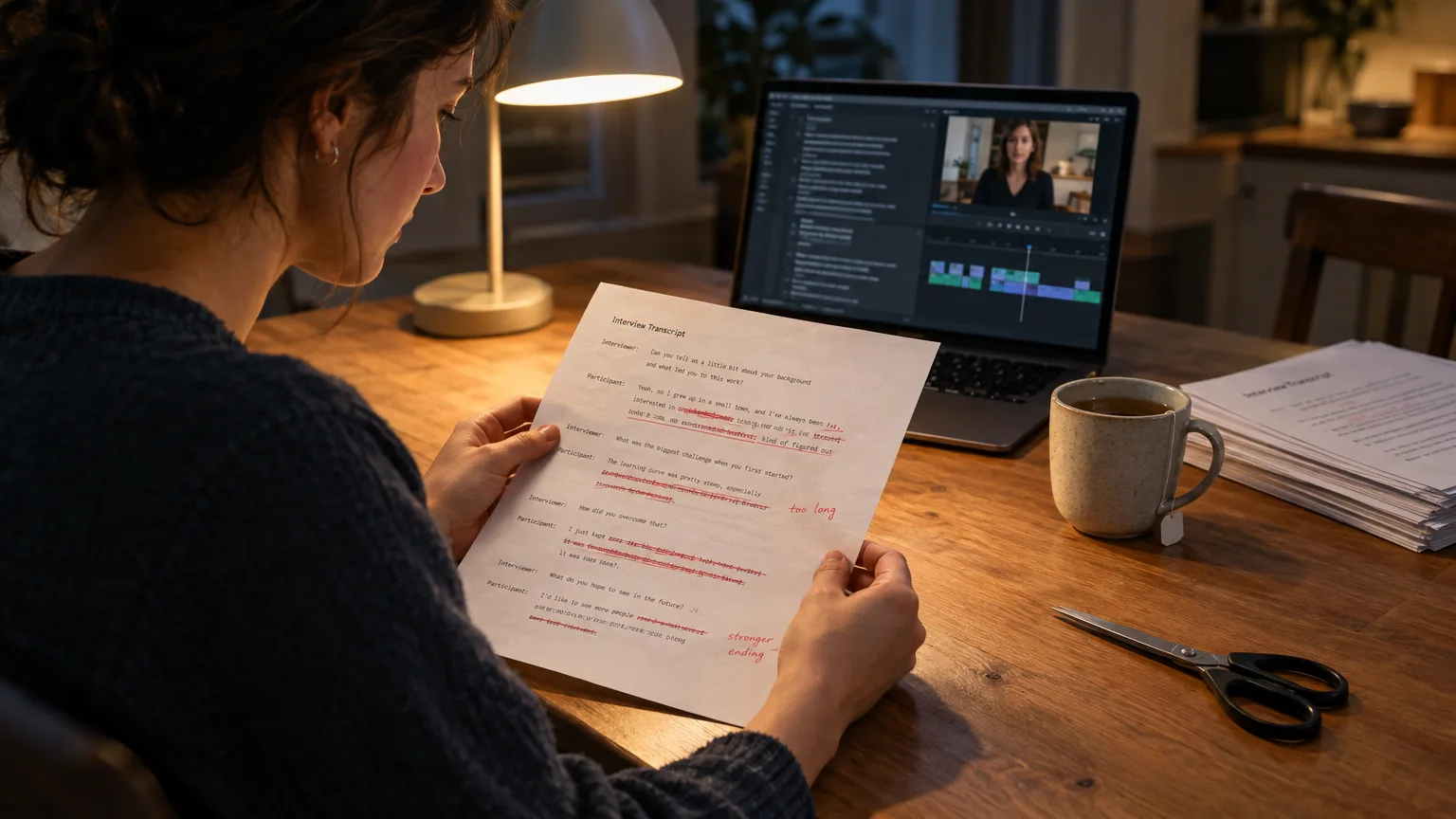
The faster version runs a transcript against the recording the moment it's done, so you get a full, searchable, timecoded text of everything said, not just a producer's paraphrase. Now you're reading the Q&A instead of listening back to it, which is the entire premise of a paper edit: read the transcript, mark the best lines, build the order on the page before the timeline exists. Reading sixty minutes of text takes a fraction of the time listening to sixty minutes of audio does, and you can skim for keywords (the product name, the objection, the number someone cited) instead of waiting for them to arrive in real time.
DaVinci Resolve's Transcribe Audio and Premiere Pro's speech-to-text panel both generate this kind of transcript automatically now, and Adobe's newer Paper Edit tool, added to Premiere Pro in the 26.5 release, lets an editor select lines directly in the Text panel and build a sequence from them, which is the same instinct as logging on paper, just inside the NLE.
Finding the Keepers
How do you decide which answers actually make the highlight video?
Score each answer on three things: does it stand alone without the question repeated verbatim, does it say something the client would want a prospect to see, and does it run under 90 seconds without losing its point. Answers that need three sentences of setup rarely survive the cut to a highlight reel, no matter how smart they are.
- Pull the direct, specific answers over the vague, safe ones. 'It depends on your use case' never makes the reel. A number, a named outcome, or a flat 'no, and here's why' usually does.
- Watch for the answer that arrives the second time a question gets asked, reworded. Speakers often nail it on the repeat, not the first attempt.
- Flag anything that sounds like an unscripted endorsement. A Q&A answer that sounds like a testimonial is worth more to marketing than the slide deck.
This is the same triage used when pulling quotes from any long recording, which the guide on finding the best soundbites without scrubbing the whole tape walks through in more depth. The webinar version just has a harder clock attached to it.
Building the Cut on Paper
How do you arrange the best answers into a highlight video that holds together?
Once you've got your shortlist, the order matters more than the trim. A highlight reel built straight in chronological order feels like a recap, not a highlight; the strongest answer usually belongs near the top, not wherever it happened to land live. Group answers by theme if two different questions landed on the same topic, and close on whichever line has the clearest, most quotable payoff, since that's the one viewers remember walking away.
Write this order out as a list before you touch a timeline: topic, speaker, timecode, the one sentence that makes the cut. That list is a stringout in miniature, and it's far cheaper to reorder six lines of text than six clips on a track. This is also the point where a lot of teams quietly waste the hour they don't have, because reordering clips on a timeline means re-trimming heads and tails every time the sequence changes. Reordering a list costs nothing.
Getting a Fast Yes
How do you get stakeholder sign-off before the recording's even cold?
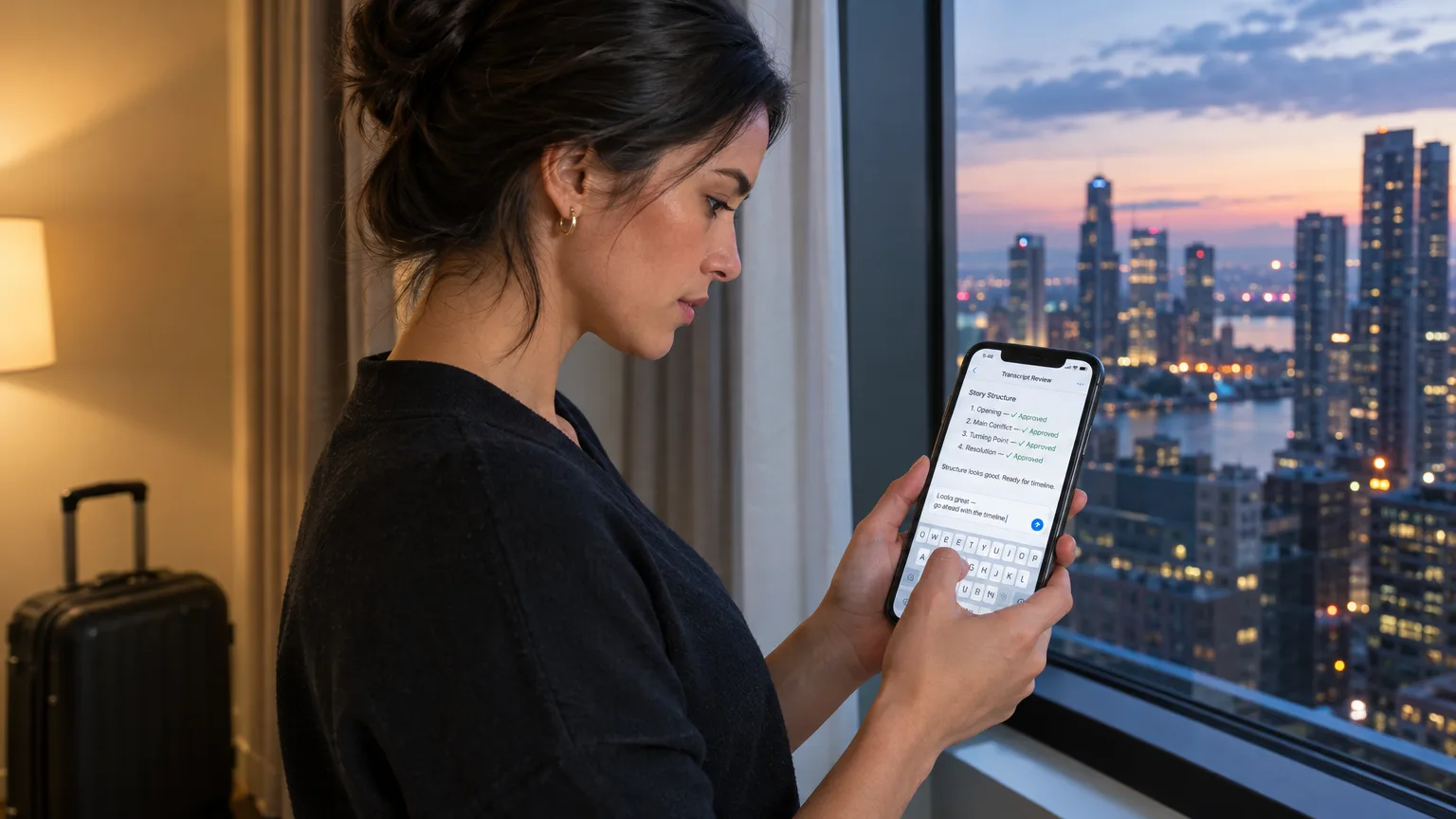
Send the ordered list, not a cut video, to whoever has to approve it. A marketing lead can read six bullet points and three timecodes in under two minutes and reply with a swap request without ever opening a player. Sending a finished export for approval means any change, even a small one, sends you back into the NLE. Sending the paper order first means the only changes happen before any rendering starts. The piece on getting client approval before you edit covers this exact sequencing problem for any A-roll job, not just webinars.
A share link that lets the stakeholder play each proposed clip in context, not just read the summary, closes the loop fastest: they get to hear tone, not just text, before they sign off on the order.
Where the Hours Actually Go
Where do AI Select, AI Story and AI Arrange save real time between recording and export?
Manually, the sequence above (log, score, order, approve) still eats two to three hours before anyone opens an NLE, and that's assuming nobody has to re-listen to confirm a quote. ScriptCut's AI editing tools are built for exactly this gap. Drop the webinar recording in: AI Select marks the strongest moments across the full Q&A automatically, AI Story drafts a full highlight structure from those selects, and AI Arrange lets a producer drag the picks into a different order without re-cutting anything, since every pick is still tied to its word-level timecode in the original recording. The approval link goes out from inside the same tool, so the stakeholder is reviewing the actual proposed order, with playable clips, not a bullet list and not a rough export.
Once that order is approved, the frame-accurate timeline hands off to DaVinci Resolve, Premiere Pro, Final Cut Pro or Avid, through the panel and export workflow built for exactly those four. The editor opens an NLE with the story already decided, not a stringout to wade through. That's the hour that used to disappear into scrubbing: gone before the timeline even opens.
The Leftover Answers
What happens to the Q&A answers that didn't make the highlight video?
A sixty-minute Q&A usually yields eight to fifteen genuinely usable answers, and a two-to-three-minute highlight video only has room for four or five of them. The rest shouldn't sit on a drive unused; they're the exact raw material a LinkedIn post wants: specific, unscripted, and already on topic. This is where the job shifts from editing to repurposing, which the guide on repurposing a webinar into short clips without rewatching the whole thing covers from the clipping side.
Sending that same recording, or the ScriptCut edit built from it, to ScriptCut Social turns the leftover answers into individual posts: it finds the moments worth posting, frames them on the speaker, writes captions and a platform-specific description for each one, and schedules them out. LinkedIn is the only network it posts to directly today; for Instagram, TikTok and YouTube it preps the clip and copy and the team pushes publish. One approval link covers the whole batch, so the client isn't signing off on five separate emails for five separate clips.
Common Mistakes
What goes wrong when a team rushes a same-day Q&A edit?
The most common failure is trusting memory over the transcript. A producer insists the good line was around the 40 minute mark, it turns out to be 44, and six minutes of extra scrubbing happens on a deadline that didn't have six spare minutes. Log the timecode, every time, no exceptions.
The second mistake is skipping the approval step to save time and finding out the client disagrees with the whole order after the cut is rendered. That costs more time than the approval step would have, every single time. The third is cutting an answer the moment it 'sounds right' without checking the surrounding context: a punchy line pulled from the middle of a hedge can accidentally change what someone meant, which edges toward a Frankenbite even when nobody intended one. Play the clip back in context before it goes in the reel. Always.
Sources
- Adobe: What's new in Premiere Pro
- Blackmagic Design: DaVinci Resolve 21.1 release notes
- Wikipedia: DaVinci Resolve
- 2Stream: B2B webinar lead generation and live Q&A strategy
There's no shortcut that skips reading the Q&A before you cut it, but there is a faster way to read it, score it, and get it approved without burning the whole afternoon on a scrub bar. Here's how we'd start: drop the recording into ScriptCut, let AI Select find the answers worth keeping, arrange them, send the link, and ship the highlight video while the webinar is still trending in someone's inbox.
frequently asked questions
Two to three minutes is the sweet spot for most B2B webinars: long enough for four or five strong answers, short enough that a prospect who missed the live session will actually watch it.
Just transcribe the Q&A segment if the rest of the webinar was scripted or slide-driven; the unscripted answer portion is where the usable, quotable material lives.
Yes, and it should be. Send the ordered list of selected answers, or a share link with playable clips, and get a yes on structure before any rendering starts.
Route them to social instead of deleting them. A couple of leftover answers often make better standalone LinkedIn clips than they would have as part of a longer reel.
No. Play every selected answer back in its original context before locking the order, since a pulled line without its surrounding context can quietly change what someone meant.
DaVinci Resolve, Premiere Pro, Final Cut Pro and Avid all accept the finished, ordered timeline, so the editor opens the NLE with the story already decided.
You might also like...





Get the next ScriptCut article in your inbox
One short email a week. Editing tips and product news. No spam, unsubscribe anytime.
Start selecting.

Pick the story in the transcript, export a finished rough cut and ready to post short form video.
What are you looking for?
Get the ScriptCut newsletter
Thanks! Check your inbox to confirm.
Something went wrong. Please try again.