

A-Roll Editing: How to Turn Hours of Talking Into a Story That Holds Up
A corporate shoot wraps with four hours of a founder talking about resilience and growth trajectories. Somebody on the team now has to find the forty seconds that actually sell the company. We've watched that search eat a whole afternoon, coffee going cold. A-roll editing is the job of selecting, arranging and cutting the primary talking footage, interviews, testimonials, hosts, subjects, into the backbone of the story, with B-roll added afterward to support it, not the other way around.
Get the order backwards and you build a beautiful shell around a story you haven't actually found yet. Get it right and the B-roll becomes decoration on a structure that already works.
A-Roll Editing, Defined
What does A-roll editing actually mean?
The term comes from the two-reel era of film editing: the A-roll held the primary footage, direct address, interviews, the thing someone was saying to camera, and the B-roll held everything else that could be cut in to cover a transition or illustrate a point. The names stuck long after anyone used actual reels. Today A-roll means any footage of a person talking that carries the narrative: the interview answer, the testimonial, the host segment, the panelist's point. B-roll supports it. It never leads it.
That distinction matters more than it sounds. A-roll editing is a selection and sequencing problem: out of everything a person said, which lines carry the story, and in what order. B-roll is an illustration problem that only makes sense once the A-roll order is locked. Editors who start with B-roll, pretty shots of hands typing, skylines, product close-ups, often end up cutting pictures to fill a structure that was never actually decided. The story gets discovered by accident instead of built on purpose.
The A-Roll Workflow
What are the steps from raw footage to a finished A-roll cut?
The job runs in a predictable order whether it's a 90 minute interview or a 6 hour shoot day. Skipping a step doesn't save time, it just moves the pain to a later, more expensive point in the process.
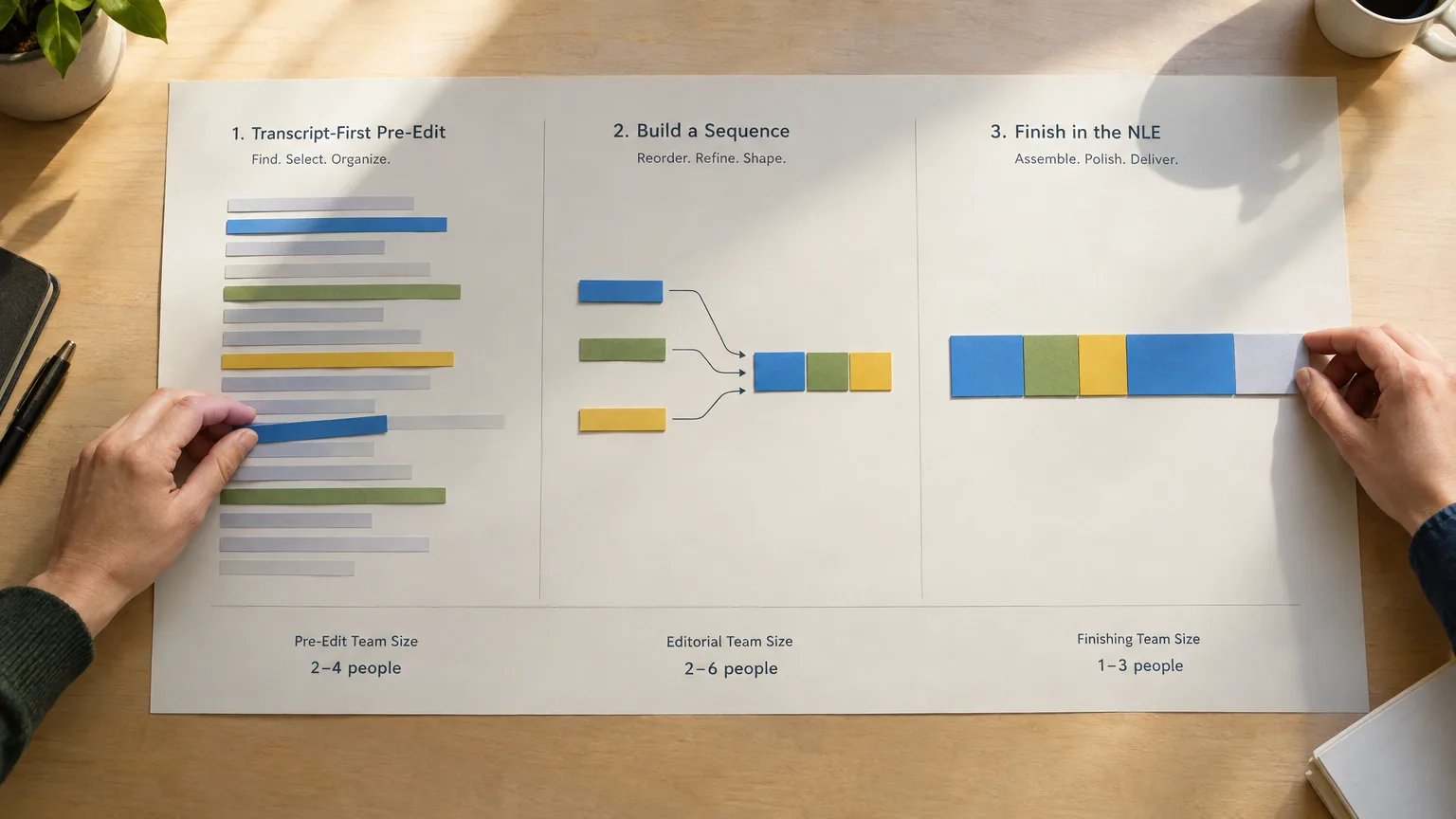
- Log it. Get timecoded text for everything said, with speaker names attached. This is the unglamorous part everyone wants to skip and nobody should. See how to log interview footage for the mechanics.
- Select it. Mark the strongest, most usable lines, the ones that are true to what the subject meant and clean enough to cut. This shortlist is often called a selects reel.
- Arrange it. Put the selects in story order on the page, not the timeline. This produces a stringout, and once it's tightened into something that reads like a script, it's a paper edit.
- Approve it. Get sign-off on the structure before anyone opens an NLE. See how to get client approval before you edit.
- Cut it. Only now does the A-roll move to a timeline, where B-roll, music and graphics get layered over an already-approved spine.
The order exists for a reason: logging is cheap, approving a timeline is not. Changing a sentence order in a document takes seconds. Changing it after three hours of color correction and a sound mix takes a very different kind of afternoon.
A-Roll Across Formats
Does A-roll editing work the same way for documentary, news, corporate and podcast work?
The steps stay the same. What changes is how brutal the ratio gets and how fast the turnaround has to be.
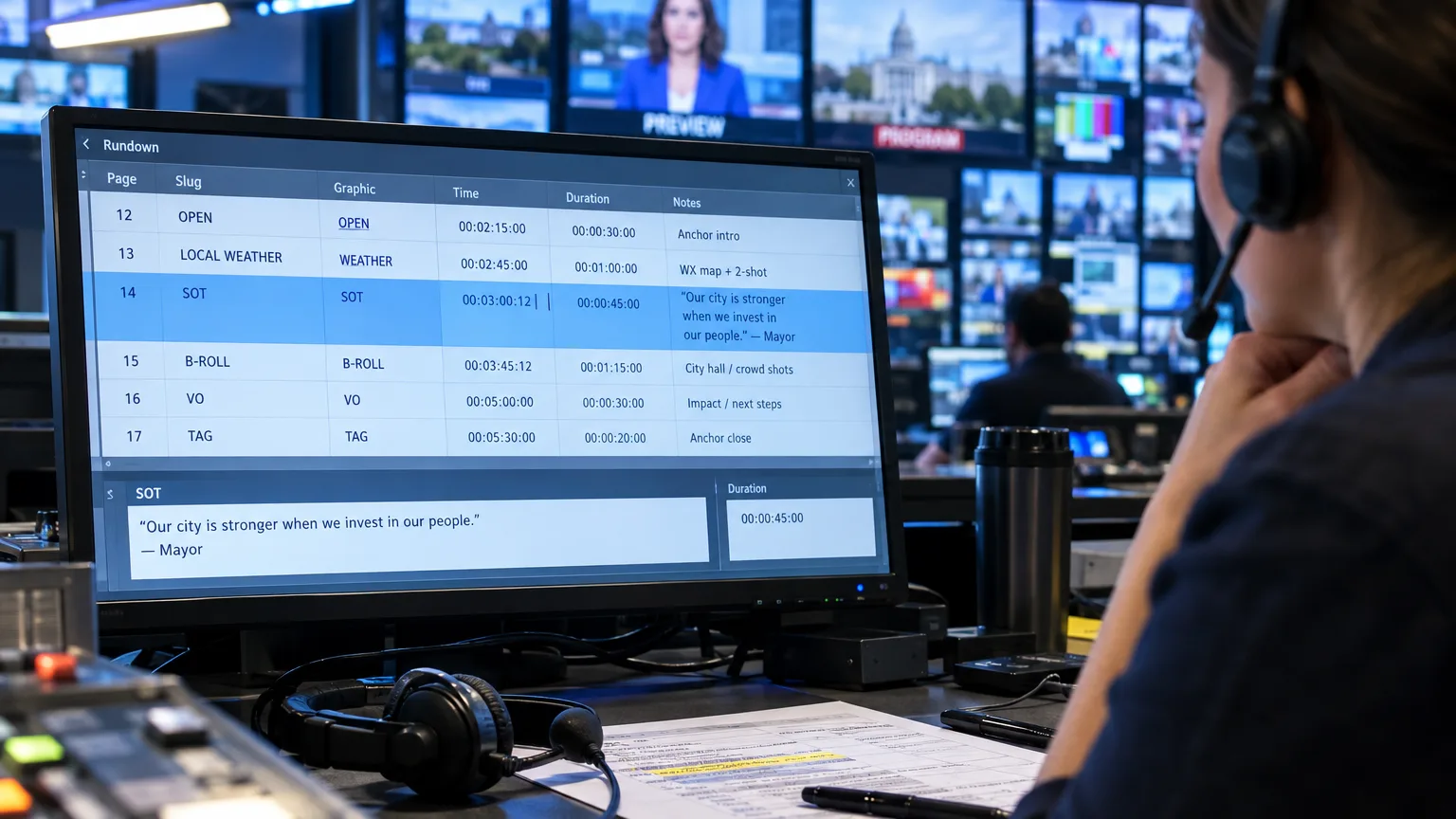
Take a news package: a reporter comes back with a 90 minute sit-down interview and a 6pm deadline for a 2 minute segment. There is no time to scrub the whole thing twice. The reporter (or a producer) logs the interview with timecode, pulls the four or five lines that actually say something new, strings them into order on paper, checks that order against the script the anchor will read, and only then hands picture to the editor. The editor's job becomes execution, not discovery, which is the only way a 90 minute tape becomes a locked 2 minute story by air time. Cutting down a long interview without losing the point is really this same selection problem at a smaller scale.
A documentary works the identical process over weeks instead of hours: Frederick Wiseman's crews have shot in the range of 40 to 60 hours of footage for every hour that airs, and that ratio only becomes a film because the A-roll gets paper-edited into scenes long before a timeline exists. The full arc of that process is mapped out in the documentary post production workflow.
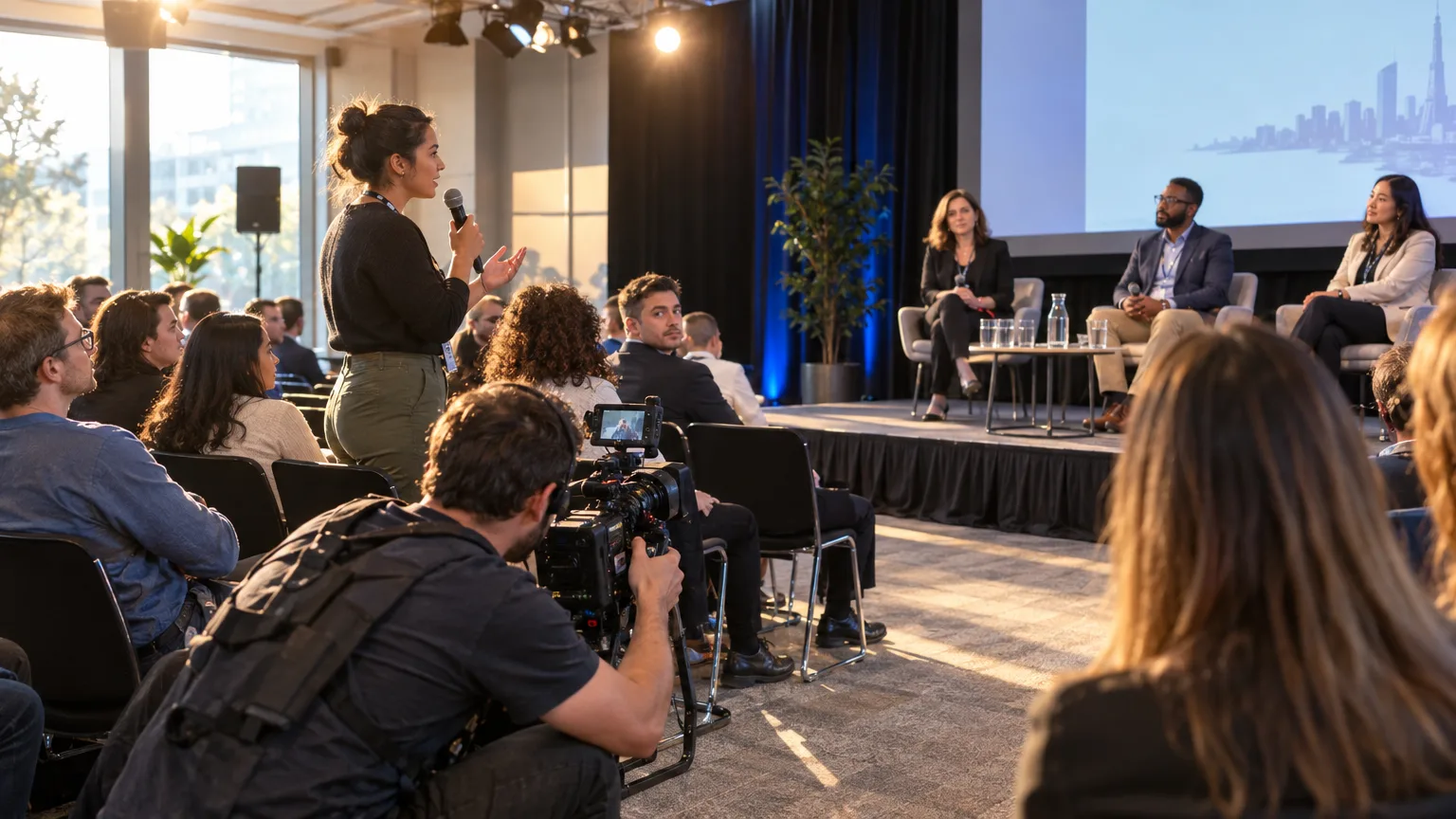
Corporate and testimonial work compresses the stakes differently: the client wasn't on set, didn't hear every answer, and will absolutely have opinions about which forty seconds represent the company. Approving the paper edit before cutting isn't a nice-to-have here, it's how you avoid rebuilding the sequence after the brand team has already seen a cut. Podcast video has its own version: a two hour conversation gets A-roll edited down to the episode's spine before anyone decides which fifteen seconds become a clip, a problem video editing for podcasters covers from the audio side.
Paper Edit First
Why read the transcript before touching the timeline?
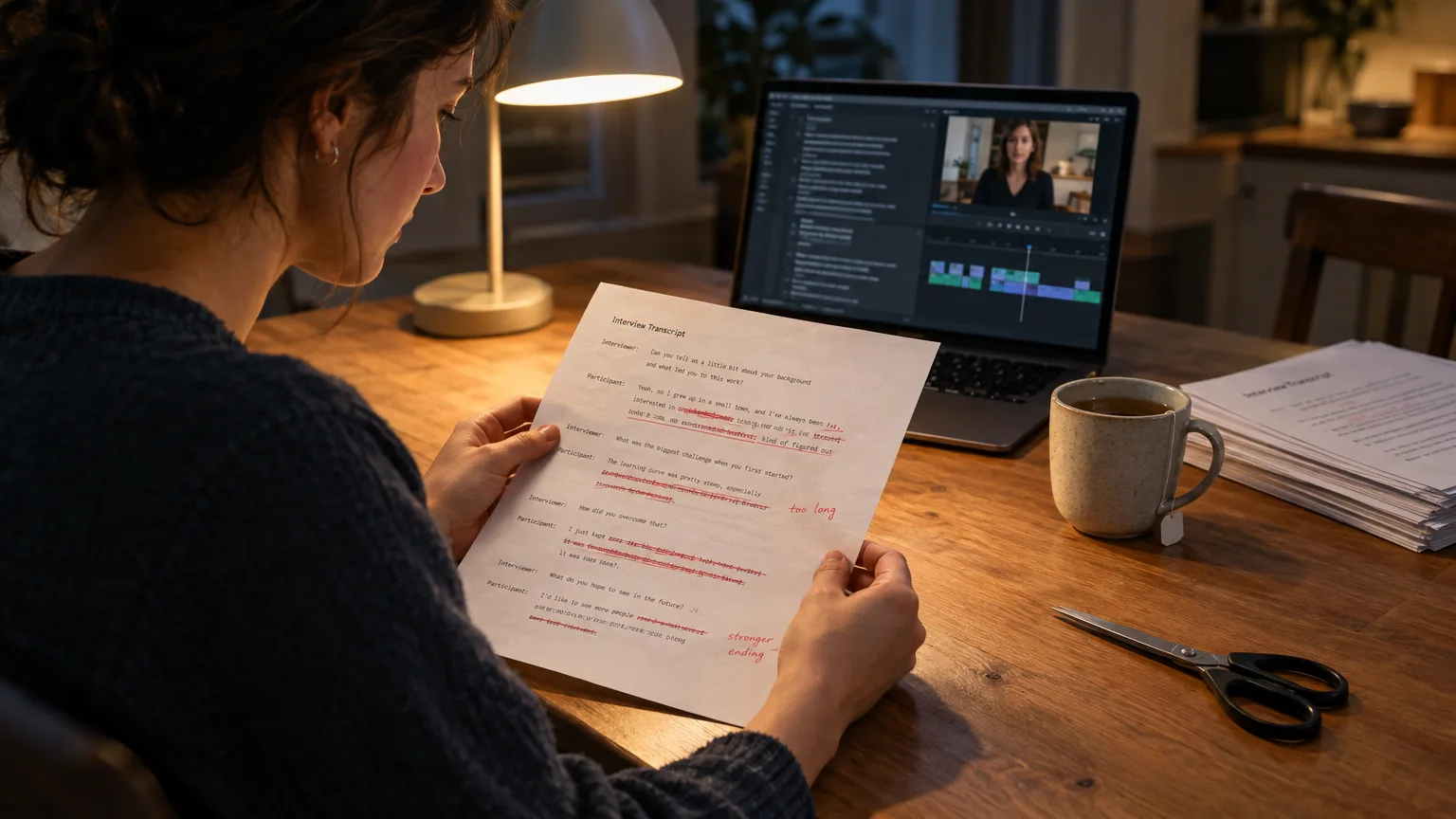
Reading is faster than scrubbing, and editing text is cheaper than editing a sequence. That's the whole argument for doing a paper edit before an A-roll cut: structure gets resolved on the page, where moving a paragraph costs nothing, instead of on a timeline, where moving a clip means re-syncing audio, re-checking transitions and re-rendering a preview for a client who's already seen a different version.
Michael Rabiger, in Directing the Documentary, frames documentary editing as working inside-out from what the footage actually contains, rather than outside-in from a script that was written before anyone shot anything. A paper edit is that inside-out process made literal: you build the story from what was actually said, not from what you hoped would be said.
It's not theoretical. Editor Dilesh Korya, working on the BBC's Empire, described transcribing a three-camera interview, handing the text to a producer for a paper edit, then conforming the chosen lines back to a timeline in DaVinci Resolve. His assessment was blunt: "That saves days," he said. Days, not minutes, because the alternative is restructuring a cut timeline instead of a document.
The honest caveat: a paper edit is a hypothesis, not a guarantee. Words on a page don't carry tone, hesitation or body language, which is why Errol Morris has famously refused to paper edit at all, and why Rabiger himself warns that an over-reliance on transcript can flatten a film into talking heads. The fix isn't to skip the paper edit, it's to verify each selected line against the actual clip before locking anything. If a line reads perfectly but the delivery is flat, it comes out of the stringout.
Common Mistakes
What mistakes turn A-roll editing into weeks of rework?
Four habits account for most of the pain editors describe after the fact.
- Cutting B-roll first. Pretty pictures with no spine to hang on usually get re-cut once the A-roll order finally gets decided, which means the B-roll work happens twice.
- No paper edit at all. Skipping straight to the timeline feels faster on day one and almost always costs more by the end of the week, once the story needs restructuring.
- Approvals after the timeline exists. A client who signs off on a cut sequence, not a document, is approving color, music and pacing choices alongside the story. Any one of those can trigger a full revision even when the actual story was fine.
- Manufacturing meaning instead of finding it. Reordering and tightening real statements is normal editing. Stitching fragments together into something a subject never actually said is a Frankenbite, and it's an ethics problem, not a style choice. Reality television has taken public heat for exactly this, documented in Manfred Becker's Creating Reality in Factual Television.
AI and the A-Roll
Can AI actually build the A-roll story, or just transcribe it?
Transcription has been solved for a while now. Building the story from the transcript is the harder, more recent part, and it's where the tools genuinely differ. Adobe added Text-Based Editing to Premiere Pro in the 23.4 update, which earned Adobe a NAB award and lets editors cut a sequence by editing its transcript, dragging lines, deleting pauses. DaVinci Resolve, now at version 21.1, has its own transcription and text-based tools built into the Cut and Edit pages. Both are genuinely useful, and both still leave the actual selection and story decisions to a human staring at a transcript.
That's the gap AI Select, AI Story and AI Arrange are built to close. Drop in the raw recording, any unscripted talking footage, interview, panel, webinar, testimonial, and AI Select flags the strongest moments instead of leaving someone to scrub for them line by line. AI Story takes that further and assembles a full cut from the picks. AI Arrange handles the sequencing if you'd rather pick the lines yourself and let the tool order them, and Cleanup strips filler words from whatever gets selected. Every pick keeps its word-level timecode, so a selected line is a precise cut, not an approximate one, and you can play any clip back to check the tone actually matches the words before anyone signs off. Once a client approves the story on a share link, the finished timeline hands off to DaVinci Resolve, Premiere Pro, Final Cut Pro or Avid, through a panel for Resolve and Premiere, and an XML export for Final Cut Pro and Avid, so the A-roll editing is finished before the NLE even opens.
After the Cut
What happens to the A-roll story once it's approved?
Once a long recording has a locked story, the same footage usually owes the team a handful of posts, and that's a separate job from the edit itself. A testimonial, a podcast episode, a keynote, each one has moments worth posting on their own, and finding them by scrubbing the long cut a second time is the same wasted afternoon all over again. ScriptCut Social works from the long recording, or from a ScriptCut edit that's already built, finds the moments worth posting, frames them on the speaker, writes a caption and a platform-specific description for each one, and schedules them, with one link per client to approve. LinkedIn is the only network it posts to directly today; for Instagram, TikTok, YouTube and Facebook it prepares the post and schedule for you to publish.
If podcast clips are the regular output of this workflow, how to turn a podcast into clips and reels walks the handoff from long episode to short posts in more depth.
A-roll editing is, in the end, a discipline about order of operations: log, select, arrange, approve, then cut. Skip a step and the pain doesn't disappear, it just waits for a more expensive moment to show up. Here is how we'd start: read the transcript before touching a single clip, write the story on paper, get it approved, and only then open the timeline. If reading and marking hours of raw footage is the part eating the week, ScriptCut is built to do that first pass for you, so the editing software is the last tool you open, not the first.
Sources
frequently asked questions
A-roll is the primary talking footage that carries the story, interviews, testimonials, host segments. B-roll is the supporting footage, cutaways, close-ups, environment shots, that gets added once the A-roll story is already decided.
Yes. Editing B-roll first usually means re-cutting it once the A-roll order changes, which it often does, so the story should be locked before you start layering in supporting shots.
A paper edit reads much faster than footage plays back, since you're skimming text instead of scrubbing video, and restructuring a document takes far less time than restructuring a cut sequence.
AI tools can now flag strong moments, assemble a rough story and strip filler words automatically, which used to be manual logging and selecting work; a human still checks tone and accuracy before anything locks.
Reorder and tighten what a subject actually said, but never stitch separate fragments into a statement they never made. Play back any selected line against the original clip before it goes into the cut.
The underlying steps, log, select, arrange, approve, cut, stay the same; what changes is the ratio of raw footage to final length and how fast the turnaround needs to be.
The same approved footage usually gets repurposed into shorter posts for social platforms, a separate pass that works best once the long-form story is already locked.
You might also like...







Get the next ScriptCut article in your inbox
One short email a week. Editing tips and product news. No spam, unsubscribe anytime.
Start selecting.

Pick the story in the transcript, export a finished rough cut and ready to post short form video.
What are you looking for?
Get the ScriptCut newsletter
Thanks! Check your inbox to confirm.
Something went wrong. Please try again.