
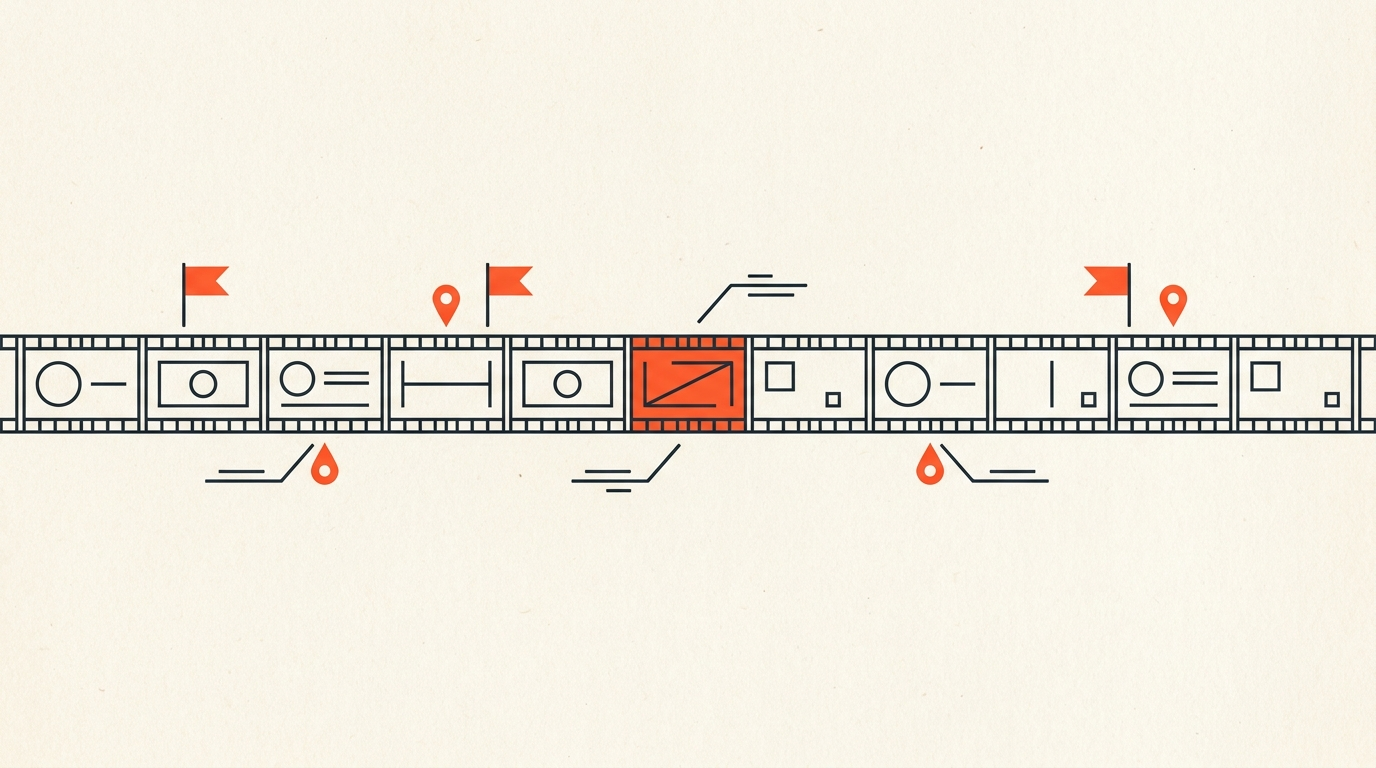
How to Log Interview Footage
Logging is the index, not the transcript. Transcribing produces the word-for-word text of everything said on camera. Logging is the layer on top of that: marking which lines are usable, which takes have a problem, and where the story beats actually live, so an editor can find a moment again in seconds instead of scrubbing back through hours of footage. Skip it on a small project and you might get away with it. Skip it on anything with real volume, and it costs you far more time than it saved.
Case Study
How the O.J.: Made in America team indexed 800 hours of footage
Ezra Edelman's O.J.: Made in America (2016), the Academy Award-winning, 7.5-hour ESPN documentary, was built from roughly 800 hours of archival and original footage and 72 conducted interviews, 66 of which made the final cut. No editorial team touches a volume like that without a rigorous logging system: footage has to be indexed by subject, date, and usable soundbite well before anyone starts building scenes, or the material becomes unusable simply from being unfindable. The film's density, jumping between courtroom footage, news archive, and interview across three decades of Los Angeles history, is only possible because someone could locate the exact ninety seconds needed out of hundreds of hours on demand, the same discipline the International Documentary Association outlines for handling digital media on a production.
What Logging Is
The difference between a transcript and a log
A transcript answers "what was said." A log answers "where is the moment I need." A good log flags the strong soundbites, marks story beats as they emerge across multiple interviews, and notes quality problems, a bad audio drop, a line repeated three times, a take where the subject stumbles, so an editor never has to rediscover a problem that logging already caught. On a documentary or long-form interview project, the log is what turns raw footage into something an editor can actually search. Once the strongest lines are flagged, they become the raw material for a selects reel long before anyone opens an editing timeline.
The Old Way
Hand-logging in a spreadsheet
The traditional method is a spreadsheet or a paper log: timecode in one column, a note in the next, built by an assistant editor watching footage in real time and typing as they go. It works, and generations of editors were trained on exactly this method, the same instinct behind NLE-native tools like clip markers in Premiere Pro. It is also slow by design, because every entry requires watching the footage at roughly real-time speed to catch it, which does not scale past a certain volume without adding more loggers. Logging is really one half of the larger job of organizing interview footage before an edit even starts, the other half being the bin structure and naming conventions built around it.
For a look at how documentary editors organize and log a real project before touching a timeline, this workflow walkthrough covers the same ground:
The Faster Way
Logging from a searchable transcript
Once footage is transcribed with word-level timecode, logging becomes a text search instead of a video scrub: you can find every time a subject mentioned a name, a date, or a specific event across dozens of hours in seconds, then jump directly to that exact frame. This does not replace watching footage, tone and delivery still require your eyes and ears, but it replaces the slowest part of logging, the process of finding candidate moments in the first place. This is the core idea behind text-based editing: treat the transcript itself as the interface for finding and marking footage, not just a reference document. ScriptCut builds this directly into the transcript: mark a line as you read, and the marker is tied to the same precise timecode you would need in an editor's shot list or a cut sheet.
What To Flag
Beyond the good lines: what a complete log tracks
A complete log follows a consistent structure, similar to the checklist Filmsupply recommends for streamlining footage logging:
- Standout soundbites, the lines that could anchor a scene on their own.
- Recurring story beats, the same idea or event mentioned by more than one interview subject, which often signals where the real structure of the piece lives.
- Technical problems, audio drops, focus issues, a mic bump, so nobody builds a scene around a line that turns out to be unusable.
- Speaker identity and role, so a name or title does not need to be re-verified every time the moment resurfaces weeks later in the edit, a task speaker diarization can handle automatically inside the transcript.
Common Mistakes
Where logging breaks down
The most common mistake is logging only the moments that feel exciting on first watch and skipping anything that seems dry, which quietly buries context an editor needs later to justify why a scene matters. The second is inconsistent speaker labeling across a multi-day shoot, which turns a searchable log back into a guessing game. The third is treating logging as optional on a tight deadline: an hour spent logging upfront routinely saves several hours of re-scrubbing footage during the actual edit, which is the entire economic case for doing it at all. That math holds just as true later, when it comes time to cut down a long interview to its strongest minutes.
The Honest Tradeoff
When hand-logging still wins
Transcript-based logging depends on usable audio. A whispered aside, heavy crosstalk, or a subject speaking a language the transcription engine does not support still needs a human watching in real time. For the large majority of single- or dual-camera interview footage with clean audio, though, text-first logging is faster and produces a more searchable record than a hand-typed spreadsheet ever will.
Where The Pre-Edit Fits
Logging as step one, not a separate job
Logging and the paper edit are not two different tasks, they are the same read done with two different goals: log for what exists, then arrange for what tells the story. Once a project is logged inside a transcript, the same marked lines become the raw material for a paper edit, and the whole thing exports as a real sequence, XML, EDL, subtitles, or clean audio, so the editor picks up in DaVinci Resolve, Premiere Pro, Final Cut Pro, or Avid already knowing exactly where every usable moment lives, moving steadily toward picture lock.
Sources
frequently asked questions
Transcribing produces the word-for-word text of what was said. Logging is the index built on top of that text: marking the strong soundbites, story beats, and quality problems so an editor can find them again quickly.
The production drew from roughly 800 hours of archival and original footage and 72 conducted interviews, 66 of which made the final 7.5-hour film, a volume that is unmanageable without a rigorous logging system.
For footage with clean, usable audio, yes. Searching a transcript for a name, date, or topic surfaces every instance in seconds, versus watching footage in real time to catch the same moments.
Recurring story beats mentioned by more than one subject, technical problems like audio drops or repeated takes, and clear speaker identification so nothing needs re-verifying later.
Skipping it usually costs more time than it saves. An hour spent logging upfront routinely saves several hours of re-scrubbing footage during the actual edit.
It works well for footage with clean audio. Heavy crosstalk, whispered asides, or unsupported languages still need a human logging in real time.
You might also like...

Start selecting.

Pick the story in the transcript, export a finished rough cut.