
How an Event Videographer Turns 8 Hours of Conference Footage Into a 3 Minute Recap by Monday
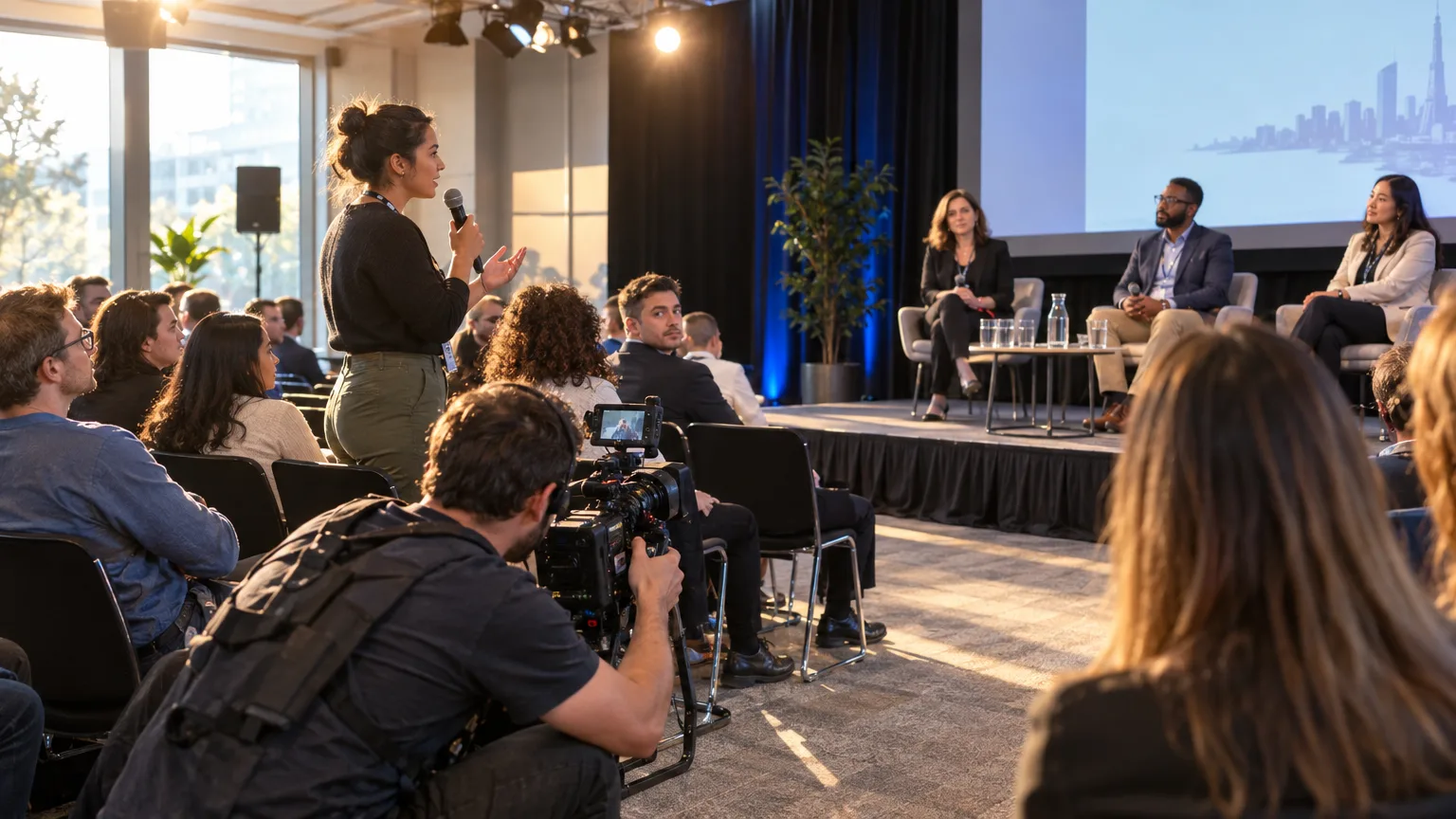
Friday, 5:40pm. The keynote wrapped two hours ago, the breakout stages are being struck, and eight hours of footage from three cameras and a roaming shooter sit on a shared drive. The client wants the recap live by Monday's all-hands. The fastest way to turn 8 hours of conference footage into an approved 3 minute recap by Monday is to skip rewatching everything: log the sessions for timecoded quotes, build the story as a written paper edit first, get it approved on a link over the weekend, then cut the already-approved order in Premiere Pro or Resolve. Nobody opens the timeline until the story is agreed.
The raw material
What actually comes off the cards from an 8 hour conference?
More than you'd think, and less of it usable than you'd hope. A one day event with a keynote stage, two breakout rooms, and a roaming shooter easily produces three to five separate camera feeds running in parallel for most of the day, which is why conference shoots routinely generate far more raw hours than the day itself ran, once every angle and every session is counted. Inside that pile you've got the keynote (the one everyone will ask about), two or three breakout panels that overlap in time, an audience Q&A with a hand mic that cuts in and out, and the badge-scan chaos: fifteen seconds of someone fumbling a lanyard before every single interview setup. None of that is usable footage, but all of it has to be scrubbed past or skipped to get to the lines that are.
The instinct on Friday night is to start at timecode zero on camera one and watch forward. Resist it. Watching eight hours of footage in real time to find ninety seconds of recap material is the single biggest way to blow a Monday deadline, and it's exactly the problem a A-roll editing workflow is built to solve: treat the talking as the raw material to be read, not just watched.
Logging fast
How do you log 8 hours of sessions without rewatching all of it?
You log by reading, not by scrubbing. Run the audio from each camera and the lapel mics through a transcription pass, then read the transcript at normal reading speed, which moves far faster than real-time playback, while marking the lines that land: the keynote's one-sentence thesis, the panel moment where someone disagrees on camera, the audience question that actually got a real answer. This is the same logging discipline covered in how to log interview footage without rewatching every hour, applied across multiple simultaneous sessions instead of one sit-down interview.
Mark each candidate line as a select, the working term for a pulled quote worth keeping, documented going back to Michael Rabiger's Directing the Documentary and still the term editors use today (see what is a selects reel for the full definition). At the end of this pass you're not looking at eight hours anymore. You're looking at a short list of timecoded lines, each one playable in isolation to check the tone actually matches the words on the page, because a line can read great and sound flat when the speaker mumbled through it.
The paper edit
How do you build the story before opening the NLE?
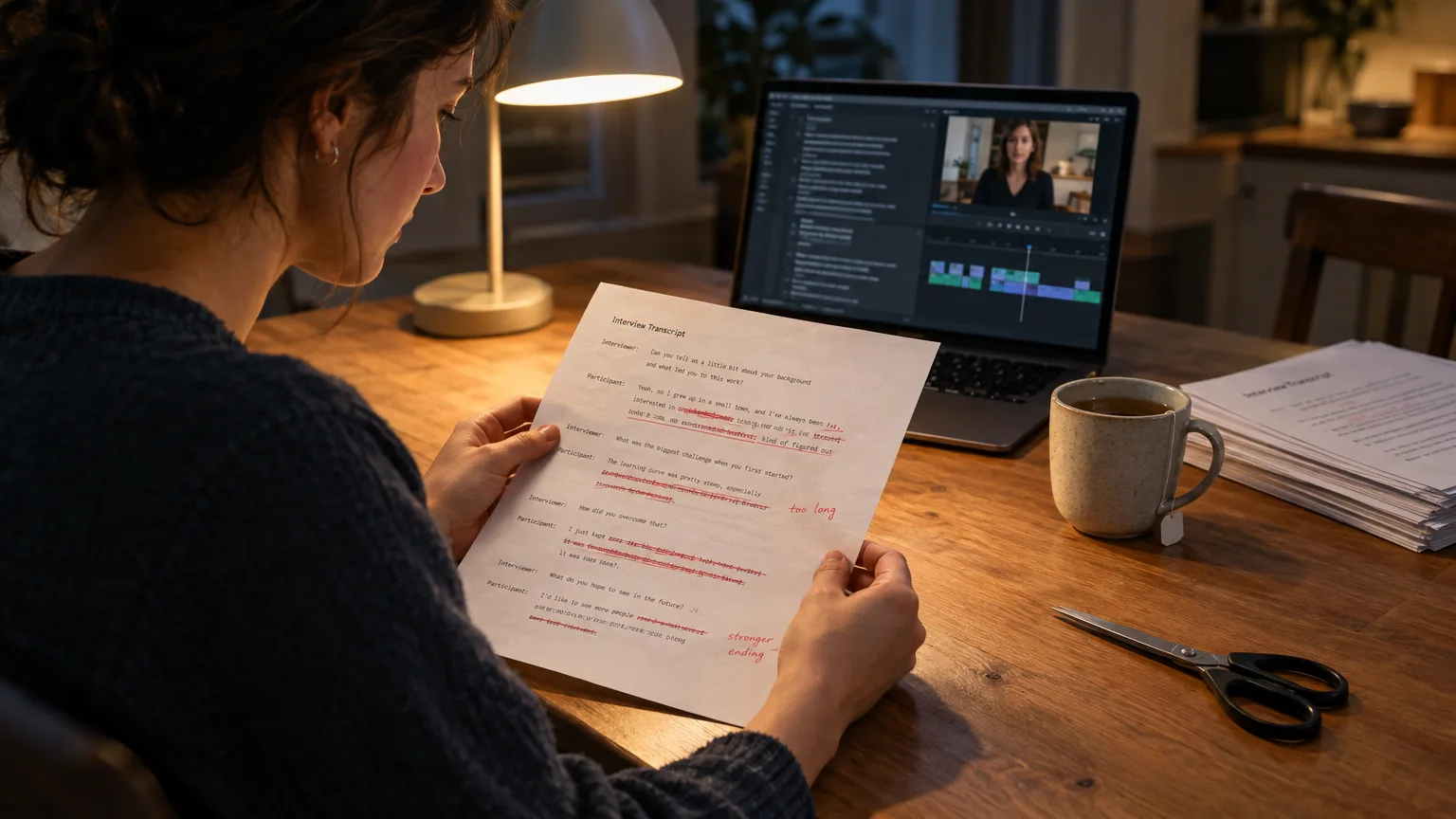
You arrange the selects into a running order on the page, in a text document or a transcript tool, before a single clip touches a timeline. This is the paper edit (sometimes called a paper cut), a written blueprint built from what people actually said, and it's the step most conference recaps skip under deadline pressure, which is exactly why so many recaps feel like a chronological dump of whatever session ran first. What is a paper edit covers the full method if this is new to your team; how to do a paper edit, step by step walks the mechanics.
For a conference recap, the order usually isn't chronological at all. The keynote's best line might open the piece even though it happened at 9am, a breakout panel disagreement might sit in the middle for energy, and the audience Q&A answer might close it because it's the one line that sounds like a takeaway. Arranging this on paper costs minutes. Arranging it by dragging clips around a timeline, previewing, undoing, and dragging again costs an evening you don't have. Dilesh Korya, the editor on the BBC documentary Empire with David Olusoga, has described the same principle on a much longer shoot: a transcript gets exported, paper-edited, then conformed back to a timeline, and that process, in his words, "saves days". A one day conference is a smaller version of the same math, compressed into a weekend instead of a schedule.
This is the exact point where AI Select and AI Arrange replace the manual slog: AI Select flags the strongest moments across every session's transcript at once, and AI Arrange puts the candidates into a running order automatically, which you then adjust by eye rather than building from a blank page. Cleanup strips the filler words and false starts before anyone sees the story, which matters a lot for a Q&A mic that caught a lot of stammered, trailing-off questions.
Client approval
How do you get three stakeholders to agree on the cut before Monday?
You don't send a cut. You send the running order, as text, on a link, and you get sign-off before anyone opens an editing app. The classic failure mode here is the email chain: the marketing lead replies-all with notes, the event organizer replies to a different message thread with different notes, and the exec who was actually on the keynote stage weighs in Sunday night wanting a different line entirely, after the edit is already assembled. Changing a sentence in a document is free. Changing it after the timeline is cut, graded, and captioned is a redo. How to get client approval before you edit and how to run a remote paper edit review with clients and producers both dig into why approving the story on paper, before the timeline exists, is the step that actually protects a weekend.
ScriptCut builds this into a single share link: the client reads the arranged story, approves or leaves a note against a specific line, and everyone, marketing, the organizer, the exec, is looking at the same document instead of three separate reply chains. No cut exists yet to be rejected, which means no cut exists yet to be redone.
If one of the short clips needs its own sign-off, the Share button on that clip gives you a separate link for it.
The timeline handoff
What happens when the arranged selects move into Premiere Pro or Resolve?
Once the running order is approved, the arranged selects become a frame-accurate timeline that drops into the editing software with the story already decided. This is where ScriptCut's panel sends the picked clips directly into DaVinci Resolve or Premiere Pro, landing back linked to the original camera media so the editor is grading, adding motion graphics for the event's branding, and syncing music, not hunting for which camera caught the keynote punchline. Final Cut Pro and Avid editors take the XML export from the Review menu instead. The full handoff mechanics are covered in export a paper edit to Final Cut Pro and Avid; for a Premiere-specific setup see how to set up a transcript studio workflow in Premiere Pro, or the NLE integration page for the panel details on both apps.
What this step is not is the end of the editor's work. The sync, color, titles, music, and final pacing still happen by hand, and they should: that craft is what a recap needs and a paper edit can't do for you. What the handoff removes is the hours normally spent assembling a stringout, the raw run of selected clips in rough order, before the real editing even starts.
A worked example
How does this play out on an actual one day conference?
Picture a SaaS company's annual user conference: one keynote stage, two breakout rooms running panels back to back, and a roaming shooter catching hallway reactions and the Q&A line. Call it four cameras and eight hours of simultaneous footage by the time doors close. The transcript pass surfaces maybe forty candidate lines across all four feeds. Reading through them Saturday morning trims that to twelve real selects: the keynote's one sharp line about the roadmap, a panel disagreement about pricing that got a laugh, two customer quotes from the hallway, and a Q&A answer that lands as a closer.
Those twelve lines get arranged into a ninety second running order by lunch and sent to the client on a link. The marketing lead swaps two lines by Saturday evening. By Sunday the order is approved. The editor opens Resolve Monday morning with the twelve approved clips already linked to camera media in the right sequence, adds the branded lower thirds, picks music, and the 3 minute recap is cut, graded, and exported before the all-hands starts. Nobody rewatched eight hours of footage over the weekend. Nobody argued about structure after seeing a cut.
Common mistakes
What usually blows the Monday deadline?
- Starting with the camera, not the transcript. Scrubbing four feeds in real time on Friday night is how a recap deadline quietly becomes Tuesday's problem instead of Monday's win.
- Building chronologically by default. The keynote happened first, but it doesn't have to open the recap; a stringout built in session order is a starting point, never the final structure.
- Sending a cut for notes instead of a running order. A video attachment invites subjective, scattered feedback (the music feels off) instead of structural feedback (move the pricing line earlier), and it arrives too late to fix cheaply.
- Treating the Q&A audio as unusable. A hand mic that cuts in and out still carries a genuine audience reaction, often the most relatable line in the whole recap; the Cleanup pass can tighten the filler around it rather than cutting it entirely.
- Forgetting the other 95% of the footage. Shooting ratios this steep aren't unique to events: Wikipedia's entry on shooting ratio notes documentary and unscripted production regularly runs well above 20 to 1, and Frederick Wiseman has described ratios around 40 to 1 or higher on his documentaries, treating the unused footage as the price of finding the right line, not a failure. A conference recap works the same way: most of the eight hours was never going to make the cut, and that's fine, as long as something useful happens to it afterward.
Beyond the recap
What do you do with the other seven hours and change that didn't make the cut?
You don't let it sit on a drive until next year's event. The same transcript that fed the recap's paper edit also surfaces moments that were never going to fit a 3 minute cut but are worth posting on their own: the panel disagreement in full, a customer's unscripted hallway endorsement, a sharp audience question and its answer. ScriptCut Social works from the long recordings or from the already-approved ScriptCut edit, finds the moments worth posting, frames them on the speaker, writes a caption and a platform-specific description for each, and schedules them out, with one link per client to approve before anything goes out. LinkedIn posts directly today; other platforms get a ready-to-post clip and copy. How to repurpose a conference talk covers the broader playbook for turning one day of sessions into weeks of posts instead of one video and a full hard drive.
Sources
- RedShark News: Cutting with Curiosity, Inside a Documentary Editor's Workflow
- No Film School: Frederick Wiseman on Finding Your Film in the Edit
- British Cinematographer: Doghouse Post on DaVinci Resolve Studio for Empire
- Wikipedia: Shooting ratio
None of this works if the client approval drags into Tuesday, which is exactly why the paper edit and the share link exist before the timeline does. Here is how we'd start a conference recap on a Friday night: skip the camera, read the transcript, mark the selects, and build the running order in ScriptCut before touching Resolve or Premiere Pro at all.
frequently asked questions
With three or four cameras running across a keynote, breakout rooms, and a roaming shooter, a single day conference easily produces 20 to 30 hours of combined footage even though the event itself ran 8 hours, since every camera's feed counts separately.
No. Reading a timecoded transcript of each session is far faster than watching it in real time, and marking candidate lines as you read gets you to a shortlist of selects without rewatching a single full session.
A paper edit is a written running order of the best quotes, built before anyone opens the timeline, and it matters here because moving a line in a document takes seconds while moving it after the cut is assembled can mean regrading and recaptioning.
Send the arranged running order of selects as text on a single share link rather than a cut video or an email chain, so stakeholders give structural feedback on the story before any editing time is spent.
Yes. The same sessions that feed the 3 minute recap also contain standalone moments worth posting on their own, and a tool built for repurposing can pull those clips and write captions without a second pass through the footage.
ScriptCut sends the arranged selects into DaVinci Resolve or Premiere Pro through a panel that links back to the original camera media, and exports a plain XML file for Final Cut Pro and Avid.
Not usually. The strongest line often works better as the opener regardless of when it happened during the day, which is exactly why the running order gets decided on paper before the footage is cut in session order.
You might also like...







Get the next ScriptCut article in your inbox
One short email a week. Editing tips and product news. No spam, unsubscribe anytime.
Start selecting.

Pick the story in the transcript, export a finished rough cut and ready to post short form video.
What are you looking for?
Get the ScriptCut newsletter
Thanks! Check your inbox to confirm.
Something went wrong. Please try again.