

How to Set Up a Transcript Studio Workflow in Premiere Pro
This piece walks through setting that workflow up properly, shows where it earns its keep, and is honest about the three places it quietly runs out of road: no shareable approval link for a client, no automatic short-clip generation, and everything locked to one Premiere project. We'll also put it next to Descript, Reduct and ScriptCut so you can see what you're trading off either way.
Transcript Studio Premiere Pro
What 'Transcript Studio' Actually Means Inside Premiere
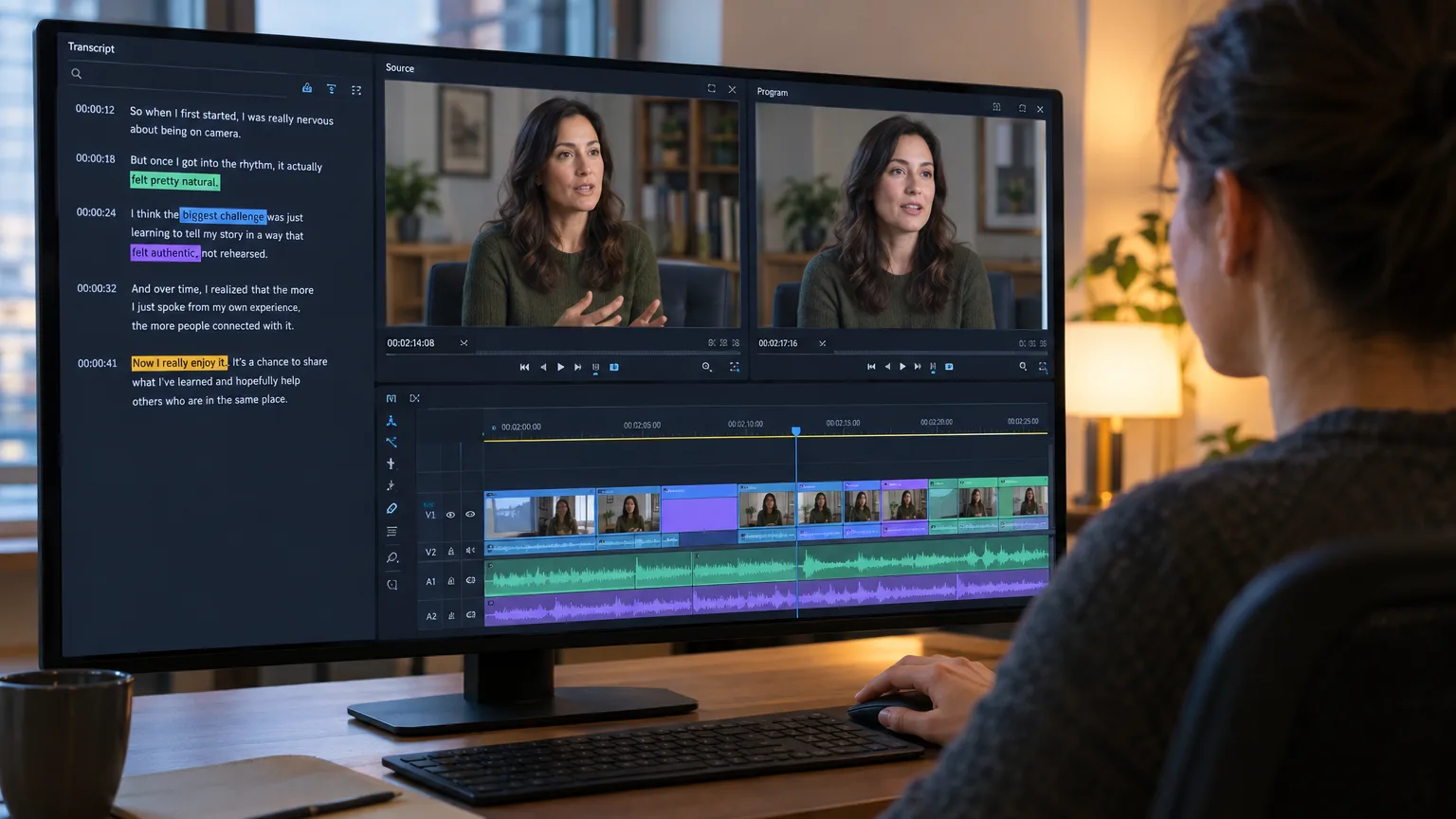
Adobe doesn't use the phrase 'transcript studio' in its own documentation. The feature lives under Window > Text, in a tab literally called Transcript, and it's one half of what Adobe brands Text-Based Editing. (The other half is the Captions panel, which generates on-screen subtitles for export. They look similar and editors mix them up constantly: the Transcript tab drives cuts, the Captions panel burns text onto the frame.) When people say 'transcript studio in Premiere' they usually mean the whole loop: transcribe the sequence, read it like a script, delete the bits you don't want, and watch the timeline update itself.
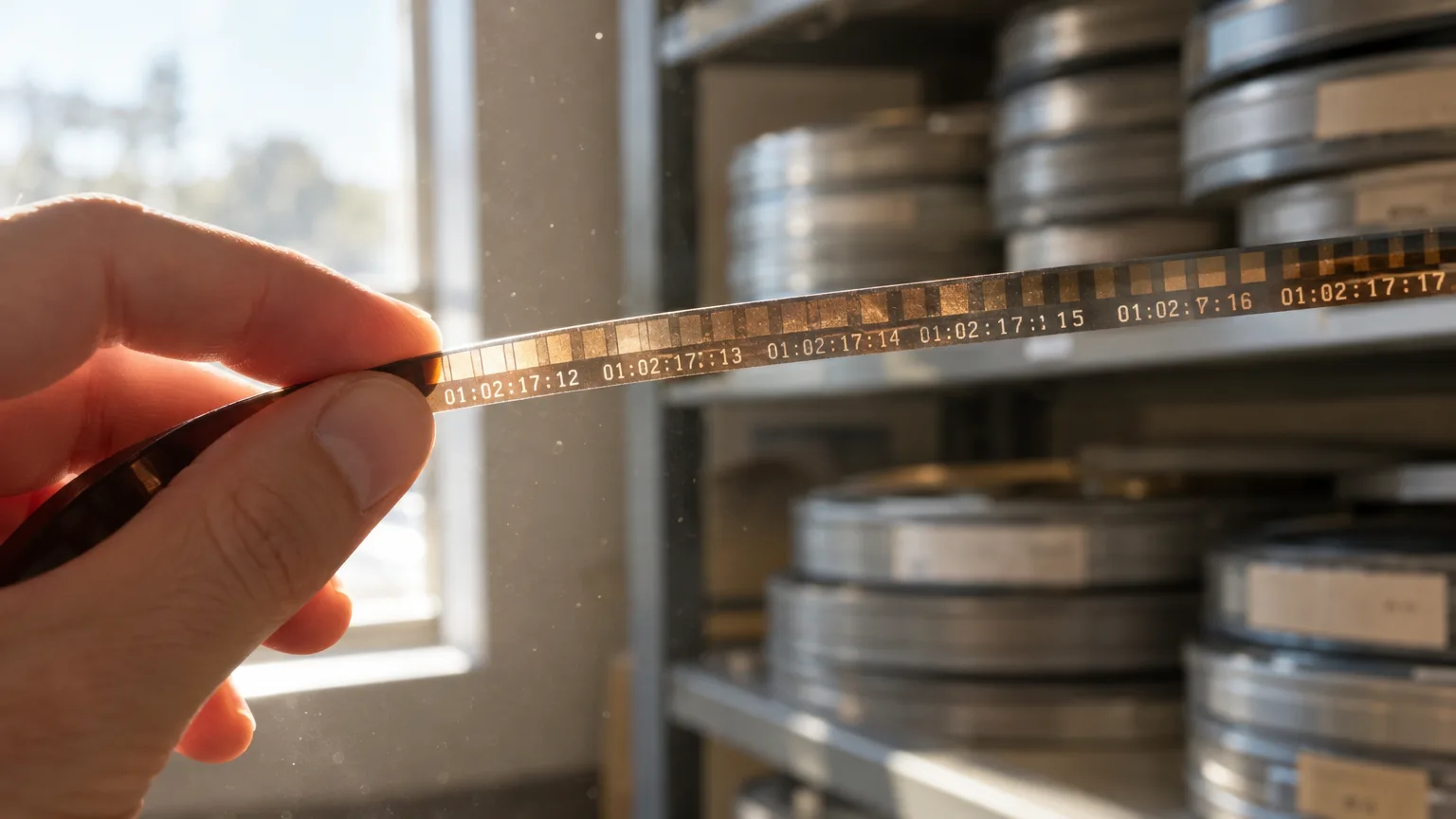
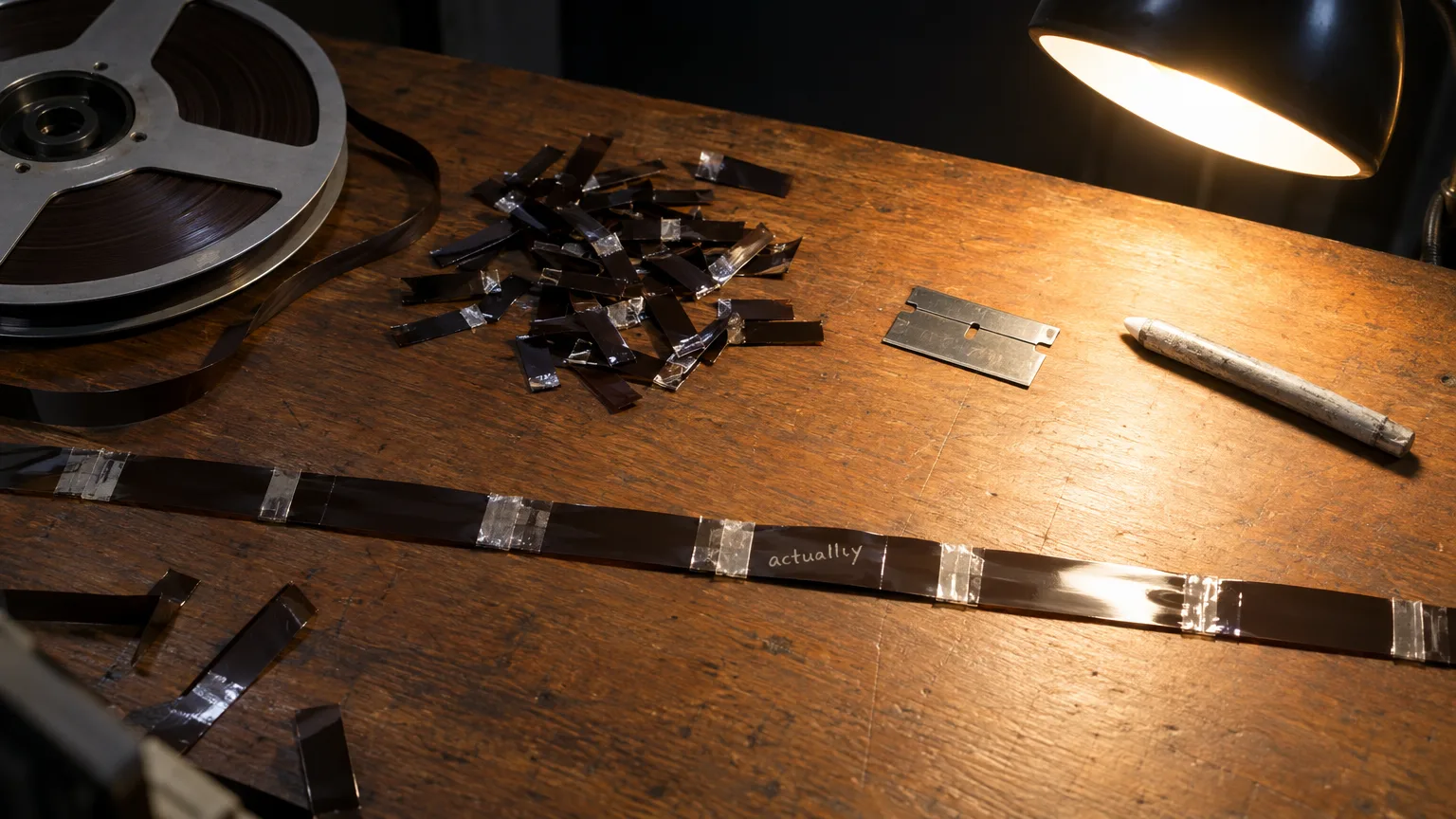
It's worth naming the lineage here because it changes how you should use the tool. This loop is a software implementation of the paper edit, a technique Michael Rabiger formalized in Directing the Documentary back in 1987, long before anyone had word-level timecode. Rabiger's version used scissors and a photocopier. Adobe's version, shipped first as Text-Based Editing at NAB 2023, replaces the scissors with a Delete key. The underlying discipline (structure the words first, verify on the clip second) hasn't changed at all.
Set up in Premiere
Building the Workflow: From Import to Rough Cut
Here's the setup, start to finish, for a typical case: a 70-minute two-camera interview you need down to an 8-minute rough cut by end of day.
- Build the sequence before you transcribe. Premiere's transcription reads audio off the sequence, not loose bins, so drop your source clips onto a timeline first. Skip this and you'll transcribe twice.
- Open the Text panel and hit Transcribe. Set language, turn on speaker labeling if it's a multi-voice recording, and choose whether to transcribe the whole sequence or just an in-to-out range. This matters on a two-camera shoot where only one mic is clean.
- Correct the transcript before you cut anything. Export it to text, fix names, jargon and obvious misheard words, then re-import. Doing this after you've already deleted half the words means re-checking every cut.
- Read for the spine, not the sentence. Skim the whole transcript once before touching a word. You're looking for the three or four moments that actually carry the story, same as any selects reel process, just on screen instead of paper.
- Delete in the Transcript tab, not the timeline. Highlight a line you don't want and press Delete. Premiere ripples the cut into the sequence automatically. This is the whole point: you're never scrubbing to find an edit point by ear.
- Run filler word detection, then review every flag. Premiere's automated filler pass catches most 'um' and 'uh' instances cleanly. It also flags a leading 'so' or 'well' that's sometimes doing real rhetorical work. Check the surrounding sentence before batch-deleting, or you'll cut a thought off at the knees.
- Use pause detection to tighten dead air, since there's no one-click removal here the way there is for filler words; you select flagged gaps and trim manually.
- Watch the sequence back once you've built the string-out. This is the step people skip and shouldn't. A line that reads well on the page can land flat, sarcastic or rushed on playback. Rabiger's own warning in Directing the Documentary applies word for word to a software transcript: treat the text structure as a hypothesis, confirm it on the clip.
That's the full loop, and it genuinely compresses the first pass on a talking-head edit. The Premiere Pro transcript workflow covers the panel's mechanics in more depth if you want the full feature-by-feature breakdown; this piece is about where that workflow sits in the bigger picture.
Cutting by text
Editing the Sequence Transcript, Not Just the Source Transcript
Once clips land on the timeline, Premiere generates a second, separate transcript: the sequence transcript. This is the one that behaves like a script editor. You can select a block of text and literally copy and paste it to reorder clips, or cut it to pull a section out entirely, and the timeline follows. It's the closest Premiere gets to a true stringout built from words rather than clip icons.
The catch is scope. The sequence transcript only knows about what's already in that sequence. There's no higher-level document where you can draft three different structures side by side before committing one to a timeline. Dedicated transcript-based editors treat the transcript itself as the primary document, with the timeline as an export target. Premiere treats the timeline as primary and the transcript as a convenient way to manipulate it. That's a real philosophical difference, not just a UI quirk, and it shapes everything downstream.
Limitations
Where the Premiere Transcript Studio Runs Out of Road
Three gaps show up consistently once you push this workflow past a single solo edit.
- No shareable approval link. A client or producer can't open a browser, read your selected lines, leave a comment on one, and approve the structure before you build anything. In Premiere that means sending a rough-cut export, waiting on notes, then opening the project again to make changes, which is exactly the loop client approval before you edit is meant to shortcut.
- No AI clip generation. Premiere's Text panel will help you cut a long sequence down, but it won't scan for standalone quotable moments and spit out vertical social clips with captions. That's a separate job, usually a separate tool entirely.
- Everything is timeline-bound. The transcript only exists inside that one Premiere project. There's no portable paper-edit document you can hand to a co-editor, a producer, or a second NLE. If the project needs to move to Resolve or Avid, you're exporting a sequence, not a reviewable structure.
None of this makes the feature bad. It makes it a cutting tool bolted onto an NLE, not a pre-edit stage that happens before the NLE. Those are genuinely different jobs, and conflating them is where editors get burned on deadline.
Tool comparison
Premiere's Text Panel vs Dedicated Transcript-Based Editors
Here's how the built-in workflow stacks up against the standalone options actually built around a transcript, including the main roundup of transcript studio tools for Premiere Pro workflows if you want the broader field.
| Tool | Built for | Client approval link | AI short clips | Entry price |
|---|---|---|---|---|
| Premiere Pro Text panel | Cutting inside an existing NLE project | No | No | Included with Premiere, $22.99/mo annual plan, $34.99/mo month to month |
| ScriptCut | Pre-edit, selects and approval before an NLE | Yes | Yes (ProAI) | Free; Starter $19/mo ($15/mo annual); ProAI $35/mo ($29/mo annual) |
| Descript | All-in-one write, record, edit in one app | Via project sharing | Yes (Underlord) | Free; Hobbyist $24/mo ($16/mo annual) |
| Reduct | Research, qualitative review, redaction-heavy teams | Via comment links | No | Personal $12/editor/mo (annual) |
| DaVinci Resolve Transcribe Audio | Cutting inside Resolve, free NLE path | No | No | Included with Resolve (free); Studio $295 one time |
| Final Cut Pro (no native text-based editing) | Traditional NLE editing | No | No | $299.99 one time |
As of October 2026.
Read that table as two different buying decisions, not one ranking. If you already live in Premiere and just want faster rough cuts, the Text panel is free with your existing license and genuinely good at that one job. If you need a client to approve a structure before anyone opens an NLE, or you want short clips pulled automatically from a long recording, you need something built around the transcript as the primary document, which is the gap text-based editing inside an NLE was never meant to fill. Transcript-based editor vs text-based editing goes deeper on that exact distinction if the terminology still feels blurry.
Common mistakes
Where This Workflow Breaks in Practice
The most common failure is skipping transcript correction and trusting auto-generated text completely. A misheard name or a garbled technical term doesn't just look wrong in a caption, it silently changes what you think a line says when you're scanning for your structure. Fix the transcript before you build on it.
The second is deleting fillers in a single aggressive pass without listening back. BBC editor Dilesh Korya, describing a transcript-based cut of a three-camera interview for the BBC series Empire that was later conformed in DaVinci Resolve, put it simply: the method 'saves days' precisely because it front-loads the thinking into text, which only works if the text is trustworthy.
The third mistake is treating the finished sequence transcript as proof the edit is done. It's a draft of intent, not a verified cut. Play every clip back at speed before you call it a rough cut, the same discipline Karen Pearlman describes in Cutting Rhythms when she argues that rhythm and tone live in the footage, never in the page.
Decision framework
When to Stay in Premiere, and When to Pre-Edit Somewhere Else First
Stay inside Premiere's Transcript tab when you're the only person touching the edit, the footage is a single sit-down interview or a short solo piece, and nobody outside the edit bay needs to see a structure before picture lock. It's fast, it's free, and there's no export friction because you're not leaving the app.
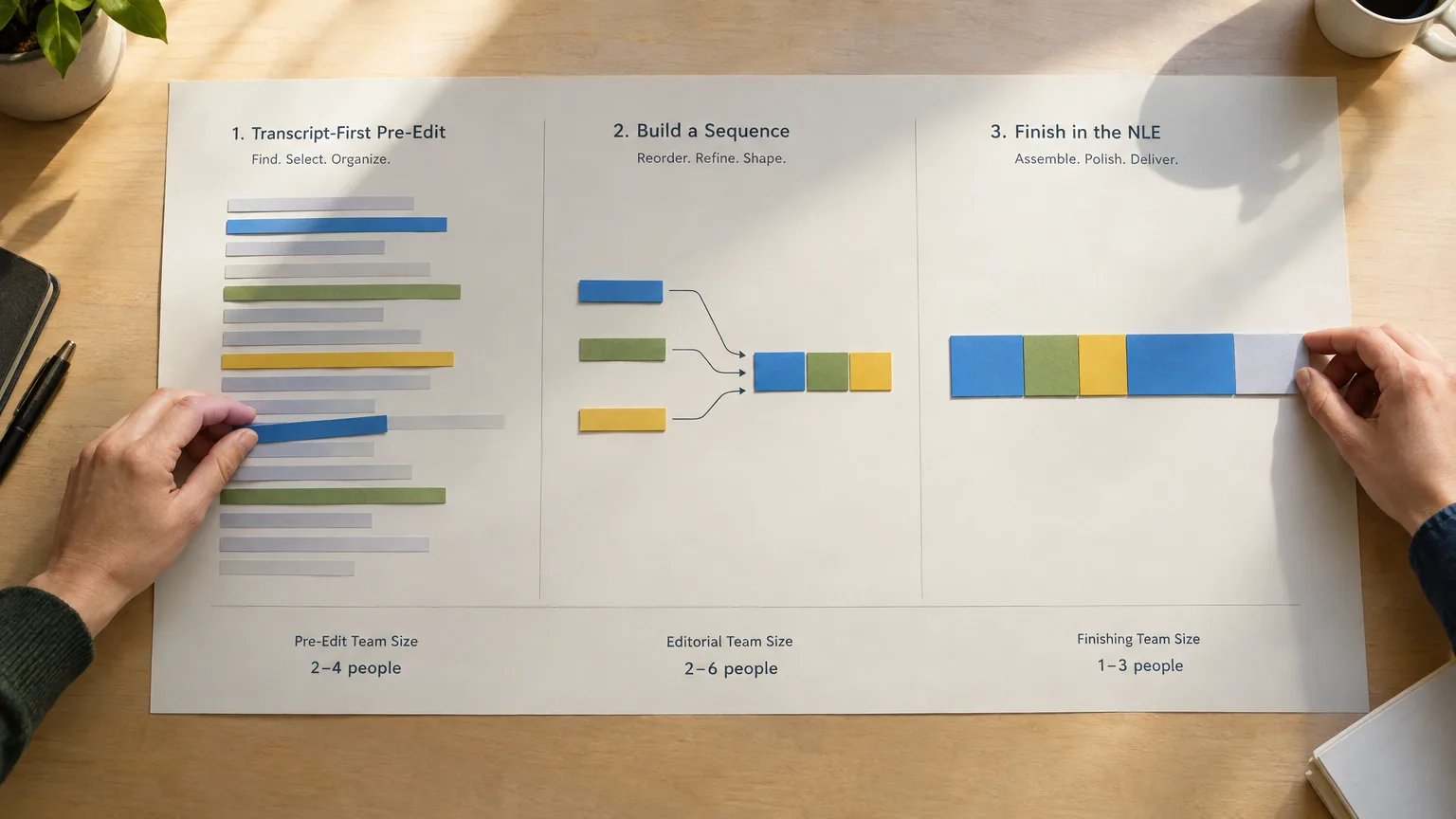
Move the pre-edit stage outside Premiere when any of these are true: a client or stakeholder needs to review and approve the story before you cut, the source is long and unscripted (a panel, a podcast, hours of documentary interview), or you need short vertical clips pulled out as a separate deliverable. In that case, build the selects and the structure in a tool like ScriptCut first, get sign-off through a share link, then bring a timeline into Premiere already approved. ScriptCut exports an FCP 7 XML that Premiere, Resolve, Final Cut and Avid can all read, so the handoff isn't a rebuild, it's an import. The paper edit export workflow to Final Cut and Avid walks through that handoff step by step if you're new to it.
If you're cleaning up subtitle files alongside the cut, the free SRT to VTT converter handles format conversion and caption conforming without leaving the browser.
The honest takeaway: Premiere's transcript studio is a genuinely useful cutting tool bolted onto a timeline-first app. It is not a pre-edit stage, and pretending otherwise costs you the one thing a paper edit was always meant to save, which is everyone's time before the timeline exists. Try the structure-first approach once on a long, messy recording in ScriptCut, get it approved, then hand the approved cut to Premiere for the craft work it's actually built for.
Sources
frequently asked questions
It refers to the Transcript tab inside Premiere's Text panel, where you transcribe a sequence's audio and then cut it by deleting words in the text instead of trimming the timeline directly.
Adobe officially shortened the name to Adobe Premiere with version 26.0 in January 2026, but the Text panel and Transcript tab work the same way and most editors still call the app Premiere Pro out of habit.
Not directly. Premiere has no built-in shareable link for a client to review and approve selected lines before you build the sequence; you'd export a video or use a separate tool like ScriptCut that includes an approval link.
It's a software version of the same idea, editing from the words a subject actually said rather than scrubbing a timeline, but it happens inside the final NLE project rather than as a separate planning document a team can review first.
No. Filler word removal and pause detection help you tighten a sequence, but Premiere doesn't scan a transcript for standalone quotable moments and generate vertical social clips the way AI clipping tools do.
Premiere's version is a cutting tool bolted onto an existing timeline project, while Descript and ScriptCut treat the transcript itself as the primary document with approval links and, in ScriptCut's and Descript's case, AI clip generation built in.
Text-based editing requires Premiere Pro 23.2 or later; as of October 2026 the current release is Premiere 26.5, and the feature has continued to get filler word and pause detection improvements since it first shipped.
You might also like...









Get the next ScriptCut article in your inbox
One short email a week. Editing tips and product news. No spam, unsubscribe anytime.
Start selecting.

Pick the story in the transcript, export a finished rough cut and ready to post short form video.
What are you looking for?
Get the ScriptCut newsletter
Thanks! Check your inbox to confirm.
Something went wrong. Please try again.