

How to Repurpose a Webinar Into Short Clips
Start on the page
Read the transcript before rewatching a single minute
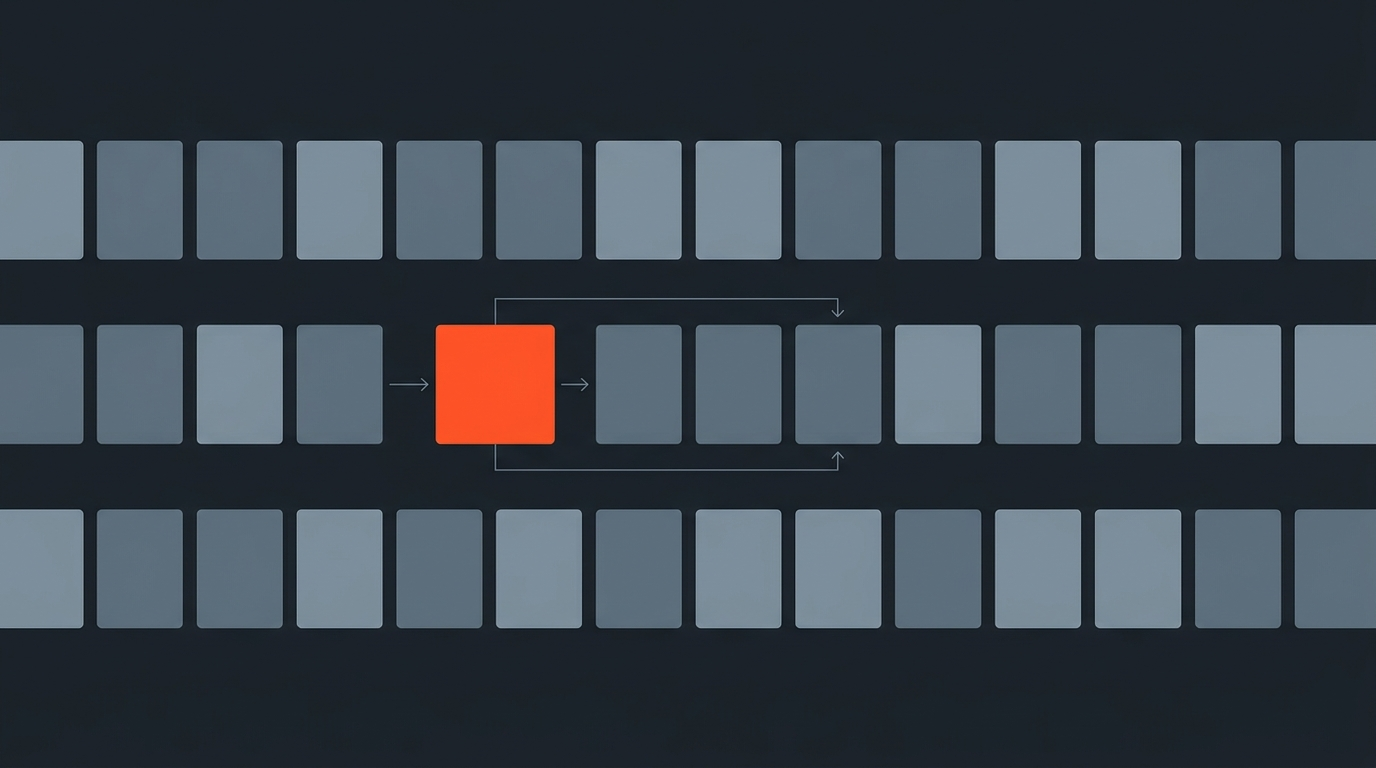
A 60-minute webinar recording holds maybe eight minutes of material worth clipping, and rewatching the whole thing to find it is the slowest possible way to locate it. Transcribe first, then read. A transcript surfaces the moment where a real question got a sharp answer far faster than scrubbing a shared-screen recording where nothing visually changes for ten minutes at a time.
Mining the transcript
What actually survives as a standalone clip
Most of a webinar is setup, agenda, and slide narration, none of which works outside its original context. What survives as a clip is almost always a self-contained exchange: a direct question from the Q&A followed by a direct answer, a customer story told start to finish, or a strong claim stated once, cleanly, without leaning on "as I mentioned earlier." Mark these while reading, not while watching, since the transcript makes it obvious where an answer starts and ends.
Platform-native cuts
The same footage, reformatted for where it will actually run
A single strong exchange from the webinar becomes several different assets depending on where it's headed, and each destination has its own real constraints. LinkedIn and Instagram Reels favor vertical 9:16 clips under 90 seconds with captions burned in, since most viewers watch muted. YouTube Shorts caps at 3 minutes and rewards a clear hook in the first two seconds. A longer highlight reel, 3-5 minutes, works as a standalone LinkedIn native upload or a YouTube upload for people who didn't attend live. None of these are the same edit; they're the same source material cut three different lengths for three different feeds.
The replay
A tightened on-demand version, not just the raw recording
The full recording, minus dead air, tech setup, and any off-topic tangents, becomes the on-demand replay linked from a follow-up email. This is usually the least creative and most valuable asset: it's the version that keeps converting registrants who couldn't attend live, for as long as the topic stays relevant.
Text falls out for free
A transcript already read closely produces its own written assets
Once the transcript has been read and marked for clips, a blog recap, a set of pull-quotes for social captions, and an FAQ pulled straight from the Q&A section are mostly copy-paste work, not new writing. This is the step most repurposing guides skip, and it's usually the cheapest asset on the list to produce.
Caption everything
Every clip needs burned-in captions, no exceptions
LinkedIn's own guidance and similar guidance from Meta both point to the same reality: most social video is watched with the sound off. A clip without captions loses its hook in the first two seconds, which is exactly where a webinar clip needs to work hardest to earn a watch.
A worked example
One 60-minute webinar, six assets, same afternoon
A 60-minute product webinar with a 15-minute Q&A at the end typically yields: two or three vertical clips from the Q&A, one 4-minute highlight reel covering the main demo, a tightened 40-minute replay with dead air removed, a blog recap built from the transcript, and five pull-quotes for social captions. All six trace back to one recording and one read-through of the transcript, not six separate editing sessions.
Watch The Full Breakdown
One webinar, thirty pieces of content
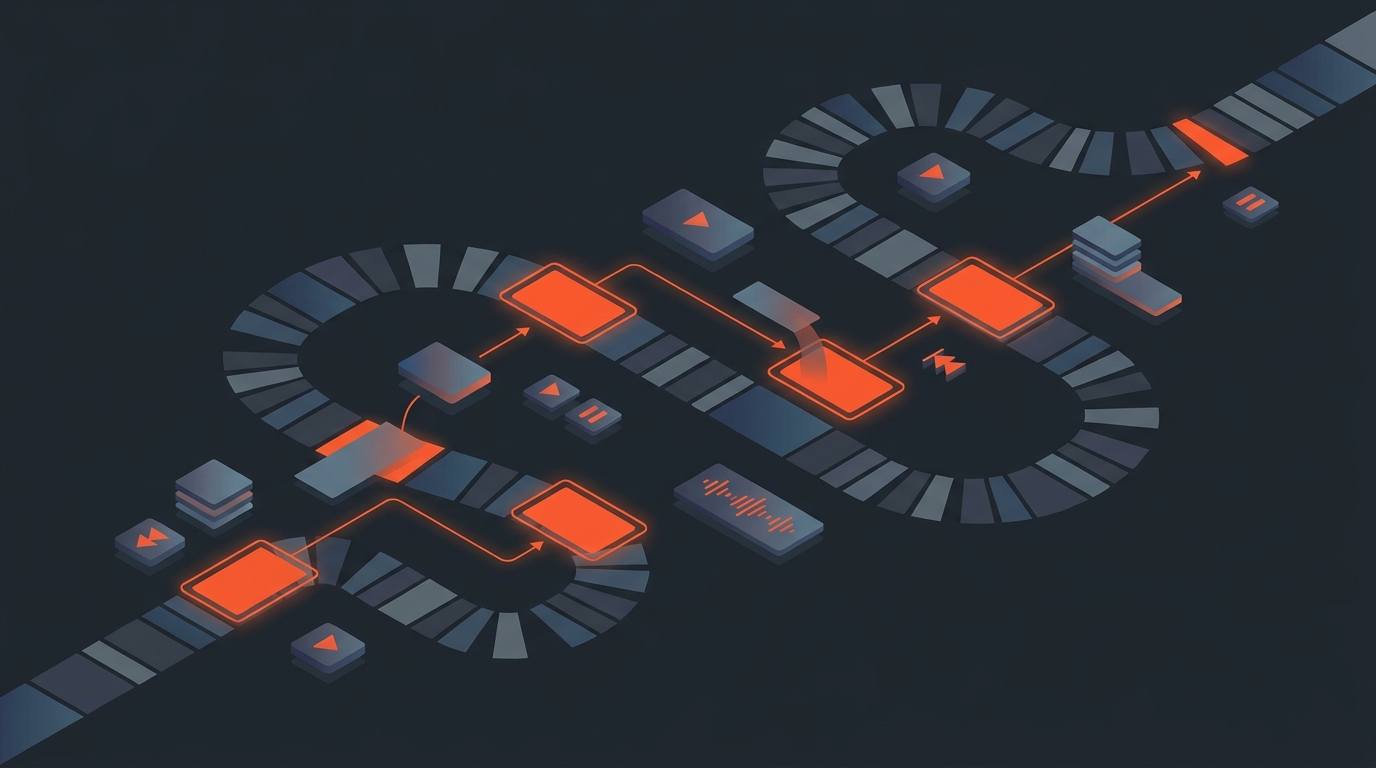
Here is that same worked-example logic taken further, one recording split into a full slate of formats:
Common mistakes
Where webinar repurposing wastes the most time
- Clipping mid-sentence. A clip that starts or ends inside a sentence reads as broken, even if the content is strong.
- Skipping the replay edit. Sending the raw, untouched recording as the "replay" wastes the highest-intent viewers on your worst cut of the material.
- Publishing without captions. Losing the sound-off audience on the platforms where they're the majority.
How ScriptCut fits
Transcript in, six formats out, one project
ScriptCut transcribes the webinar with word-level timecode, lets you select and reorder the standalone moments directly against the text, and exports the results as vertical clips, a highlight reel, or a full XML timeline for further finishing in Premiere Pro, DaVinci Resolve, or Final Cut Pro. See how the same read-first method applies to a single interview or a full podcast episode.
Sources
frequently asked questions
Transcribe it first, read the transcript to mark self-contained moments, then build vertical clips, a highlight reel, a tightened replay, and written assets like a recap and pull-quotes, all from that one read-through.
Self-contained exchanges: a direct Q&A question and answer, a customer story told start to finish, or a strong claim stated once without leaning on earlier context.
Most of a webinar's runtime is slide narration and setup that looks visually identical for long stretches, so reading the text surfaces the clippable moments far faster than scrubbing the recording.
A single 60-minute webinar with a Q&A segment can typically produce several vertical clips, one highlight reel, a tightened replay, a blog recap, and a handful of pull-quotes, all from one recording.
Sending the raw, untouched recording as the on-demand replay instead of cutting dead air and tangents out of it first.
You might also like...

Start selecting.

Pick the story in the transcript, export a finished rough cut.