
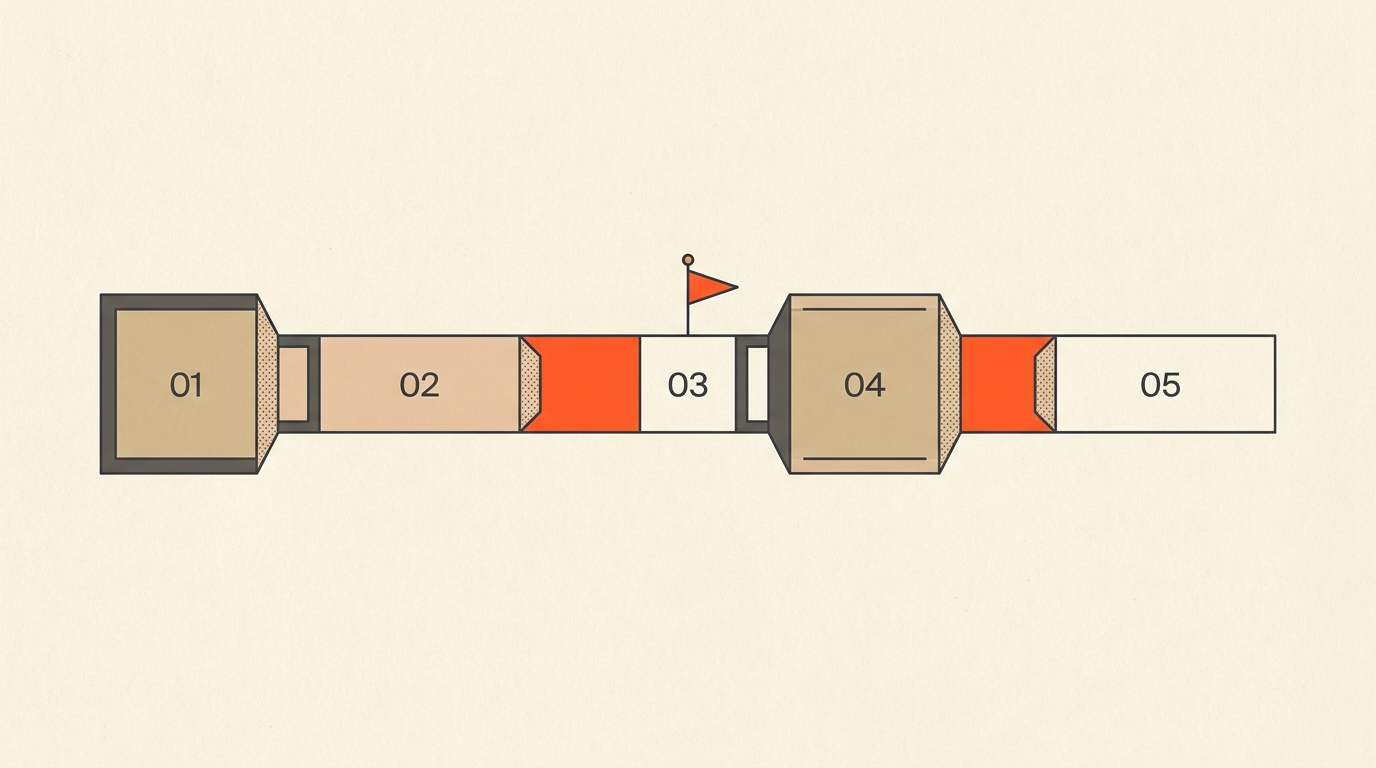
How to Add Chapters to a Video
To add chapters to a YouTube video, list timestamps and titles in the description, starting the first one at 00:00, with at least three timestamps in ascending order and every chapter running 10 seconds or longer. Get those three things right and YouTube turns the description into a clickable navigation bar under the player. The harder part is not the formatting. It is knowing where the breaks actually belong, and a transcript is the fastest way to find them.
The Rules
What YouTube actually requires
Per YouTube's own help documentation, "Video Chapters break up a video into sections, each with an individual preview." Three conditions have to hold at once or the chapter bar simply will not render:
- The first timestamp is 00:00. Not 0:03, not 0:15 for an "Intro." Exactly zero. This is the single most common reason chapters fail to appear.
- At least three timestamps, listed in ascending order, with no duplicates or typos that put a later time before an earlier one.
- Every chapter is 10 seconds or longer. Two markers eight seconds apart will quietly disable the whole feature, not just that one chapter.
There is no application, no subscriber minimum, and nothing to toggle on in Studio settings. Format the description correctly and YouTube applies chapters automatically, usually within a few minutes, on new uploads and years-old catalog videos alike.
A correctly formatted list looks like this, one timestamp per line, title right after it:
0:00 Intro
1:12 The mistake almost everyone makes
4:30 A three-step fix
9:05 Applying it to a real case
13:40 Recap and what to do next
Finding Breakpoints
How to find chapter breakpoints from a transcript
The formatting takes thirty seconds. Deciding where the chapters go is the actual work, and scrubbing a video back and forth to find topic changes by ear is slow and imprecise. A transcript turns the same task into reading, and reading is faster than watching.
Open the full text of the video and look for the places where the subject genuinely shifts, not just where the speaker pauses. A few patterns to scan for:
- Signpost language. Phrases like "so the next thing," "let's talk about," "moving on to," or a direct question that opens a new topic almost always mark a real boundary.
- Repeated keywords clustering. If a term appears six times in one stretch of text and then disappears, that stretch is probably its own section.
- A change in who is talking or what they are talking about. In an interview, a new question from the host is often the cleanest chapter boundary there is, because it resets the topic on purpose.
- Natural summary or transition lines. A sentence that wraps up a point ("so that's really the core of it") followed by a pivot is a strong signal the next line starts a new chapter.
Mark those points as you read, then check each gap against YouTube's 10-second floor before finalizing the list. Here is what that looks like on an actual line of transcript:
"...so that's really the whole trick with lighting on a budget. Okay, let's switch gears and talk about audio, because that's where most people actually lose viewers..."
That single sentence does two things at once: it closes out the lighting section and opens the audio one. The word "switch" and the phrase "let's talk about" are the signpost. Whatever timecode sits at the start of "Okay, let's switch gears" is the new chapter's timestamp, not the moment before it and not a few seconds into the new topic once the speaker has already started talking.
A transcript with word-level timing removes the guesswork here entirely: instead of estimating where a break falls by scrubbing back and forth, the exact timestamp is already attached to the line where the new topic starts. That is the workflow ScriptCut is built around, reading footage as text and pulling a precise timecode from wherever you place a cut, the same underlying approach covered in this guide to text-based editing. On a 45-minute interview, scanning the page for eight or nine signpost moments takes a few minutes. Scrubbing the same interview by ear takes considerably longer, and it is easy to place the mark a sentence too early or too late.
Step by Step
Adding chapters in YouTube Studio
1. Open the video's description field
In YouTube Studio, go to Content, select the video, and find the Description box. This works identically on a brand-new upload or a video that has been live for years.
2. Read the transcript and mark your breakpoints
Use the method above to identify each real topic shift and note its timecode. If you do not have a written transcript yet, YouTube Studio's own auto-captions can be exported as a rough starting text, though a proper transcript with accurate timecode is far easier to scan.
3. Write the list
Paste the timestamps into the description in the format shown above: 00:00 first, ascending order after that, a short title after each one. Double-check the gaps are all 10 seconds or more.
4. Save and verify
Save the video and refresh the public watch page after a few minutes. The progress bar under the player should now show individual chapter segments, with titles appearing on hover or tap.
5. Fix and republish if something is off
If the chapter bar does not appear, the first thing to check is the 00:00 requirement, followed by chapter length. Both failures are silent: YouTube does not send an error, the feature just does not activate.
Here is the full process in motion, from opening the description field to the chapter bar appearing under the player:
Titles
Writing chapter titles people actually use
A chapter title is a small piece of copywriting sitting inside a progress bar. "Part 2" tells a viewer nothing and gets skipped over. "The setting that fixed our audio" tells them exactly why to click. A few rules that hold up across most channels:
- Lead with the payoff or the specific topic, not a generic label.
- Keep titles short enough to read at a glance while hovering over a thumbnail-sized bar.
- Use the words your audience would actually type into search. Chapters function as indexed moments, so a title with the right keyword can surface that exact section of the video in results, a benefit YouTube documents alongside its other seeking and navigation features.
Titles do not need to be clever. They need to be accurate enough that a viewer scanning the bar can predict what happens if they click.
Real Example
A real example: the Lex Fridman Podcast
Long-form interview shows are where chapters earn their keep, and the Lex Fridman Podcast is one of the more consistent examples of the format done at scale. Episodes regularly run two to four hours, and every one ships with a full chapter list in the description, starting at 0:00 and breaking the conversation into dozens of named topic segments the viewer can jump between freely. On a show that long, chapters are not a nice-to-have. They are the difference between a video anyone can navigate and one nobody finishes.
The same logic scales down to a 12-minute tutorial or a 20-minute podcast clip. The length changes. The need to mark where one idea ends and the next begins does not. What makes the Lex Fridman Podcast a useful reference here is not the volume of chapters, it is the consistency: every episode gets the same treatment, which means the chapter list is written as part of the standard publishing process rather than as an occasional extra when someone remembers.
Mistakes
Common mistakes that silently break chapters
- Skipping 00:00. The most frequent cause of chapters not showing up at all. The very first second of the video needs its own timestamp, even if the "real" content starts later.
- Chapters shorter than 10 seconds. Over-segmenting a tightly edited video is a common way to accidentally trip this and disable the entire feature.
- Out-of-order timestamps. A single typo, like listing 5:00 before 4:30, breaks the whole list, not just that one entry.
- Vague titles. "Section 3" and "Update" waste a slot that could tell the viewer what they get.
- Chaptering a video that does not need it. A 90-second clip does not benefit from chapters. They are built for anything roughly 8 minutes and longer, where a viewer might reasonably want to skip around.
- Editing the description after the fact and forgetting to re-check the list. Adding a new sentence above the timestamps, or trimming the video without updating the times to match, is a fast way to end up with a chapter list that no longer lines up with the actual cut.
Every one of these failures is silent. YouTube does not warn a creator that the format is off, the chapter bar just does not appear under the player, which is why it is worth checking the published video, not just the saved description.
Other Platforms
Chapters outside YouTube
Podcast platforms that support video, along with most modern podcast apps, use the same underlying idea, timestamped sections a listener can tap through, though the exact metadata format varies by platform. If the source is already an edited podcast episode, the same transcript-first process for finding breakpoints applies whether the output ends up as YouTube chapters, podcast chapter markers, or just a set of timestamps pasted into show notes. The workflow covered in batch editing a podcast season touches the same transcript-first approach at scale, across a whole season instead of one episode.
Workflow
Marking chapters while you edit, not after
Adding chapters after a video is finished means rewatching the whole thing to find the breaks, which is slow and easy to get wrong. The better time to mark them is during the edit itself, while the structure is already being decided.
If you are working from a transcript, arranging selected moments into named sections as described in a paper edit, those section boundaries are already your chapters. Each group has a start point with an exact timecode attached, because the transcript carries word-level timing throughout. By the time the story is arranged, the chapter list is mostly done: 0:00 for the first section, then the start time of every section after that.
This is the same principle behind a transcript-based edit more broadly, and it matters even more on content built specifically for YouTube retention, where structure and pacing decide whether a viewer stays. If the video was never organized into clear sections in the first place, chapters are hard to write cleanly, and that difficulty is itself useful information about the edit. For channels editing every episode this way, the same approach that works for a single video scales to a full YouTube publishing workflow without adding a separate step at the end.
The Takeaway
The takeaway
Chapters are cheap to add and disproportionately useful once they are there. Start the list at 00:00, keep at least three timestamps in ascending order, keep every chapter 10 seconds or longer, and write titles specific enough to act on. The fastest way to get a clean list is to already know where a video's sections begin, which is exactly what reading a transcript instead of scrubbing a timeline gives an editor.
Sources
frequently asked questions
Most videos work well with 4 to 8 chapters, based on how many real topic shifts the content actually has. Too few and viewers cannot jump to what they want, too many and the chapter bar becomes hard to scan at a glance.
A good chapter title names the specific topic in a few words a viewer would recognize or search for, like "Setup" or "Common mistakes," not a generic label like "Part 2." The title should let someone predict exactly what they get before they click.
Read the transcript and look for signpost language like "let's talk about" or "moving on to," plus any point where the topic or speaker clearly changes. A transcript makes these breaks easy to spot on the page, without scrubbing through the video by ear.
Yes. YouTube requires the first timestamp to be exactly 00:00 or the chapter bar will not appear at all, even if every other timestamp is formatted correctly. Every chapter after that needs its own timestamp in ascending order.
Yes, chapters are just timestamps and titles added to the video description, so they can be added any time after the edit is locked. Marking them during the edit, while the sections are already being decided, is faster than rewatching the finished video to find the breaks.
You might also like...


Start selecting.

Pick the story in the transcript, export a finished rough cut.