
Documentary Editing: From Transcript to Timeline
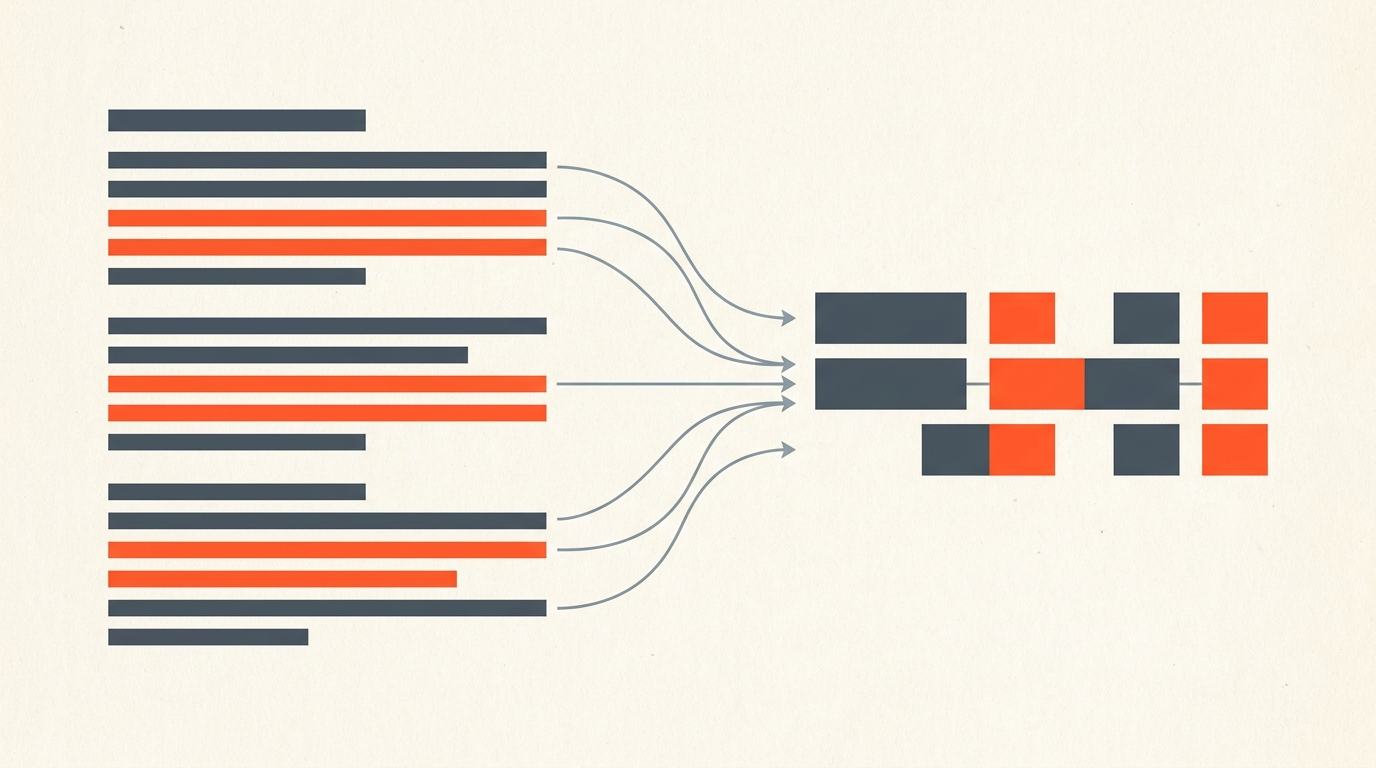
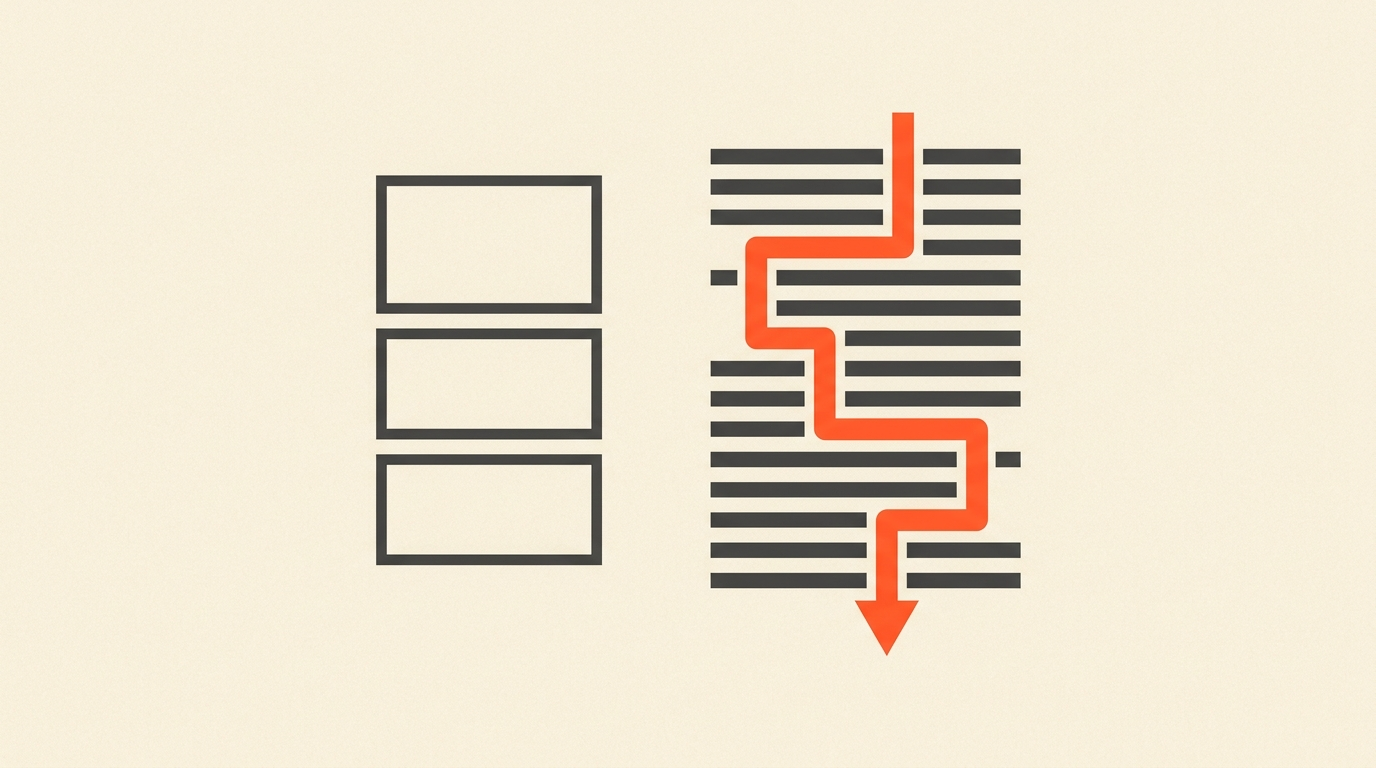
Documentary editors do not start by scrubbing footage. They start by reading it. A feature documentary can generate 60 to 800 hours of interviews and vérité, and no editor watches all of it before making a single decision. Instead, they read transcripts, mark the lines that carry the story, and build a structure on paper before the timeline ever opens. That order, text first, footage second, is the actual working method behind most character-driven documentaries you have seen, not a shortcut invented by software.
Case Study
How Carla Gutierrez built RBG around transcripts and vérité
Carla Gutierrez edited RBG (2018), the Oscar-nominated documentary about Justice Ruth Bader Ginsburg, assembled from archival speeches, confirmation hearing footage, and new interviews. Discussing her process with ProVideo Coalition, Gutierrez said that "with a lot of interviews I want to look at transcripts and be able to highlight transcripts" as one of her first moves into a project, before she starts shaping individual scenes. She also described planning a structural outline with the directors early, based on "what I'm seeing in the material," then marking standout moments in bins so nothing compelling gets lost once detailed scene work begins.
Gutierrez was careful to add that the transcript is a starting point, not the whole job: she still watches everything, because, in her words, "the heart of the story lies in the vérité." That is the balance every documentary editor strikes. The transcript tells you where the story lives. The footage tells you whether it lands.
Here is the same instinct in practice, one editor's own technique for organizing interview footage from a transcript before touching a timeline:
The Method
A five-step process that scales past 60 hours of footage
Reading a transcribed hour of interview takes roughly ten to fifteen minutes; watching it takes an hour. That gap is the entire argument for working from text first on anything longer than a short-form piece.
- Transcribe everything with speaker labels and word-level timecode. Without accurate timecode, a line you love in the transcript is just a quote you cannot get back to.
- Read for structure before you read for lines. A first pass should answer: what is this film actually about, and who is carrying which part of the argument.
- Mark, don't cut, on the first pass. Flag candidate lines and beats. Resist the urge to build a sequence until you have read the whole interview.
- Arrange marked lines into a spine. This is the paper edit: a written order of moments that could become scenes, built entirely in text.
- Verify every line by ear before locking it. Text cannot carry tone, hesitation, or a laugh that changes what a line means. Play it back before it goes on the timeline.
Where Text Lies
What a transcript cannot tell you, and how to check
A transcript is a flattened version of a performance. Sarcasm reads as sincerity. A pause that changes the meaning of a sentence disappears into a comma. A subject stumbling toward an honest answer looks, on paper, identical to one confidently lying. None of that is a flaw in transcript-first editing, it is the reason the method has a second step: read for structure, then listen to confirm. Treat the transcript as a map, not the territory. The rule that keeps editors honest is simple: never lock a line into the cut until you have heard it played back in context, including a few seconds before and after.
The Ethics Line
Where tightening a quote turns into a Frankenbite
Reality television popularized a term editors use as a hard boundary: a Frankenbite, a sentence stitched together from words spoken at different times to create a quote the subject never actually said. Trimming a rambling answer down to its clearest version is normal, necessary editing. Splicing "I would never" from one sentence onto "do that to my own family" from a sentence about someone else's family is fabrication, and it is the line documentary editors are trained never to cross. The Investigative Reporters and Editors ethics standards that many documentary journalists reference draw the same distinction: cut for clarity, never cut to manufacture a statement.
Common Mistakes
Where transcript-first documentary cuts go wrong
Skipping the read-for-structure pass is the most common mistake: editors jump straight to marking favorite lines and end up with a highlight reel instead of an argument. The second is trusting auto-transcription blindly on proper nouns and technical terms, which quietly corrupts a search later. The third is building an entire spine in text and never listening back before locking picture, which is how tone-deaf cuts and accidental Frankenbites happen. The fix for all three is the same: read broad, mark honestly, verify by ear. The underlying discipline is the same one covered in this guide to text-based editing, selecting and reordering a cut inside the transcript itself, rather than on a timeline.
The Handoff
Turning a paper edit into a real timeline
Once a spine exists in text, it needs to become something an editor can actually cut in. ScriptCut lets you build that paper edit directly from the transcript, with every marked line tied to a word-level timecode, then export the sequence as XML, plus clean subtitles and audio, so it opens as a real sequence in DaVinci Resolve, Premiere Pro, Final Cut Pro, or Avid rather than a locked video file. A director or producer can review the paper edit through a share link before the editor spends a single hour building the sequence by hand, the same review step described in ScriptCut's guide to what a paper edit is and how it fits before the timeline. Editors weighing which software carries that timeline the rest of the way can see the fuller landscape in ScriptCut's roundup of documentary production software, and Premiere-based teams specifically can pair this with the native Premiere Pro transcript workflow.
Sources
frequently asked questions
It means making story decisions on the transcript before opening a timeline: reading interviews, marking the strongest lines, arranging them into a spine, then exporting that plan into the NLE.
Carla Gutierrez has said she likes to read and highlight transcripts early in a documentary project, using them to help build a structural outline before detailed scene work begins, while still watching all the footage to catch tone.
Yes, if you never listen back. A transcript cannot carry tone, sarcasm, or hesitation, so every line marked in text should be verified by ear before it gets locked into the cut.
A Frankenbite splices words from different sentences together to create a quote the subject never actually said. Trimming a real sentence down is normal editing; fabricating a new sentence out of separate ones is not.
Reading a transcribed hour of interview typically takes ten to fifteen minutes, far faster than the hour it would take to watch the same footage in real time.
ScriptCut exports a locked paper edit as XML, plus subtitles and clean audio, into DaVinci Resolve, Premiere Pro, Final Cut Pro, or Avid.
You might also like...
Start selecting.

Pick the story in the transcript, export a finished rough cut.