
DaVinci Resolve vs Premiere Pro for Interview Editing
Pick Premiere Pro if you want the faster text-based editing workflow and live inside the Adobe ecosystem already. Pick DaVinci Resolve if color and audio finishing matter more than transcript speed, or if a subscription is the wrong shape for your budget. Neither app fixes the part of interview editing that actually eats your week: deciding what stays before you touch a timeline.
The verdict
Same job, two different strengths
Both apps can now cut an interview from text. Premiere Pro shipped Text-Based Editing at NAB 2023, letting you select words in a transcript panel and have the sequence follow along. DaVinci Resolve added transcription in Studio 18.5, built around a dedicated Transcription window once you run Transcribe Audio on a clip. The two paths converge on the same result, but they start from different assumptions about what an editor already owns.
If you're choosing based on transcript editing alone, Premiere's version is more mature and faster to pick up. If you're choosing based on everything an interview edit needs after selects are locked, color and audio start to matter more, and that's Resolve's home turf.
Cost, actually
What each app costs as of August 2026
Premiere Pro is subscription-only. As of July 2026, the single-app plan runs $22.99/month billed annually, or $34.49/month billed month to month. There's no perpetual license option.
DaVinci Resolve's free version is not a trial. It has no watermark, no expiration, and includes editing, color, Fairlight audio, and Fusion VFX. DaVinci Resolve Studio is a $295 one-time purchase that adds noise reduction, HDR grading, collaboration tools, and the transcription feature specifically. That's the one catch: text-based editing in Resolve requires the paid Studio tier, not the free version.
| Cost factor | Premiere Pro | DaVinci Resolve |
|---|---|---|
| Entry price | $22.99/mo (annual) or $34.49/mo | Free (full core toolset) |
| Text-based editing tier | Included at any plan level | Requires Resolve Studio, $295 one-time |
| Billing model | Subscription only | Perpetual license, free updates within the version |
| Year-one cost (heavy user) | ~$276–$414 | $0–$295 |
Over three years, Premiere costs roughly $800–$1,200. Resolve Studio costs $295 once. That gap closes if you're already paying for Creative Cloud for After Effects or Photoshop anyway, since the bundle changes the math.
Finishing tools
Where Resolve pulls ahead
DaVinci Resolve started as a color grading tool before Blackmagic Design built an editor around it, and it shows. The Color page goes deeper than Premiere's Lumetri panel, and Fairlight, Resolve's dedicated audio page, handles multi-track mixing and cleanup that Premiere pushes out to Audition. For interview-heavy projects with mismatched mic setups or archival footage that needs matching, that depth saves a trip to another app.
Premiere's counter-argument is the ecosystem, not any single tool: After Effects via Dynamic Link, Audition for detailed audio work, and Photoshop and Illustrator for graphics, all sharing project files without export-import round trips. If your team already lives in Creative Cloud, that integration is worth more than a deeper Color page you'll rarely max out.
Watch Them Side By Side
An honest hands-on comparison
A feature table only tells part of it. Here is both apps running through a real project, cut by cut:
One film, two apps
How Everything Everywhere All at Once actually used both
The Oscar-winning Best Picture of 2023 is a useful real case because it didn't pick a side. Editor Paul Rogers cut the film in Adobe Premiere Pro, working from his living room on an aging iMac during the pandemic, relying on quick temp effects to keep pace with the film's multiverse jumps. "There were a lot of temp effects that were easy to mockup in seconds," Rogers said. "Premiere Pro was just like, 'Yeah, you can do that.' And it was great." Premiere Pro went on to win its first editing Oscar for the film.
On set, though, the production used a different Blackmagic tool for a different job: DIT Mathew Conrad used DaVinci Resolve Studio for on-set grading, giving the crew an accurate look at dailies before the footage ever reached an editor. Cutting happened in one app, on-set color prep happened in another. That's the real answer to "which one should I use": often, both, for different stages of the same project.
What neither app solves
The pre-edit gap
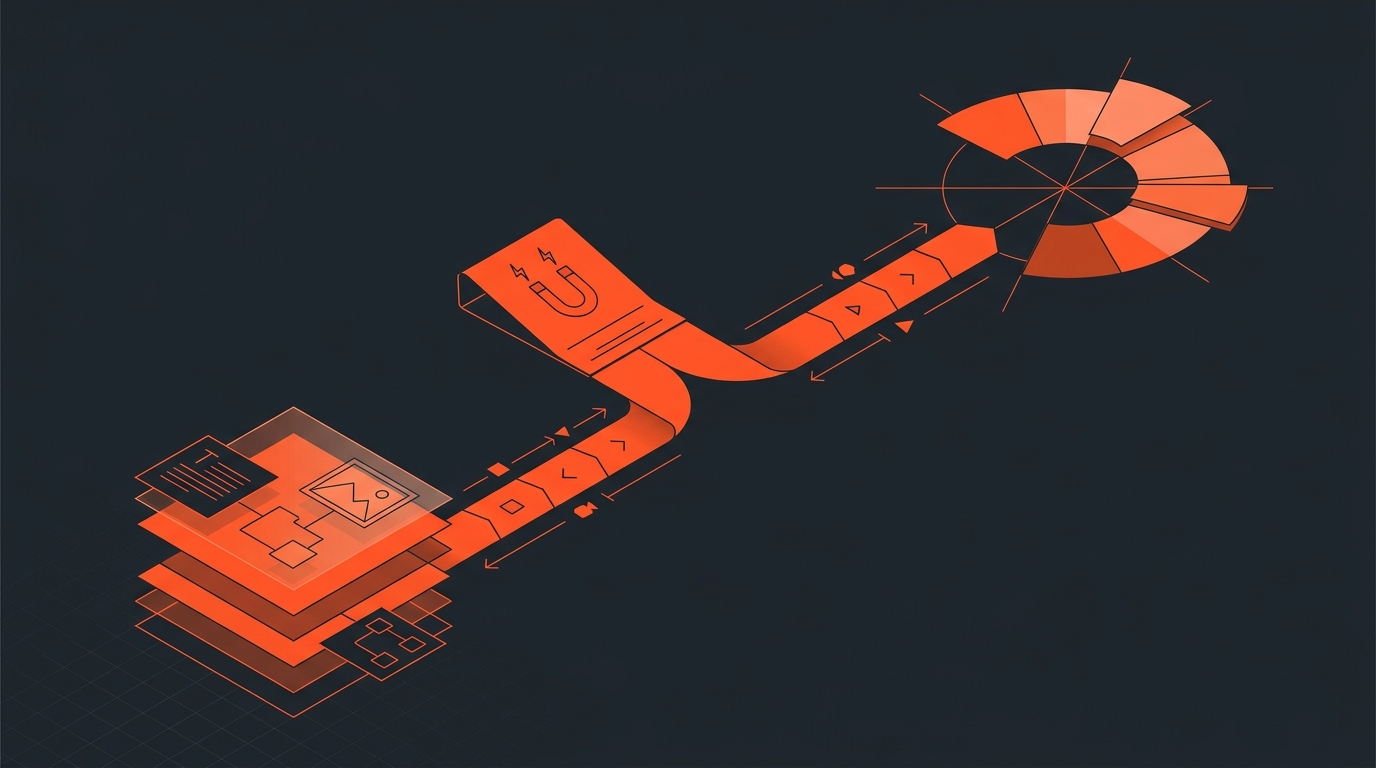
Text-based editing in either app still happens inside a full NLE, alone, after the footage is already ingested and organized. Neither gives a producer or a client a way to look at the transcript, flag the moments they want kept, and hand that decision to the editor before the timeline exists. That review step usually happens over email threads with timecodes typed by hand, or a scrubbed rough cut sent back with "cut this part" notes that require re-opening the project.
That's a separate problem from which NLE you pick, and it's worth solving before you open either one. Reading a paper edit off a properly timecoded transcript, locking selects, and getting a client's yes before the first cut goes in, turns the NLE stage into assembly instead of discovery. ScriptCut exports the locked selection as an XML timeline or subtitle file that opens directly in either app, so switching NLEs later doesn't cost you the decision work you already did.
So which one
The actual decision rule
- Go Premiere Pro if you're already paying for Creative Cloud, need After Effects or Audition in the same pipeline, or want the more polished transcript-to-sequence workflow today.
- Go DaVinci Resolve if budget is a real constraint, you do your own color and audio finishing, or you'd rather pay once than keep paying.
- Do both, like Everything Everywhere All at Once did, if your pipeline has room for on-set grading in Resolve and narrative cutting in Premiere.
Whichever you pick, the editorial decisions, what moments make the cut and in what order, belong in a text-based editing pass before the NLE, not during it. See our breakdowns of how to transcribe an interview for editing and how to cut down a long interview without losing the story for the workflow that sits ahead of both apps.
Sources
frequently asked questions
Pick Premiere Pro if you want the faster, more mature text-based editing workflow and already use Creative Cloud. Pick DaVinci Resolve if budget matters or you do your own color and audio finishing.
Yes, the free version has no watermark or time limit and includes full editing, color, audio, and VFX tools. Transcription and text-based editing specifically require DaVinci Resolve Studio, a $295 one-time purchase.
The single-app plan runs $22.99 a month billed annually or $34.49 a month billed monthly, with no perpetual license option.
DaVinci Resolve. It started as a color grading tool, and its Fairlight audio page goes deeper than Premiere's built-in Lumetri and audio tools.
Yes. Everything Everywhere All at Once used DaVinci Resolve Studio for on-set grading and Adobe Premiere Pro for the actual edit, which went on to win the film's Academy Award for editing.
Neither gives a producer or client a way to review and approve selected transcript moments before the footage reaches the timeline. That decision belongs in a pre-edit stage ahead of either app.
You might also like...
Start selecting.

Pick the story in the transcript, export a finished rough cut.