
How to Transcribe an Interview for Editing
A transcript built for editing needs three things a transcript built for reading doesn't: word-level timecode, speaker labels, and accuracy you can trust on the audio you actually recorded. Get an AI engine to do the first pass, correct the errors it makes, and treat the result as an editing surface, not a finished document. Skip the timecode and you've made something to read, not something to cut.
The real difference
Timecode is what separates a reading document from a cutting tool
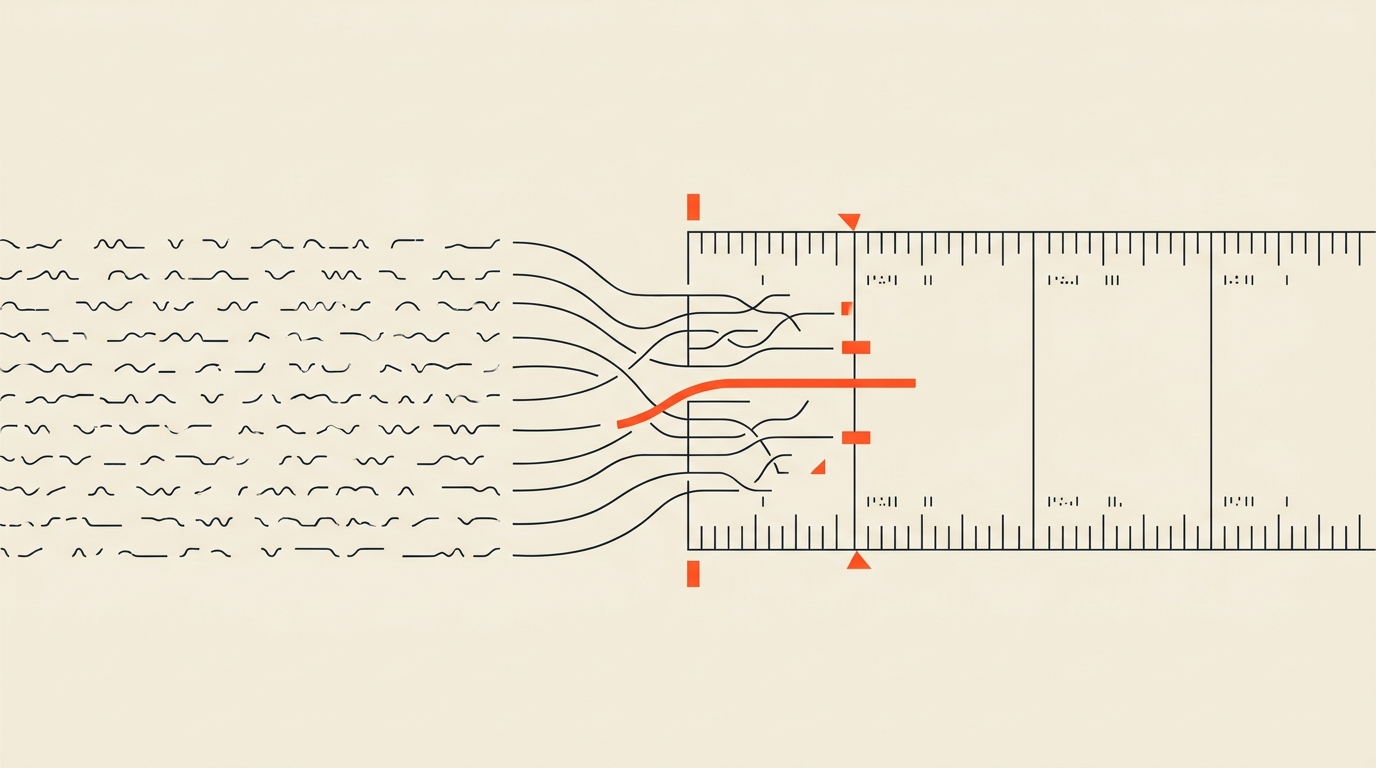
A transcript with paragraph-level or sentence-level timestamps is fine for a reader scanning for quotes. It's not enough to build a cut, because there's no way to know exactly where a given word starts and ends inside that paragraph. Editing needs every word individually anchored to a frame, so that highlighting a sentence on the page selects a precise, trimmable range on the actual recording. Without that, "the transcript" and "the footage" stay two separate things you have to manually reconcile every time you want to cut something.
What accuracy actually looks like now
The gap between clean audio and real audio
OpenAI's Whisper large-v3 scores around 2.7% word error rate on LibriSpeech test-clean, a benchmark of single-speaker audiobook narration recorded in ideal conditions. That number does not survive contact with a real interview. On real-world audio, meetings, podcasts, phone calls, word error rates for the same models typically run 8 to 12 percent, and that's before you add crosstalk, accents, a noisy location, or a cheap lav mic. Even a 5 percent error rate means roughly one wrong word every twenty, which is enough to change a name, a number, or a meaning if you don't catch it.
The practical takeaway: AI transcription is the right default for speed and cost, but budget a correction pass on anything that isn't a clean, single-speaker studio recording. Multi-speaker interviews with any crosstalk need a human read-through before you trust the text enough to cut from it.
Seeing the difference between a plain transcript and one actually built to drive an edit makes the distinction concrete.
Speaker labels aren't optional
Diarization turns a wall of text into a readable script
Automatic speaker identification, diarization, is what makes a transcript usable for anything with more than one voice. Without it, a two-person interview reads as one unbroken block of text with no way to tell who said what. Most modern transcription tools handle this natively now, but accuracy on speaker splits degrades with crosstalk the same way word accuracy does, so check speaker boundaries during your correction pass, not just the words themselves.
What it costs to get this done
AI transcription pricing as of August 2026
| Tool | Price | Notes |
|---|---|---|
| Rev | $0.25/min AI, or $25.49/seat/mo (Essentials, annual) | Human transcription also available at $1.99/min |
| Otter.ai | Free (300 min/mo), Pro $8.33/mo annual | Business plan removes the per-meeting cap |
| Descript | Free (60 min/mo), Hobbyist $16/mo annual | Ties transcription to its own editor |
Human transcription still exists for a reason: heavy accents, technical jargon, legal or medical terminology, and archival audio with real degradation are all places where a person still outperforms a model. It costs more and takes longer, but it's the right call when the source material makes AI's error rate climb past what a correction pass can reasonably fix.
From transcript to rough cut
What actually happens once the text exists
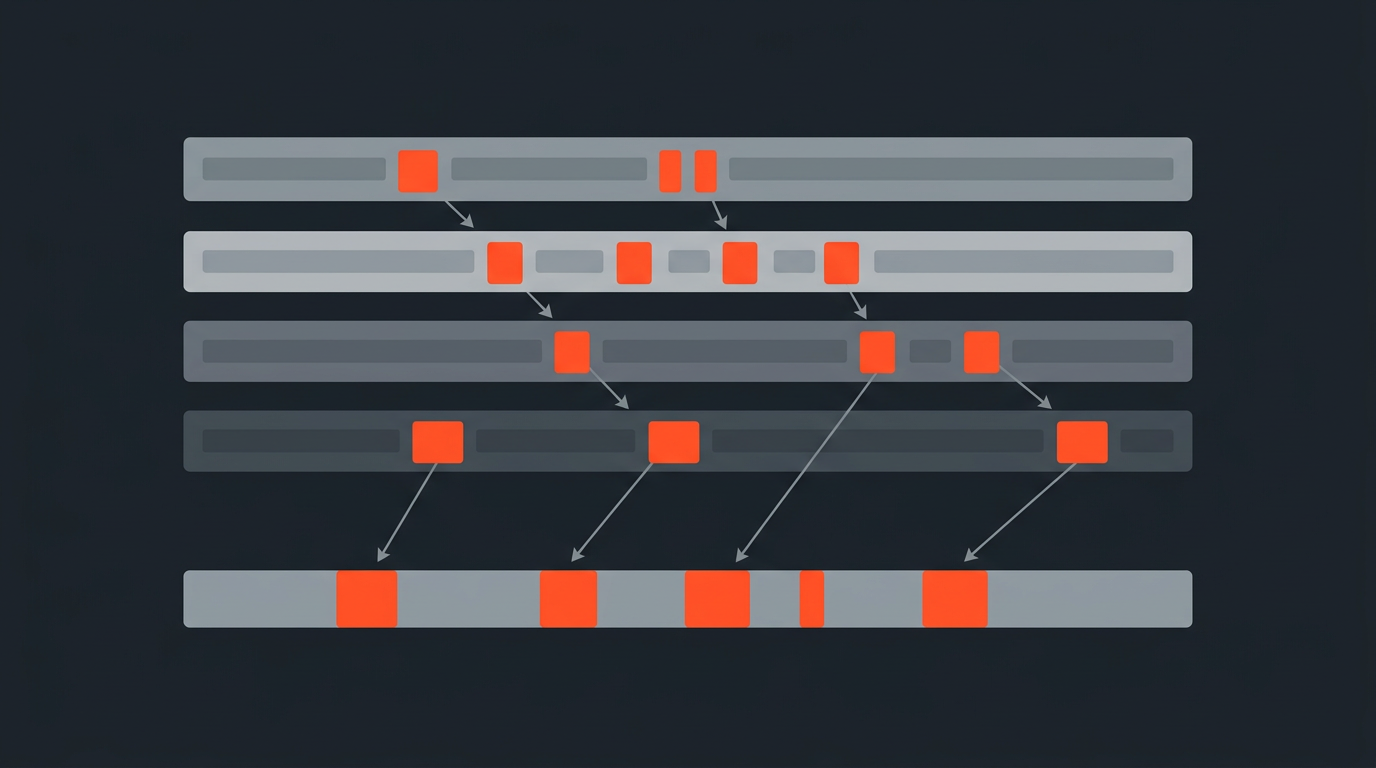
Once you have a timecoded, speaker-labeled, corrected transcript, the workflow is: read it, highlight the moments worth keeping, trim filler inside the lines you keep, and arrange the survivors into a paper edit that works. In ScriptCut's text-based editing flow, each of those highlighted selections carries its exact in and out point from the word-level timecode, and the finished sequence hands off to your NLE as XML, with subtitles and audio ready alongside it, whether you finish in DaVinci Resolve, Premiere Pro, Final Cut Pro, or Avid.
For a real sense of pace: a 40-minute two-person interview with decent audio can realistically go from raw recording to a locked rough cut in under an hour, a couple of minutes for the AI pass, some time for corrections depending on audio quality, then selection and arrangement against timecode that's already accurate.
Where people get this wrong
Four recurring mistakes
- Transcribing without timecode. You end up with a document to read, not a tool to cut from.
- Trusting the first pass blindly. Even a strong 95 percent accuracy rate means an error roughly every twenty words, and errors cluster around names, numbers, and technical terms, exactly the words that matter most.
- Ignoring the recording itself. No transcription engine fixes bad audio after the fact. Mic choice and a quiet room do more for your accuracy than any settings toggle.
- Treating the transcript as the finished product. It's a working surface for editing decisions, not an archive. The goal is a cut, not a document.
The honest tradeoff
Speed costs you some certainty
AI transcription trades a small, real amount of accuracy for a large amount of speed and cost savings, and on clean audio that trade is easy to make. On messy audio, the correction time can eat past what human transcription would have cost in the first place, so it's worth being honest about your source quality before you commit to an all-AI pipeline. Either way, a transcript is a means to an edit, not an end in itself; the words matter, but so does everything a flat page can't show you: tone, pacing, and delivery, which is why a final listen to your selects always still matters before you lock a cut.
Sources
frequently asked questions
Word-level timecode, speaker labels, and real accuracy. Timecode is what turns a highlighted line into a precise, trimmable clip.
On clean, single-speaker audio, leading models score close to 2.7% word error rate. On real-world audio with crosstalk or noise, that typically rises to 8 to 12%.
AI is the right default for clean recordings; it's fast and inexpensive. Human transcription still wins on heavy accents, technical jargon, and degraded archival audio.
A 40-minute two-person interview with decent audio can realistically move from recording to a locked rough cut in under an hour once the transcript is corrected.
Transcribing without word-level timecode. It produces a document you can read, not one you can actually cut from.
Yes. Diarization turns a wall of undifferentiated text into a readable script, and it matters most in multi-speaker conversations with any crosstalk.
You might also like...
Start selecting.

Pick the story in the transcript, export a finished rough cut.