
New feature
Turn Any Finished Edit Into Social Clips
You can now turn a finished edit into social clips with one button on the Review page, and the AI only works from the lines you already chose.
What it is
Create Social Clips is a new way into ScriptCut's Social suite. It sits on the Review page of any project that has a video. Press it and ScriptCut makes a separate copy of your cut inside Social, ready to turn into vertical clips. Until you press it, the project is just a normal ScriptCut project. Nothing about Social touches it on its own.
The problem it removes
You already did the hard part: you picked the best lines in Select and put them in order in Arrange. Turning that same footage into short social clips used to mean starting fresh, uploading the recording again and re-picking lines. Now the copy points at the same recording, so nothing gets re-uploaded and no transcription minutes get charged. It also keeps every line you picked and the order you arranged them in.
The one thing it strips out on purpose is groups. In a long piece those are chapters. In Social, one group becomes one clip, so ScriptCut removes them so the AI can decide the clip breaks fresh.
How it works
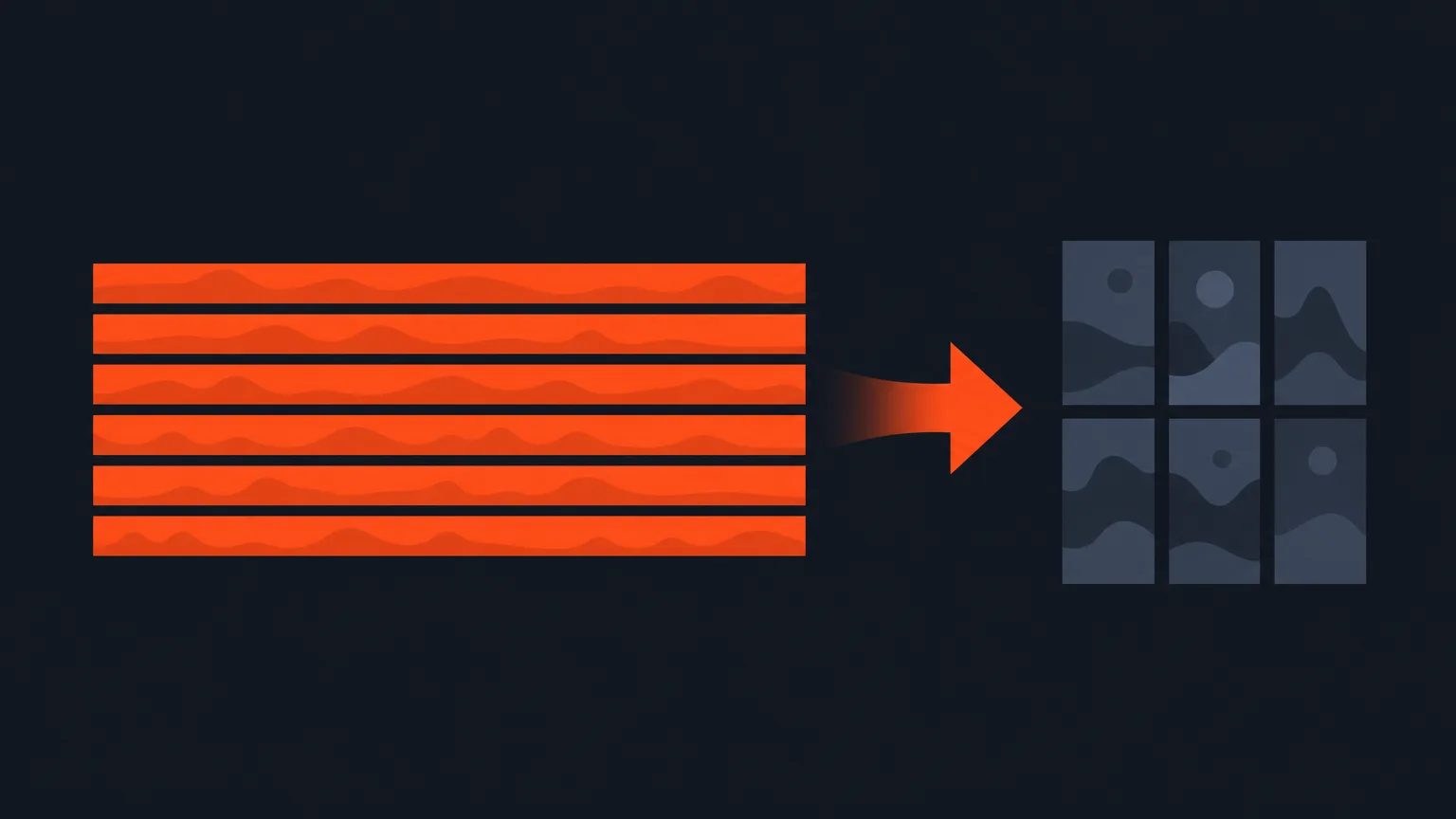
Say you finished a 40 minute panel discussion edit: you trimmed it down to the best 12 minutes across Select and Arrange. On the Review page, you press Create Social Clips. ScriptCut makes a copy of that 12 minute cut inside Social. The AI looks only at the lines you kept, in the order you put them, and pulls out several vertical clips from that material. Your original 40 minute project is untouched, still orange, still exactly where you left it.
If you go back and trim the original further later, the clips you already made from the earlier version stay as they are. Pressing Create Social Clips again on the newer version makes a second, separate set rather than overwriting the first. Every copy's card tells you which version it came from, so you always know what you're looking at.
Staying separate
A social project is indigo everywhere: Select, Arrange and its own Clips step. That's so you can never mix it up with the original, which stays orange throughout. Your green and yellow selection marks work exactly the same in both. From inside Social you can't open the original project. They're kept as two separate things on purpose.
Who it helps most
This is for the editor who has already finished a documentary, podcast episode, panel or talking-head edit and now needs a handful of clips for social, without redoing the transcript work or re-uploading the file. Agencies cutting long client sessions down to promo clips, podcast teams pulling highlights after each episode, and marketers who need vertical cuts from a finished brand video all get the same shortcut.
Free and Starter accounts see the button too, but with a padlock and an upgrade prompt, since the Social suite itself is not part of those plans.
Finish your next edit and try ScriptCut to turn it into social clips in one step.
frequently asked questions
No. It makes a separate copy inside Social and never touches the project it came from.
No. The copy points at the same recording, so nothing is re-uploaded and no transcription minutes are charged.
They are removed on purpose. In your original edit a group is a chapter, but in Social one group becomes one clip, so ScriptCut clears them before the AI decides new clip breaks.
No. Each set of social clips is a snapshot of the version it was made from, and further cuts to the original do not change clips you already made.
You get a second, separate set of clips rather than the first one being overwritten, and each copy's card shows which version it came from.
Yes. Social projects are indigo everywhere, including Select, Arrange and Clips, while the original project stays orange throughout.
No. Social projects and their source projects are kept separate, and you cannot open one from the other.
Start selecting.

Pick the story in the transcript, export a finished rough cut.
Get the ScriptCut newsletter
Thanks! Check your inbox to confirm.
Something went wrong. Please try again.