
New feature
Merge Two Projects Into One
You can now merge two or more projects into one straight from the dashboard, so separate recordings of the same story finally live in a single project.
What it is
Merge with other project takes two or more existing projects and combines them into one. It works where Several recordings is switched on. Open the menu on the project that should receive the others, choose Merge with other project, and pick one or more projects to pull in.
The problem it removes
You often start separate projects for separate recordings, a second shoot day, a follow-up interview, a batch of extra B-roll, and only later realize they belong together. Before this, there was no way to combine them without starting over. Now you can fix that mistake, or plan for it, after the fact.
How it works
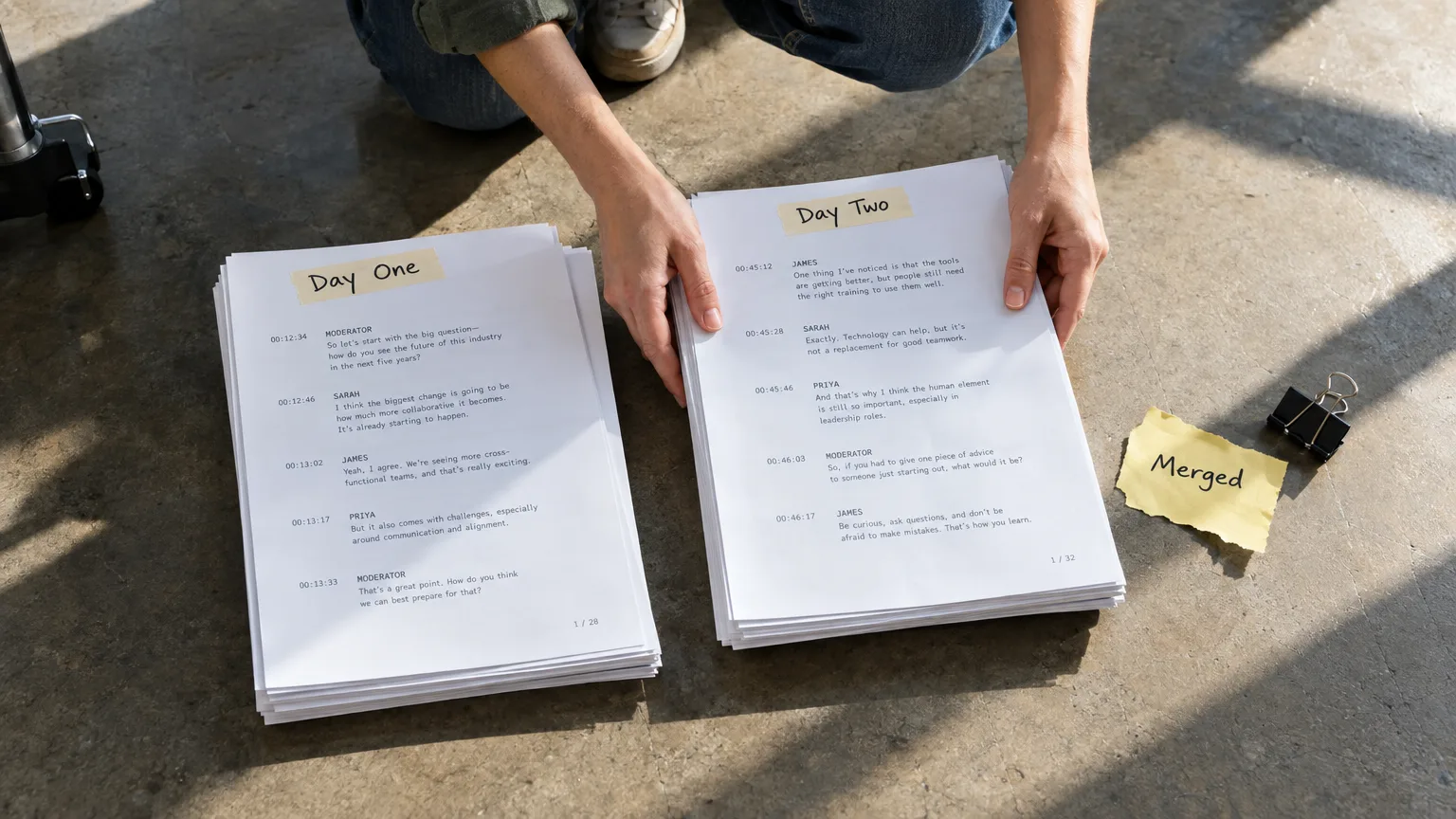
Say you have a project for day one of a panel discussion and a second project for day two, recorded weeks later. Open day one's menu, choose Merge with other project, search for day two by name, select it, and decide whether to keep or delete it once merged. Press Merge and the newest version of each project lands together in a new version of the receiving project, named Merged with..., so any earlier version, including one a client already approved, stays untouched.
Nothing uploads or transcribes again. Each merged project's files simply become files of the receiving project, sharing the same stored video and audio, so you use no extra minutes or storage. Your picks, word trims, notes and groups all come along. If the same person was named as a speaker in both projects, they show up as one person; default labels like Speaker 1 stay separate until you match them in the Who is in this file? window.
If you choose to delete the other project after merging, it moves to the Trash rather than disappearing, and its audio and video stay in place since the merged project is now using them.
A few project types can't be merged: Social projects, projects still processing, and projects with no transcript or no file.
Who this helps
Documentary and panel editors working across multiple shoot days, podcast producers combining separate sessions into one episode, and agencies that started parallel projects for the same campaign before realizing they needed one timeline. Anyone who has ever had to redo work just because two recordings started life in two projects will feel the difference.
Try it on your next multi-session project in ScriptCut.
frequently asked questions
No. The merged project's files become files of the receiving project and share the same stored video and audio, so no minutes or storage are used.
It stays untouched. The merge creates a new version of the receiving project, named Merged with..., and every earlier version remains as it was.
Yes, you pick either option when you merge. If you choose delete, the other project moves to the Trash, but its audio and video stay since the merged project now uses them.
A named speaker who appears in both projects is treated as one person, and the Who is in this file? window offers to match any default labels like Speaker 1 to the right person.
Social projects, projects still processing, and projects with no transcript or no file can't be merged.
Yes, picks, word trims, notes and groups all come along with the merge.
Yes, merging two or more projects into one is available where Several recordings is switched on.
Start selecting.

Pick the story in the transcript, export a finished rough cut.
Get the ScriptCut newsletter
Thanks! Check your inbox to confirm.
Something went wrong. Please try again.