
New feature
Two-Step Sign-In And Passkeys
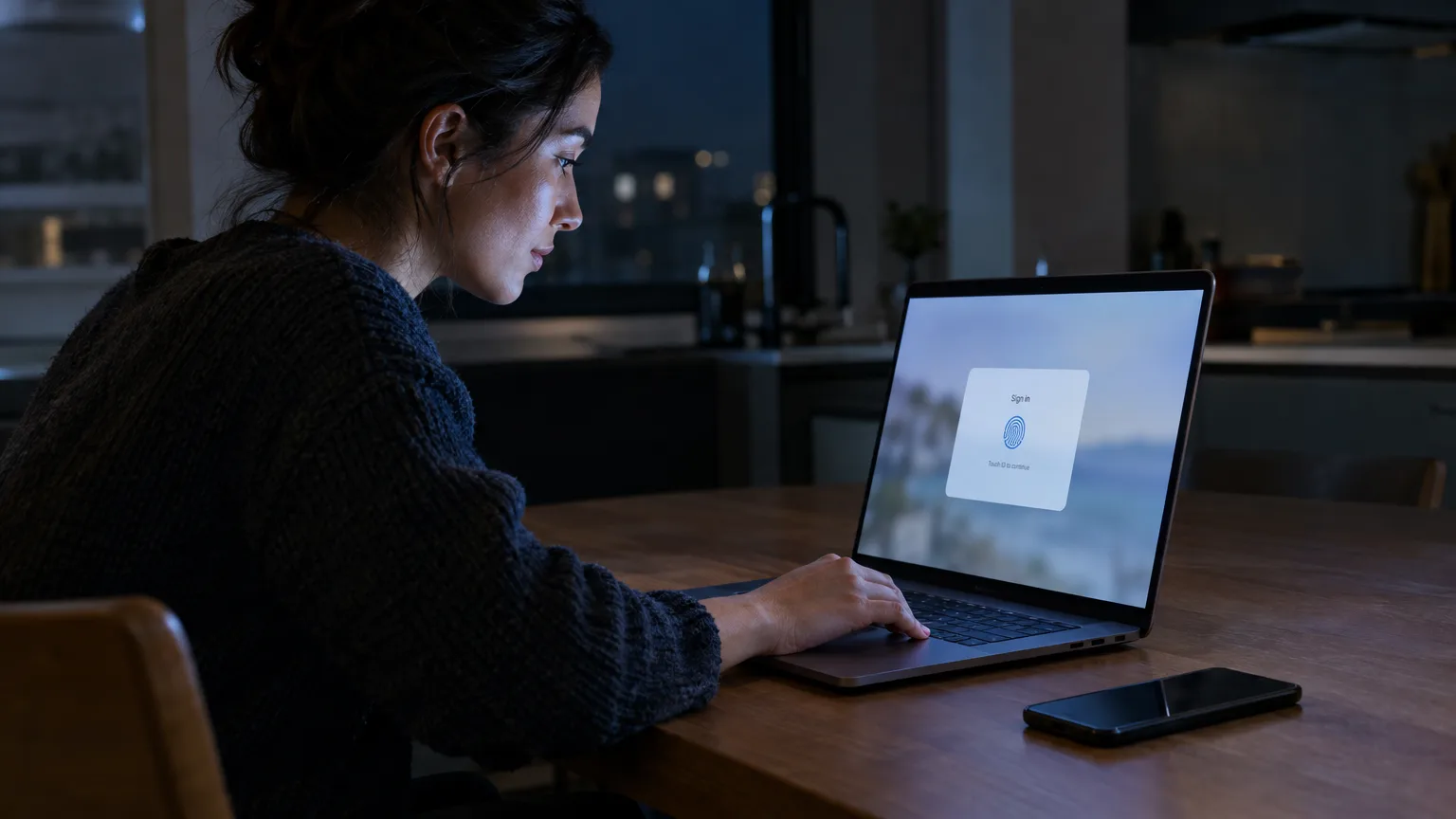
You can now lock down your ScriptCut account with a second sign-in step, or skip the password entirely and sign in with Face ID, Touch ID, Windows Hello or a security key.
What it is
Sign-in Security, found under Settings > Personal settings, now covers two separate things. The first is two-step sign-in: once it is on, your password alone is not enough, you also need a 6 digit authenticator code or a backup code. The second is passkeys: a way to sign in using Face ID, Touch ID, Windows Hello or a security key instead of typing anything at all.
The problem it removes
If you edit for clients, your ScriptCut account holds unreleased footage, approval links and projects you do not want someone else opening with a guessed or leaked password. A password by itself is one point of failure. Two-step sign-in adds a second check. Passkeys go further: nothing to type, nothing to steal in a phishing email, because the passkey is tied to the device or password manager that holds it and to scriptcut.io itself.
How it works in practice
Say you run a small agency and share one ScriptCut login across two editors. You turn on two-step sign-in, and now every sign-in needs the password plus a 6 digit code from an authenticator app. You also add a passkey from Settings > Personal settings > Sign-in Security > Passkeys > Add A Passkey, approved with Touch ID on your laptop. From then on, when two-step sign-in is active and a passkey exists, the screen after the password asks for the passkey first. If your editor is on a different machine without that passkey, they tap 'Try another way' and pick an authenticator code, a backup code, or 'Email me a sign-in link', a one-time link valid for 10 minutes for accounts that sign in with a password (not for Google sign-in). You can register up to 10 passkeys on an account, one per device or password manager, and remove any of them later. A passkey is a second way in, not a password replacement, so keep your password active too.
Who it helps most
Anyone with a ScriptCut account that other people know exists: agencies with shared logins, producers handling client approval links, and freelance editors who sign in from more than one machine. It also helps anyone who has lost a phone before and does not want that to mean losing access, since backup codes exist for exactly that case.
Turn it on from Sign-in Security inside ScriptCut.
frequently asked questions
A passkey alone does not add a second step. Two-step sign-in has to be turned on for the passkey prompt to appear after your password.
Use one of your backup codes to sign in, then set up two-step sign-in again on a new device.
A passkey belongs to the device or password manager it was created on and to scriptcut.io. Add a separate passkey for each device you want to use, up to 10 per account.
No. Passkeys do not replace your password, so keep it active even after adding one.
It sends a one-time sign-in link valid for 10 minutes, available only for accounts that sign in with a password, not accounts using Google sign-in.
Open Passkeys under Sign-in Security and choose Remove next to the one you want to delete.
Go to Settings, then Personal settings, then Sign-in Security, where both two-step sign-in and Passkeys are listed.
Start selecting.

Pick the story in the transcript, export a finished rough cut.
What are you looking for?
Get the ScriptCut newsletter
Thanks! Check your inbox to confirm.
Something went wrong. Please try again.