

New feature
AI Clips Now Learns From Your Results
AI Clips now watches how your posted clips actually perform and uses that to build better clips next time, so the more you post, the more it learns what your audience holds for.
What it does
Every clip you post gets filed by its opening type: a number, a question, a reversal, a bold claim, a personal story, or a tip. It's also filed by its story shape. AI Clips lines those up next to the clip's real results from the platform you posted to. Once five posted clips from the same client have a week of results behind them, AI Clips starts comparing them against each other.
This happens per client. A client is a top-level project folder in ScriptCut, and one client's results never spill into another's. Your podcast feed and your agency's client brand build separate pictures of what works.
The problem it removes
Before this, AI Clips made its best guess every time, based on the transcript alone. It had no way to know if last week's number-opening clip actually held people or if a personal story worked better for your audience. You'd have to notice that yourself, scrolling through post performance, and feed it back in manually. Now the system notices for you.
How it works in practice
Say you run a coffee brand's channel. You post ten clips over a month: some open with a surprising number, some with a customer story, some with a tip. AI Clips checks the results and sees the story-opening clips held viewers much longer than the number-openings did for this audience. On your next batch, it steers toward more story openings and story shapes shaped like the ones that held, using the best-held openings as examples to beat. It never copies those old lines. It only pulls fresh lines from your new transcript.
The scoring AI Clips uses to rank clips learns the same way. If its past scores didn't match how a clip actually performed, it adjusts what it rewards for that audience going forward.
AI Clips only learns from platforms that send results back to ScriptCut. If you post somewhere that doesn't report performance, those clips won't factor in.
A brand new account isn't starting blind. It opens with patterns that worked across many ScriptCut accounts, averages only, no actual wording, and only once at least eight accounts agree on a pattern.
Where you see it
Everything AI Clips has learned from your posts lives under 'From your posts' in Settings > AI. You can delete any line it picked up or restore one you deleted, the same way you manage the rest of AI Clips' settings. The same off switch that controls AI Clips turns this learning off too.
Who this helps most
This helps anyone posting clips regularly: podcast hosts building a weekly cadence, agencies running multiple client accounts, and marketers who post often enough to build a real pattern. The more clips you post and the more platforms report back, the more precise AI Clips gets about your specific audience, not audiences in general.
Post a few clips, let the results come in, and watch AI Clips get sharper. Try it in ScriptCut.
frequently asked questions
It needs five posted clips with at least a week of results each, from the same client, before it starts comparing them.
No. Learning happens per client, and one client's results never affect another client's AI Clips.
No. It uses your best-held openings as examples of what to beat, but every line in a new clip comes only from the new transcript.
AI Clips only learns from platforms that send results back, so clips posted elsewhere won't factor into what it learns.
Yes. Every learned line is listed under 'From your posts' in Settings > AI, and you can delete or restore any of them.
It starts from patterns that worked across many ScriptCut accounts, using averages only and no actual wording, and only once at least eight accounts agree.
Yes, the same off switch that controls AI Clips turns this learning off too.
More from What's New












Start selecting.

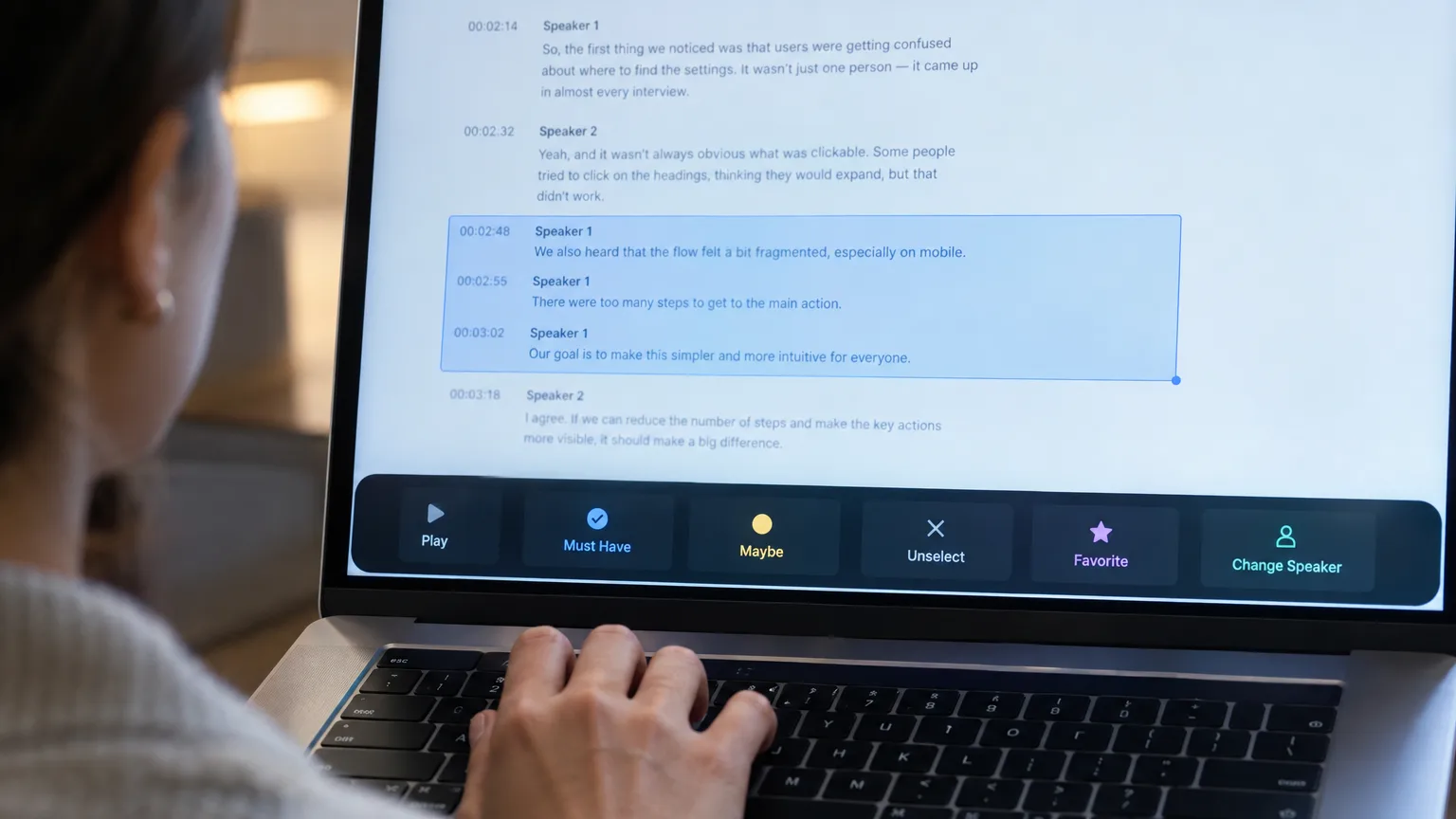
Pick the story in the transcript, export a finished rough cut and ready to post short form video.
What are you looking for?
Get the ScriptCut newsletter
Thanks! Check your inbox to confirm.
Something went wrong. Please try again.