
Improvement
Timer Filter: Pick, Watch, Export
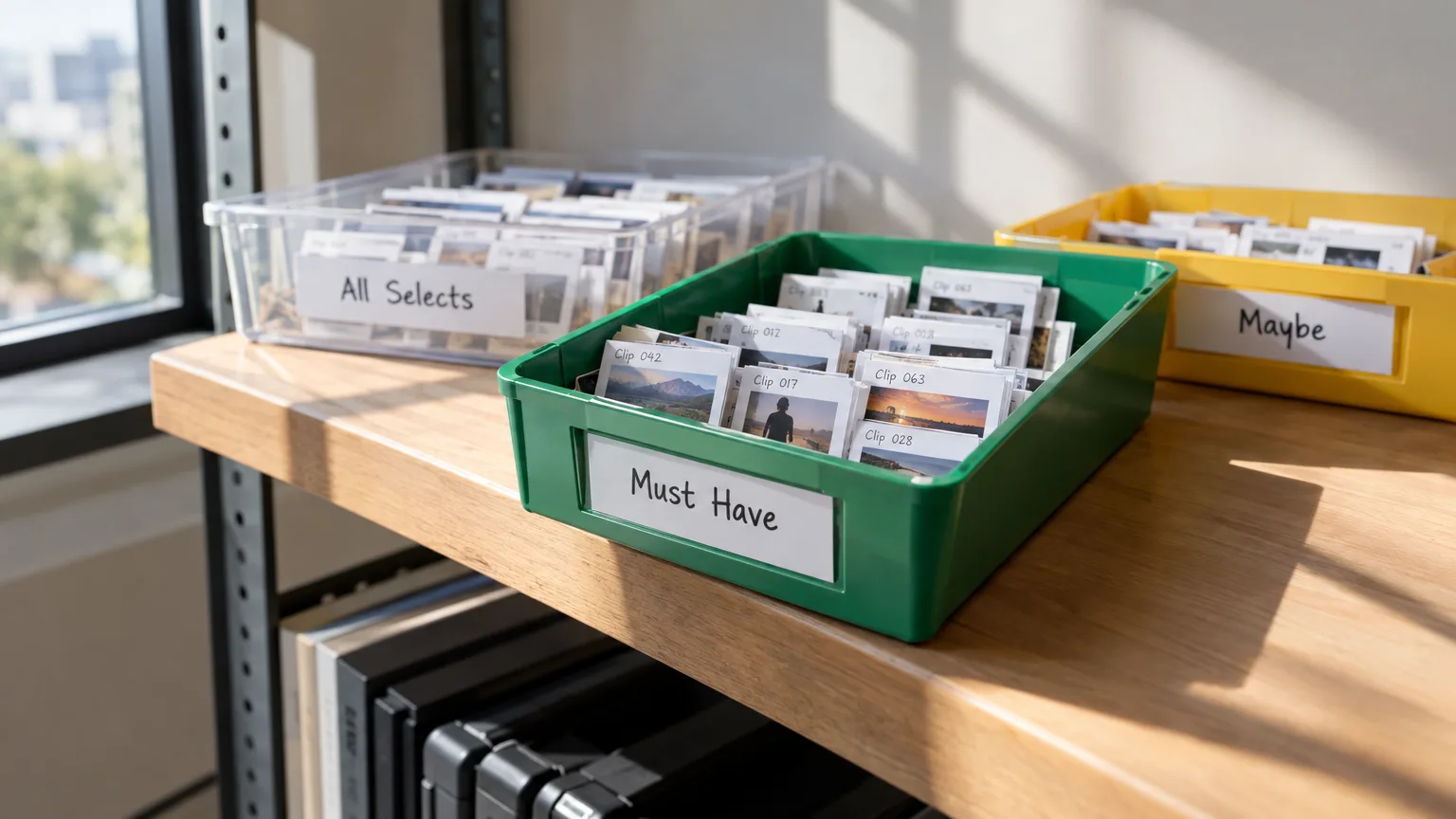
The timer at the top of Arrange and Review is now also a filter: pick All Selects, Must Have or Maybe and the page shows only those lines, with the same choice waiting for you in Export.
What changed
Click the timer and you see three running totals: All Selects (the default), Must Have in green and Maybe in yellow, each with its own sentence count. Pick one to pin it, and the toolbar timer switches to that total and color, with a small arrow marking which one is pinned. Your device remembers the pin, so you do not have to reset it every time you open the project.
On Select, this same filter works while Selected only (the eye) is turned on. On Arrange and Review, the timer menu goes further: choosing Must Have or Maybe actually filters the page, so you only see the lines in that category.
Why it matters
Editors building a story usually work in layers: get everything in that could work, then narrow down to what has to be in, then decide what is just nice to have. Before, you had to scroll past every line to find the ones you cared about right now. Now you tell the page what you want to look at, and it only shows that.
It also removes a quiet source of mistakes. You could trim and arrange a sequence while looking at Must Have, then open Export and accidentally send All Selects because the two screens were not talking to each other. Now they are the same choice.
How it works
Say you are cutting a product launch recording. You have marked a few can't miss lines as Must Have and a handful of good-but-optional lines as Maybe. On Arrange, you pin Must Have and the timeline clears down to just the essentials, so you can check pacing without the extra material in the way. When you are happy, you open Export and it opens already set to Include: Must Have, the same filter you were just working in. You export knowing exactly what is in that file.
Who this helps
Anyone cutting a long recording down to a tight story benefits, whether that is a podcast host trimming an hour to the best ten minutes, an agency editor building a client reel from raw UGC, or a documentary editor sorting interviews and vlogs into must have versus maybe. If you tag as you go, this filter lets you actually use those tags while editing, not just at the end.
Ready to try it? Open your project in ScriptCut and pin a timer to see it filter the page.
frequently asked questions
No. The pin controls what you see on Arrange and Review, but Export has its own Include choice, which opens already matching your last pin so the two stay in sync.
Yes, but only while Selected only (the eye) is turned on; otherwise Select shows everything, tagged or not.
It switches from the total runtime of All Selects to just that category's runtime, shown in green for Must Have or yellow for Maybe, with a small arrow marking which one is pinned.
It is remembered on your device, so each person can pin the view that suits how they are working.
No, filtering only changes what is displayed. All Selects, Must Have and Maybe lines are all still there when you switch the filter back.
Yes, All Selects is the default timer option and always shows the full runtime of everything selected, accounting for word trims.
Start selecting.

Pick the story in the transcript, export a finished rough cut and ready to post short form video.
What are you looking for?
Get the ScriptCut newsletter
Thanks! Check your inbox to confirm.
Something went wrong. Please try again.