
Improvement
Transcription Now Covers 54 Languages
ScriptCut now transcribes in 54 languages, so you can pull a clean, editable transcript from a recording no matter what language it was shot in.
What changed
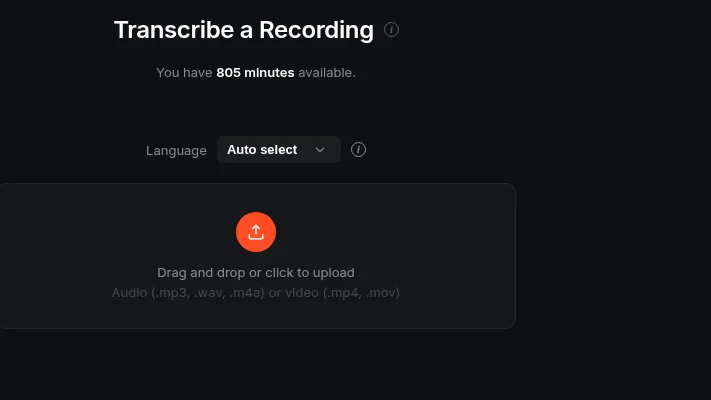
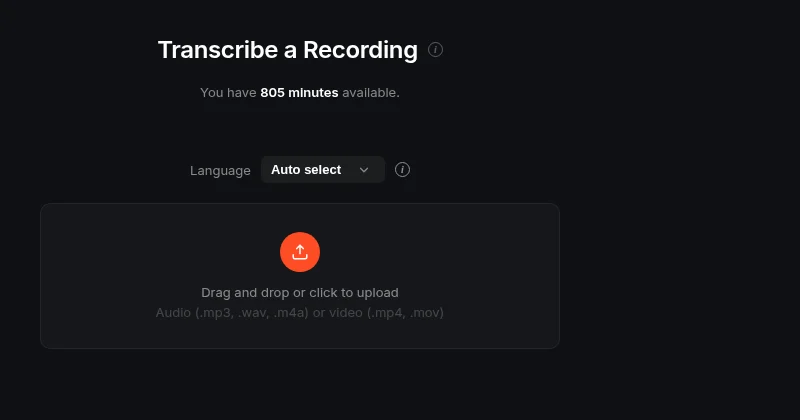
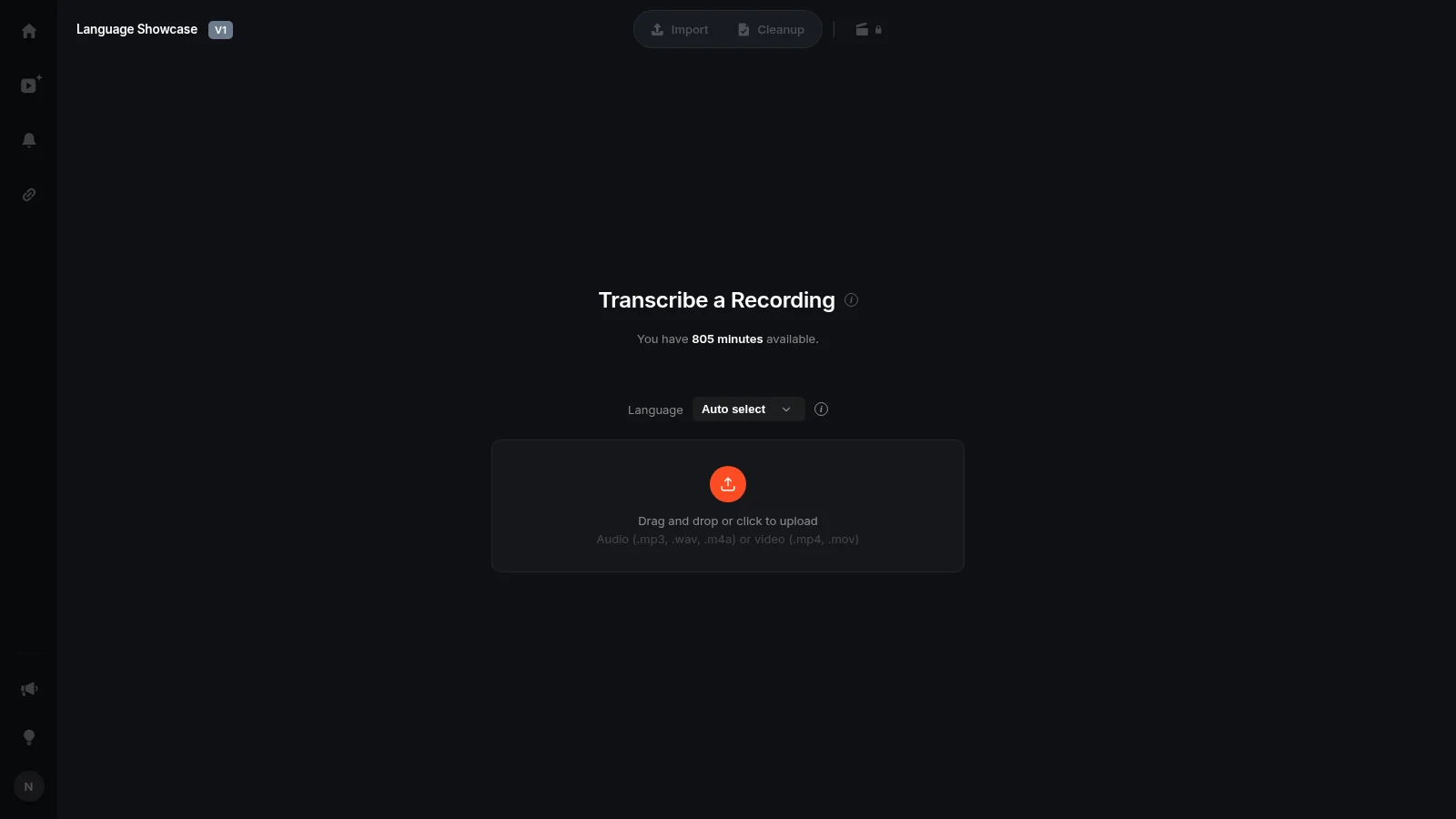
Pick the spoken language from the Language dropdown before you transcribe, or leave it on Auto select and let ScriptCut detect it from the audio. The list runs from Afrikaans to Welsh and covers 54 languages in total, including Spanish, Arabic, Hindi, Japanese, Korean, Swahili, Vietnamese, Polish and dozens more.
Why it matters
A transcript you cannot trust word by word is not much use for editing. Every one of the 54 languages comes back word for word with timecodes, and speakers are detected in nearly all of them. That means the transcript selects, cleans and exports the same way regardless of language: you still pick your best lines, arrange them into a story, and export a frame-accurate timeline.
How it works in practice
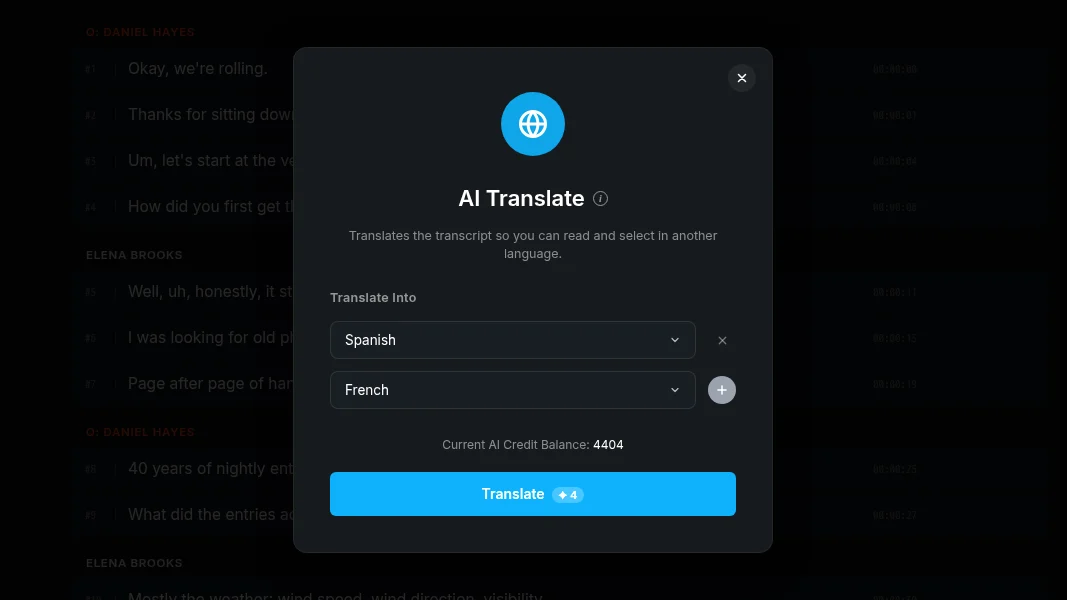
Say you have a documentary interview shot in Portuguese for a local audience, and a second cut planned for an international client. Transcribe the Portuguese recording, build your edit from the transcript as usual, then run AI Translate to turn that same transcript into any of 48 other languages for review or captions. One source recording, two audiences, no separate workflow.
A note on coverage
Twelve of the 54, including Afrikaans, Welsh, Albanian and Uzbek, are transcription only for now. The AI editing tools still work on them, with lighter language-specific checks, and you can translate out of them with AI Translate, just not into them yet. A handful of other languages, like Thai, Bengali and Khmer, are not offered yet because the transcription service does not return a usable transcript for them. Each gets added once it passes the same bar as the current 54.
Who this helps
This is for anyone working outside English-only workflows: agencies producing in a client's local language, podcast hosts with multilingual guests, documentary teams shooting abroad, and UGC or marketing teams building clips for different regional audiences from the same raw footage.
Try it on your next recording in ScriptCut.
frequently asked questions
Pick the spoken language from the Language dropdown before you transcribe, or leave it on Auto select and ScriptCut will detect it from the audio.
Speakers are detected in nearly all of the 54 languages, and every one of them returns word-level timecodes.
Yes, every transcript in any of the 54 languages selects, cleans and exports the same way, regardless of language.
A language outside the list may come back without word timings if you use Auto select, so for those it is best to pick nothing and contact support.
Twelve languages, including Afrikaans, Welsh and Uzbek, support transcription and the AI editing tools with lighter language-specific checks, but AI Translate can only translate out of them, not into them.
Yes, languages not yet offered, such as Thai, Bengali and Khmer, will be added once the transcription service returns a usable transcript for them.
Yes, AI Translate can turn any of the 54 transcribed languages into 48 other languages.
More Product updates
Start selecting.

Pick the story in the transcript, export a finished rough cut and ready to post short form video.
What are you looking for?
Get the ScriptCut newsletter
Thanks! Check your inbox to confirm.
Something went wrong. Please try again.