
New feature
Search Inside Every Transcript
Search from your dashboard now finds the exact line where something was said, in any project, and opens it right at that moment.
What it is
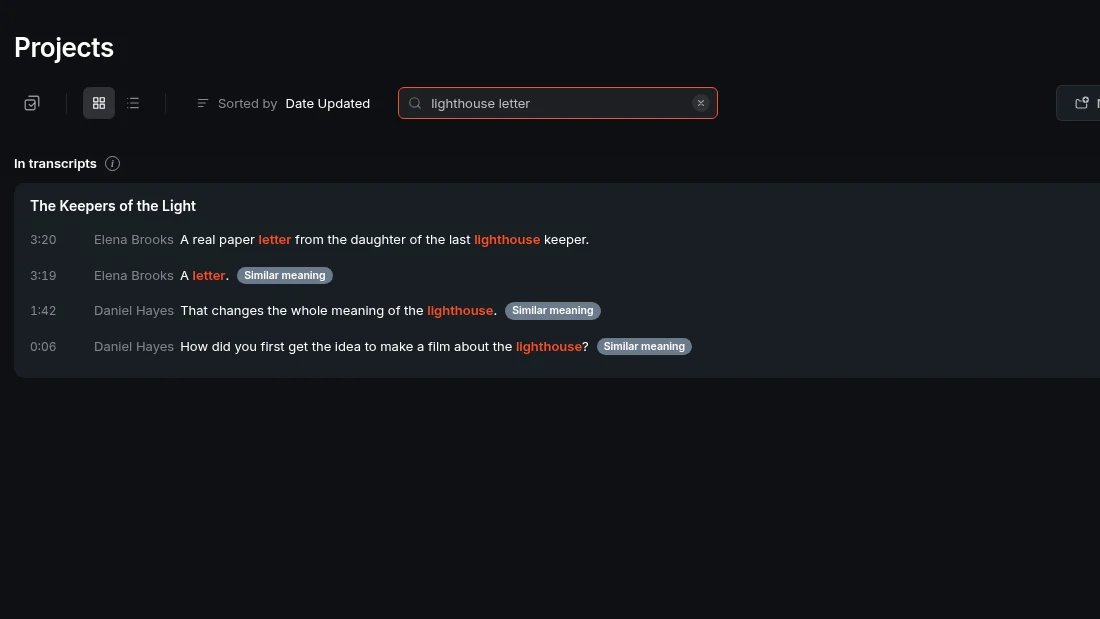
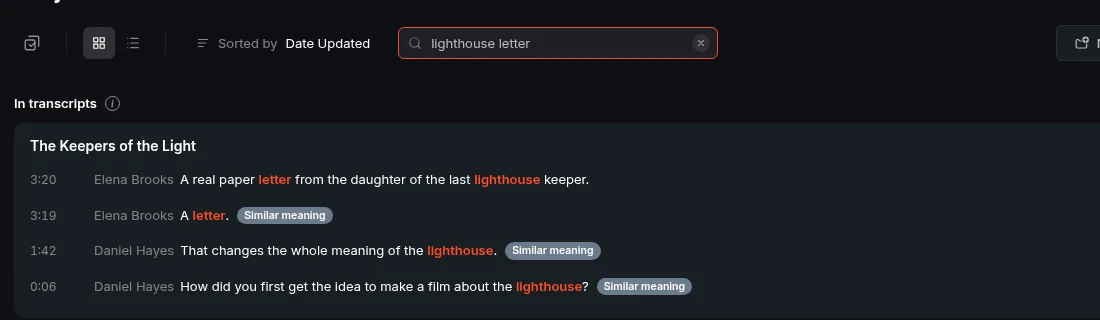
The search box on your dashboard already found project names. Now it also searches inside every transcript you have. Type a word or phrase and you get two kinds of results: project names, and under a section called In transcripts, the actual lines across your projects that are closest to what you typed.
The problem it removes
When you know someone said something but can't remember which project or recording it was in, you'd normally have to open projects one by one and scan transcripts. That takes time, especially once you have dozens of recordings sitting in ScriptCut.
How it works
Results come back best match first, with the project, speaker and time shown next to each line. You don't need the exact wording: close word forms and small typos still match. Searching three or more words matches lines that hold most of them. Wrapping your search in quotes finds an exact phrase. ScriptCut also surfaces lines that say the same thing differently, tagged Similar meaning, so a search for 'money problems' can turn up a line where someone said 'we ran out of budget'.
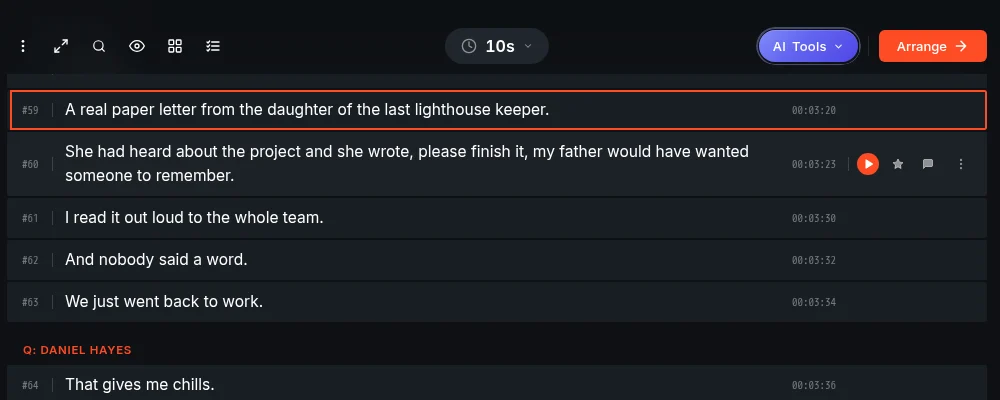
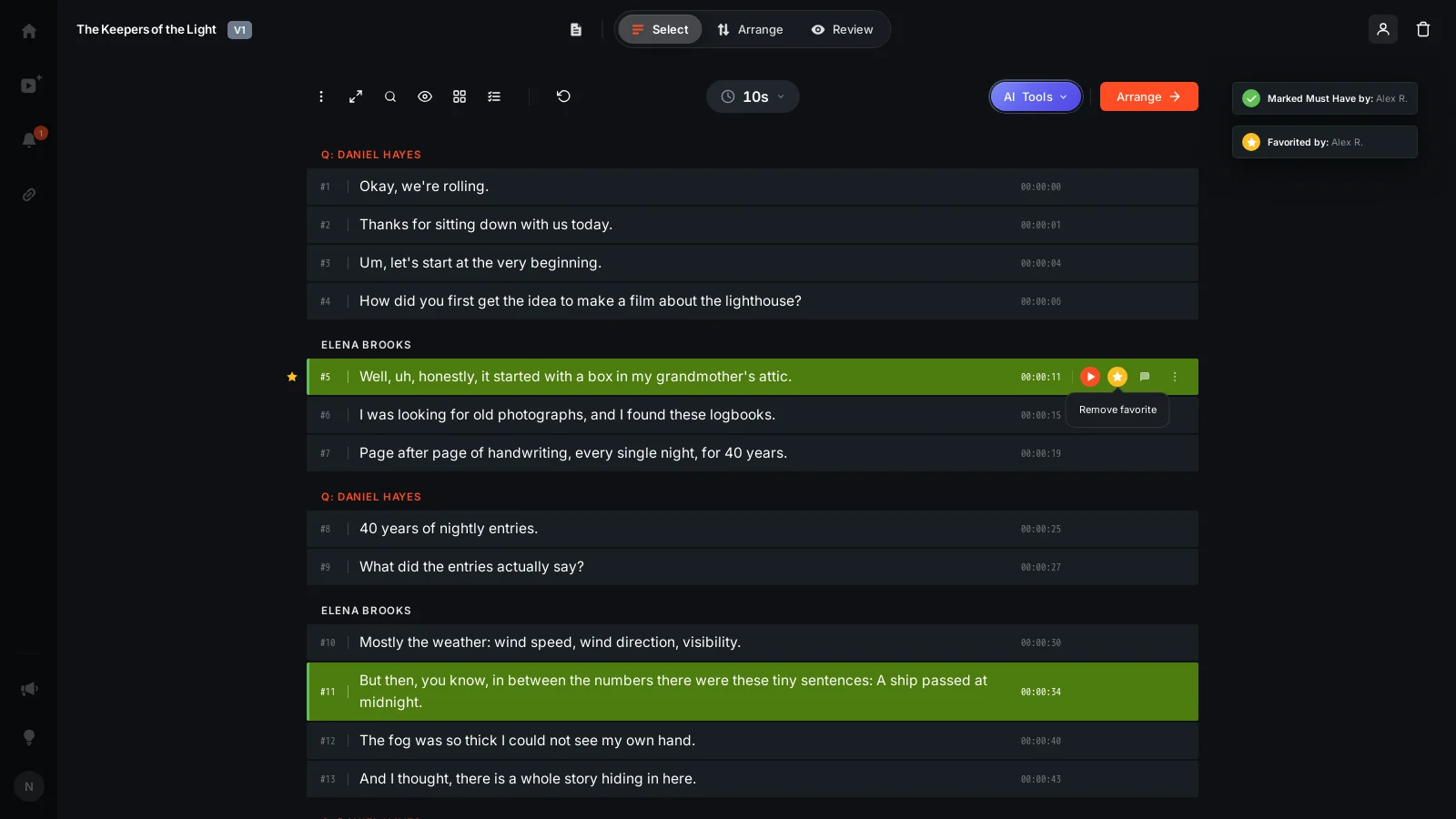
Say you're producing a podcast and a listener asks about the episode where a guest talked about losing a big client. Type a few words about it into the dashboard search, and the line shows up under In transcripts with the project name, the speaker and the timestamp. Click it, and that project opens in Select, right at that line.
How results are organized
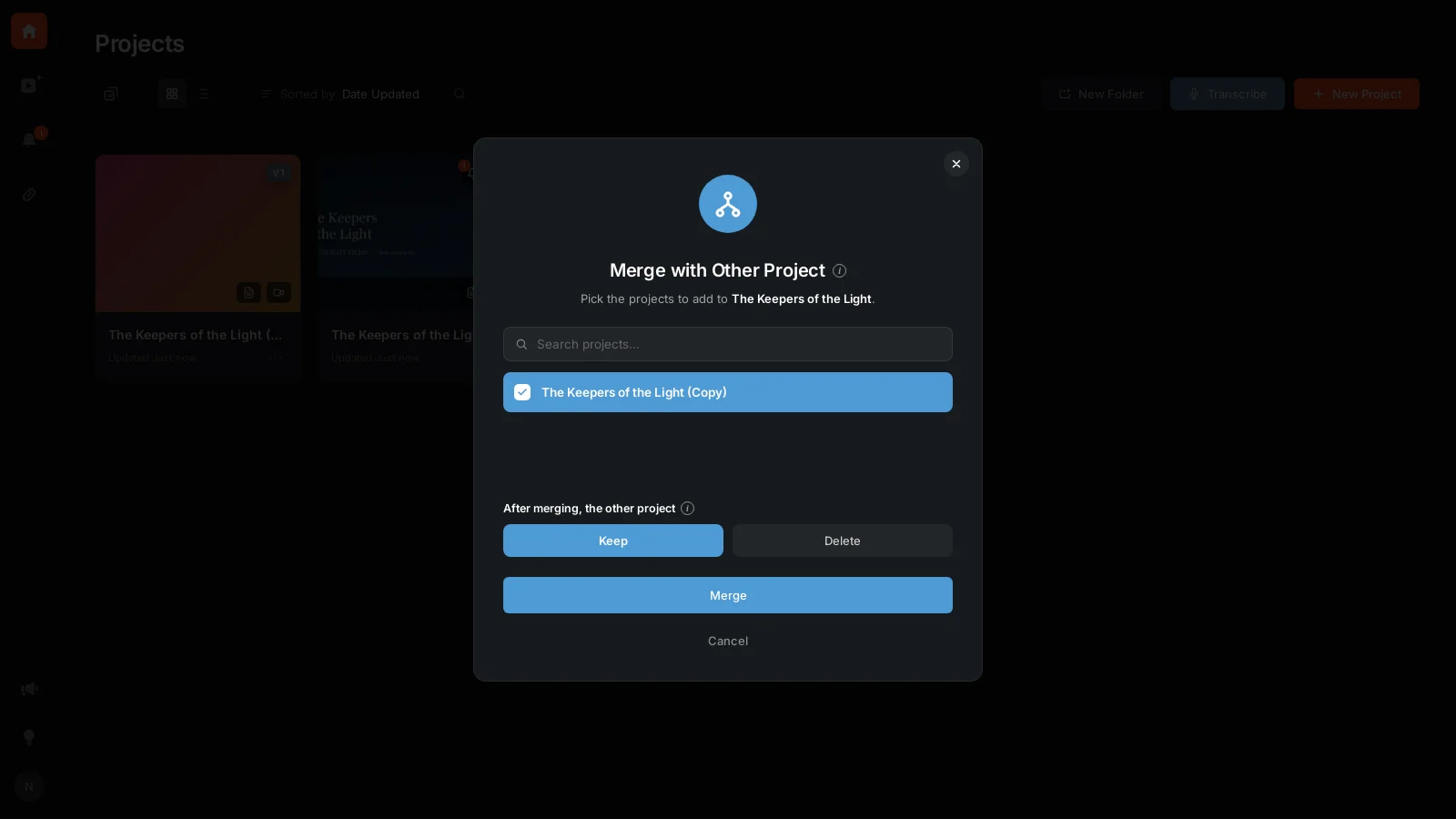
If a line exists in more than one place, for example in a copy of a project, in a Social clip set, or in a project you merged, it shows once, pointing to the original project. If that original project is in the Trash, the line shows in the copy instead so you can still reach it. Any project you haven't opened since this feature arrived gets searched the first time you open it.
Who this helps
This helps anyone sitting on a growing library of recordings: podcast hosts tracking down a specific guest story, agencies pulling a quote from a client interview, documentary editors locating a moment across hours of footage, or marketers hunting for a usable soundbite for a social clip. Instead of remembering which file it's in, you remember roughly what was said.
Try it on your own dashboard at ScriptCut.
frequently asked questions
No. Close word forms and small typos still match, and ScriptCut also shows lines that say the same thing in different words, tagged Similar meaning.
Yes, put your search in quotes and it will find that exact phrase.
If you type three or more words, ScriptCut matches lines that contain most of those words, not only lines with all of them.
The project that contains that line opens in Select, positioned right at that line.
No, it shows once and points to the original project. If that original project is in the Trash, it points to the copy instead.
Yes. A project that hasn't been opened since this feature was added gets searched the first time you open it.
Both: the dashboard search finds matching project names and, separately, matching lines inside transcripts under In transcripts.
More Product updates
Start selecting.

Pick the story in the transcript, export a finished rough cut and ready to post short form video.
What are you looking for?
Get the ScriptCut newsletter
Thanks! Check your inbox to confirm.
Something went wrong. Please try again.