
New feature
Publish Kit Writes Your Show Notes
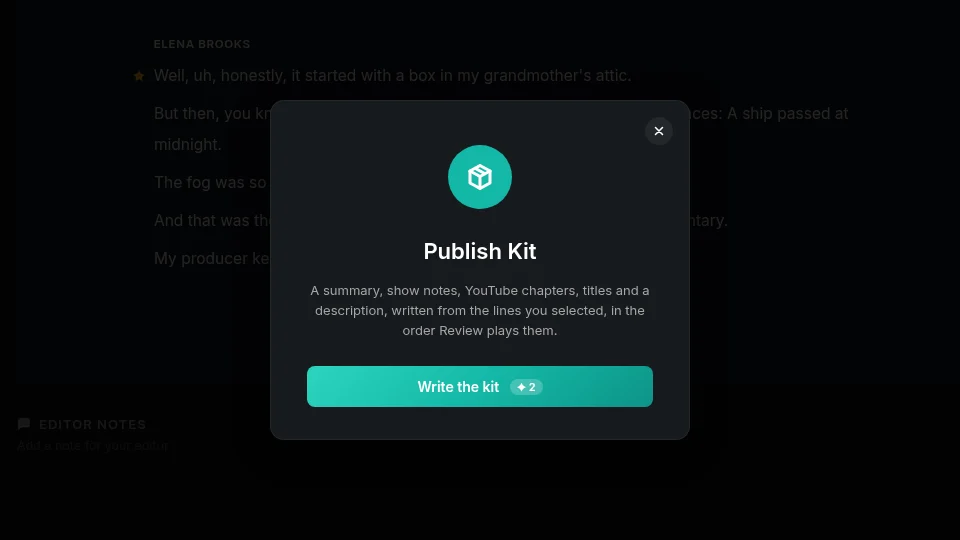
Publish kit turns your finished edit into a summary, show notes, YouTube chapters, five title ideas and a description, ready to copy into your upload.
What it is
Publish kit is an AI run you trigger on a finished edit. It plays through your cut in Review and writes the text you need to publish: a summary, show notes, YouTube chapters, title options and a description. You find it under Review, Export, Publish kit.
The problem it removes
Writing up a finished episode for YouTube or a podcast feed means rewatching your own cut and typing out a description, picking a title, and timing out chapters by hand. Publish kit does that pass for you, based on the edit you actually shipped, not the raw recording.
How it works
Say you've cut a 40 minute panel discussion down to 18 minutes in Review. Run Publish kit and it writes a summary, show notes, a description and five title ideas. For chapters, it times each one to where that section's first line lands in your edited cut, not the original recording, and keeps YouTube's rules: the first chapter starts at 0:00, there are at least three, and each one is at least ten seconds apart from the next. If your edit is too short for that, the kit skips chapters and tells you so instead of forcing them in.
Every part of the kit is editable in place. Each section has its own Copy button, and a Copy everything button grabs the whole kit at once. The kit is saved with that project version, so it's there when you come back to it. If you want another pass, Write again runs the AI over the edit once more, using AI credits again.
Working in another language
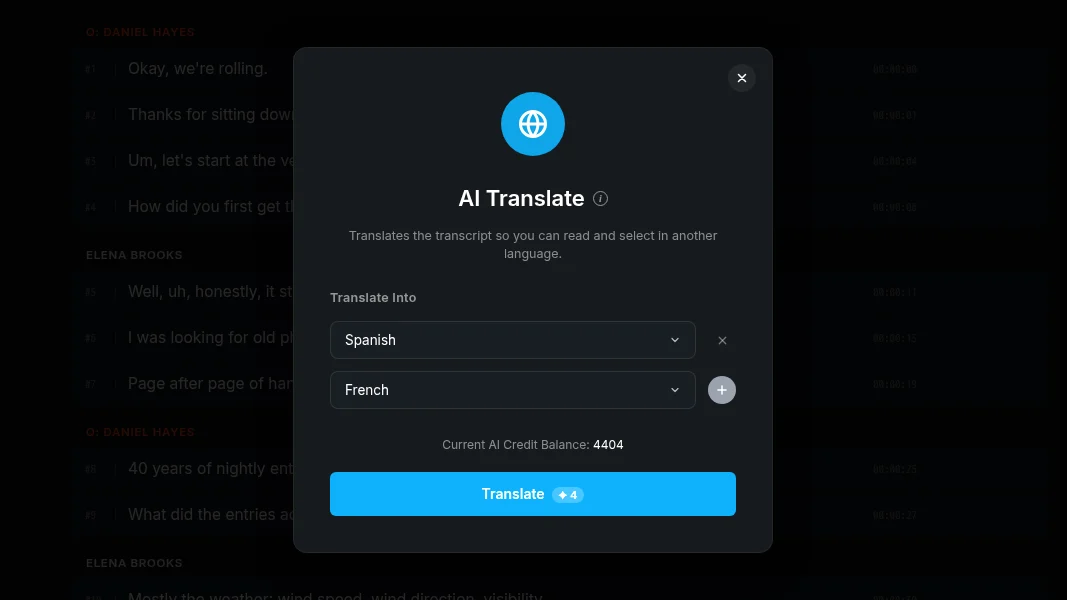
Publish kit writes in your transcript's language. If you've added a translation to the project, the Export menu shows a Language dropdown under Include, the same switch as the language button elsewhere in the app. Pick a language there and the kit, including titles and show notes, comes out in that language instead.
Who it helps
Podcast hosts who need show notes and chapters for every episode, agencies turning client recordings into publish-ready packages, and anyone exporting a cut to YouTube who wants a title and description drafted for them instead of starting from a blank box.
Try Publish kit on your next edit in ScriptCut.
frequently asked questions
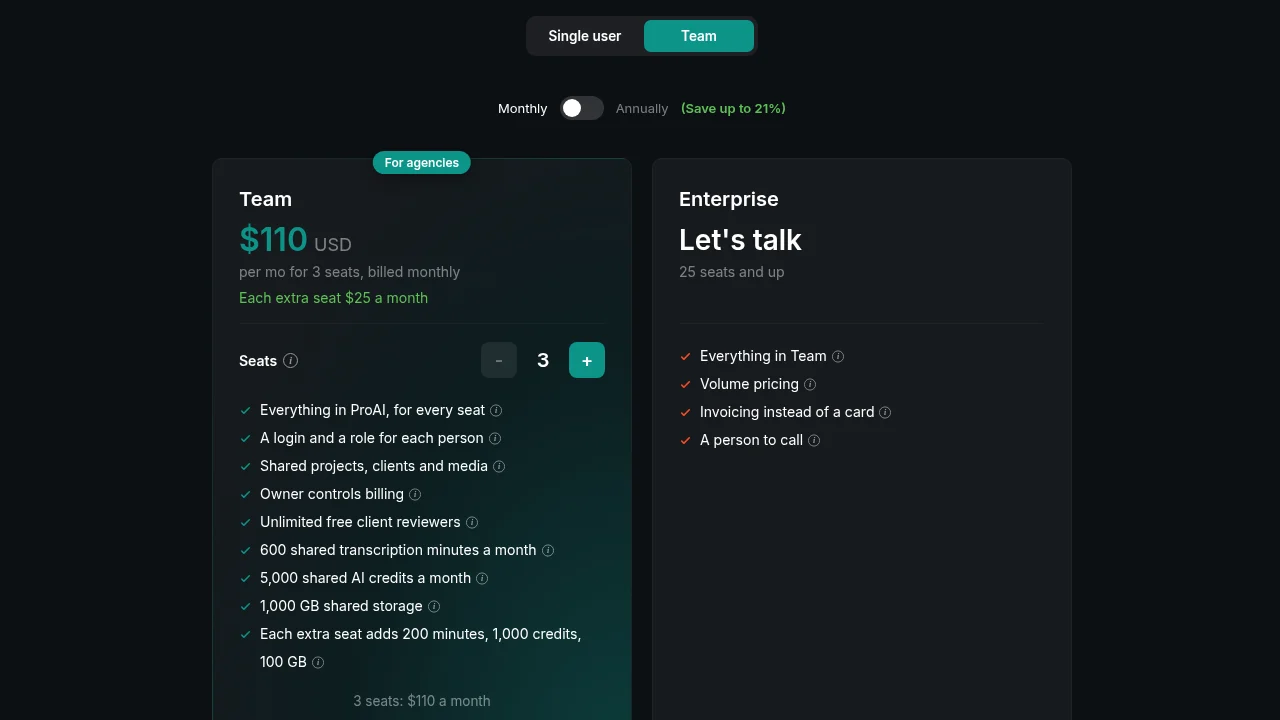
Publish kit is on ProAI, and it's also available during trial and in beta.
Yes, each run costs AI credits, and running Write again to generate a new version costs credits again.
They're based on your edited cut: each chapter time is where that chapter's first line starts in the version you've cut together in Review, not in the raw recording.
YouTube chapters need at least three chapters spaced ten seconds apart starting at 0:00, so if your edit can't meet that, Publish kit skips chapters and lets you know instead of adding chapters that don't qualify.
Yes, every part of the kit, summary, show notes, chapters, titles and description, is editable, and each section has its own Copy button plus a Copy everything option.
Yes, once your project has a translation, the Export menu shows a Language dropdown under Include, and Publish kit writes in whichever language you pick there.
Yes, Publish kit is saved with that project version, so it stays available when you return to the project.
More Product updates
Start selecting.

Pick the story in the transcript, export a finished rough cut and ready to post short form video.
What are you looking for?
Get the ScriptCut newsletter
Thanks! Check your inbox to confirm.
Something went wrong. Please try again.