
New feature
Kits for Any Folder
You can now turn any folder in Social into a kit, so every project inside it starts with the same look, the same connected accounts and the same client link, without you setting any of that up again.
What a kit holds
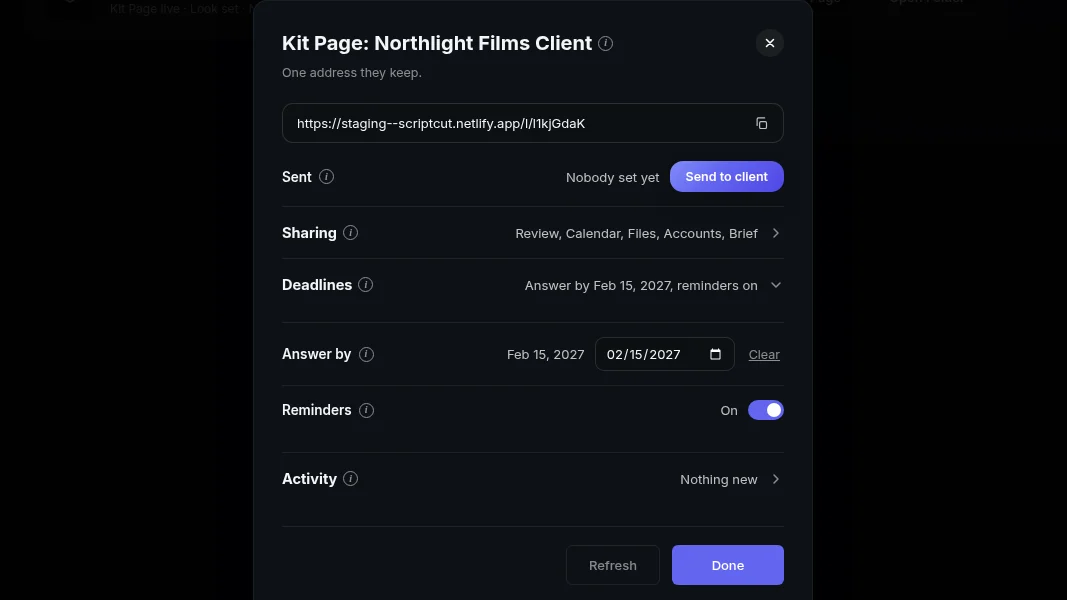
A kit is a preset on a folder. It carries the look (logo bug, fonts, colours, caption style, cover style, opening and closing videos, and where each network posts), the social accounts its clips go out to, and a Kit Page for whoever signs off. Set one up and every project you create under that folder picks it up on its own.
Set one up anywhere
Press Set Up Kit on any folder, at any depth. You can also choose Create With Kit when you make a new folder. A kit does not have to sit at the top level: a folder can hold no kit of its own but still have subfolders that each carry their own, and the nearest kit above a project is the one it uses. Say you run a Google folder with no kit on it, and two subfolders inside, Pixel and Nest, each with its own look and its own Kit Page: a project in Pixel follows Pixel's kit, a project in Nest follows Nest's.
Finding your kits
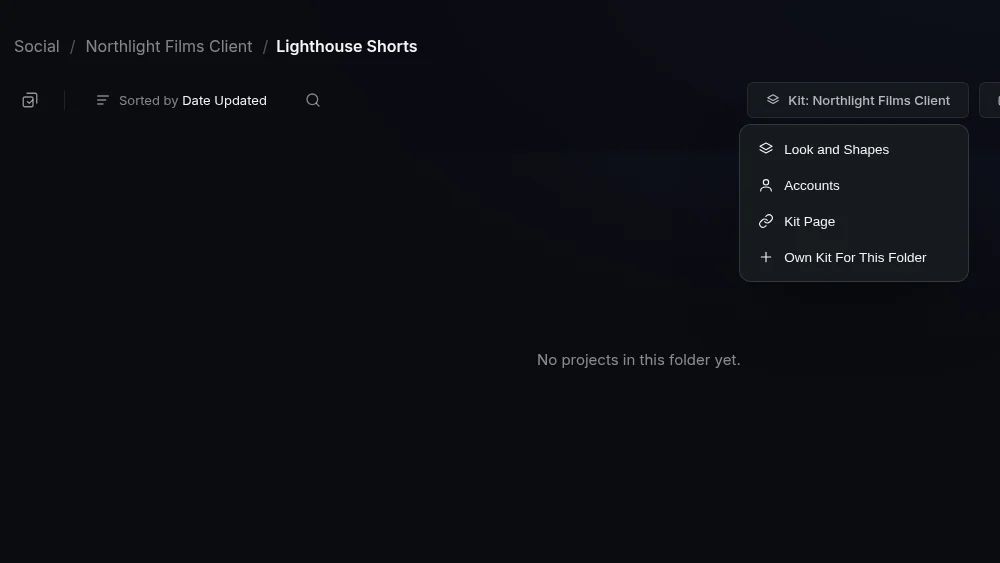
The Kits page lists every kit on the account, at any depth, with its logo, the folder it sits in, whether its Kit Page exists, which accounts it posts to, and buttons for Look and Shapes, Accounts, Kit Page and Open Folder. It is the fastest way to see what every client or show is set up with at a glance.
Inside the folder
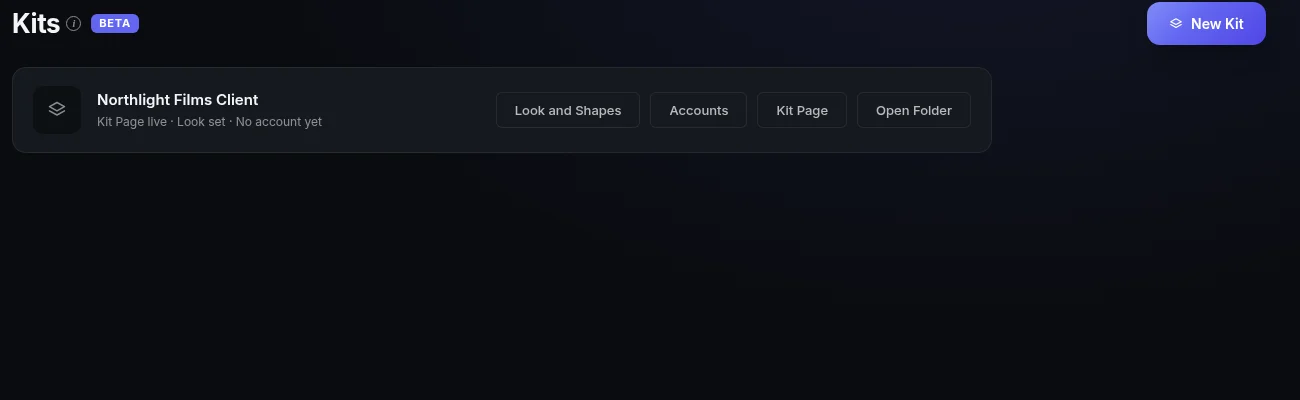
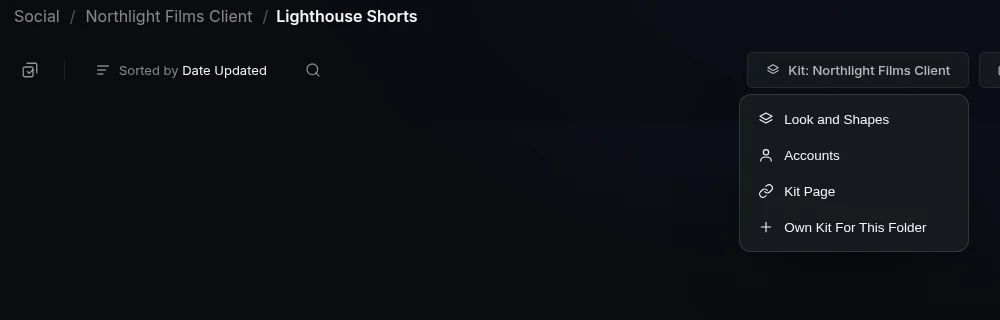
Open a folder that has a kit and the toolbar shows a Kit button instead of Set Up Kit. If the kit comes from a folder above, it reads Kit: and the kit's name, so you always know whose preset you are working under. From there you can open Look and Shapes, Accounts or Kit Page, or give this folder its own kit with Own Kit For This Folder if it needs to break away from the one above.
Who this helps
If you cut for one brand or one show, a single kit on the top folder keeps every project on brand without you touching settings again. If you run an agency or manage several shows, nesting kits by client or by season means a new project anywhere in that folder finds its look, its accounts and its client link already waiting.
Set up a folder, or open the Kits page to see what you have, at ScriptCut.
frequently asked questions
A kit only changes Social clips. The main dashboard shows no kit marks because a kit does not touch the rest of the project.
Yes. A folder can hold no kit while subfolders inside it each carry their own, and a project always follows the nearest kit above it.
Open the Kit button's menu on that subfolder and choose Own Kit For This Folder.
Accounts, where you connect the social accounts or let your client connect them through the Kit Page link, and Look, where you press Set Up Look.
Social > Kits in the left menu, or Kits in the account menu on a phone, lists every kit with its folder, accounts and Kit Page status.
It shows Set Up Kit when no kit applies yet, or a Kit button that reads Kit: and the kit's name when the kit is inherited from a folder above.
Yes, New Folder offers both Create and Create With Kit, at the top level or inside any folder.
More Product updates
Start selecting.

Pick the story in the transcript, export a finished rough cut and ready to post short form video.
What are you looking for?
Get the ScriptCut newsletter
Thanks! Check your inbox to confirm.
Something went wrong. Please try again.