
New feature
Split Screen for Vertical Clips
Split Screen lets you show two, three, or four people at once in a vertical clip, each in their own panel, instead of ScriptCut cutting between them.
What it is
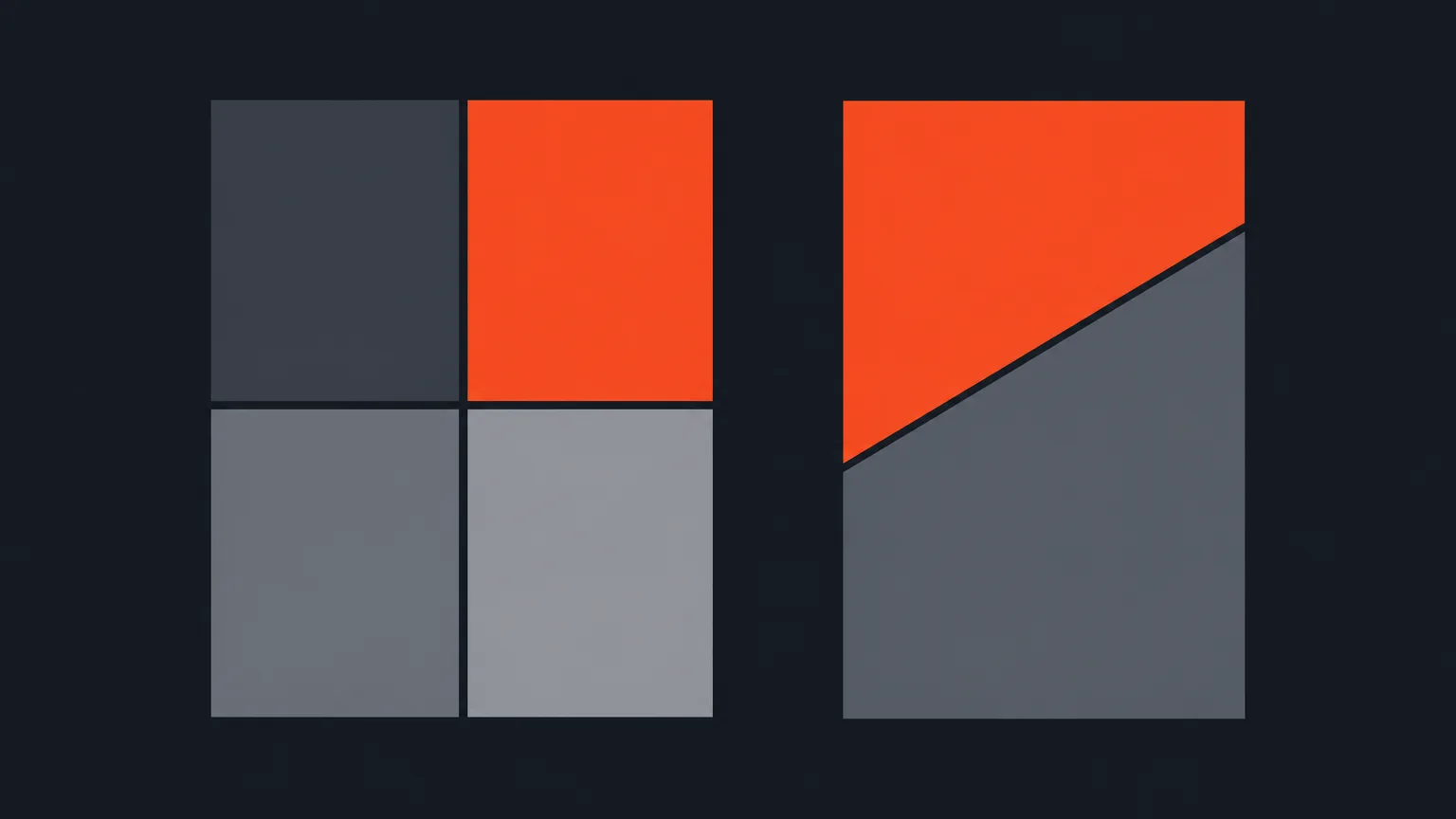
Split Screen is a layout option inside the Social suite's auto reframe step. When ScriptCut converts a wide recording to vertical, it detects camera cuts and frames the speaker in each shot automatically. On any shot, you can force a 2-way, 3-way, or 4-way split instead, even on a shot that only has one person in it. The menu has two columns: Standard, with plain rectangular panels, and Creative, with a diagonal split for two panels or slanted bands for three. Whatever shape you pick, the finished clip is cut to match exactly what the preview shows.
The problem it removes
A panel discussion or a two-host podcast usually forces a choice: cut back and forth between speakers, or squeeze everyone into one frame and lose the vertical format's punch. Split Screen gives each person their own space at the same time, so viewers see reactions and body language from everyone, not just whoever is talking.
How it works in practice
Say you're cutting a panel with a coffee brand founder, a roaster, and a barista for a vertical clip. Instead of tracking one speaker at a time, you open the Layout menu on that shot and choose a 3-way Split screen. Each panel can be dragged into place, zoomed, and re-timed on its own, the same way a single-person shot would be. If the automatic framing doesn't sit right in any one panel, right-click the shot and use 'Reset selected clip' to put just that framing back to fully automatic, without touching cuts, trim, or captions.
You're not limited to talking heads either. You can fill one panel with your own uploaded B-roll while the speaker keeps talking beside it, or use the Timing control to pull in a different moment from the same recording for that panel instead.
Who it helps most
This helps anyone turning multi-person recordings into vertical social clips: podcast hosts with co-hosts, agencies cutting panel content for clients, and producers who need a documentary or interview segment with two or more people on screen at once to keep its energy in a 9:16 clip.
Try it on your next multi-person recording in ScriptCut.
frequently asked questions
Yes. You can force a 2-way, 3-way, or 4-way split on any shot, even one with a single speaker.
Standard gives plain rectangular panels, while Creative offers a diagonal 2-way split or slanted 3-way bands. Both are dragged, zoomed, and re-timed the same way.
Yes, the finished video is cut to the exact panel shapes shown in the preview.
Yes. You can upload your own B-roll into a panel while the speaker keeps talking beside it, or use the Timing control to pull a different moment from the same recording instead.
Right-click that shot and choose 'Reset selected clip' to put just its framing back to fully automatic, without affecting its cuts, trim, or captions.
You can add your own music track under a Social clip and set its level, but ScriptCut doesn't supply music or do wider mixing.
It works alongside the standard 9:16 reframe as well as the 1:1, 4:5, and 16:9 options offered in the Social suite.
Start selecting.

Pick the story in the transcript, export a finished rough cut.
Get the ScriptCut newsletter
Thanks! Check your inbox to confirm.
Something went wrong. Please try again.