
New feature
Send Finished Clips With Download Links
Social now has Download Links, so you can hand a client the finished files, not just a link to watch them.
What It Is
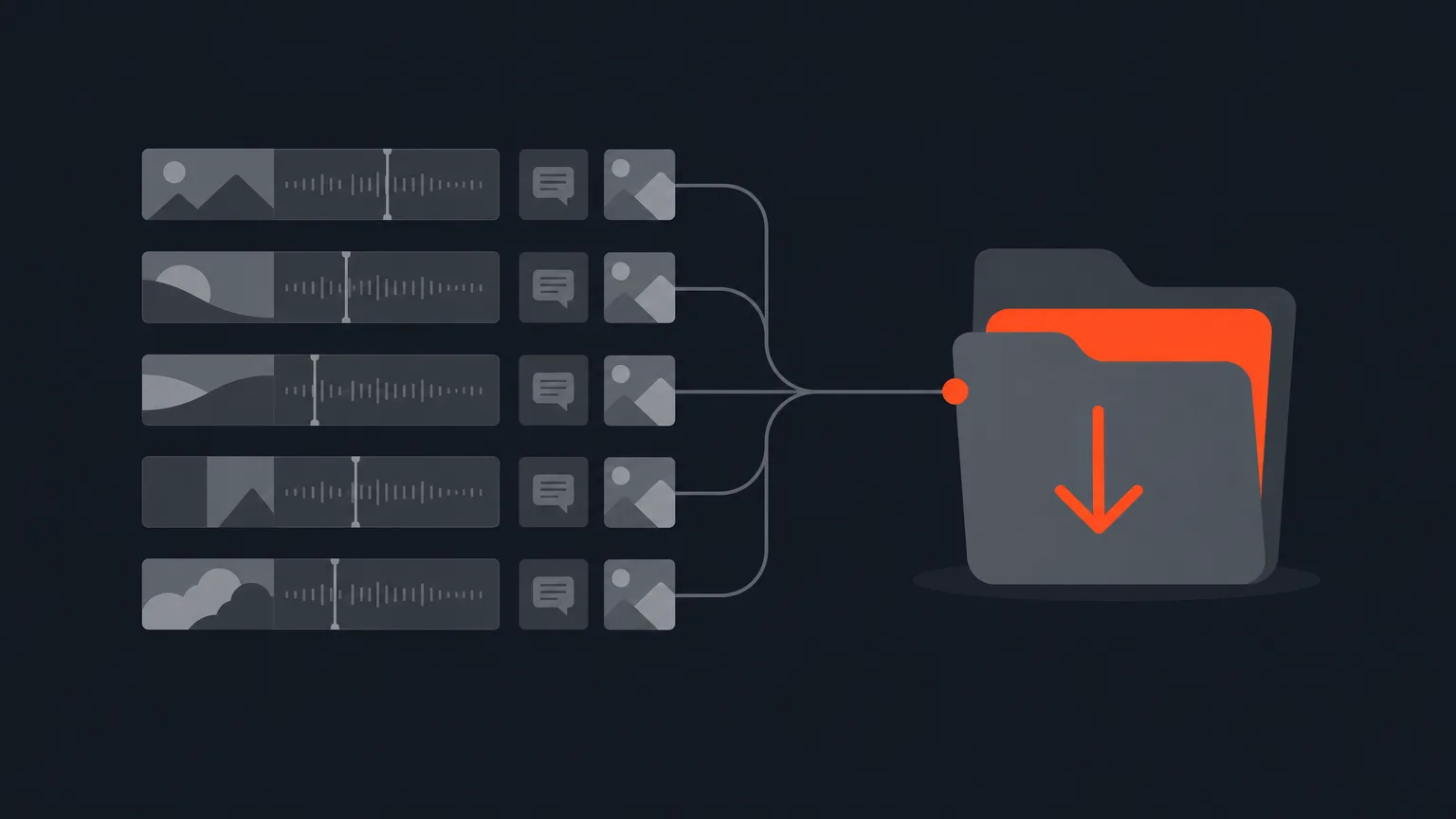
A download link is a client-facing page you create from Social for one project or a whole folder. Choose Videos only, or Full package to include any captions and covers already made for that clip, all zipped together. No account needed on their end, they just open the page and grab what they need.
The Problem It Removes
Review links are great for approvals, but they are not built for handing over final files. Before this, getting a finished clip, its captions and its cover to a client meant exporting everything, zipping it yourself, then sending it some other way. Download links skip that step.
How It Works
Say you have wrapped a folder of five short clips for a coffee brand's launch week, each with a caption file and a cover image ready. From Social, you create one download link for the whole folder, set it to Full package, and share it. The page shows readiness as things finish, something like '5 of 7 ready', and refreshes itself while any clip is still rendering, so you can send it even before every file is done.
You can send that link straight from ScriptCut too. Open it and press Send, and it goes to everyone on that client's Client kit, one message each, with an optional note from you, and it can carry the client's own logo if they have given you one. A one-off link with no client attached simply asks for an address when you send it.
Unlike the client link and approval link, a download link is not governed by the Social house rules in Settings. It is made by hand for one recipient, so it keeps its own password and its own on/off switch instead. If you need to shut off access fast, for example when a relationship ends, the Client access switch on that client's folder closes every link they hold at once, including download links, review links and the folder link, without losing any of their individual settings.
Who It Helps
Anyone delivering finished work to a client without a shared drive: agencies wrapping a campaign, editors handing back a podcast highlight reel, or a marketer sending a brand's social cuts for the week. It works for a single clip or a whole folder, so it fits any long, unscripted recording you have turned into clips, not just interviews.
Where To Find It
Look for the 'Download Links' icon inside Social. Every other share link in ScriptCut lives under the 'Shared Links' icon in the main sidebar: open it from the Dashboard to see every project's review links, or from inside a project to filter to just that one.
Try it from ScriptCut the next time you have a batch of clips ready to hand off.
frequently asked questions
No. They open the branded page and download the clip or the zipped folder without signing in.
Videos only sends just the clip files. Full package zips the video together with any captions and covers already made for it.
Yes, you can create a download link for a single project or for a whole folder, whichever you need to hand over.
Yes, open the link and press Send. It goes to everyone on that client's Client kit as individual messages, with an optional note from you.
No. Download links keep their own password and their own on/off switch instead, since handing over the file is their whole purpose.
It closes every link that client holds at once, including their download links, review links, folder link and approval links, while keeping each one's individual settings intact for if you turn it back on.
Use the 'Download Links' icon inside Social; open it from within a project or folder to see the links tied to that one.
Start selecting.

Pick the story in the transcript, export a finished rough cut.
Get the ScriptCut newsletter
Thanks! Check your inbox to confirm.
Something went wrong. Please try again.