
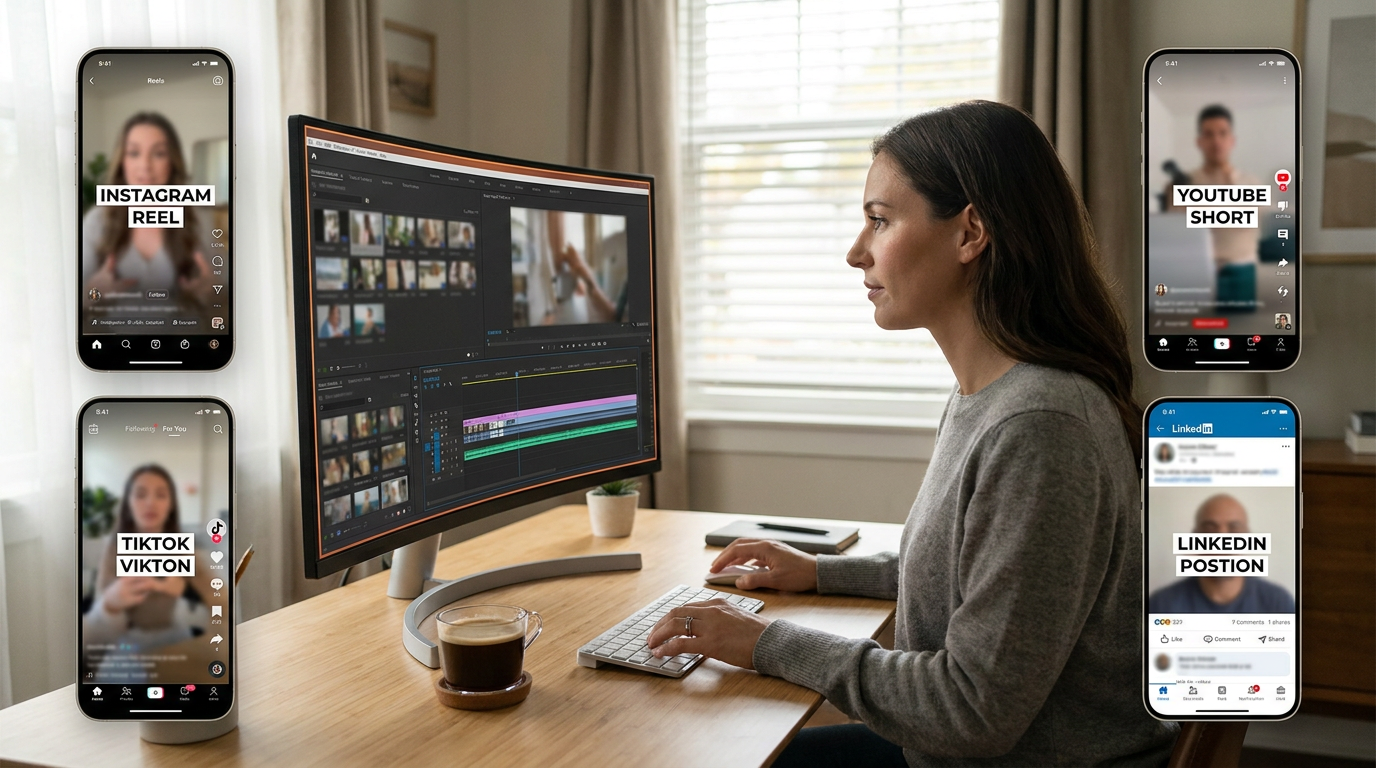
New feature
Publish: Turn Any Long Video Into a Full Week of Social Content
The workflow is simple: import your video, let AI Clips find the strongest moments, then send everything through the Publish pipeline. ScriptCut handles the reframe, the captions, the cover art, and the posting. You review and schedule. Nothing leaves your hands looking like raw footage.
Any aspect ratio, any platform
One source video, every format your audience expects
Each clip renders to the dimensions the platform wants. 9:16 for Instagram Reels, TikTok, and YouTube Shorts. 16:9 for standard YouTube. 1:1 and 4:5 for LinkedIn and Facebook feeds. Pick per clip or apply one ratio to the whole batch. ScriptCut handles the cut-and-crop so you are not running the same footage through four separate export presets in your NLE.
For horizontal source video, smart reframe tracks the speaker's face across the crop window and snaps to a new shot position at every hard cut. The default center crop works fine for wide shots and ensemble frames; smart reframe is the one to use when a talking head needs to stay centered through movement.
Burned-in captions
Captions from your own cleaned transcript, baked into the file
Captions are rendered directly into the video, not as a sidecar file that gets lost in a transfer. Because the source is the transcript you already corrected in Cleanup, the captions are accurate before the render starts. You choose where they sit: top, middle, or bottom. That is the entire decision. The render handles the rest.
For silent-autoplay environments, which now account for the majority of social video views, burned-in captions are the difference between a clip that communicates and one that scrolls past without registering.
AI cover images
A thumbnail built from the actual moment, not a stock photo
Pick a frame from the clip and ScriptCut generates a styled cover around it. The clip's title overlays as real rendered text in a clean treatment. Because the starting frame comes from the actual content, the cover is already on-topic, which is a better signal to the algorithm and a more honest promise to the viewer than a generic image with copy pasted on top.
You control how stylized the output is. A subtle treatment keeps the real frame prominent. A stronger creative pass pushes the image further from the source while keeping the subject recognizable.
Platform captions with AI
The right hook and hashtag strategy for each destination
A TikTok caption needs a punchy opener in the first line, visible before the fold. A LinkedIn post that opens the same way often reads as lightweight. ScriptCut generates a caption per platform, using the clip's topic and AI Clips title as the brief. Each output includes a hook, the core message, hashtags tuned to the platform's conventions, and a call to action. Edit any of it before scheduling.
This matters most for agencies. Writing four versions of a caption for four platforms per clip, across multiple clients, is real time. Generating a solid draft per platform and editing it down to approved copy is faster by a wide margin.
Scheduling across five platforms
Post now, schedule for later, or fill the entire week in one session
Connect Instagram, TikTok, YouTube, Facebook, and LinkedIn from Settings. Each clip can go to one platform or all five, on its own timing. Set a specific time, drop it into the queue, or publish immediately. The schedule view shows every pending post before anything fires so you can adjust, reorder, or remove.
For agency work: multiple channels per platform. A single clip can go to Client A's Instagram and Client B's LinkedIn on different schedules, with different captions, from one place. No downloading and re-uploading the same file to a third-party tool. No managing per-client queues across five separate dashboards.
The full loop
From one recording to a week of posts in one session
Import your video. ScriptCut transcribes it and stores the source. Open AI Clips, set the target clip count and length range, and let it find the moments. Approve the ones worth posting. For each clip: pick the aspect ratio, turn captions on if you want them, generate a cover, review the platform copy, and set the schedule. Hit Publish.
A 60-minute podcast episode processed this way produces enough clips to sustain daily posts for a week across every major platform, with no additional production work after the original recording session.
Publish is available now on the ProAI plan. Connect your social accounts in Settings and start scheduling today.
Start selecting.

Pick the story in the transcript, export a finished rough cut.
Get the ScriptCut newsletter
Thanks! Check your inbox to confirm.
Something went wrong. Please try again.