
New feature
Premiere Pro Panel, Now On Mac And Windows
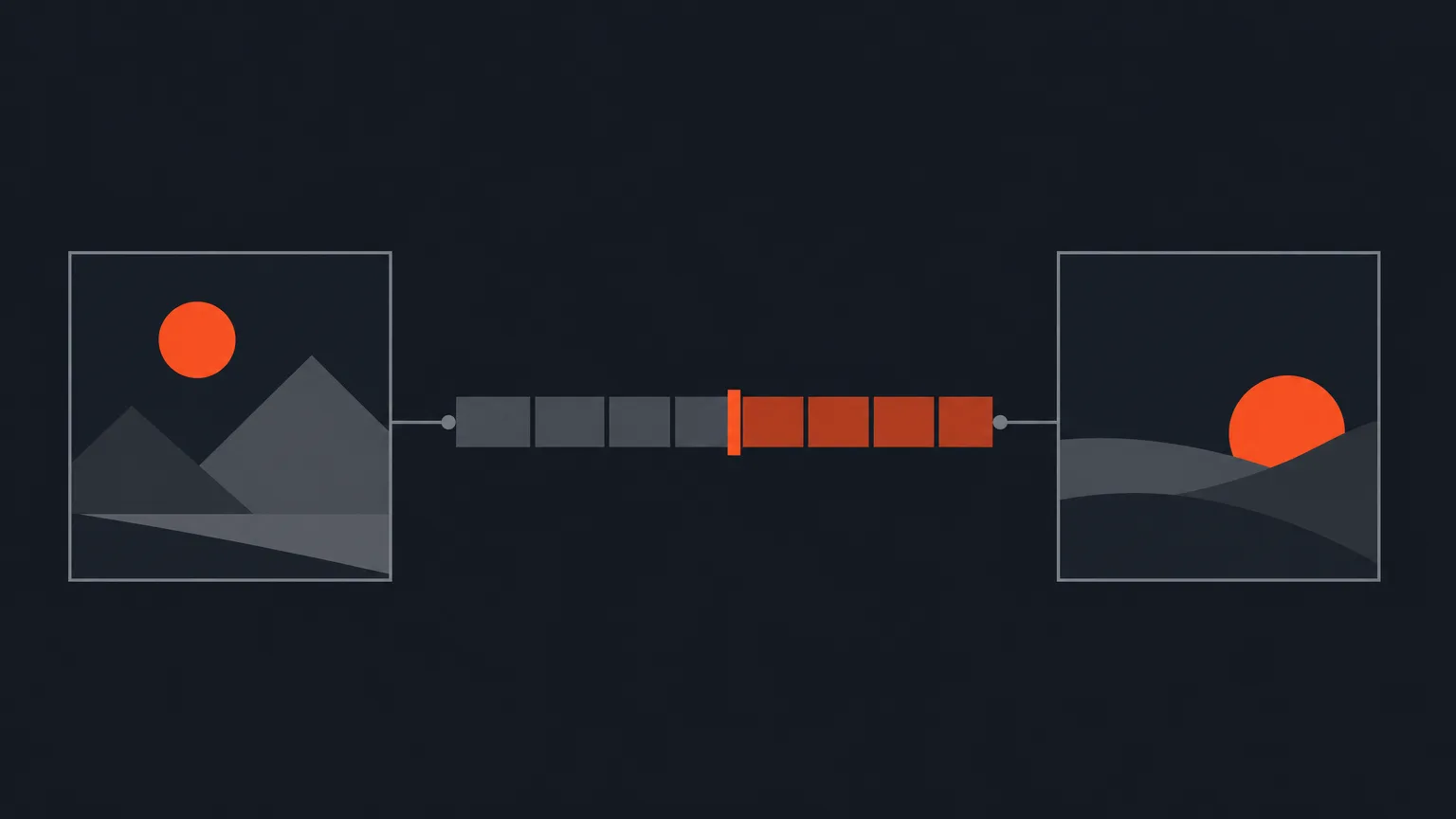
ScriptCut now has a panel that runs inside Premiere Pro on Mac and Windows, so your exported timeline opens straight into your project already linked to the real media.
What it is
The Premiere Pro panel is a small companion inside Premiere itself. You download it from Settings > App Integrations, under 'NLE Plugins', where you'll also find the DaVinci Resolve panel (Mac only). The panel needs Premiere Pro 2025 or newer, and it works on either Mac or Windows.
The problem it removes
Without the panel, a Timeline (XML) export still opens in Premiere fine, but the clips can come in offline until you relink each one to your footage by hand. Pair the panel once and that step goes away: your exported timeline opens already connected to the real media on that machine.
How it works in practice
Say you've picked the best lines from a recorded panel discussion, arranged them into a story on the Review screen, and got the client to approve the link. Two things need to happen on the Premiere side before export. First, if you started from a recording that already lived in Premiere, you pull its transcript the right way: open the TEXT panel, go to its TRANSCRIPT tab, use the three-dot menu at the top right, and choose 'Export transcript...'. That writes the file ScriptCut reads, word timing and speaker names included. Second, when your cut is ready, you export the timeline itself from File > Export > Final Cut Pro XML. With the panel paired, that timeline opens back into your Premiere project already relinked, instead of landing offline.
Who it helps
This is for anyone who edits inside Premiere day to day: podcast and video editors turning a rough recording into a client-ready cut, agencies handing off approved scripts to an editing team, and producers who want the roundtrip from transcript to timeline to stay inside one editor without manual relinking. It's part of Starter and ProAI, not the Free plan.
Worth knowing
- The DaVinci Resolve panel exists too, but only for DaVinci Resolve Studio on a Mac; Windows isn't supported there yet.
- ScriptCut's Timeline (XML) export also opens in Final Cut Pro and Avid today, those two just don't have a guided start-here workflow or a panel yet.
- There's no File > Export > Transcript command in Premiere. The only correct path is the TEXT panel's TRANSCRIPT tab and its three-dot menu.
Pair the panel from Settings > App Integrations and try your next roundtrip in ScriptCut.
frequently asked questions
Yes, the NLE panels are part of Starter and ProAI; they aren't on the Free plan.
Yes, the Premiere Pro panel works on both Mac and Windows, as long as you're on Premiere Pro 2025 or newer.
Open the TEXT panel, go to its TRANSCRIPT tab, click the three-dot menu at the top right, and choose 'Export transcript...'. There's no transcript export in the File menu.
Export Timeline (XML) from File > Export > Final Cut Pro XML in Premiere, or from Export on the Review screen; with the panel paired it opens already relinked to your footage.
Not yet. The Timeline (XML) export works with both editors today, but there's no dedicated panel for either one.
There's a matching panel for DaVinci Resolve Studio, but it's Mac only for now, Windows isn't supported.
Start selecting.

Pick the story in the transcript, export a finished rough cut.
Get the ScriptCut newsletter
Thanks! Check your inbox to confirm.
Something went wrong. Please try again.