
New feature
One Transcript, Many Edits
You can now keep one master transcript for a recording and build as many separate edits from it as you need, without re-importing or re-transcribing anything.
What it is
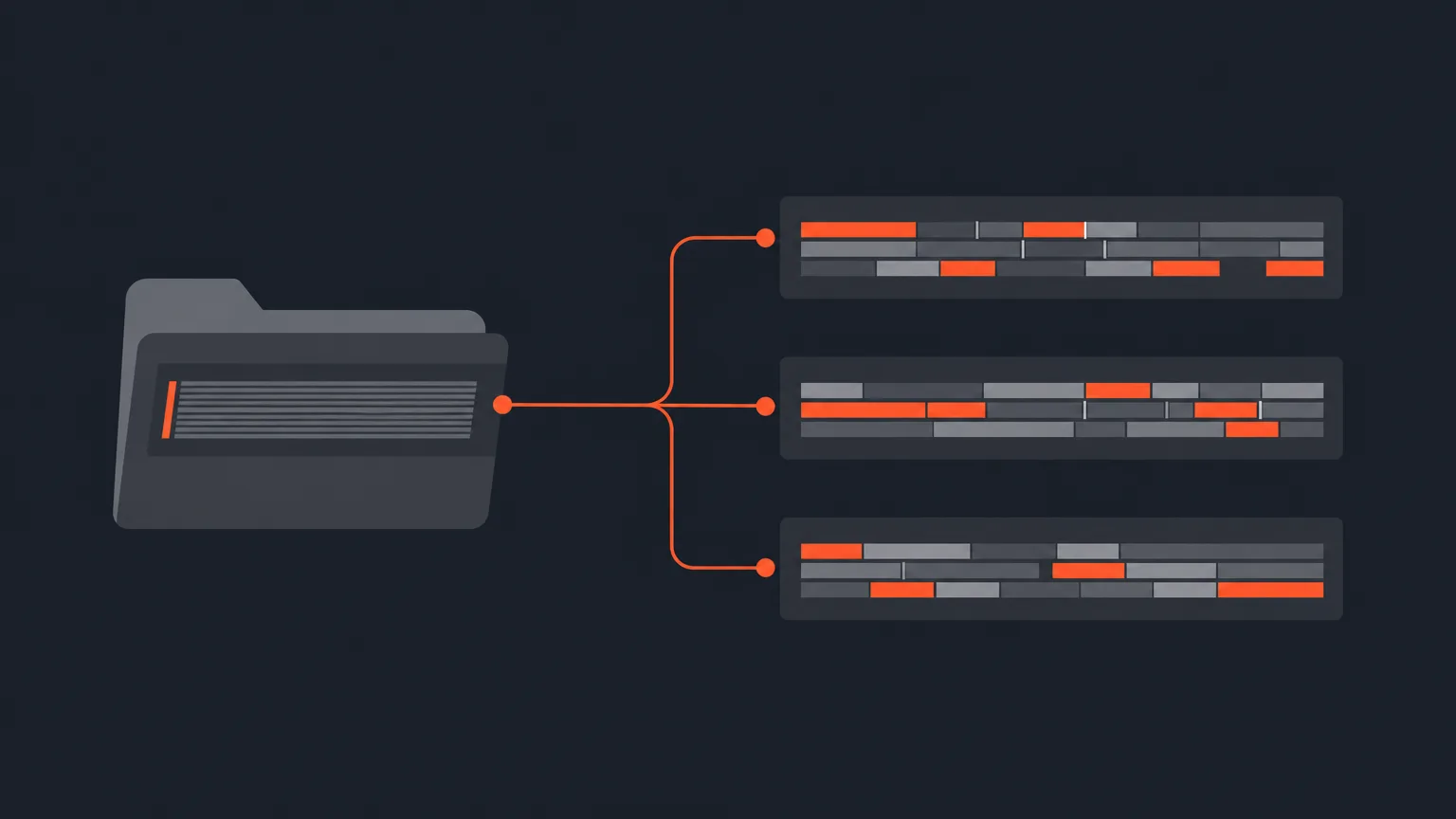
A master transcript is the transcript that lives inside one project and gets reused by other projects in the same folder. You transcribe or import the recording once. Every linked project then works from that same text, picking its own lines, building its own arrangement, and keeping its own version history.
The problem it removes
Long recordings often need more than one edit. A podcast episode might become a full cut and a handful of social clips. A documentary interview might feed a rough assembly and a highlight reel. Without a shared source, you end up re-importing the same footage or re-transcribing the same audio for every new edit, and you risk small differences creeping in between versions.
How it works in practice
Say you run a weekly podcast and want to cut a full episode plus three short clips for social. Put the project that already has the episode transcript inside a folder, that project becomes the master. Create a new project inside that same folder, and in the New Project window choose 'Choose master transcript...' instead of starting a new one. The new project opens already linked to the master transcript and goes straight to Select, so you jump right into picking lines for that clip. Its transcript and import steps stay read only, because the words themselves live in the master, not in the new project.
Keeping the master safe
ScriptCut protects the shared transcript so a linked project never gets orphaned. A project that owns a shared master transcript has a 'Move master transcript' option in its card menu, which hands ownership over to one of the linked projects. If you try to delete a master that still has linked projects, ScriptCut asks you to hand the transcript to one of them first.
Who this helps most
Anyone turning one long recording into several outputs: podcast hosts building an episode plus clips, documentary editors splitting one interview into multiple sequences, agencies cutting a single client shoot into different deliverables, or marketers pulling social cuts from a longer talking-head recording.
Set up a folder for your next series or multi-part shoot, transcribe the recording once, and let every edit in the folder pull from it.ScriptCut
frequently asked questions
No. Once a project owns the master transcript, any new project you create inside the same folder can reuse it instead of transcribing or importing again.
Put the project that already has the transcript inside a folder, then create a new project inside that same folder and choose 'Choose master transcript...' instead of starting a new transcript.
Yes. Each linked project reuses the same transcript text but keeps its own picks, arrangement, and version history.
ScriptCut asks you to hand the master transcript to one of the linked projects first, so those projects are never left without their transcript.
Yes. A project that owns a shared master transcript has a 'Move master transcript' option in its card menu to hand ownership to a linked project.
No. Master transcripts only let projects share one transcript from a single recording, they do not combine or merge selections from two different projects.
No. The transcript and import steps are read only in linked projects, since the words live in the master transcript, not in the new project.
Start selecting.

Pick the story in the transcript, export a finished rough cut.
Get the ScriptCut newsletter
Thanks! Check your inbox to confirm.
Something went wrong. Please try again.