
New feature
One Link Per Client For Everything
Every client now gets one permanent link that holds all their clips, not just one project at a time.
What it is
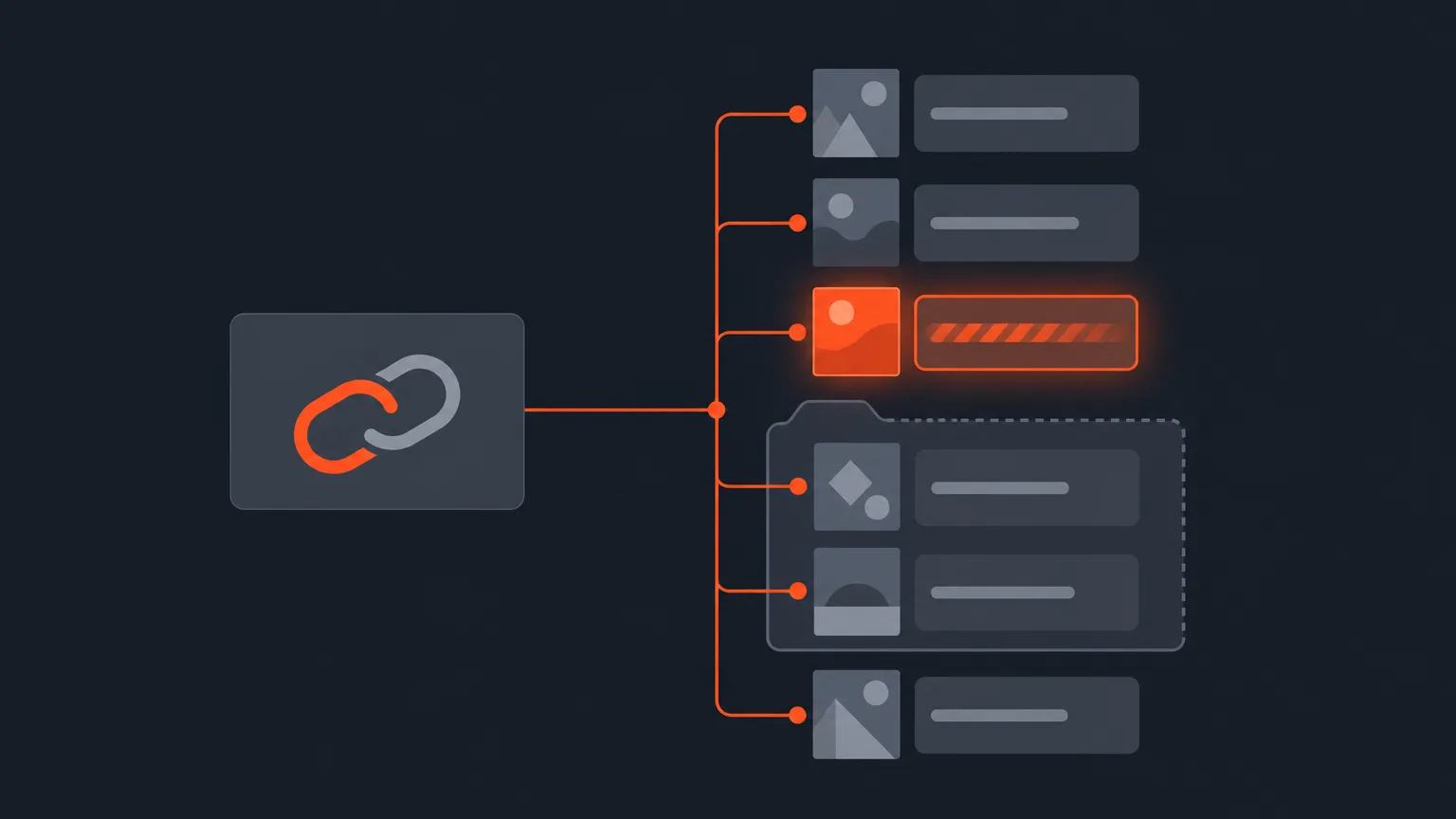
The Client Link lives on a client folder row under Social > Accounts. It shows every finished clip you have made for that client, each with its cover and caption, and the client can watch, download, approve or ask for a change right on that page. Nothing on it is a snapshot: projects, titles, covers and captions are resolved live every time the page opens, so a project you start next month shows up on the same link on its own.
The problem it removes
Without this, you send a new link for every project and a client ends up juggling several tabs, several passwords, and old approvals that no longer match the clip you quietly rewrote. If you change a clip after they approved it, their answer is now marked out of date on their page and in your window, instead of a green tick sitting next to words they never actually saw.
How it works in practice
Say you run a monthly retainer for a coffee brand, cutting clips from their podcast and their founder's talking-head videos. You set them up once as a client in Social. From then on, every finished clip from every project you file under that client, including anything inside a campaign folder, lands on their one link automatically. They open it, watch a clip, approve it or ask for a change, and if they want the whole batch they hit Download all on a project or Download everything at the top of the page. That hands them a zip with each clip, its caption as a text file, and its cover, sorted into folders when there is more than one project. Nothing renders until they press play or download, so a link listing months of work costs nothing to open, and pressing the button only counts what is actually finished.
The client needs no account, just their name typed once, and you can set, change or remove a password on the link whenever you like. The same page has a Your brand files box where they can drop their own logo or fonts. Nothing they send is used until you accept it: a font goes into your font library with one press, a logo becomes that client's own.
Who it helps
Anyone juggling more than one project per client feels this fastest: agencies running ongoing content for a brand, editors on retainer for a podcast host, or a marketer coordinating clips across several campaigns for the same product. Instead of tracking which link covers which batch, there is one link, and pressing the button again always hands the client back that same one rather than splitting their answers across two places.
Staying in control
House rules under Settings > Client view apply to this link: you can turn off Ask for changes so the page only offers Approve, turn off downloads so clients can watch but not take files, or require an email before the link opens. All three are enforced on the server. If a relationship ends, the Client access switch on that client closes every link they hold at once, including this one, without you having to remember each one you ever sent, and turning it back on restores everything exactly as it was.
Set up a client in Social and see their one link build itself: ScriptCut.
frequently asked questions
No. They just type their name once to open the link, and you can add, change or remove a password on it at any time.
Their approval is marked out of date on their page and in your window, so you never end up with a green tick sitting on a clip they never actually saw.
Yes. Download all on a project or Download everything at the top of the page gives them a zip with each clip, its caption as a text file, and its cover, sorted by project when there is more than one.
No. A clip only renders when the client presses play or download, never when the page loads, so a link listing everything you have made for them costs nothing to open.
Yes. Under Settings > Client view you can turn off downloading or turn off the ability to ask for changes, and you can require an email before the link opens, all enforced on the server.
The Client access switch on that client closes every link they hold at once, including this one, and turning it back on restores each link exactly as you left it.
Yes. A Your brand files box lets them upload a logo or fonts, but nothing is used until you accept it from your window.
Start selecting.

Pick the story in the transcript, export a finished rough cut.
Get the ScriptCut newsletter
Thanks! Check your inbox to confirm.
Something went wrong. Please try again.