
New feature
Frame-Accurate Timeline Export to Any NLE
You can now export your ScriptCut selection as a frame-accurate XML timeline that opens in DaVinci Resolve, Premiere Pro, Final Cut Pro, or Avid, matched to your footage's own frame rate and timecode.
What it is
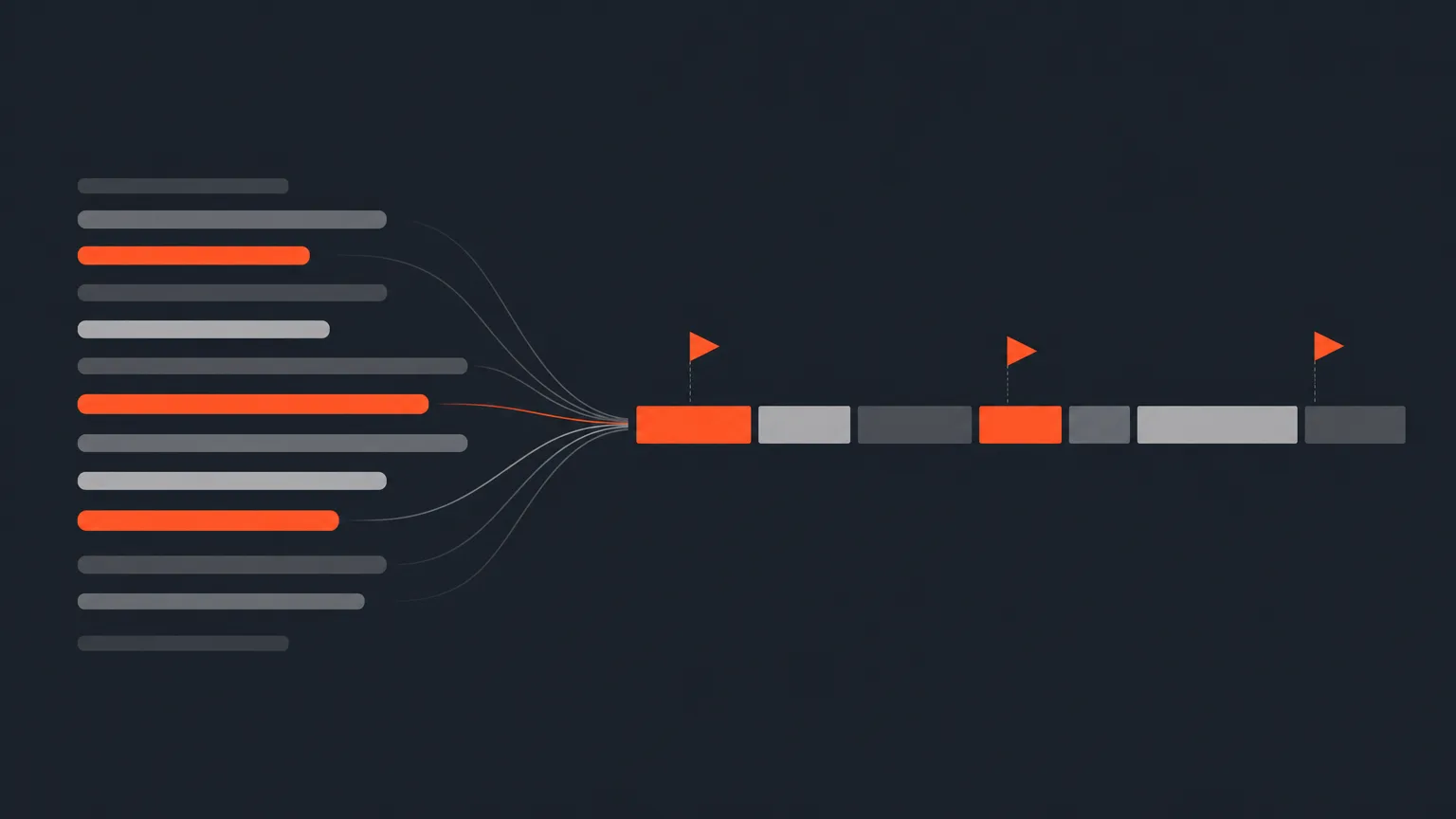
Timeline XML rebuilds your whole selection in order, trimmed to the frame, with your groups turned into markers. It reads the frame rate and start timecode from the same sequence your transcript came from, so the cut lines up exactly with your original footage when you open it in your editor.
The problem it removes
Without this, moving a transcript-based selection into an editing app means re-finding every line by hand and re-cutting it on the timeline. That's slow, and it's easy to slip a frame or lose the order you approved with a client. A frame-accurate XML means the story you built in ScriptCut is the story that opens in your NLE, no re-cutting required.
How it works
Say you transcribed a two-hour panel discussion, picked the best 20 minutes of answers, arranged them into a story, and got client approval on a review link. On the Review screen, open Export and choose Timeline (XML). ScriptCut rebuilds that exact selection as a trimmed, ordered timeline with your groups as markers, ready to open in your editor. If you're doing an NLE roundtrip project in Resolve or Premiere, you attach the timeline XML on import instead, and ScriptCut builds from there.
Who it helps
Any editor working from a long unscripted recording: podcasts, documentaries, vlogs, UGC, panels, interviews. If you're cutting on Resolve, Premiere, Final Cut, or Avid, this is the bridge between the story you built in ScriptCut and the timeline you actually edit on.
Good to know
- The transcript, the XML, and any attached audio must all come from the same recording.
- Favorited (starred) lines export as a yellow Favorite marker in Premiere; Resolve shows the marker without color.
- There is no EDL, AAF, or OTIO export. The export is always XML, though an EDL or XML can be imported at the timeline step.
- The Editor cut sheet (.txt) is included on Free. Timeline XML, along with PDF, Subtitles, and Audio, needs Starter or ProAI.
Ready to send your next cut straight into your editor? Open your project in ScriptCut.
frequently asked questions
DaVinci Resolve, Premiere Pro, Final Cut Pro, and Avid. All four open the same Timeline (XML) export today.
Yes. ScriptCut reads the frame rate and start timecode from your project's sequence, so the exported cut lines up frame for frame with your footage.
No. There is no EDL, AAF, or OTIO export, the export is always XML. You can import an EDL or XML at the timeline step, but export only produces XML.
Yes. Starred rows export as a yellow Favorite marker in Premiere, and Resolve shows the same marker without the color.
The Free plan includes the Editor cut sheet (.txt) only. Timeline XML, along with PDF, Subtitles, and Audio exports, needs the Starter or ProAI plan.
Your groups become markers on the exported timeline, so the structure you arranged stays visible once it's open in your editor.
The transcript, the timeline XML, and any audio file all need to come from the same original recording for the export to line up correctly.
Start selecting.

Pick the story in the transcript, export a finished rough cut.
Get the ScriptCut newsletter
Thanks! Check your inbox to confirm.
Something went wrong. Please try again.