
New feature
Export Subtitles That Match Your Edit
You can now export subtitles built from your actual edit, not the raw recording, in SRT or WebVTT.
What It Is
Subtitle Export is a new option in Review > Export. It takes the story you built, the lines you picked, cleaned and arranged, and turns it into a subtitle file timed to that exact cut. Pick SRT or WebVTT, choose a standard such as Netflix, YouTube or EBU, and ScriptCut auto-splits long lines to fit.
The Problem It Removes
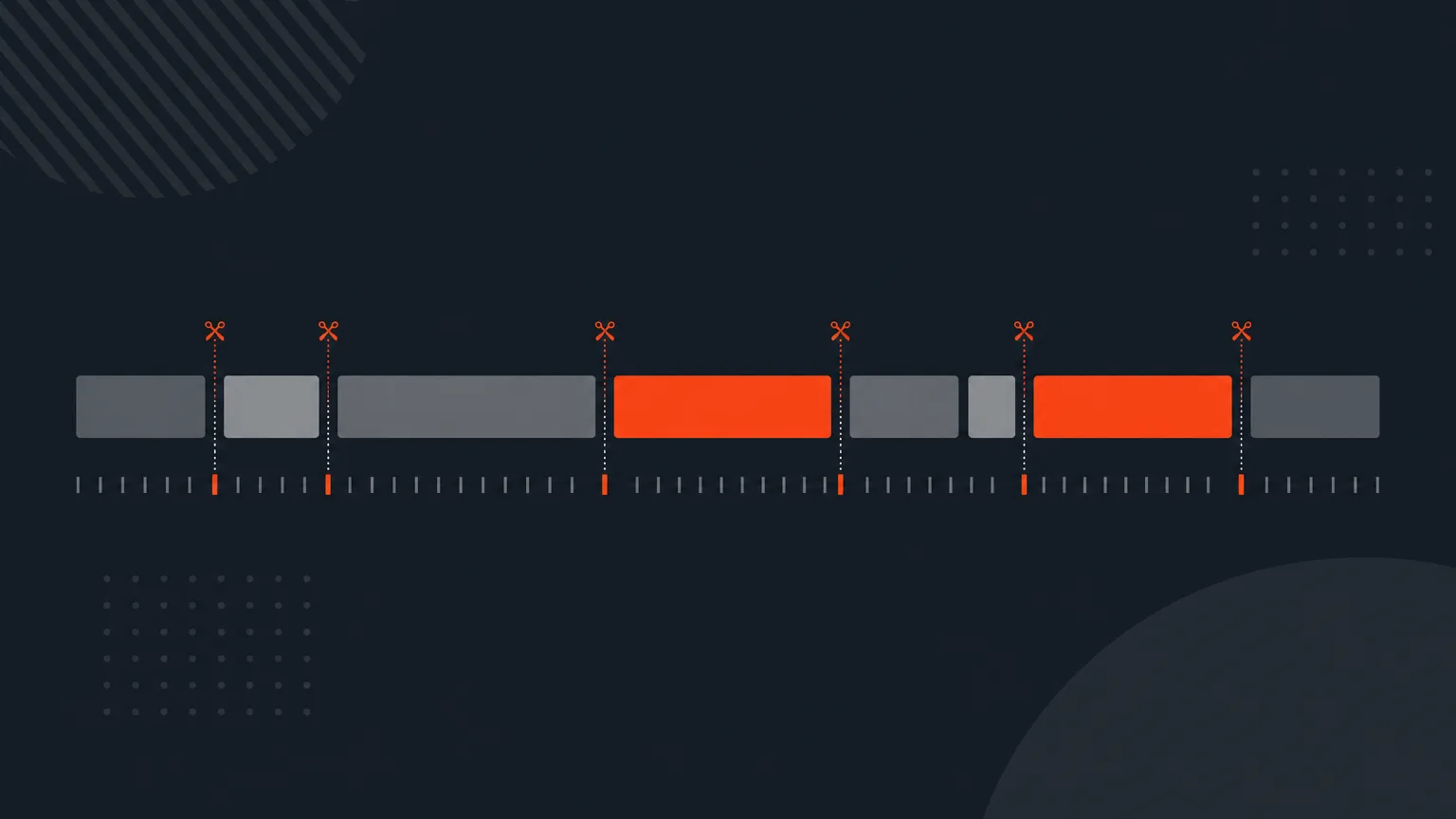
Subtitles for a raw recording are useless once you trim, reorder and cut filler. Before this, you had no way to get a caption file that matched your finished selection. Now the timecodes in the subtitle file line up with the edit you actually made, so you are not retiming anything by hand.
How It Works
Open Review, go to Export, and choose Subtitles. Select SRT or WebVTT, then a standard: Broadcast EBU, US Caption 608, Netflix, YouTube, Social/Vertical, or Custom limits. ScriptCut reports how many cues already fit the standard before you export.
Say you pulled the best 12 minutes out of a 90 minute panel discussion. Once your selection is arranged and approved, export the subtitles and you get a file that matches those 12 minutes, not the full 90, with cues already split to whatever caption standard your platform needs.
If you are sending the export into DaVinci Resolve, set Maximum to 1 character per line, Lines to Single, and check Include Speaker Name. That single setting is what gives each word its own timecode, and it is the first thing to check if an import looks off or only lets you select whole sentences.
Who It Helps
Anyone turning long unscripted footage, podcasts, documentaries, panels, interviews, into a finished, captioned piece. Editors who already assemble a story in the transcript get a matching subtitle file for free. Agencies delivering client videos get accurate captions without a separate pass. Marketers publishing to platforms with strict caption rules get files pre-split to fit.
Try It
Build your selection, open Review, and export subtitles that actually match your cut in ScriptCut.
frequently asked questions
SRT and WebVTT, with a choice of standard such as Broadcast EBU, US Caption 608, Netflix, YouTube, Social/Vertical, or Custom limits.
They follow your trimmed selection: the export rebuilds timecodes for the story you arranged, not the raw recording.
Yes, it auto-splits long lines to fit the standard you pick and shows how many cues already fit before you export.
No, Subtitles is a paid export; Free only includes the Editor cut sheet.
No, subtitle export always comes out in the language that was spoken, since every word is pinned to its own original timecode.
Set Maximum to 1 character per line, Lines to Single, and check Include Speaker Name; the 1 character per line setting is what gives each word its own timecode and is the first thing to check if an import drifts.
No, Download Transcript exports the whole transcript's subtitles, while this Export feature exports subtitles timed to your edited selection.
Start selecting.

Pick the story in the transcript, export a finished rough cut.
Get the ScriptCut newsletter
Thanks! Check your inbox to confirm.
Something went wrong. Please try again.