
New feature
Cover Any Moment With B-Roll
You can now cut B-roll into your Social clips, covering the whole picture or filling one panel of a split screen while your speaker keeps talking underneath.
What it is
B-roll is a new gallery in the Video step of the Social clip editor, sitting below the framing settings. Upload footage from your computer or your cloud storage, or pull in something you already added with Add from Gallery, and it shows up on a shelf ready to use.
The problem it removes
A talking head clip can only carry a viewer so far. If there is a jump cut, a flat stretch of the same shot, or a moment that just needs another image to land, you used to have no way to cover it inside ScriptCut. Now you can drop in other footage right where you need it, without leaving the tool or touching a separate editor.
How it works
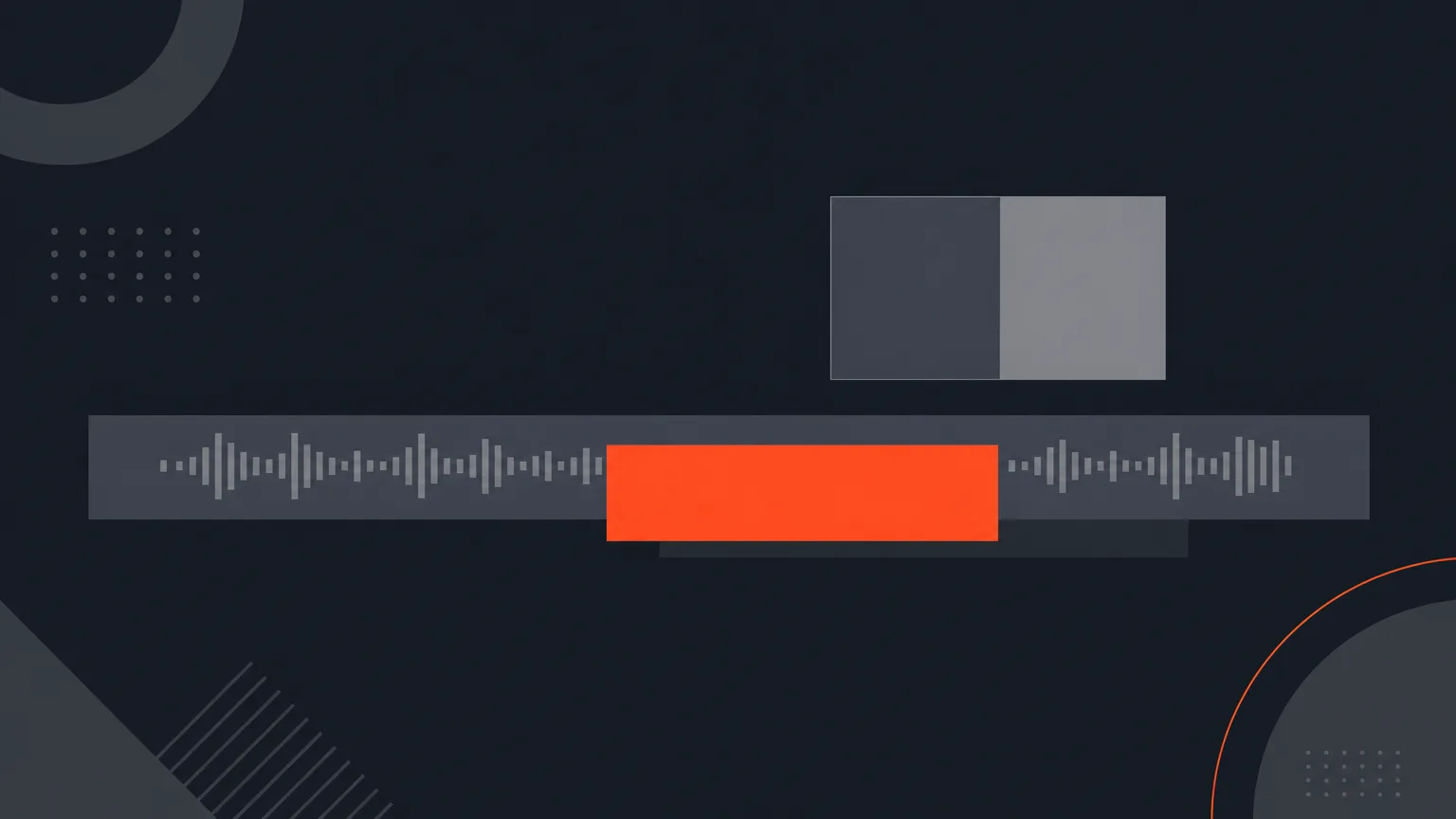
Drag a clip from the B-roll shelf onto the timeline and it lands as a three second cover: the picture comes from that footage while the interview audio keeps playing underneath. Drag the band to move it, drag either end to make it longer or shorter, and press Delete to take it off. A cover can run right across a cut, which is exactly how you hide a jump cut. You can also drop a clip onto just one panel of a split screen shot, so the B-roll fills that panel while your speaker stays visible in the other one. The sound never changes: B-roll is picture only, so the audio from that footage is never used.
Say a coffee brand's founder talks about sourcing beans for ten seconds straight to camera. Drop a shot of a bean sack or a roaster onto that stretch, trim it to cover the whole line, and the viewer sees the beans while the founder's voice carries the story.
Who it helps
Anyone cutting social clips from a longer recording: podcast editors covering a rambling answer, agencies building ads for a client with product footage on hand, documentary editors smoothing a jump cut, or a marketer turning a talking head interview into something that actually looks edited.
Try it in your next clip inside ScriptCut.
frequently asked questions
No. B-roll is picture only, always. Its own audio is never used, so your speaker's voice keeps playing underneath it.
Yes. You can drop a B-roll clip onto one panel of a split screen shot so it fills that panel while the speaker stays visible in the other panel.
Yes, a cover can run right across a cut, which is how you hide a jump cut without re-editing the underlying footage.
Upload it from your computer or cloud storage, or reuse footage already in your account with Add from Gallery.
Yes, it is processed exactly like a main video and counts against your storage, and removing it deletes the file from our servers straight away.
It belongs to the client the project is filed under, so an agency can upload a shot once and use it across every clip for that client.
Start selecting.

Pick the story in the transcript, export a finished rough cut.
Get the ScriptCut newsletter
Thanks! Check your inbox to confirm.
Something went wrong. Please try again.