
New feature
Client Kit: One Set Of Brand Rules Per Client
Client Kit lets you set one client's creative rules once, in Social > Accounts, so every clip you make for them follows automatically instead of you rebuilding their look on every export.
What it is
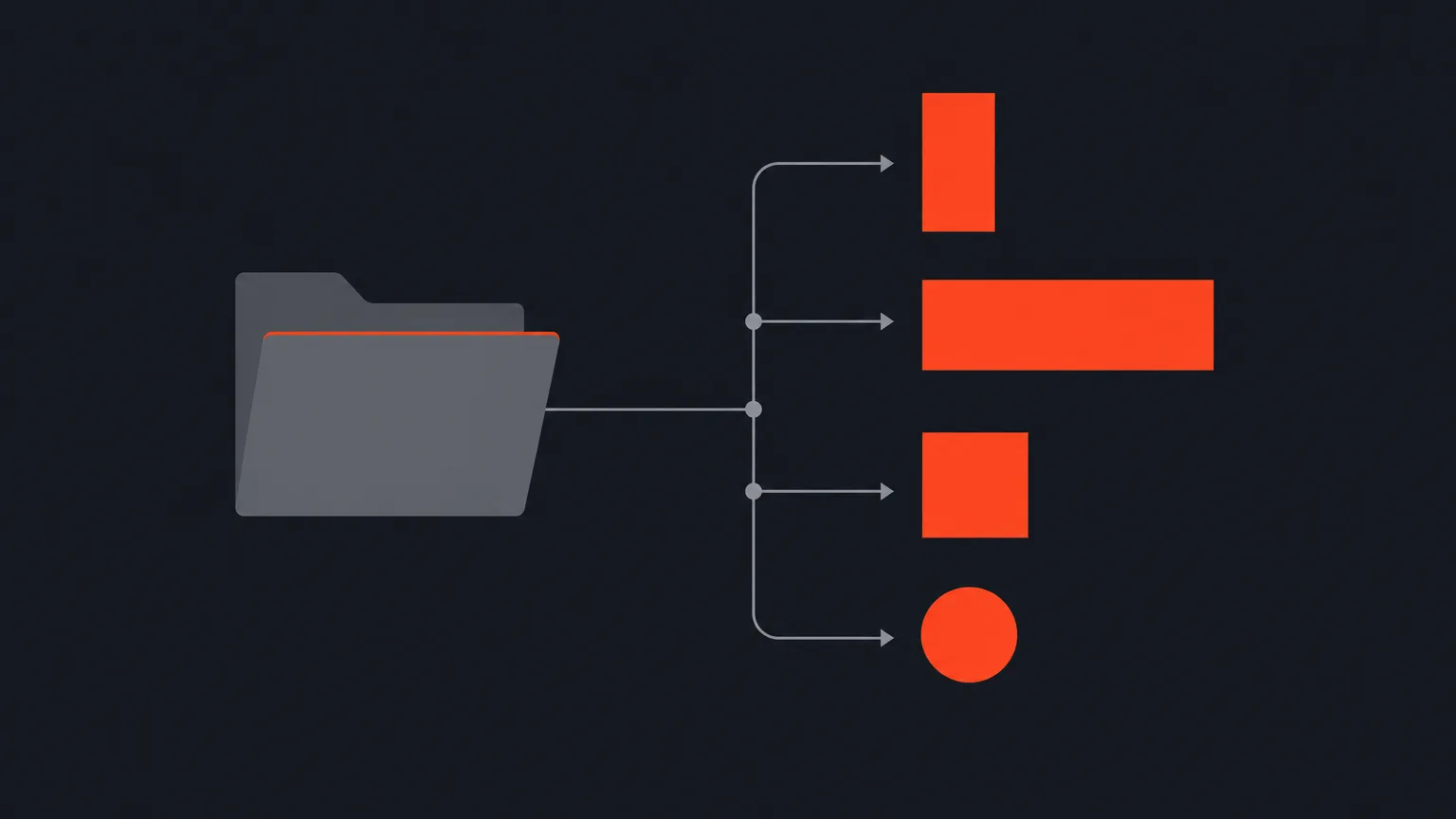
A client kit sits next to each client folder. It holds the clip shape, the caption look and highlight colour, how adventurous their covers are, the headline font, the words the AI must always and never use, and their logo. Set it once and it applies across every project you file under that client.
The problem it removes
Without it, you're re-picking the same colours, fonts and shape for a client every time you start a new project, and it's easy to forget which words a client bans or which logo version goes where. Client Kit turns those decisions into a setting, not a checklist you carry in your head.
Brand colours and wording
A client's brand colours replace your own in every colour picker for their clips, so nothing off-brand ever gets offered. You can still pick a custom colour for one clip, and right-clicking any swatch adds it to the client's colours for good. Each colour can be named, for example Headline or Subtitle. Words to always or never use feed straight into the AI, so a coffee brand that never wants "cheap" mentioned won't get it.
Logo, handled properly
Drop in a PNG and keep as many of a client's logos as you like as a gallery of thumbnails. One is active at a time, and you drag it to exactly where you want it on a live preview for each clip shape, 9:16, 16:9, 1:1 and 4:5, each with its own scale and opacity, or set one shape and press Use everywhere. Arrow keys nudge the mark a hundredth of the frame per press, ten times that with Shift, when a drag isn't precise enough. You can also name a light and a dark version of the same wordmark, and ScriptCut checks the picture behind the logo on each finished clip and burns in whichever version will actually read, same spot, same size. Need one clip logo-free? The Video step of that clip has a Logo bug switch that turns it off for that clip only.
Shape per network
There's no list of platforms to tick. The networks shown are whichever accounts you've actually connected to that client, and each one can want its own shape over the client's default, so a client can be vertical everywhere and wide on YouTube without you tracking it clip by clip. A clip is still made in one shape, and the share step checks it against what that network wants and flags a mismatch. Nothing gets re-rendered behind your back.
Who this helps
Agencies and freelance editors juggling several clients at once, anyone doing recurring social work for the same brand, and teams handing off approvals where consistency matters more than any single clip.
Set it up once per client and move on to ScriptCut.
frequently asked questions
In Social > Accounts, next to that client's folder. The rules you set there apply to every project filed under that client.
Yes, you can keep a gallery of logos, name them, and mark one active at a time, or name a light and dark pair that ScriptCut swaps automatically based on the footage behind it.
Each connected network for that client can have its own shape overriding the client's default, so a client can be vertical everywhere but wide on YouTube.
Yes, a custom colour is one click away and lasts for that clip only, or you can right-click any swatch to add it to the client's palette permanently.
Open that clip's Video step and switch off Logo bug. It only affects that one clip and doesn't change the client's kit setup.
No, ScriptCut never re-renders anything on its own. The share step checks the clip against the expected shape and tells you if it doesn't match.
Start selecting.

Pick the story in the transcript, export a finished rough cut.
Get the ScriptCut newsletter
Thanks! Check your inbox to confirm.
Something went wrong. Please try again.