
New feature
AI Translate For Any Transcript
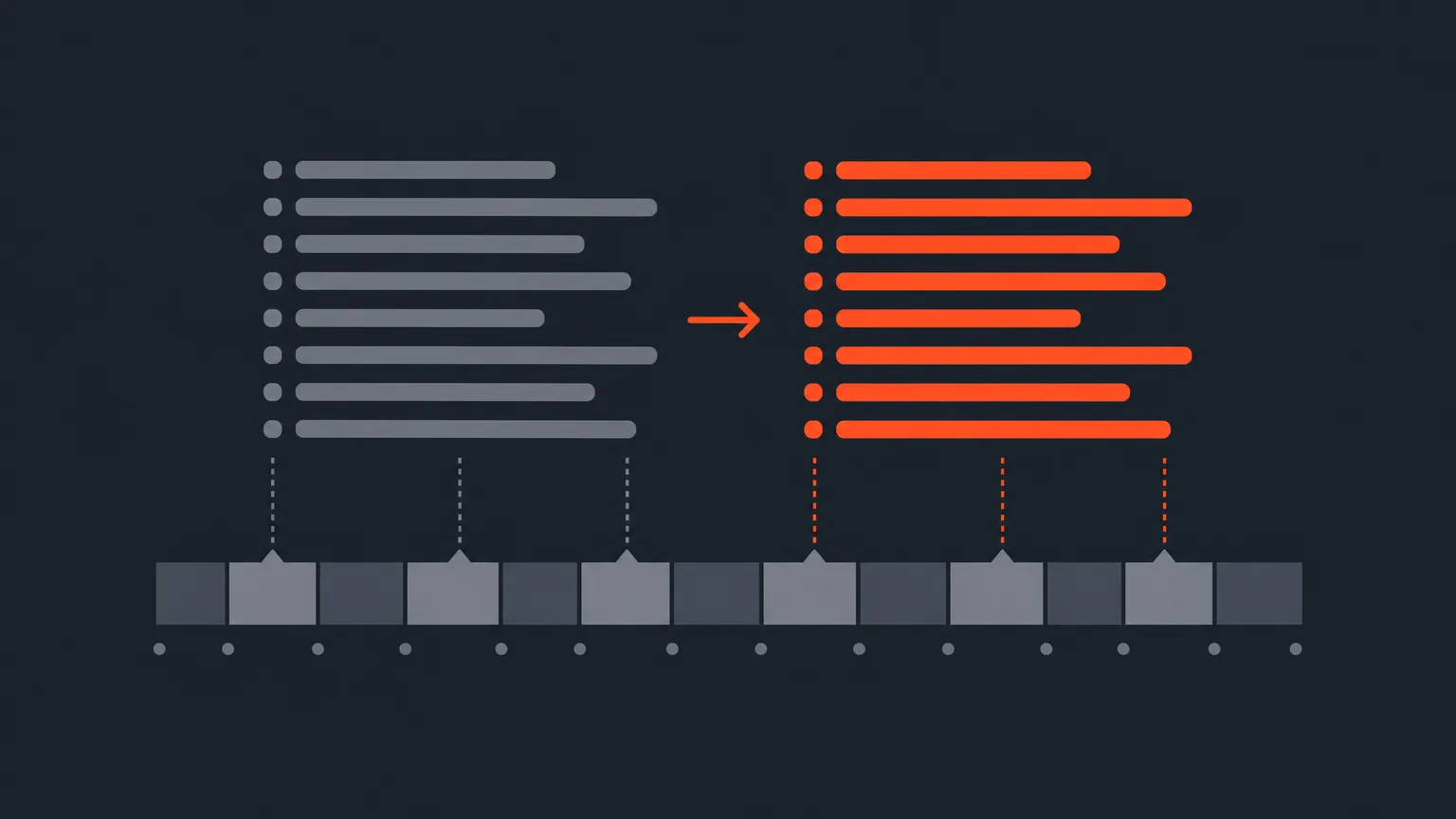
AI Translate turns any transcript into dozens of languages so you can read, select and arrange in your own language, while the timeline, timecodes and export always stay true to the original recording.
What It Is
AI Translate lives in Cleanup under AI Tools. It works on transcribed projects, Premiere JSON projects and Resolve SRTX projects alike. Open it, pick one or more languages from a searchable list (the round + button adds another), and each translation runs with an automatic proofread pass for accuracy.
Once it finishes, a globe button shows up in the Select, Arrange and Review headers, and clients see it too on their review links. Click it to switch between Original Language and any translation you added. Original Language is always the top choice in that menu.
Why It Matters
A lot of teams work across languages: an editor in one country cutting a recording shot in another, an agency reviewing footage for a client who reads a different language, a producer who needs selects made by someone who doesn't speak the language on tape. Before this, that meant working blind or hiring a separate translator just to make selects. Now the transcript itself speaks your language, without touching the actual footage.
Nothing about the source changes. Playback, timecodes and the original transcript stay exactly as they were, and the XML timeline export always comes out in the recording's own language, so your edit stays frame accurate no matter which language you selected in.
How It Works, In Practice
Say you're cutting a documentary shot in French, but your producer reviews in German. Run AI Translate, add German, and once it's done, open the globe on the Review screen. It sits right next to the All Selects, Must Have Only and Maybe Only filter, because it decides what the downloaded files say. Pick German, and the Text, PDF and Word downloads all come out in German, even though the footage is French.
Word trims you made on the original carry into the translated view automatically, and you can drag word-level trims directly inside the translated view too. Those drags map back to the exact original words, so your edit stays accurate to the source even when you're working in translation.
One thing to know: the word-timed JSON and any subtitle or burned-in caption export always stay in the language that was actually spoken. Every word in those files is paired to its own timecode, so translated subtitles aren't part of this. Translation covers the transcript and the Text, PDF and Word downloads, not subtitles.
Who It Helps Most
Anyone working across a language gap: agencies with international clients who review through links, producers coordinating editors and subjects who don't share a language, and podcast or documentary teams turning a single recording into deliverables for audiences who read different languages. If you don't need a language switch, nothing changes for you.
If your account has no AI of its own yet, you get one free run of AI Translate to try it before you commit to a plan. After that, the Translate button shows the price up front, based on transcript length and how many languages you pick, charged in AI credits.
Ready to work in your own language? Try it in ScriptCut.
frequently asked questions
No. Playback, timecodes and the original transcript never change, and the XML timeline export always stays in the recording's own language.
No. Subtitle exports and Social suite captions always come out in the language that was spoken, since every word there is pinned to its own timecode.
The Text, PDF and Word downloads follow whichever language you have selected with the globe. Pick German and the PDF downloads in German.
Yes. The globe button appears in the Review header for clients too, right next to the All Selects, Must Have Only and Maybe Only filter.
Trims made on the original carry into the translated view automatically, and any word-level dragging you do inside a translated view maps back to the exact original words.
The price is shown on the Translate button before you run it, based on transcript length and per language, charged in AI credits. Accounts with no AI of their own get one free run of AI Translate to try it first.
Hover the language in the globe menu to reveal a trash icon, though you can't delete Original Language or whichever language is currently open.
Start selecting.

Pick the story in the transcript, export a finished rough cut.
Get the ScriptCut newsletter
Thanks! Check your inbox to confirm.
Something went wrong. Please try again.