
New feature
AI Select Picks Your Best Lines
AI Select reads your whole transcript and marks the strongest moments for the length you're aiming for, so you're not the one hunting through hours of footage for the good parts.
What it does
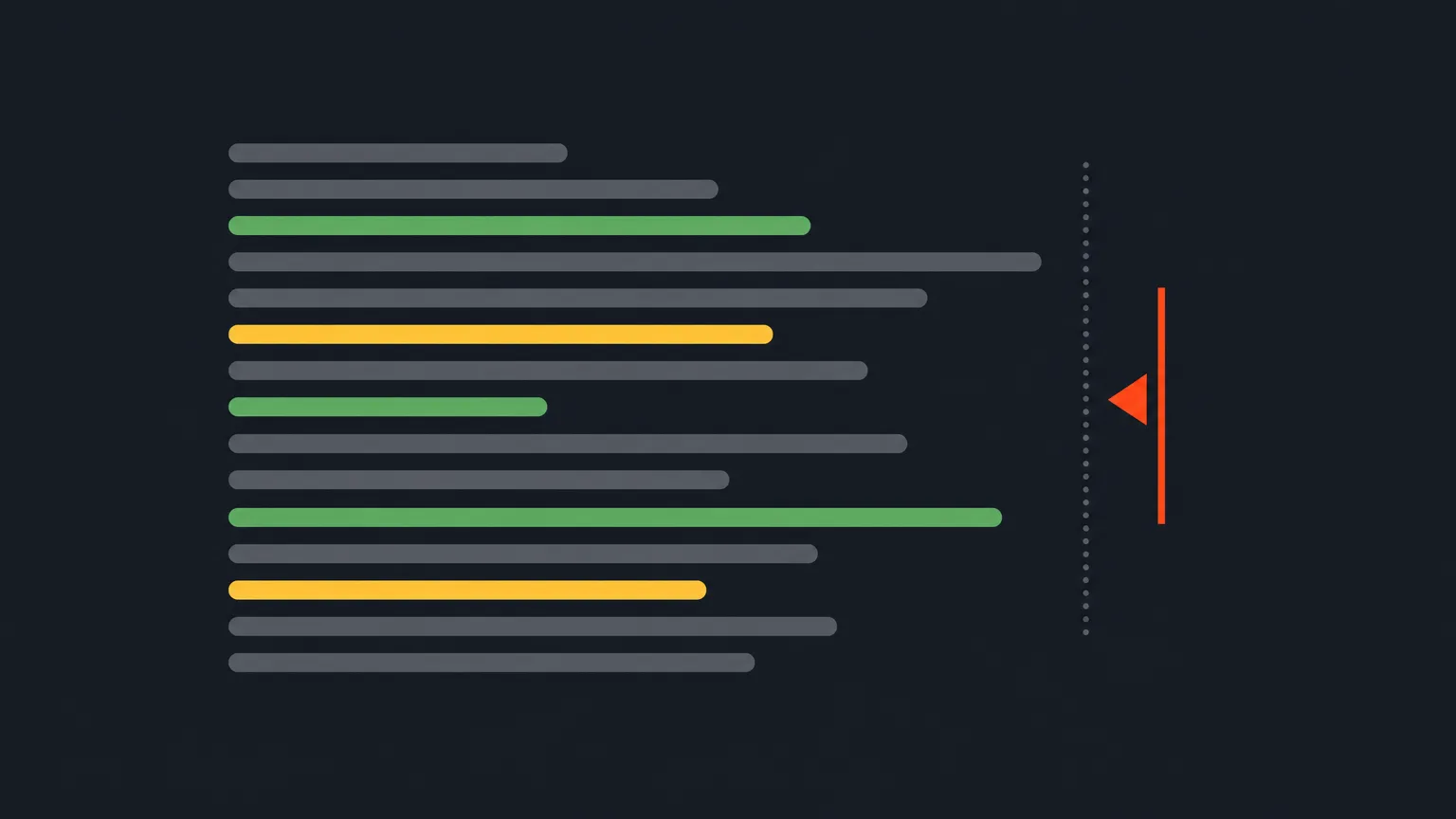
On the Select screen, every moment can be marked 'Must have' (green) or 'Maybe' (yellow). AI Select does that marking for you, in place, honoring your target runtime. Pick Short Form and it builds one cohesive story. Pick Long Form and it makes a multi-topic editorial selection that keeps the strongest material across every topic, like cutting a long recording down to its best parts. Every pick is still adjustable afterward, nothing is locked.
The problem it removes
Reading a full transcript to find the handful of lines worth keeping is slow, and it's easy to lose track of what fits your target length once you're deep in the text. AI Select does that first pass for you, so you open Select with a shortlist already marked instead of a blank slate.
How it works in practice
Say you've got a 90 minute panel recording and you need a tight 10 minute cut for a client review. Set your target runtime, run AI Select, and it marks the strongest lines across every topic the panel covered rather than just the loudest voice. Hover any picked row and the popup shows why it was chosen, an 'AI pick (score/100): reason' note, so you can see the logic instead of guessing.
If the completion note names an audience that doesn't match your intent, for example it reads the cut as being for industry insiders when you actually want it for a general audience, use the Prompt field to steer it (something like 'audience: general viewers') and run again.
Any row you've starred as a Favorite is always kept, AI Select can never drop it. And the Cutting style setting, shared with AI Story and AI Clips, controls how many small interior edits happen inside the lines it keeps: Natural flow for the smoothest result, Tight for the punchiest, Balanced in between.
Who it helps most
- Editors turning long unscripted recordings, panels, documentaries, podcasts, into a first cut without reading every line themselves.
- Producers who need a defensible starting selection to hand off or present for client approval.
- Anyone cutting the same raw footage to more than one length, since Short Form and Long Form give you different kinds of selections from the same transcript.
Try it on your next transcript in ScriptCut.
frequently asked questions
ProAI includes AI Select along with the other AI tools. If your account has no AI plan of its own, Free or Starter, you get one free run of AI Select to try it before buying.
Both. Short Form builds one cohesive story, and Long Form makes a multi-topic editorial selection that keeps the strongest material across all the topics in a longer recording.
Yes, every pick AI Select makes is still adjustable afterward on the Select screen, nothing is locked in.
Hover any picked row and the who-did-what popup shows an AI pick score out of 100 with the reason behind the choice.
No. A starred row is always kept by AI Select, AI Story, and AI Clips, it can never be dropped.
The completion note shows who it selected for. If that reads wrong, use the Prompt field to steer it, for example 'audience: new parents', and run it again.
Start selecting.

Pick the story in the transcript, export a finished rough cut.
Get the ScriptCut newsletter
Thanks! Check your inbox to confirm.
Something went wrong. Please try again.