
New feature
AI Personalisation Learns Your Edits
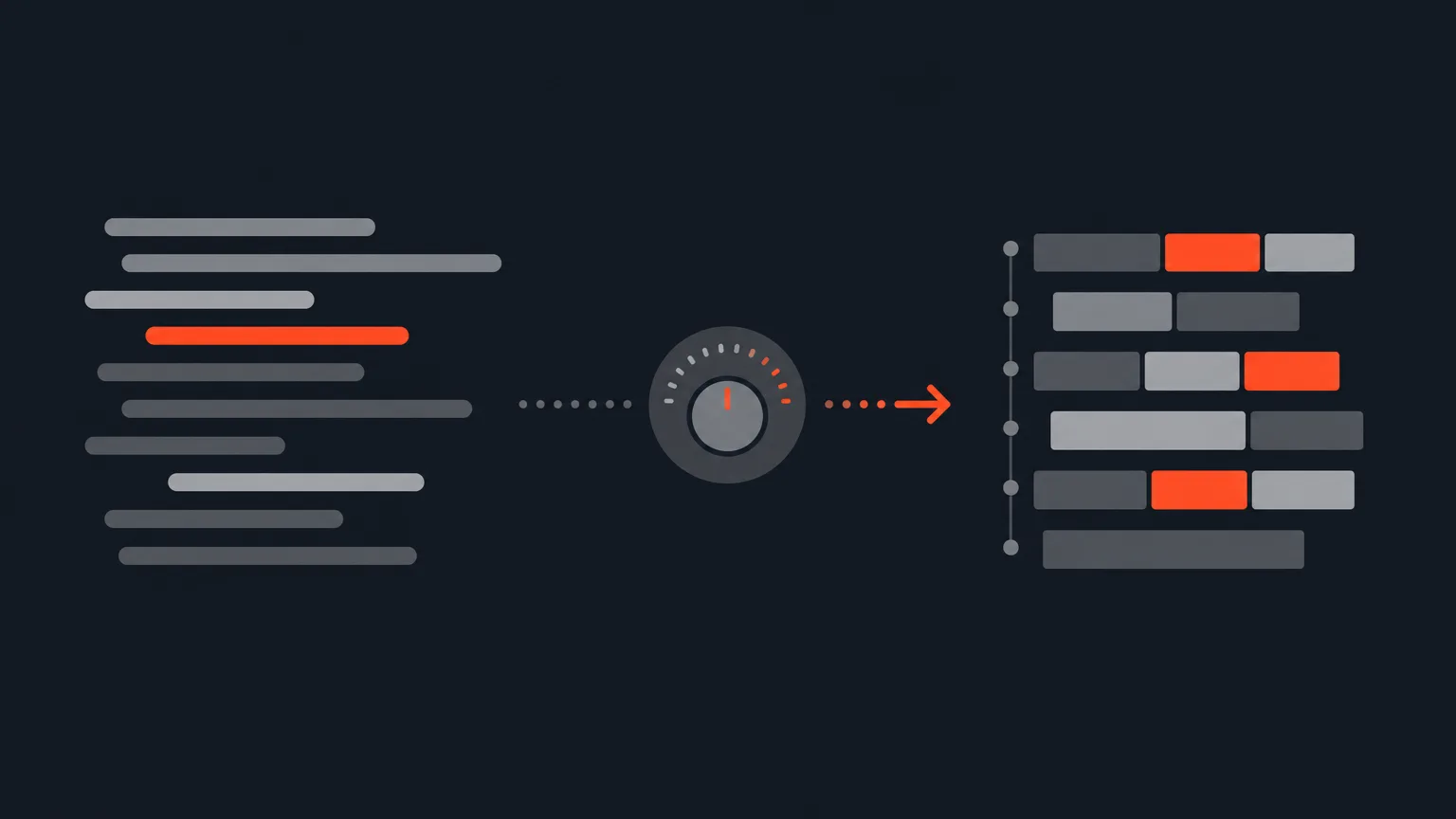
ScriptCut's AI tools now learn how you personally edit and adjust their suggestions over time, and you can see and delete every line they've learned.
What it is
Every time an AI tool runs in ScriptCut, it notes what it suggested and what you did next: lines you kept, lines you dropped, lines you added, reordered, retimed, or trimmed further or less than it did. Once several of your finished edits agree on something, ScriptCut starts factoring that in on later runs. It learns things like whether you put the interviewer's questions back in, whether you cut shorter than the length you asked for, how loose or tight you like word trims, and where in a recording you like a piece to start.
The problem it removes
Without this, every AI pass starts from the same defaults no matter how many times you've corrected it the same way. You end up making the same small fixes on every project: re-adding a question, tightening a trim, nudging where a clip starts. AI Personalisation removes that repetition by carrying your preferences forward.
How it works in practice
Say you run a podcast and always put the host's questions back in even though the AI tends to cut them for pacing. After a handful of episodes where you've made that same change, ScriptCut starts leaving the questions in by default on later runs. Same idea for a marketer who always asks for 60-second clips but ends up trimming to 45: after a few runs, the AI starts suggesting closer to what you actually keep.
You're in control
Go to Settings > AI Personalisation to see everything ScriptCut has learned about your editing, written in plain English with the number of runs behind each one. Delete any line with the round x, and it moves to a 'Removed by you' list where you can restore it later if you change your mind. A single switch turns the whole thing off, and once it's off every AI tool behaves exactly as it does for a brand new account. Nothing is lost when you switch it off, and turning it back on picks up right where you left it.
Who this helps most
This helps anyone running AI tools across a lot of similar recordings: a podcast host cutting weekly episodes, an agency handling one client's interviews or UGC on repeat, a documentary editor working through hours of panel footage. The more you edit in ScriptCut, the less you have to correct the same thing twice.
Try it in ScriptCut and see what your AI has learned so far.
frequently asked questions
It learns from the changes you make to its suggestions, such as lines you keep, drop, add, reorder, retime, or trim more or less than it did, including things like whether you restore questions or where you like a clip to start.
It waits until several of your finished edits agree on the same kind of change before it starts factoring that into later runs.
Yes, go to Settings > AI Personalisation, where every learned line is listed in plain English along with the number of runs behind it.
Yes, click the round x next to any learned line to delete it, and you can restore it later from the 'Removed by you' list if you change your mind.
Every AI tool goes back to behaving exactly as it does for a new account, and nothing you've learned is lost, it just stops being applied.
No, switching it back on picks up right where it left off.
No, it works for any kind of recording you edit in ScriptCut, from podcasts and panels to vlogs, UGC and talking-head videos.
Start selecting.

Pick the story in the transcript, export a finished rough cut.
Get the ScriptCut newsletter
Thanks! Check your inbox to confirm.
Something went wrong. Please try again.