
New feature
AI Clips: Instant Short-Form Cuts
AI Clips turns one long recording into several short, social-ready clips, each built around a single complete thought, so you don't have to hunt through the transcript for cutdowns yourself.
What it is
AI Clips is a new AI module alongside AI Cleanup, AI Select, AI Story and AI Arrange. You tell it roughly how many clips you want. ScriptCut then checks how many moments in the recording are actually strong enough to stand alone, recommends a number, and builds each one as its own mini-story with a hook, a middle and a payoff.
The problem it removes
Turning a two-hour podcast or a long interview into short clips usually means scrubbing the whole recording looking for the handful of lines that work without any setup. AI Clips reads the transcript for you and only surfaces the moments that actually hold up as a standalone clip.
How it works
You can point AI Clips at the whole transcript, or check 'Use only my selected lines' to restrict it to material you already marked Must have or Maybe elsewhere in the project. That second option is the way to turn a long-form cut you already built into a set of shorts drawn from exactly that cut, nothing else.
Two cutting controls shape the result. 'Cutting style' on AI Clips itself chooses between 'Cut freely', which stitches the strongest moments together with jump cuts for a punchier feel, and 'Trim ends only', which keeps each clip a single continuous take, useful when music or ambient sound needs to stay unbroken. A separate, shared setting (Natural flow, Balanced or Tight, in Advanced options) controls how many small interior edits happen inside a kept line, from smoothest to punchiest. It's hidden when 'Trim ends only' is selected, since that mode has no interior cuts to style.
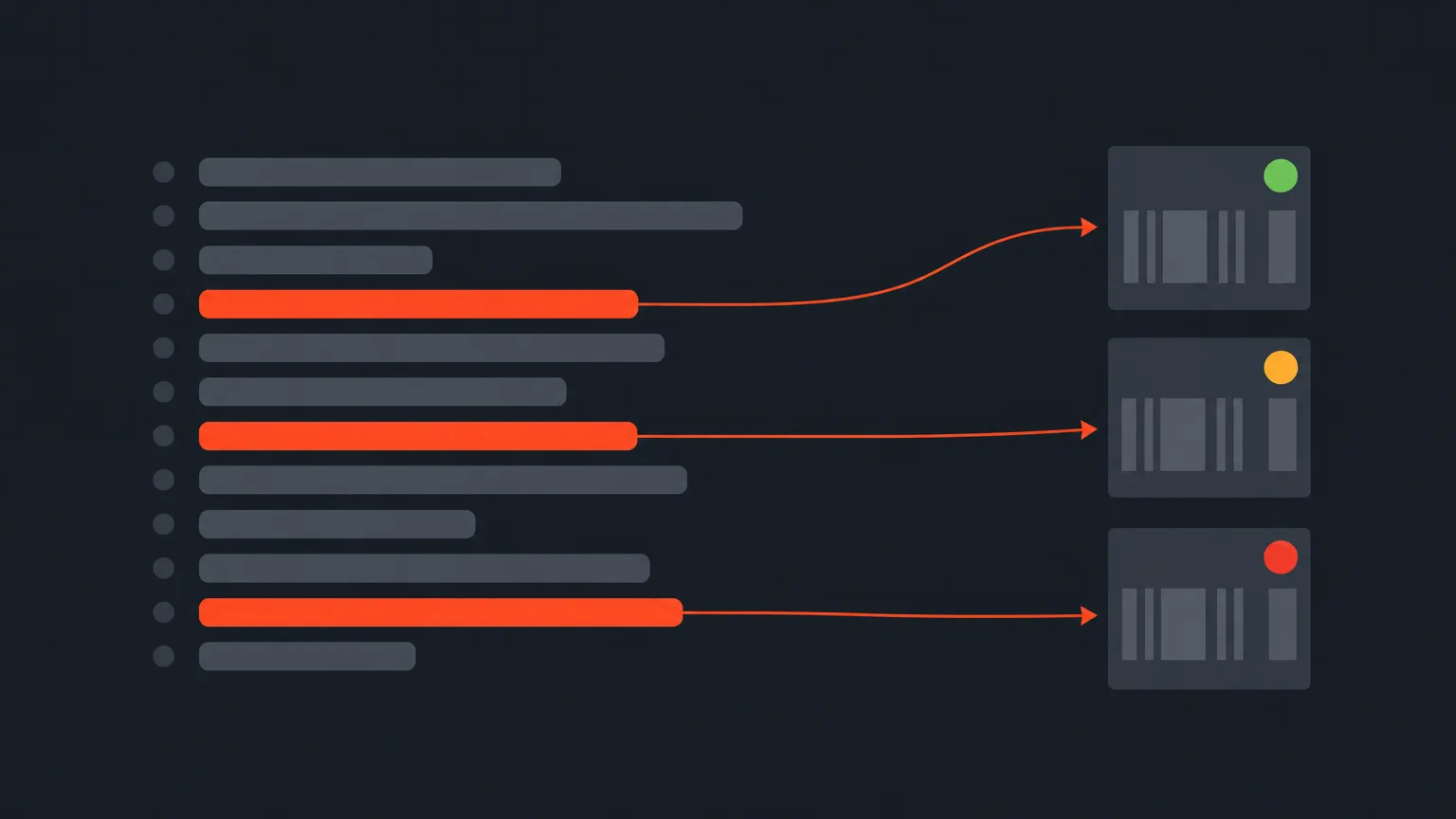
Say you've got a 45-minute panel discussion and want five clips for social. Turn on 'Don't include Interviewer' so the moderator's questions inform the AI's picks but never appear in the final clips. Star any line you know you want in every clip, a product name drop, a strong stat, and AI Select, AI Story and AI Clips will never drop it. Then run AI Clips: it comes back with a results grid, strongest clips first, each card scored 0-100 on hook, self-containedness and payoff (green 80+, amber 60+, red below). Click a card to play it. Hover the score to see why the AI ranked it there. Lock the ones you're keeping so a re-run can't touch them, bin the ones you're not.
If you'd rather build clips by hand, choose 'Choose manually' instead of 'Use AI' and you land on Arrange, where one group becomes one clip and the group name becomes the clip name. Either way, AI Clips only ever works with lines you've already picked, anything left out of the cut stays out.
Who it helps
This is built for anyone who needs short clips out of long, unscripted footage: a podcast host cutting weekly highlights, an agency turning a brand interview into a week of social posts, a documentary editor pulling a trailer, or a marketer repurposing a webinar. It works on any long recording, not just interviews.
Try it
Open a project's transcript, mark a few favorites, and run AI Clips inside ScriptCut to see what it builds.
frequently asked questions
You choose roughly how many you want, and ScriptCut recommends a number based on how many moments in the recording are strong enough to stand alone.
'Cut freely' stitches the strongest moments together with jump cuts for a punchier result, while 'Trim ends only' keeps each clip as one continuous take, which is safer when music or ambient audio needs to stay unbroken.
Yes, check 'Use only my selected lines' and AI Clips will only draw from material already marked Must have or Maybe elsewhere in the project instead of reading the whole transcript.
Each clip is graded 0-100 on hook, self-containedness and payoff, shown as a green badge for 80 and up, amber for 60 and up, and red below that, with the strongest clips ordered first.
No, a starred row is always kept by AI Clips (as well as AI Select and AI Story) and the AI can never drop or deselect it.
AI Clips is one of the AI features included with ProAI; accounts without an AI plan get one free run of it to try before buying.
Yes, Keep locks a clip so running AI Clips again can't change or replace it, and the lock is saved with the project even after a refresh.
Start selecting.

Pick the story in the transcript, export a finished rough cut.
Get the ScriptCut newsletter
Thanks! Check your inbox to confirm.
Something went wrong. Please try again.